

Ask any experienced store owner what actually separates a smooth-running WooCommerce store from a frustrating one, and they’ll rarely point to the products themselves. It’s almost always the supporting layer: the tools quietly handling invoicing, compliance, customer re-engagement, catalog updates, and a dozen other things that don’t show up in your storefront but matter every single day behind it.
This guide pulls together twelve plugins that earn their keep across different parts of store management. They’re not ranked by popularity or star rating.
They’re organized to reflect the kind of decisions store owners actually face, jumping between growth tools, operational essentials, and customer-facing features. If your stack is missing any of these areas, that’s worth paying attention to.
1. All in One SEO
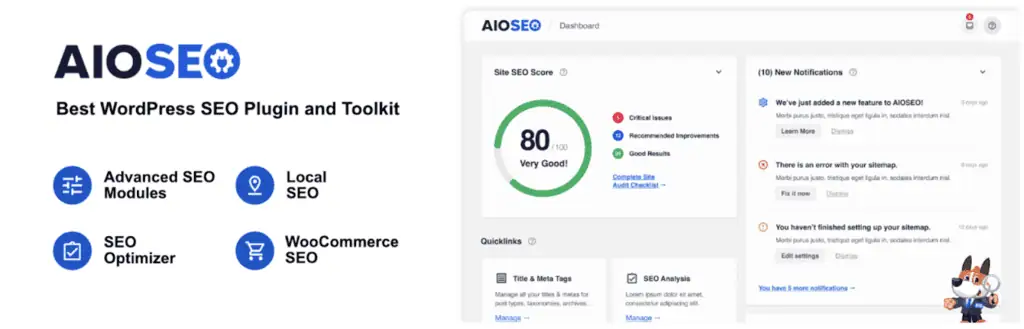
Search visibility is one of those things that compounds quietly. You might not notice the impact of good SEO work for weeks, but you’ll definitely notice when it’s missing. All in One SEO covers the fundamentals without burying you in complexity.
Meta titles, descriptions, indexing preferences, content structure: you can manage all of it in one place. The plugin adds schema markup so search engines can better understand what your pages are about, and it builds out XML sitemaps automatically so nothing goes undiscovered.
If your business relies on local searches, there’s a dedicated local SEO module for that. Internal linking suggestions help connect related content across your site, and the audit tools surface issues you’d otherwise have to hunt for manually.
Keyword position tracking lets you see how your pages are moving over time. For stores that want real search traction without hiring a specialist, it’s a solid starting point. If you want to compare standalone options, see our list of the best SEO tools.
2. WooCommerce Gift Cards

Gift cards tend to fly under the radar as a revenue strategy, but they pull double duty in ways most store owners underestimate. Someone buys a gift card - you get paid immediately. The recipient spends it - you get a customer you didn’t have to acquire through ads.
This Gift card for WooCommerce plugin handles both digital and physical gift cards. Digital ones land in the recipient’s inbox with a personal note from the buyer and can be scheduled to arrive on a specific date, which is the kind of small touch that makes a gift actually feel thoughtful.
There’s a solid template library so the gift cards look good from day one. You control preset denominations or open it up for custom amounts, set rules for where cards can be redeemed (specific products, categories, or minimum cart values), and handle refunds back to store credit without any extra steps. It’s a complete system, not just a bolt-on feature.
3. Site Reviews

Most shoppers check reviews before they add anything to their cart. That’s just how buying online works now. Site Reviews gives you proper infrastructure for that, not just a widget but a full review management system you stay in control of.
You can pin the reviews that matter most so they lead the page. Moderation settings let you approve submissions before they go live, and you can restrict who’s allowed to submit in the first place. Requiring account login is a popular option.
There’s a verification layer that checks whether a reviewer actually bought from you, which goes a long way toward building trust with new visitors. When reviews come in, you’ll get notified, and you can respond to them directly. It’s the kind of tool that turns your review section from a liability into a genuine credibility asset.
4. GDPR cookie consent plugin
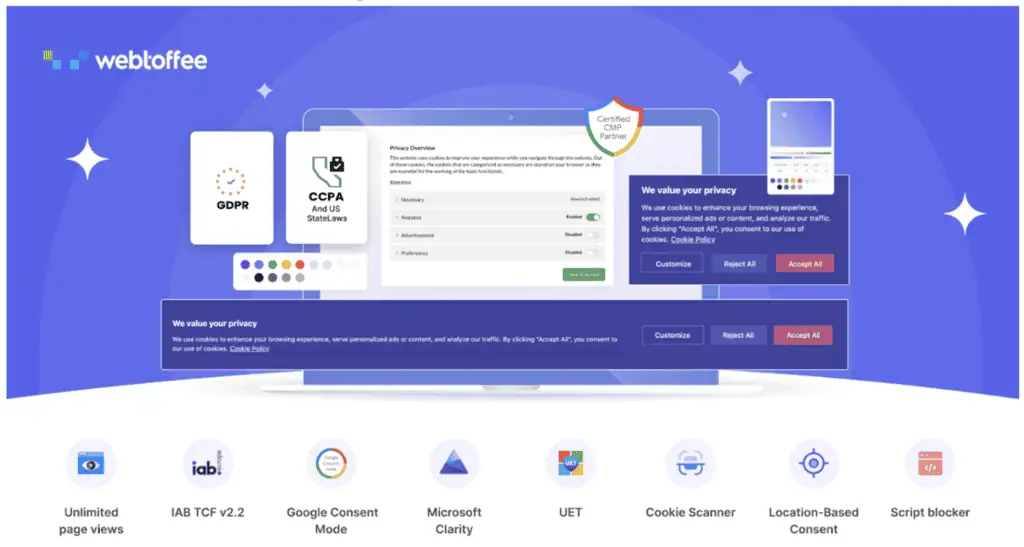
Privacy law isn’t a one-time checkbox anymore. Between GDPR, CCPA, and newer regional regulations rolling out each year, managing consent properly is an ongoing responsibility. Getting it wrong can be expensive.
This Cookie consent plugin makes the practical side of that manageable. It scans your site for cookies, groups them by category, and surfaces them to visitors in a clear cookie banner that lets people make real choices.
Third-party scripts get blocked until someone actually consents, which is the behavior regulators expect. GeoIP targeting means you can show consent prompts only to visitors from regions where it’s legally required, so you’re not adding friction for everyone.
Every consent interaction is logged with timestamps and category details, giving you an audit trail when you need one. Extra WordPress consent plugin features allow you to handles Microsoft Clarity v2 and UET consent, and supports Google Consent Mode v2, two specifics that catch a lot of stores off guard.
5. CartFlows
Getting someone to your checkout page is one challenge. Getting them through it without abandoning is another. CartFlows is built specifically for that second challenge: reducing the friction between ‘add to cart’ and ‘order confirmed.’
The core feature is focused checkout pages that strip out the navigation and distractions that pull people away at the worst moment. On top of that, you can layer in order bumps, upsells, and downsells that show up based on what’s in the cart, relevant additions rather than random offers.
It works with Elementor, Spectra, Bricks, and Beaver Builder, so you’re not learning a new editor from scratch. After checkout, automated workflows take over for follow-up messaging and lead management. The analytics panel breaks down revenue, conversions, and drop-off points at every stage of the funnel, so you’re making decisions based on actual data.
6. WooCommerce PDF invoices and packing slips
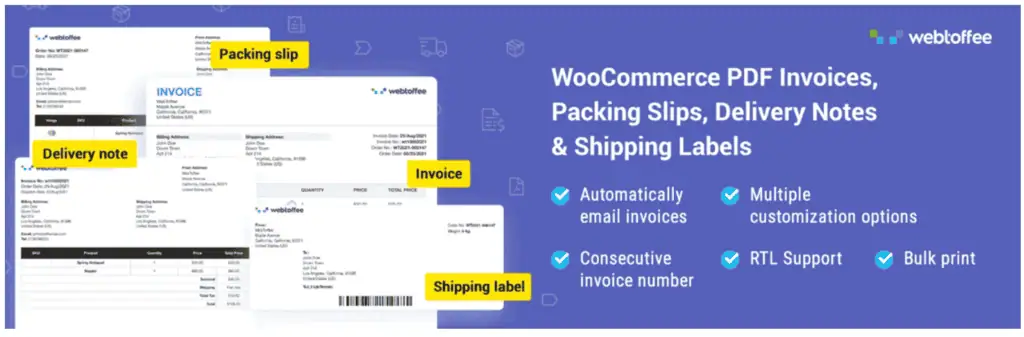
Every order needs documentation. Customers want a proper invoice. Your accountant needs clean records. Your warehouse team needs a packing slip. Doing all of that manually for every order isn’t a sustainable workflow.
This PDF invoices & packing slips for WooCommerce plugin takes care of it automatically. Invoices, packing slips, and credit notes get generated and attached to the appropriate order emails without anyone touching them. You can adjust the templates to match your branding, pull in tax details, and include whatever else your store or your market requires.
For businesses operating in regions with e-invoicing mandates, it supports UBL and XML invoice formats too. In this Invoice plugin, customers can pull their own documents from their account page any time without reaching out to support, which cuts down on a surprisingly common support ticket type.
7. Web and App Notifications by PushEngage
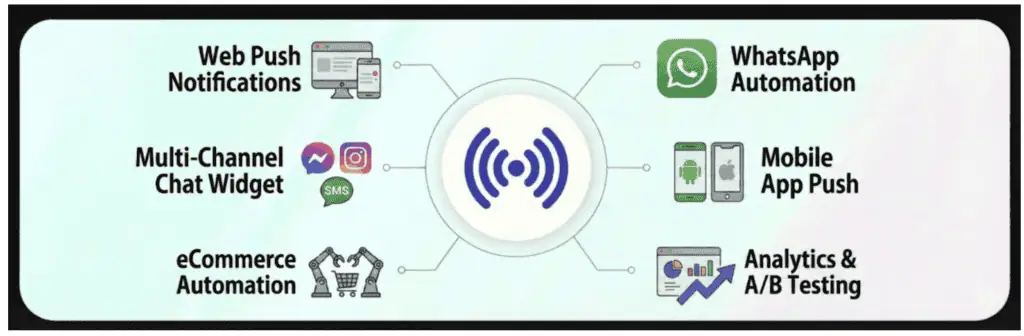
Getting someone to your store the first time takes budget and effort. Getting them back costs considerably less, provided you have the right tool in place. PushEngage is built around exactly that problem.
It runs across multiple channels:
- Push notifications
- Chat widgets
- WhatsApp automations
Visitors can opt in through simple prompts, and from there you can send them back-in-stock alerts, price drop notifications, or reminders about items they browsed.
WhatsApp automations handle abandoned carts, promotional sends, and order confirmations with minimal manual setup. WooCommerce order status updates go out automatically so customers stay in the loop from purchase to delivery. You can monitor how each campaign performs and see the revenue it actually generates, not just opens and clicks but conversions.
8. Product Import Export for WooCommerce
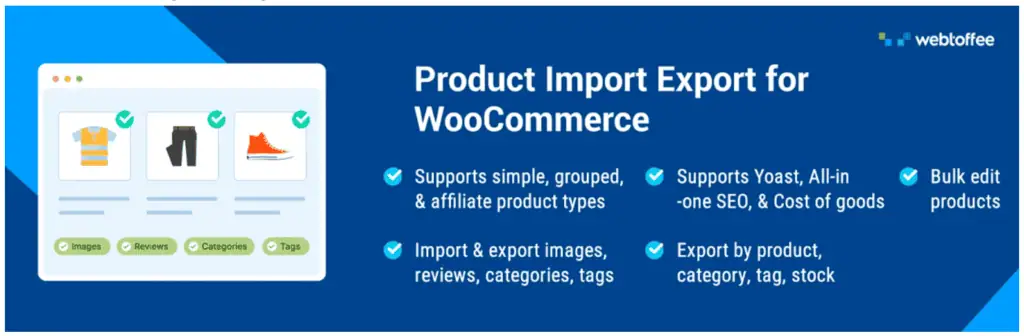
Once your catalog grows past a certain size, managing it through the WooCommerce admin becomes a serious time sink. This WooCommerce product export plugin moves that work into files (CSV, XML, Excel, or TSV) where bulk operations are fast and errors are easier to catch.
It supports all product types and covers everything in a product record:
- Variations
- Attributes
- Categories
- Images
- Metadata
The filtering options are genuinely useful. You can export by SKU, stock quantity, price range, featured status, creation date, or description field, so you’re working with the exact slice of data you need.
Scheduled imports and exports over FTP/SFTP let recurring tasks run on their own. If you’re migrating from another platform, syncing with a supplier, or doing a quarterly catalog audit, this product export plugin turns what would be a multi-hour job into something you set up once and mostly forget about.
9. Fluent Forms
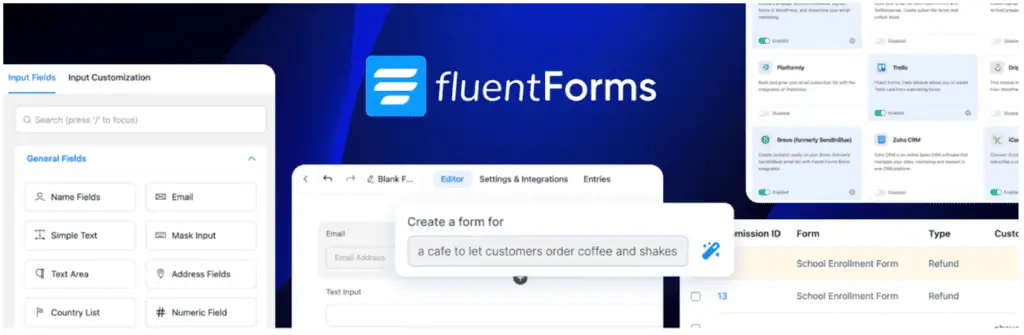
Forms are one of those things that seem simple until you try to build one that works well for a specific use case. Fluent Forms covers customer inquiries, event registrations, lead capture and feedback collection through a drag-and-drop builder that behaves predictably.
Conditional logic is where it earns its complexity points: you can show or hide fields based on what a user has already answered, which makes forms feel smarter and shorter than they actually are. The conversational form mode takes that further, presenting questions one at a time like a structured interview instead of a form wall.
An AI-assisted builder can stub out a starting layout you then refine, one of many AI plugins for WordPress worth exploring. There’s a solid template library, a wide range of input types, and enough formatting control to handle most situations without custom code.
10. User Import Export for WooCommerce

Managing user accounts individually is fine for a small store. At scale, it becomes unworkable, especially if you’re dealing with wholesale tiers, membership levels, platform migrations, or segment restructuring after a rebrand.
This User Import Export for WooCommerce plugin handles bulk user operations through CSV, XML, Excel, and TSV files. You can export or import complete customer profiles:
- Billing and shipping addresses
- Account metadata
- User roles
- Custom fields
The transfer keeps data intact throughout: no silent field drops, no role mismatches, no half-migrated records. For stores running multiple sites, consolidating customer bases across all of them is something this user import plugin handles without requiring developer time.
11. Accessibility Tool Kit

Accessibility improvements tend to get scheduled, then pushed, then forgotten. The irony is that accessible sites perform better across the board: better usability, better compliance posture, and sometimes better SEO. WebYes Accessibility Toolkit makes it easier to actually get this done.
It aligns with WCAG 2.1, ADA, and EAA standards, and its configurations apply across both WordPress and WooCommerce. A companion Chrome extension helps you spot common accessibility issues:
- Missing alt text
- Low contrast
- Keyboard navigation gaps
The on-site WordPress accessibility widget plugin gives visitors direct control over font size, contrast, cursor size, line spacing, and other visual settings, so they can adjust the experience themselves rather than bouncing off a page that doesn’t work for them. These tools don’t hand you a compliance certificate, but they move the needle meaningfully.
12. eCommerce Marketing Automation App
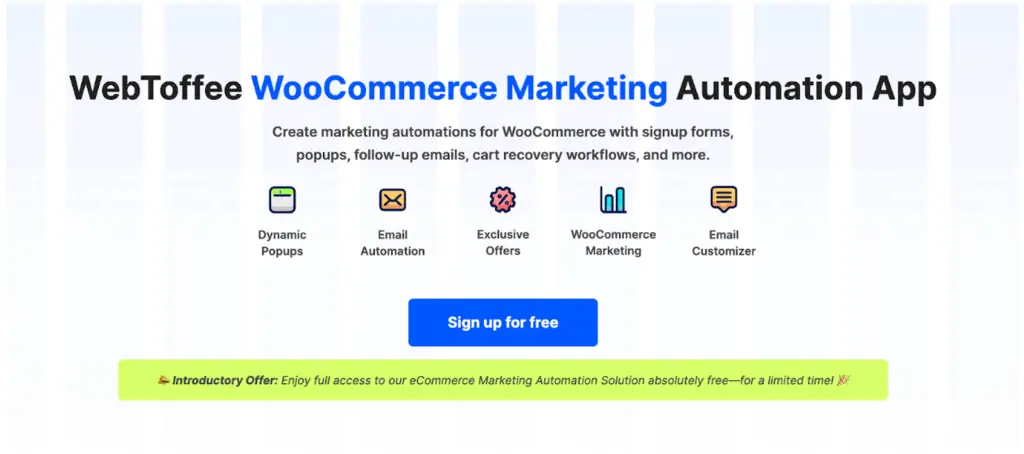
Most stores put a lot of energy into acquiring customers and not nearly enough into keeping them. This eCommerce marketing automation for WooCommerce is designed to fill that gap, automating the touchpoints that most stores handle inconsistently, or not at all.
Subscriber capture comes through forms and pop-ups that match your store’s look. New signups get a welcome flow that introduces your brand before they’ve had a chance to forget why they signed up.
Cart abandonment triggers a recovery sequence with an incentive attached: a discount, free shipping, or whatever works for your margins. Browsing behavior prompts targeted offers while someone’s still on the site.
In this Marketing automation plugin, you can build email sequences that run across the customer lifecycle:
- Post-purchase follow-ups
- Re-engagement campaigns
- Promotional sends timed around your calendar
The whole thing runs in the background, which is the point.
How AI is changing WordPress store management
AI is showing up in more parts of the WordPress ecosystem than most store owners realize, and our best AI tools hub tracks the categories worth watching. Some of it is marketing fluff: ‘AI-powered’ slapped on features that are really just conditional logic. But a meaningful portion is genuinely useful, and it’s worth knowing where.
On the content side, AI tools are helping store owners draft product descriptions, write email sequences, and generate blog posts faster than before, often powered by the best AI writing tools. Some form builders now use AI to stub out a starting layout. A few SEO plugins use AI to surface optimization suggestions without requiring you to interpret raw data yourself, and our roundup of the best AI SEO tools covers the standalone options.
On the operational side, AI-assisted analytics are getting better at flagging patterns: a spike in cart abandonment, a product category that’s quietly underperforming, an email subject line that’s consistently weaker than others. These aren’t insights you’d necessarily catch in a dashboard unless you were looking for them.
The honest take: AI doesn’t replace good judgment about your store or your customers, but it does compress the time it takes to get from ‘I should fix this’ to ‘this is fixed.’ That’s a practical advantage for store owners managing a lot of moving parts without a large team behind them.
Wrapping Up
There’s no single plugin that fixes everything, but the right combination covers a lot of ground. The twelve tools here address different parts of what makes a store actually work: finding customers, keeping records straight, bringing people back, staying compliant, and making sure the checkout process doesn’t undo all the work that came before it.
Pick the areas where your store has the most friction right now within your eCommerce niche and start there. A smaller, well-chosen stack that’s properly configured will outperform a bloated one every time. Our how-to guides walk through setting each one up.
Related Posts

The 30 best AI SEO tools in 2026, tested with real money: what each costs, which ones track AI visibility and AI Mode, a...
30 AI writing tools tested across free, freemium and paid tiers, every link checked, plus which AI beats ChatGPT for wri...

61 free AI image generators tested and ranked, every tool link checked September 2026, plus which are truly unlimited an...

Which AI Chrome extension should you install? 132 ranked on real Web Store install, rating and review data, with a pick ...

What Firefox AI actually does, how to enable or disable it, and every one of the 95 AI Firefox add-ons ranked on real da...

30 social media scheduling tools tested for small business: real pricing, every tool link checked September 2026, and th...