

The best AI SEO tools in 2026 are Semrush (best all-in-one platform) and Ahrefs for keyword research, Surfer SEO for AI content optimization, Link Whisper for link building, Alli AI for technical SEO automation, ProfilePro for local SEO, and ChatGPT as the best free option. Below I rank and compare 30 AI SEO tools I tested with my own money, with real pricing and free picks for every budget.
- Best overall AI SEO platform: Semrush
- Best for keyword research: Ahrefs (LowFruits for low-competition keywords)
- Best for AI content optimization: Surfer SEO
- Best for link building: Link Whisper
- Best for technical SEO: Alli AI
- Best for local SEO: ProfilePro
- Best free AI SEO tool: ChatGPT
If you’re still doing SEO the way you did it in 2024, you’re already behind. The best AI SEO tools have changed what a single person or small team can accomplish in a day. This guide ranks the top AI tools for SEO across keyword research, content creation, link building, technical SEO, and local SEO, with real pricing, free options, and a side-by-side AI SEO tools comparison so you can pick what fits your budget, and our in-depth SEO guides walk through the workflows step by step.
I’m not talking about minor quality-of-life improvements from AI-powered SEO software. I’m talking about workflows that used to take 8 hours now taking 45 minutes, whether you’re using a full AI SEO platform like Semrush or stitching together AI-based SEO tools like LowFruits, Surfer, and ChatGPT.
I’ve personally tested over 50 AI SEO tools in the last 12 months. Bought subscriptions with my own money, ran them on real sites, tracked the results in Google Search Console.
Most of them were disappointing. Some were outright scams hiding behind “AI-powered” marketing copy. But 30 of them delivered.
Take Ravi, a freelance SEO consultant I met in my community. He was managing 6 client sites solo and burning out.
He started using three tools from this list, Surfer SEO for content, LowFruits for keyword research, and n8n for automation. Within two months, he’d tripled his content output without hiring anyone.
His clients saw a 40% average increase in organic traffic. That’s what the right AI tools for SEO can do when you pick them based on your actual bottleneck.
This isn’t a list I assembled from other people’s lists, and neither is my broader best SEO tools guide. I’m ranking the best AI tools for SEO based on hands-on testing, real results, and whether the pricing makes sense for the value you get.
Looking for deals on AI SEO tools? Check out our AI deals directory for verified discounts and lifetime deals on many of the tools below.
Scope of this guide: every tool here earns its place on genuine AI capability: generative content, machine-learning difficulty scoring, automated fixes, or visibility inside AI search (ChatGPT, Perplexity, Google AI Overviews). If you want the classic, all-purpose comparison that also covers non-AI crawlers, rank trackers, and analytics, read my general best SEO tools guide instead. For zero-cost options, see the best free SEO tools roundup.
On the length of this page. Pages ranking for this term carry a median of nine sections and about 2,500 words. This one carries more, because seven of its sections are tool categories rather than arguments, which is what covering 30 tools costs. If you want the argument rather than the catalogue, read the three questions above, the AI search section, and the buying advice at the end.
Complete list of AI SEO tools (quick reference)
Here’s the full AI SEO tools list ranked in this guide. Each tool is reviewed in detail below: jump to any section by clicking the category headings.
- Keyword research AI SEO tools: Semrush, Ahrefs, LowFruits, RankIQ, Exploding Topics, Keywords Everywhere
- AI tools for SEO content creation: Surfer SEO, NeuronWriter, Rank Math Content AI, Jasper, Frase.io, MarketMuse, Page Optimizer Pro
- AI SEO software for link building: Link Whisper, LinkRobot, Pitchbox, Browse AI
- Technical SEO AI tools: Alli AI, JetOctopus, Screaming Frog SEO Spider, SureRank
- Local AI SEO tools: ProfilePro, WriteText.ai, BrightLocal
- Best free AI SEO tools: ChatGPT, Google Gemini, Google Keyword Planner, Grammarly, Napkin AI, HubSpot Blog Ideas Generator
That’s 30 AI-based SEO tools across six categories. Skip ahead to the AI SEO tools comparison table if you just want pricing and best-use-case at a glance.
How I picked these AI SEO tools
I didn’t include a tool just because it slapped “AI” on its landing page. Here is what mattered:
- Hands-on testing: Every tool on this list was installed, configured, and used on real projects. No theoretical reviews.
- Did it measurably improve rankings, save time, or produce better content? I checked GSC data before and after.
- Pricing value: A $500/month tool that saves you 2 hours isn’t worth it. A $21/month tool that saves you 10 hours is.
- The AI had to do something meaningful, not just autocomplete or basic text generation that any LLM can do for free. If you’re looking for the best AI tools for SEO, those tools need to prove the AI adds genuine value.
Some expensive tools didn’t make the cut. Some free ones did. Let’s get into it.
Best AI SEO tools at a glance: Head-to-Head comparison
Before diving into individual tools, here is how the top AI SEO platforms compare across the dimensions that matter most for choosing one.
| Tool | Best For | AI Feature | Free Plan | Starting Price | Verdict |
|---|---|---|---|---|---|
| Semrush | All-in-one SEO + AI content | AI writing, keyword clustering, topic research | Limited (10 queries/day) | $139/month | Best all-rounder |
| Ahrefs | Backlinks + keyword research | AI content grade, keyword difficulty AI model | Ahrefs Free (limited) | $129/month | Best for backlinks |
| Surfer SEO | AI content optimization | NLP-based content scoring, AI outline builder | No | $89/month | Best for on-page |
| NeuronWriter | AI content + SERP analysis | SERP-grounded writing, NLP terms | No (7-day trial) | $19/month | Best value |
| Frase.io | AI content briefs + writing | SERP-based brief generation, AI drafting | No | $45/month | Best for briefs |
| MarketMuse | Enterprise content strategy | Topic authority scoring, AI content plans | Limited free | $149/month | Best for enterprise |
| LowFruits | Low-competition keyword discovery | AI-powered weak spot detection in SERPs | Pay-per-use | $29/month | Best for finding gaps |
| Alli AI | Technical SEO automation | Bulk AI SEO changes deployed site-wide | No | $299/month | Best for technical at scale |
| RankIQ | Blogger keyword research | AI-curated low-competition keyword library | No | $49/month | Best for bloggers |
| Rank Math Content AI | WordPress on-page SEO | AI suggestions inside WordPress editor | Yes (plugin) | $9.99/month (AI credits) | Best for WordPress |
| Petra Labs | Done-for-you enterprise AEO | AEO platform + last-mile revenue attribution | No | Custom | Best done-for-you AEO |
Semrush vs Ahrefs: Which AI SEO tool wins in 2026?
These two dominate the market. The choice comes down to what you use SEO software for most:
- Choose Semrush if: You need all-in-one (keyword research + content + competitor + PPC), run an agency, or want AI writing integrated into your SEO workflow
- Choose Ahrefs if: Backlink analysis is your primary use case, you value accuracy over breadth, or you want the best keyword difficulty model on the market
- Use both if: You have the budget; they surface genuinely different data and most serious SEOs keep both active
Best AI SEO tools for keyword research
1. Semrush
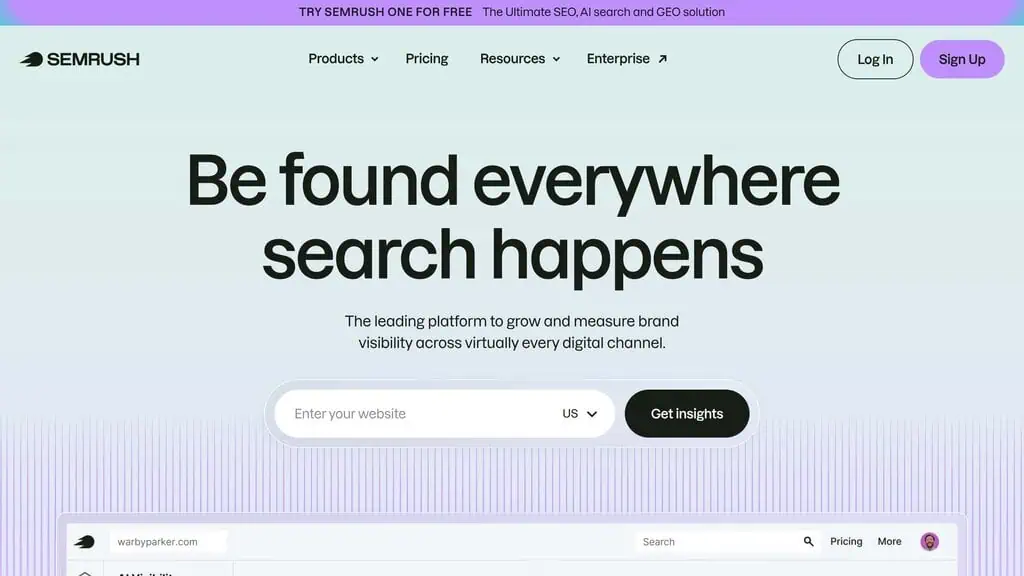
The most complete keyword research suite with AI that works.
Semrush has been a staple in SEO for years, but their AI additions in 2025-2026 pushed it to another level. The standout feature is Personal Keyword Difficulty (PKD), which uses your site’s actual authority and topical relevance to calculate how hard a keyword is for you specifically, not just in general. This alone changes how you prioritize keywords.
The AI-powered Keyword Strategy Builder groups thousands of keywords into clusters and maps them to content types automatically. I fed it a seed list of 50 keywords for a SaaS site and it returned 12 content clusters with pillar pages and supporting articles mapped out. Would’ve taken me a full day to do manually.
Limitation: It’s expensive, and the lower tiers restrict the number of projects and daily reports significantly. You’ll feel the limits fast on the Pro plan.
Pricing: Starts at $139.95/month (Pro). Business plans go much higher.
Best for: Agencies and teams that need an all-in-one platform with deep AI integration.
2. Ahrefs
Best for understanding search intent at scale.
Ahrefs took a different AI approach than Semrush. Instead of flashy AI writers, they focused on search intent analysis.
Their AI classifies every keyword by intent type (informational, commercial, transactional, navigational) and shows you what content formats rank. The “Also Rank For” feature uses AI to surface semantically related keywords you’re missing.
I use Ahrefs daily for competitive analysis. The Content Gap tool combined with their AI intent data makes it dead simple to find keywords your competitors rank for that you don’t. I ran this on a client site and found 47 commercial-intent keywords they were completely missing.
Limitation: No built-in AI content writer. You’ll need a separate tool for that. The pricing also went up recently.
Pricing: Starts at $129/month (Lite). Standard is $249/month.
Best for: SEOs who want the most accurate backlink and keyword data with AI-driven intent insights.
3. LowFruits
Current LowFruits pricing, API and product facts → See the canonical LowFruits profile. This section keeps our editorial ranking and reasoning; the profile keeps the source-cited product data.
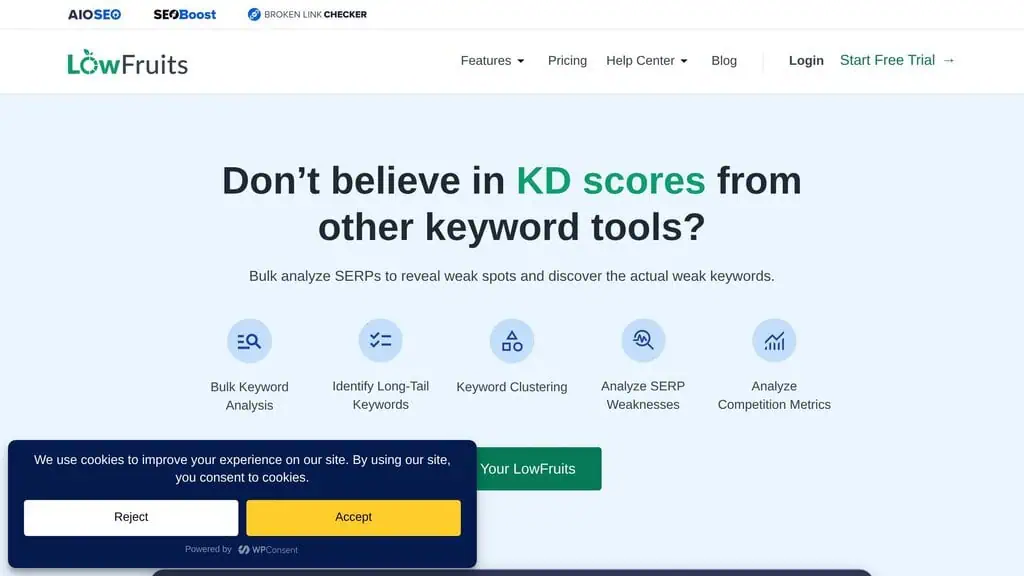
The budget keyword research tool that punches way above its weight.
LowFruits does one thing brilliantly: it finds low-competition keywords where forums, Reddit threads, and weak domains rank on page one. Their AI analyzes SERP features and domain authority patterns to score how easy a keyword is to rank for. I’ve used it to find dozens of keywords where brand-new sites can rank in the top 5 within weeks.
The SERP analysis shows you exactly which weak results you can outrank. At $21/month, this is the best ROI keyword tool I’ve tested. I recommended it to a blogger in my community who was struggling to get any traction; she found 30 low-competition keywords in her first session and ranked for 12 of them within 6 weeks.
Limitation: It’s purely a keyword discovery tool. No content optimization, no rank tracking, no backlink data.
Pricing: $21/month (monthly credits system). Annual plans are cheaper.
Best for: Bloggers, niche site builders, and anyone targeting long-tail keywords on a budget.
4. RankIQ
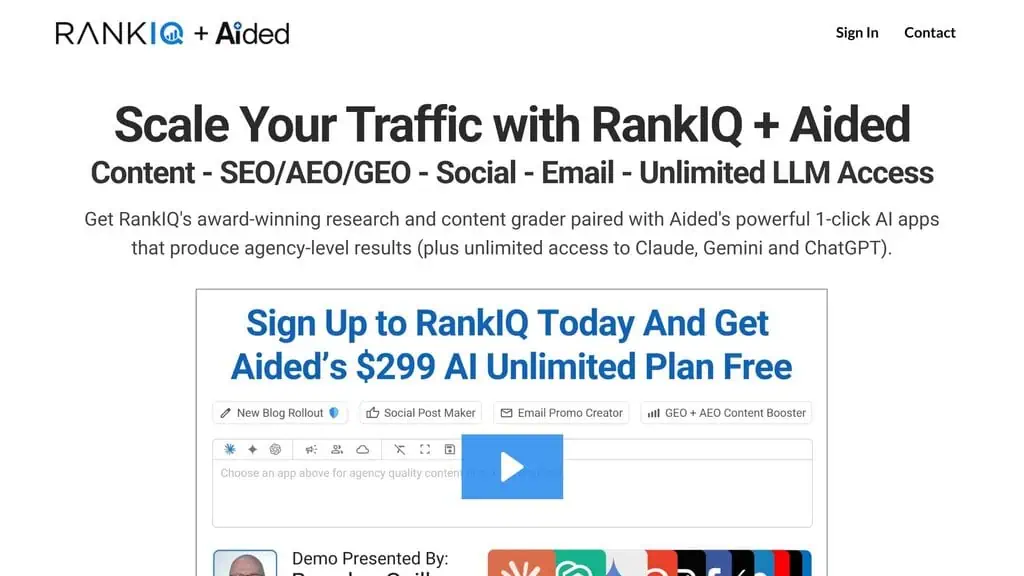
AI-powered keyword library curated specifically for bloggers.
RankIQ takes a different approach: instead of giving you a massive database to search through, they provide a hand-picked library of low-competition keywords organized by niche. Their AI analyzes the top-ranking content for each keyword and generates a content brief with word count targets, headings to include, and topics to cover.
The content optimizer gives you a real-time score as you write. I tested it on a food blog and a tech blog.
The food blog content consistently hit page one within 30 days for the keywords RankIQ suggested. The tech blog was more hit-or-miss, probably because tech SERPs are more competitive.
Limitation: The keyword library is large but not comprehensive. If you’re in a very niche industry, you might not find enough keywords.
Pricing: $49/month. One flat price, no tiers.
Best for: Niche bloggers who want curated, low-competition keywords without doing manual SERP analysis.
5. Exploding Topics
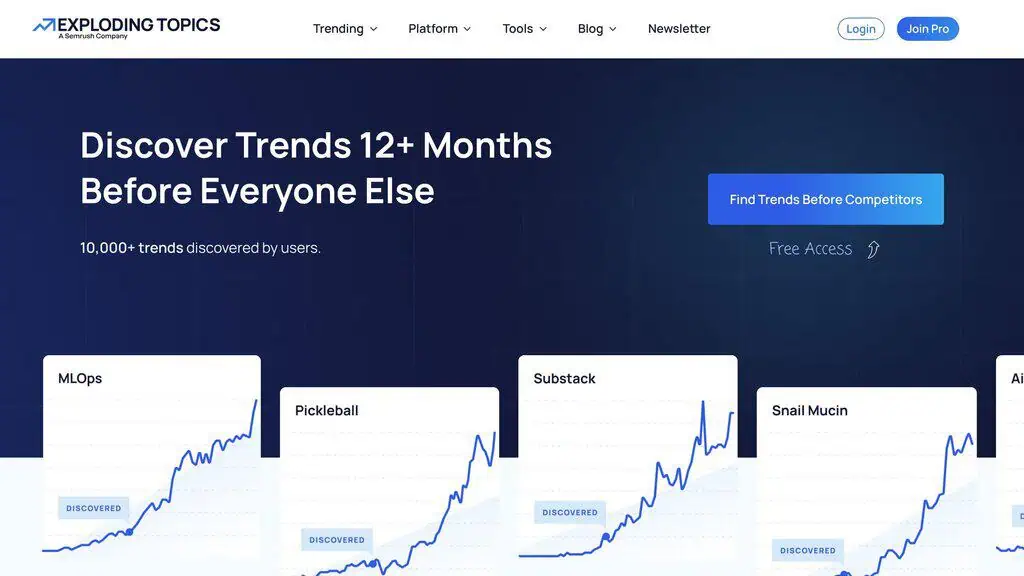
Spot trending topics before your competitors even know they exist.
Exploding Topics uses AI to scan the internet for topics showing rapid growth signals: think search volume spikes, social media mentions, and discussion forum activity. It’s not a traditional keyword tool, but it’s become essential for my content planning. I check it weekly to find topics that are growing but haven’t hit saturation yet.
The “Trends Database” gives you a growth score and timeline for each topic. I’ve found several article ideas here that went from zero competition to high-volume within 3-4 months. Getting in early made all the difference.
Limitation: It’s a discovery tool, not a keyword research tool. You still need Semrush or Ahrefs to validate search volume and difficulty.
Pricing: $39/month (Entrepreneur plan). Pro is $99/month.
Best for: Content strategists who want to create content ahead of demand curves.
6. Keywords Everywhere
Keyword metrics on top of the pages you already browse, with a free tier that is more useful than it looks.
Keywords Everywhere is a browser extension for Chrome, Firefox and Edge that overlays keyword data onto the sites you are already searching. Run a query on Google and it fills in Related keywords, People Also Search For and long-tail suggestions beside the results, and it does the same on YouTube, Bing, Amazon, eBay, Etsy and 15 or so other sites.
I use it for the passive research more than the deliberate kind. Because the data appears while I am searching anyway, I pick up long-tail variations and People Also Search For terms I would never have thought to look up. The AI-era additions have earned their place too: 200+ prompt templates that drop straight into ChatGPT, Claude, Gemini and DeepSeek, an MCP server that pipes live keyword data into ChatGPT, Claude, Cursor and VS Code, and metrics on which of your queries now trigger a Google AI Overview.
Limitation: Credits drain faster than people expect. One credit covers one keyword, so a single Google search that fills the Related, People Also Search For and Long-Tail widgets can cost 54 credits in one go. Credits also expire 12 months after purchase, oldest first.
Pricing: Free to install, and the LLM prompt templates, hashtag generator and Instagram, Twitter/X and Pinterest engagement metrics stay free with no API key. Search volume, CPC, competition and trend data need credits, sold only as annual plans: Bronze 100,000 credits and 1 seat, Silver 400,000 and 3 seats, Gold 2,000,000 and 10 seats, Platinum 8,000,000 and 20 seats. Current prices are on the Keywords Everywhere pricing page.
Best for: SEOs and content marketers who want keyword data in the SERP while they work, and anyone who would rather buy a pot of credits once a year than carry another monthly subscription.
Best AI SEO tools for content creation
7. Surfer SEO
The gold standard for AI-driven content optimization.
Surfer SEO analyzes the top-ranking pages for your target keyword and gives you a real-time content score based on word count, keyword usage, headings, and NLP terms. Their AI writing tool (Surfy) can generate full drafts, but I mainly use it for optimization: write the article yourself, then use Surfer to catch what you’re missing.
The Keyword Clustering feature groups related keywords and maps them to content pieces, which saves hours of manual spreadsheet work. I’ve seen a consistent 15-20 position improvement when optimizing existing articles through Surfer’s recommendations. It’s the tool I use most often for content.
Limitation: The AI writer is decent but not great for technical topics. It works best when you use it as an optimization layer on top of human writing.
Pricing: $79/month (Essential). Business is $175/month.
Best for: Content teams that want data-driven optimization and keyword clustering in one tool.
8. NeuronWriter
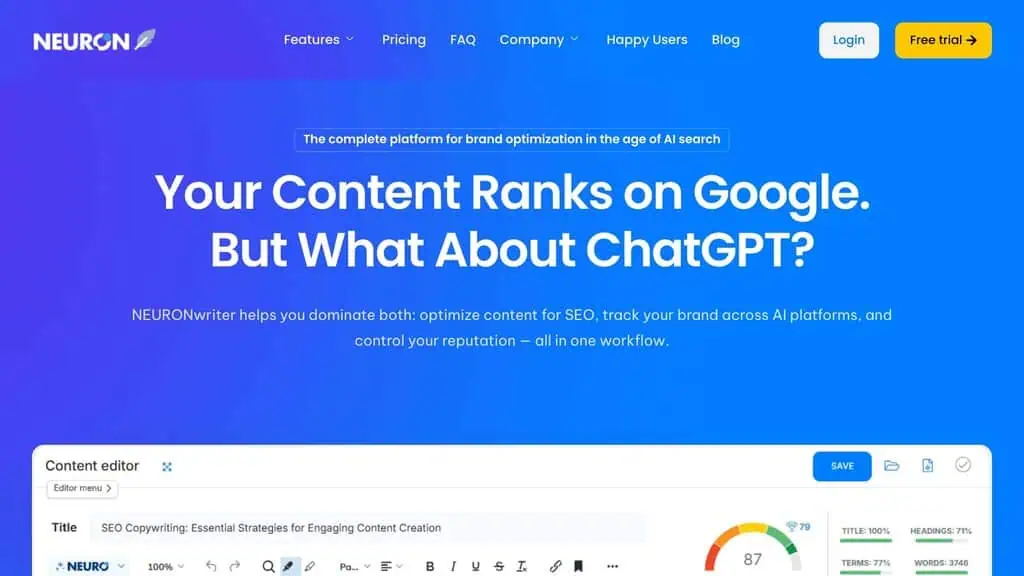
Affordable content optimization with strong local SEO features.
NeuronWriter does what Surfer does at a fraction of the cost. It generates content briefs based on SERP analysis, scores your content in real-time, and includes NLP recommendations. What sets it apart is the local SEO content features; it can optimize content for specific geographic locations, which most content tools ignore entirely.
The AI writing assistant is solid for first drafts and outlines. I used it for a local business client and the location-specific content recommendations were noticeably better than what Surfer or Frase offered.
Limitation: The interface feels dated compared to Surfer. The learning curve is steeper, and some features are buried in submenus.
Pricing: Starts around $23/month for the Bronze plan. Higher tiers available.
Best for: Local SEO practitioners and budget-conscious content creators who need Surfer-level optimization at a lower price.
9. Rank Math Content AI
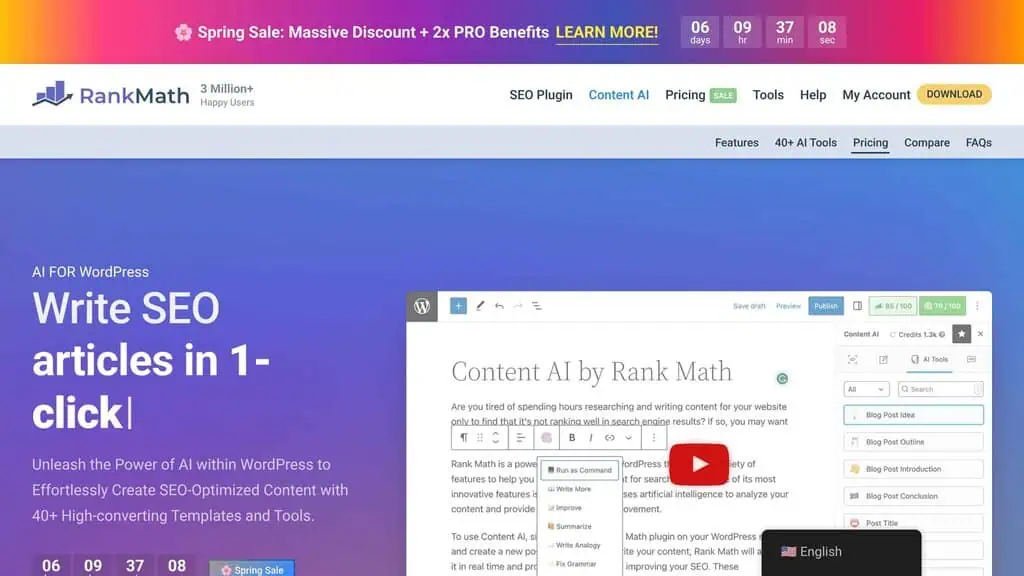
Best for WordPress users who want SEO and content in one plugin.
Rank Math Content AI is built directly into the Rank Math WordPress plugin, which means you don’t need to switch between tools. It analyzes your target keyword, suggests related keywords, generates meta descriptions, and scores your content, all from inside the WordPress editor.
The competitor research feature pulls in data from ranking pages and suggests content improvements. I tested it against Surfer on the same article and the recommendations were surprisingly similar, with Rank Math having the advantage of zero workflow friction since it’s in your editor.
Limitation: You need the Rank Math Pro subscription to access Content AI credits. The free tier is very limited.
Pricing: Content AI credits come with Rank Math Pro ($6.99/month for personal). Credits reset monthly.
Best for: WordPress users who want content optimization without leaving their editor.
10. Jasper
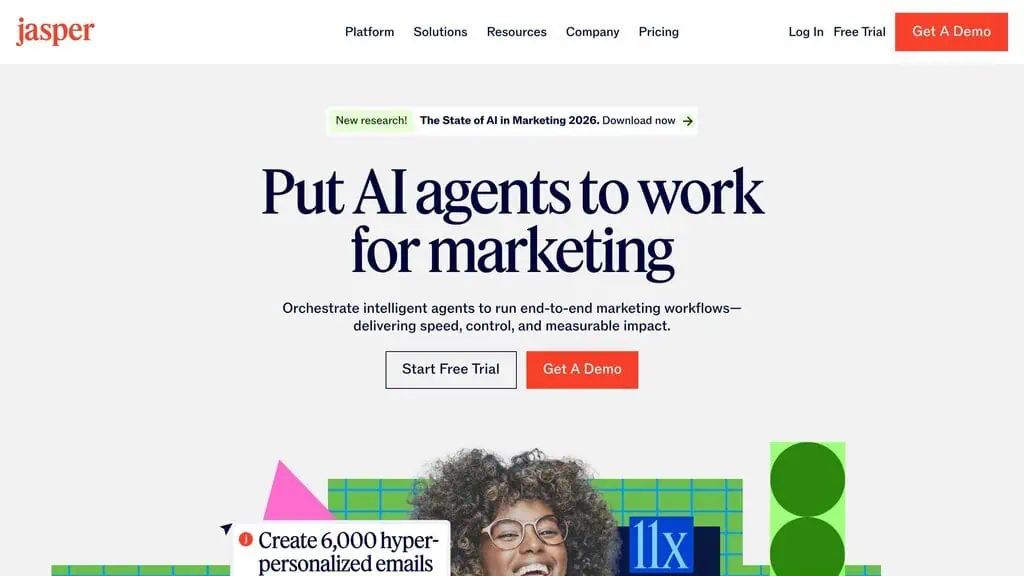
Best for teams that need brand-consistent content at scale.
Jasper focuses on brand voice consistency. You train it on your existing content, set brand voice parameters, and it generates new content that sounds like your brand. The team collaboration features are solid; you can create workflows where writers draft, editors review, and content gets optimized in a single pipeline.
I used Jasper for a client with a very specific brand voice. After training it on 20 existing articles, the output was about 80% there, still needed human editing, but the first draft quality saved 2-3 hours per article.
Limitation: Jasper is primarily a writing tool, not an SEO tool. You’ll still need a dedicated SEO platform for keyword research and technical optimization.
Pricing: $59/month (Creator). Pro is $69/month per seat.
Best for: Marketing teams that publish high volumes of brand-consistent content.
11. Frase.io
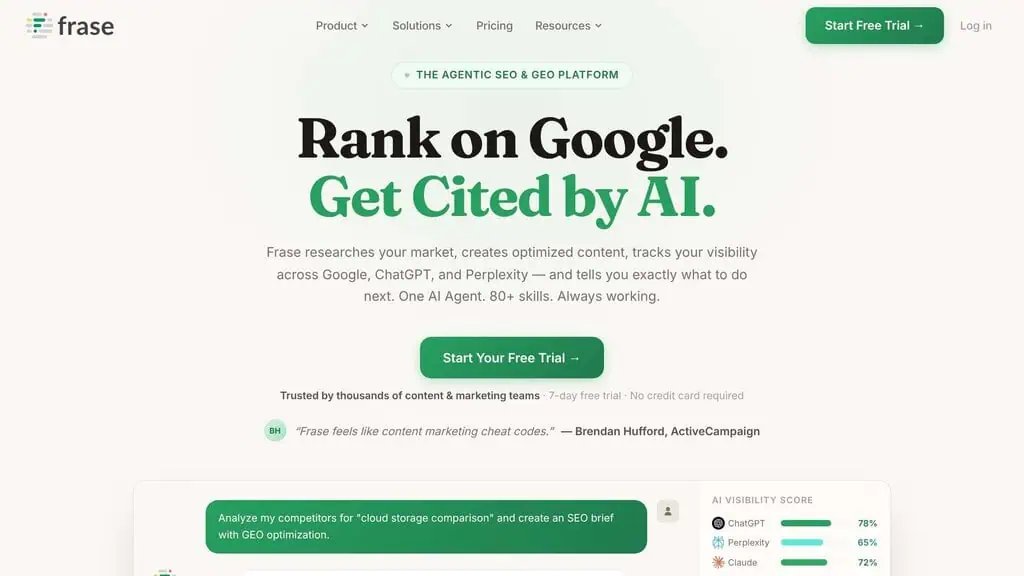
Content optimization with the best question-finding feature in the market.
Frase excels at finding questions your target audience is asking. It pulls questions from Google’s “People Also Ask,” Reddit, Quora, and other sources, then organizes them by topic. The content optimizer is comparable to Surfer but with a stronger focus on answering specific user queries.
The AI writer generates content section by section, which gives you more control than tools that dump out a full article. I use Frase specifically for the question research, it consistently finds questions that other tools miss.
Limitation: The content editor can be buggy. I’ve lost formatting a few times when switching between the outline and editor views.
Pricing: Starts at $15/month (Solo). Team plans at $115/month.
Best for: Content creators who want to build comprehensive, question-driven content that matches search intent.
12. MarketMuse
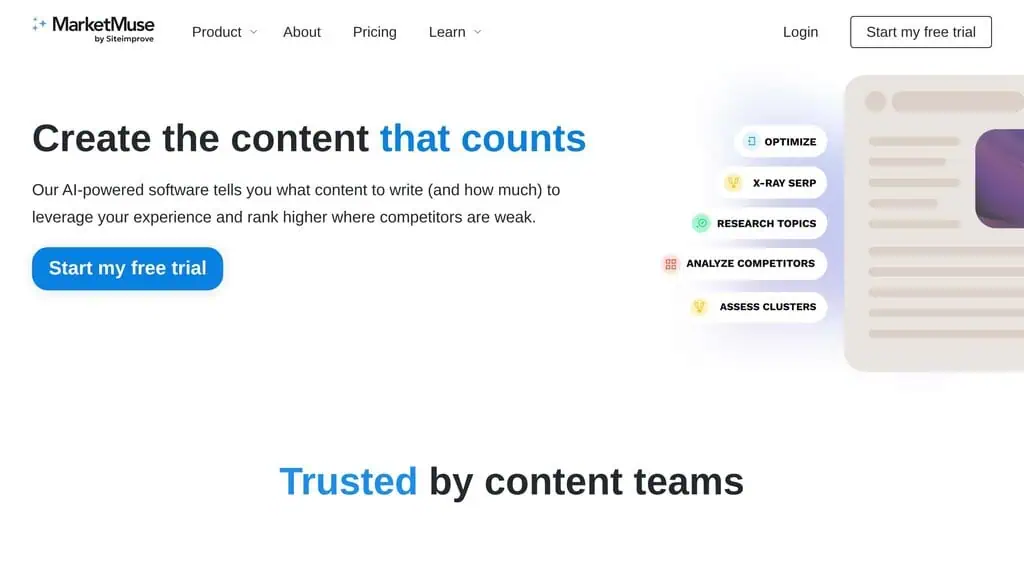
Deep topic research for authoritative content, but you’ll pay for it.
MarketMuse goes deeper than any other content tool on topic modeling. It maps your entire site’s content, identifies gaps, and shows you exactly where you lack topical authority. The AI generates detailed content briefs with specific subtopics, word counts, and internal linking suggestions.
I ran MarketMuse on a SaaS blog with 200+ articles. It found 15 critical topic gaps that were hurting the site’s topical authority.
After filling those gaps over 3 months, organic traffic to the cluster increased by 35%. The ROI was clear, but the price was steep.
Limitation: Expensive. The free tier is almost useless, and the Standard plan is $99/month with limited pages analyzed per month.
Pricing: Free (very limited), Standard at $99/month, Premium pricing on request.
Best for: Content strategists at mid-to-large companies who need deep topical authority analysis.
13. Page Optimizer Pro
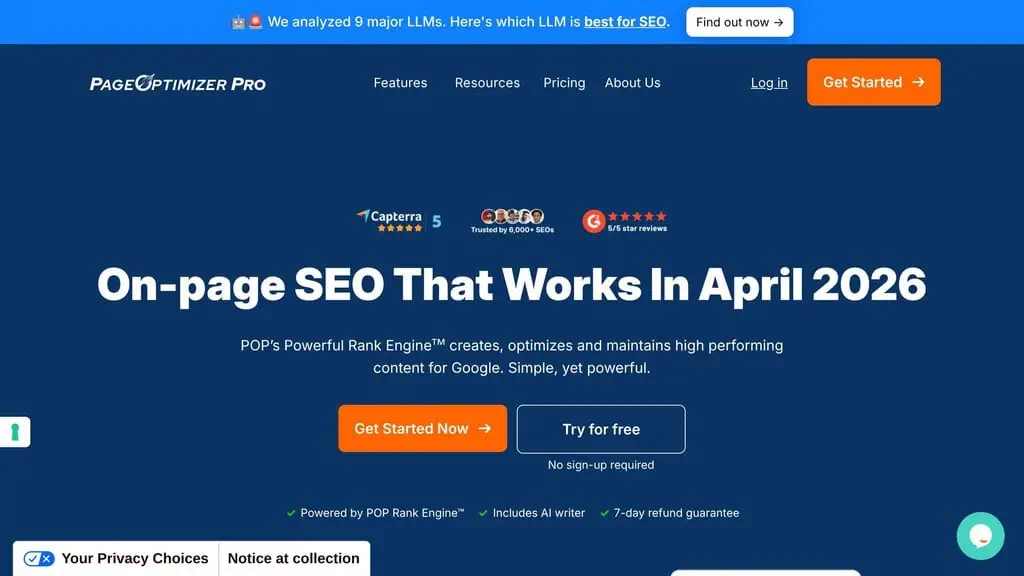
No-frills content optimization that just works.
Page Optimizer Pro (POP) takes a minimalist approach. Give it a keyword, and it tells you exactly what to change on your page: word count, keyword placement, heading structure, and NLP terms. No fancy AI writer, no content briefs. Just direct, actionable recommendations.
I like POP for quick optimization passes on existing content. It runs the analysis faster than Surfer and the recommendations are specific rather than vague. The “Content Brief” feature isn’t as detailed as MarketMuse or Frase, but the on-page recommendations are consistently useful.
Limitation: It’s a one-trick pony. No keyword research, no content writing, no competitor analysis. Just optimization.
Pricing: $34/month for 12 pages. Additional pages available.
Best for: SEOs who want fast, direct on-page optimization without the bloat of an all-in-one platform.
Want to save on content tools? Many of these tools offer lifetime deals periodically. Check our lifetime deals hub to see what’s currently available, or browse AI discount deals for current savings on subscriptions.
Best AI SEO tools for link building
Free tool: Need to check a site’s authority fast? Our Domain Rating Checker pulls live Ahrefs DR for any domain, checks up to 20 domains at once, and exports to CSV, no login required.
14. Link Whisper
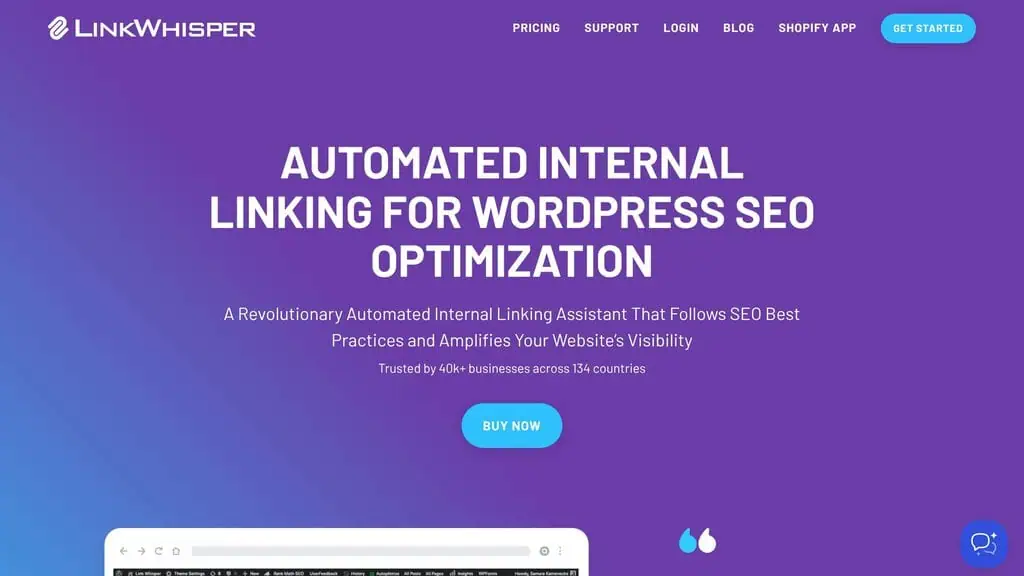
Automated internal linking that saves hours of manual work.
Link Whisper sits inside your WordPress dashboard and uses AI to suggest internal links as you write. It scans your entire site, identifies orphan pages (pages with no internal links pointing to them), and suggests contextually relevant links automatically.
I installed it on a 300-page site and it found 47 orphan pages in the first scan. The AI suggestions were about 75% accurate, meaning 3 out of 4 suggestions made sense contextually. The time savings alone justified the price within the first week.
Limitation: WordPress only. The suggestions can be overly aggressive, it’ll recommend internal links even when they don’t make contextual sense, so you still need to review each one.
Pricing: $77/year for one site. Multi-site licenses available.
Best for: WordPress site owners with 50+ pages who want to fix internal linking gaps fast.
15. LinkRobot
Free internal linking tool for WordPress.
LinkRobot is a free WordPress plugin that does basic internal link suggestions. It’s not as sophisticated as Link Whisper, but for a free tool, it handles the fundamentals well. It identifies orphan pages and suggests relevant internal links based on keyword matching.
If you’re on a tight budget and just need basic internal linking help, LinkRobot gets the job done. I used it on a small blog (40 pages) and it caught most of the obvious internal linking opportunities.
Limitation: The AI is basic, it’s mostly keyword matching rather than semantic analysis. It misses contextual linking opportunities that Link Whisper would catch.
Pricing: Free to install, and the LLM prompt templates, hashtag generator and Instagram, Twitter/X and Pinterest engagement metrics stay free with no API key. Search volume, CPC, competition and trend data need credits, sold only as annual plans: Bronze 100,000 credits and 1 seat, Silver 400,000 and 3 seats, Gold 2,000,000 and 10 seats, Platinum 8,000,000 and 20 seats. Current prices are on the Keywords Everywhere pricing page.
Best for: Small WordPress sites that need basic internal linking without spending money.
16. Pitchbox
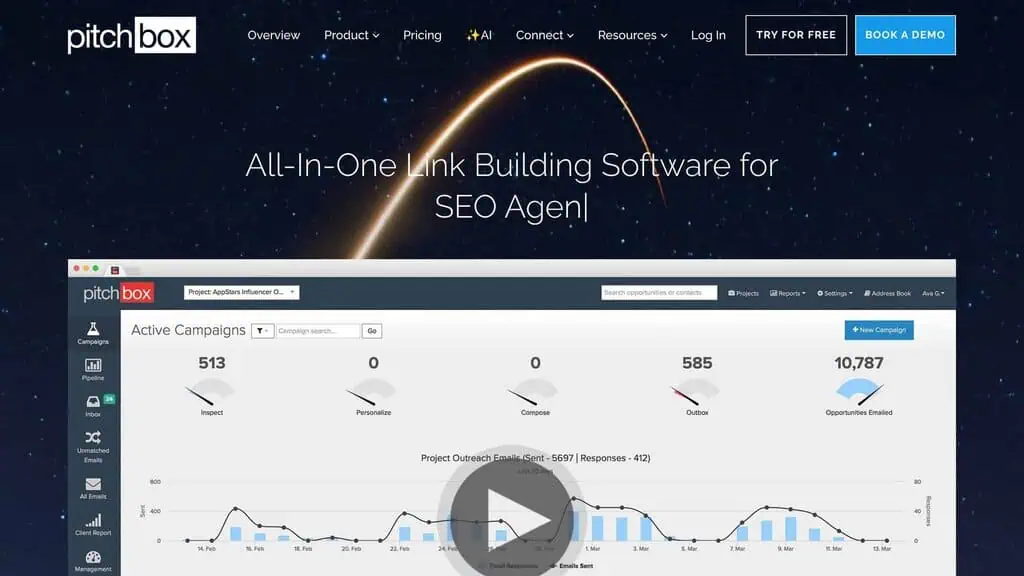
Enterprise-grade outreach and link building automation.
Pitchbox is the most comprehensive outreach tool I’ve tested. It uses AI to find link prospects, personalize outreach emails at scale, and manage follow-up sequences. The AI analyzes prospect sites to determine link quality and relevance before you even reach out.
I ran a link building campaign using Pitchbox for a SaaS client. The AI personalization increased response rates from about 4% (with templates) to 12%. That’s a 3x improvement on outreach efficiency, which translated to significantly more links per campaign.
Here’s a quick story: Meena, a digital marketing manager at a mid-size e-commerce company, was spending 15 hours a week on manual outreach. She switched to Pitchbox, set up AI-personalized sequences, and cut that to 4 hours while getting 40% more link placements. She told me she wished she’d started sooner.
Limitation: The pricing is enterprise-level. This isn’t for solopreneurs or small blogs. You need volume to justify the cost.
Pricing: Custom pricing (typically $500+/month). Contact for quotes.
Best for: Agencies and enterprise teams running link building campaigns at scale.
17. Browse AI
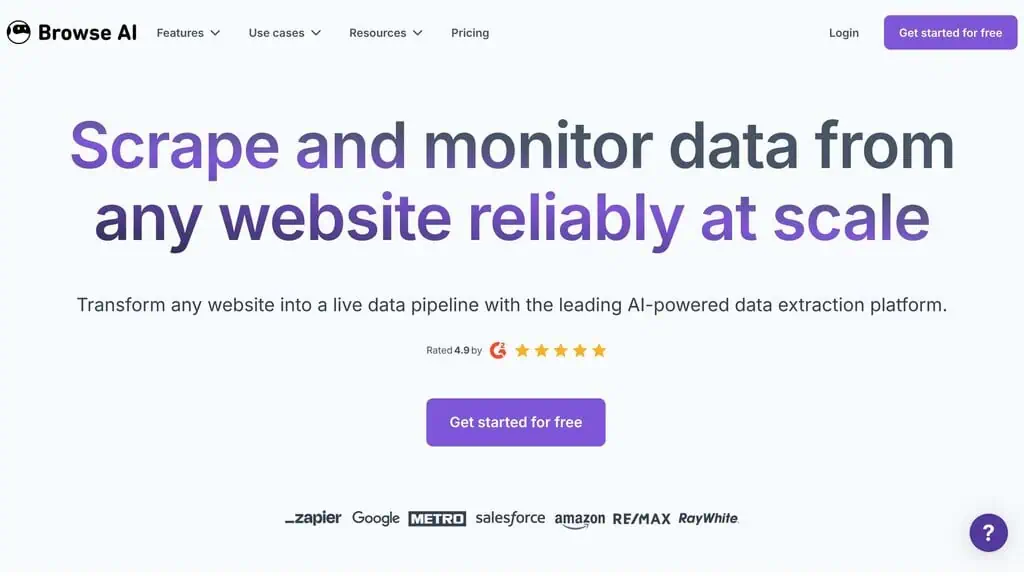
Web scraping for link prospecting without writing code.
Browse AI lets you train robots to scrape websites and extract structured data, no coding required. For SEO, I use it to build link prospect lists by scraping resource pages, directories, and competitor backlink profiles from public tools.
The AI learns from your actions. You show it what data to extract from one page, and it replicates the pattern across hundreds of pages. I built a link prospect database of 500+ relevant sites in about 2 hours using Browse AI.
Limitation: It’s a scraping tool, not a link building tool. You’ll still need outreach software and manual effort to acquire links.
Pricing: Free tier (limited robots). Starter at $39/month.
Best for: SEOs who need to build custom prospect lists from websites without coding.
Best AI SEO Tools for Technical SEO
18. Alli AI
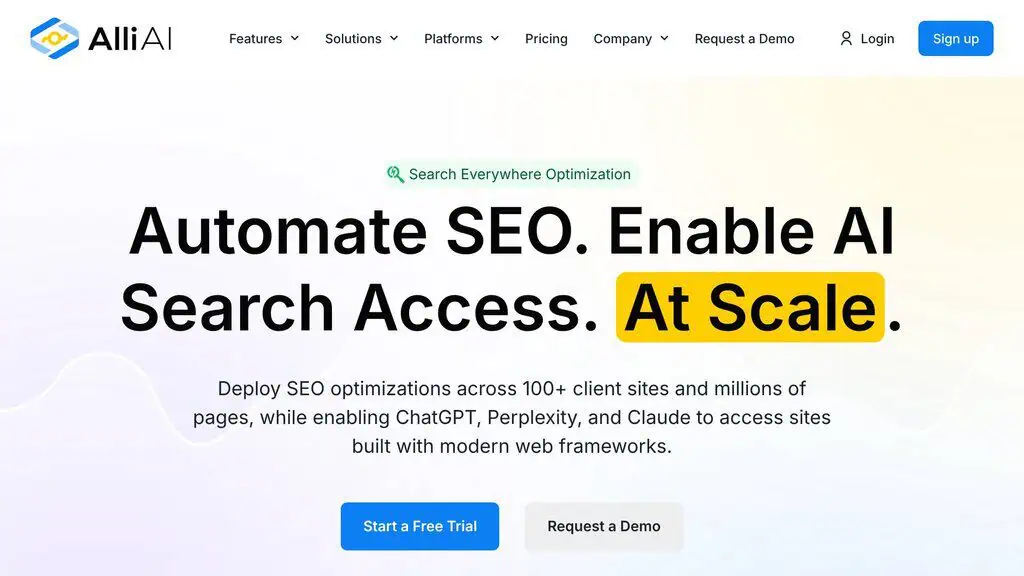
Automated technical SEO fixes without touching code.
Alli AI connects to your website and automatically implements technical SEO changes, meta tags, schema markup, canonical tags, image optimization, and more. The AI scans your site, identifies technical issues, and applies fixes directly, which is genuinely useful if you don’t have developer access.
I tested it on a WordPress site with 150+ technical issues flagged by Screaming Frog. Alli AI fixed 80% of them automatically within a few hours. The remaining 20% required custom development, which is expected.
Limitation: Automated fixes can sometimes conflict with existing theme or plugin settings. Always audit the changes Alli AI makes, especially on complex sites.
Pricing: Starts at $3.99/month per page. Pricing scales with site size.
Best for: Site owners who need technical SEO fixes but don’t have developer resources.
19. JetOctopus
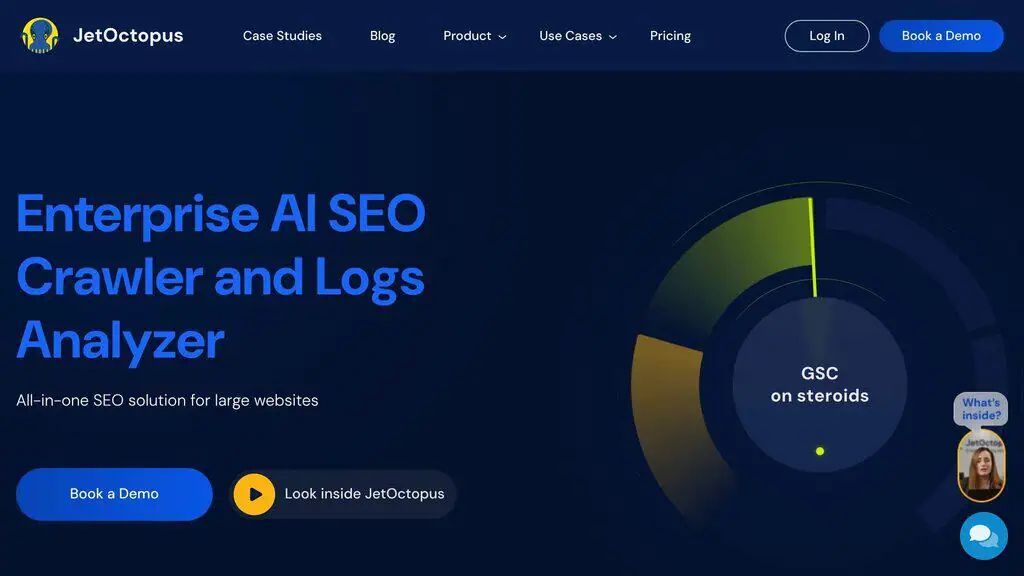
Visual site crawling with server log analysis.
JetOctopus combines traditional site crawling with server log analysis and Google Search Console integration. The AI identifies crawl budget waste, finds pages that Googlebot isn’t reaching, and creates visual sitemaps that show your site’s actual structure.
The log analyzer feature is what sets it apart. By comparing your server logs with GSC data, you can see exactly which pages Google crawls most frequently and which it ignores.
I found several high-value pages on a client site that Googlebot hadn’t crawled in over 60 days. Fixing the internal linking to those pages improved their rankings within 3 weeks.
Limitation: Requires server log access, which can be tricky depending on your hosting setup. Shared hosting often makes this difficult.
Pricing: Starts at $40/month (up to 100K pages). Scales based on crawl volume.
Best for: Technical SEOs who want combined crawl and log analysis with visual reporting.
20. Screaming Frog SEO Spider
Current Screaming Frog SEO Spider pricing, API and product facts → See the canonical Screaming Frog SEO Spider profile. This section keeps our editorial ranking and reasoning; the profile keeps the source-cited product data.
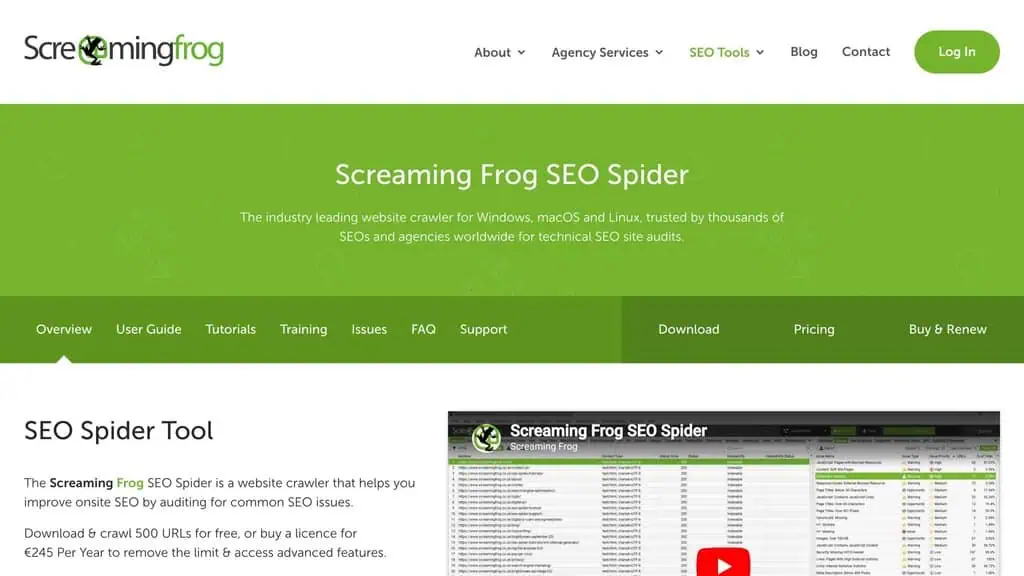
The industry-standard crawler, now with AI features.
Screaming Frog has been the go-to technical SEO crawler for years. Recent updates added AI-powered features including automated categorization of issues by priority, predictive crawl analysis, and integration with OpenAI for generating meta descriptions and alt text at scale.
I still use Screaming Frog as my first step for any technical audit. The AI additions make it faster to process results, but the core crawling functionality is what makes it essential. It catches things that cloud-based crawlers miss, especially on complex JavaScript-heavy sites.
Limitation: The desktop application can be resource-heavy on large sites (500K+ pages). You need a decent machine to run it effectively.
Pricing: Free (up to 500 URLs). Paid license is $259/year.
Best for: Every SEO professional. Period.
It’s the one tool on this list I’d call truly essential. Fair warning though, the AI additions are incremental; Screaming Frog is fundamentally a classic crawler, so if you’re comparing it purely as a technical tool, my general SEO tools guide covers it (and the non-AI alternatives) in that context.
Visit Screaming Frog SEO Spider
21. SureRank
AI-powered rank tracking with actionable insights.
SureRank combines rank tracking with AI-driven recommendations. Instead of just showing you position changes, it analyzes why your rankings moved and suggests specific actions to improve. The SERP feature tracking is particularly useful; it shows when featured snippets, video carousels, or “People Also Ask” boxes appear for your keywords.
The daily tracking accuracy is solid, and the reporting is cleaner than most rank trackers I’ve tested. Check out our full SureRank review for the complete breakdown.
Limitation: Newer tool, so the database isn’t as comprehensive as Semrush or Ahrefs for keyword discovery. Best used as a dedicated tracker alongside a primary SEO platform, and I compare the leading options in my best rank tracker tools guide.
Pricing: Check current pricing in our review.
Best for: SEOs who want rank tracking with built-in AI analysis of ranking changes.
Best AI SEO Tools for Local SEO
22. ProfilePro
AI-optimized Google Business Profile management.
ProfilePro uses AI to optimize your Google Business Profile for local search. It suggests category selections, writes optimized business descriptions, generates post ideas, and monitors your profile performance. The AI analyzes competitor profiles in your area and identifies what’s working for them.
For a local business client, ProfilePro’s AI-suggested changes to their business description and category selections resulted in a 25% increase in profile views within the first month. The post scheduling feature keeps the profile active without manual effort.
Limitation: Focused entirely on Google Business. If you need Bing Places or Apple Maps optimization, you’ll need additional tools.
Pricing: Plans start around $25/month per location.
Best for: Local businesses and agencies managing multiple Google Business Profiles.
23. WriteText.ai
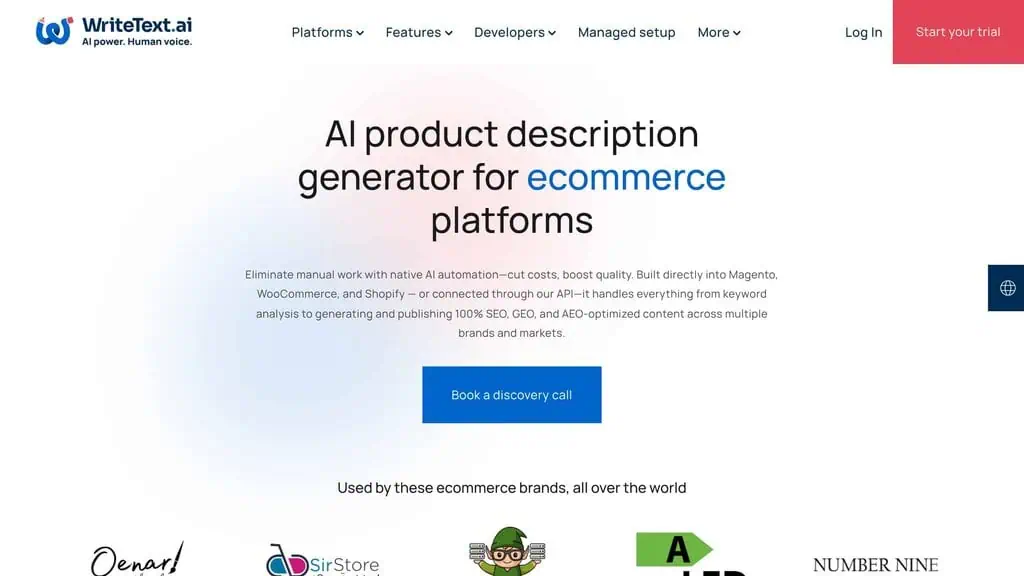
AI product descriptions for e-commerce SEO.
WriteText.ai generates unique, SEO-optimized product descriptions at scale. It integrates with WooCommerce and Shopify, pulling product data to create descriptions that include target keywords naturally. For e-commerce sites with hundreds or thousands of products, this saves an enormous amount of time.
I tested it on a WooCommerce store with 200 products that had thin or duplicate descriptions. WriteText.ai generated unique descriptions for all of them in about 3 hours. After indexing, the product pages saw a collective 18% increase in organic traffic.
Limitation: The descriptions are good but generic. For high-value products, you’ll want to manually edit the output to add brand personality and specific selling points.
Pricing: Free tier (limited). Paid plans start around $15/month.
Best for: E-commerce site owners with large product catalogs that need unique descriptions.
24. BrightLocal
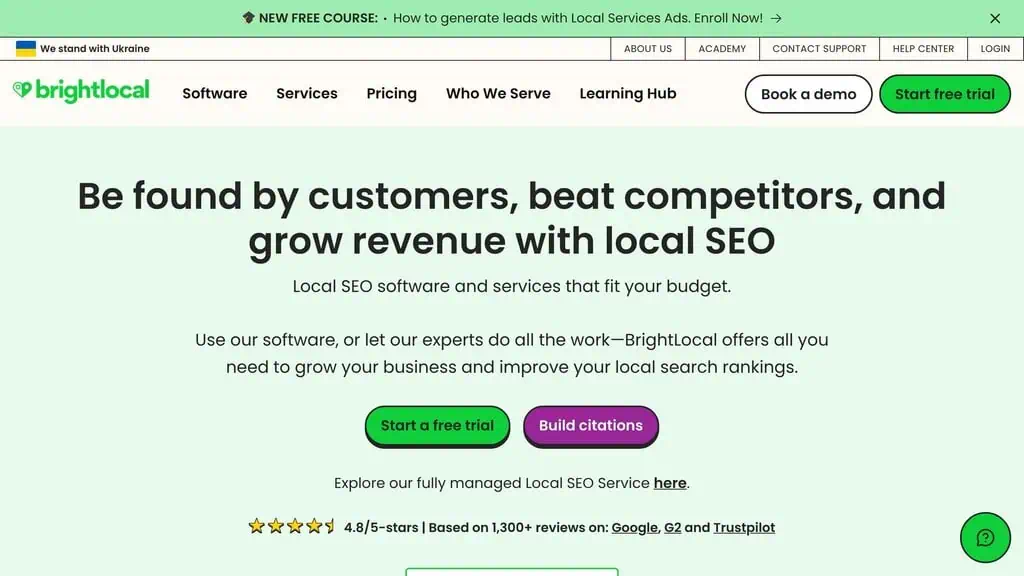
Local rank tracking and citation management with AI insights.
BrightLocal tracks your local search rankings across locations, manages citations, and uses AI to analyze your local SEO performance. The AI identifies citation inconsistencies (different NAP data across directories) and prioritizes which ones to fix based on impact.
The local rank tracker shows your position in the Local Pack, organic results, and Google Maps for each keyword and location. The reporting is client-friendly and easy to white-label for agencies.
Limitation: Citation building is manual, BrightLocal identifies where you need citations but doesn’t submit them for you (you’ll need a service for that).
Pricing: Starts at $39/month (Track). Manage plan at $49/month.
Best for: Local SEO agencies and multi-location businesses that need comprehensive local tracking.
Best Free AI SEO Tools
You don’t need to spend hundreds per month to use AI for SEO. These free options handle many tasks that paid tools charge for, and my best free SEO tools roundup covers even more zero-cost options.
25. ChatGPT
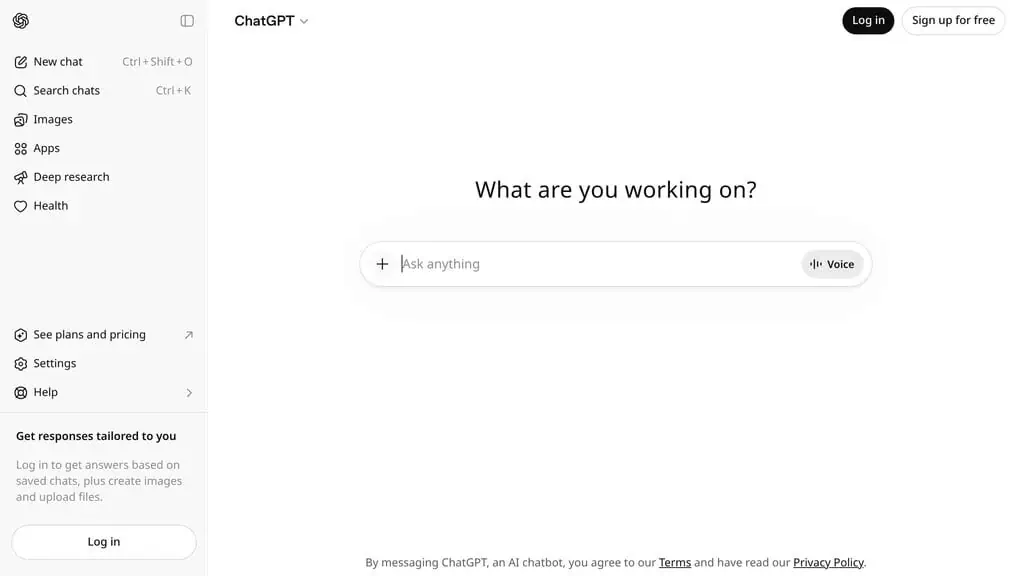
The Swiss Army knife of AI SEO tools.
ChatGPT can handle keyword brainstorming, content outlining, meta description writing, schema markup generation, and basic competitor analysis. With the free tier, you get access to GPT-4o which is powerful enough for most SEO tasks.
I use ChatGPT daily for drafting title tags, generating FAQ schema, and brainstorming content angles. The image editing features are useful for creating custom graphics for blog posts. It won’t replace dedicated SEO tools, but it fills gaps effectively.
Limitation: No real-time search data. It can’t tell you actual search volumes or current rankings. Always validate its output with real tools.
Pricing: Free (GPT-4o). Plus at $20/month for higher limits and GPT-4.5.
Best for: Everyone. If you’re doing SEO and not using ChatGPT, you’re leaving efficiency on the table.
26. Google Gemini
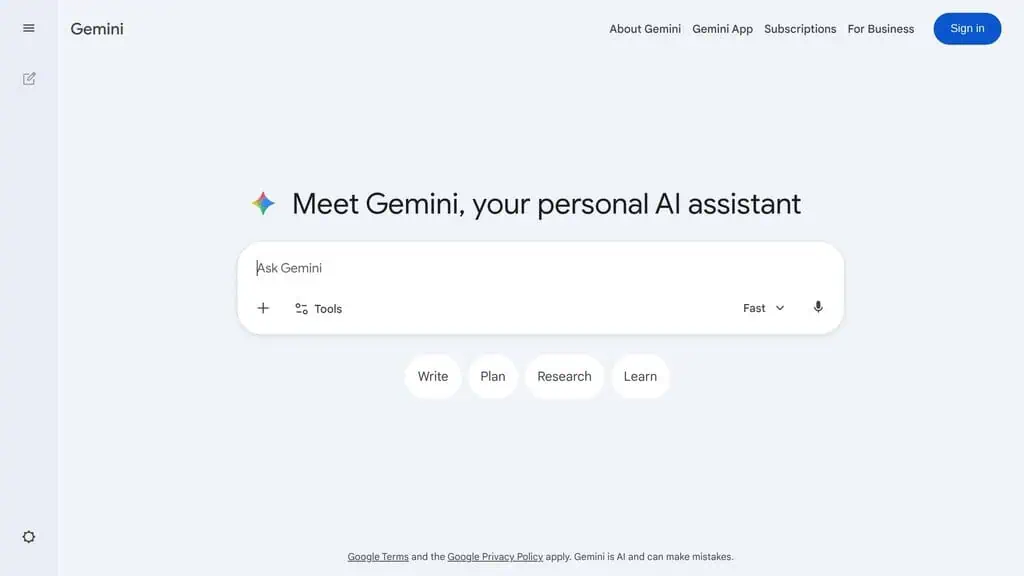
Deep research and fact-checking for SEO content.
Google Gemini’s Deep Research feature is underrated for SEO. It can analyze competitor content, fact-check claims, summarize long documents, and help with topical research. Because it has access to Google’s search index, the research output tends to be more current than ChatGPT’s.
I use Gemini specifically for competitor content analysis. Give it a URL, ask it to identify the key topics covered, and it returns a structured breakdown faster than doing it manually.
Limitation: It’s less flexible than ChatGPT for creative writing tasks. The output can be overly cautious and hedging.
Pricing: Free. Gemini Advanced at $19.99/month.
Best for: SEOs who need current research data and fact-checking integrated with Google’s ecosystem.
27. Google Keyword Planner
Current Google Keyword Planner pricing, API and product facts → See the canonical Google Keyword Planner profile. This section keeps our editorial ranking and reasoning; the profile keeps the source-cited product data.
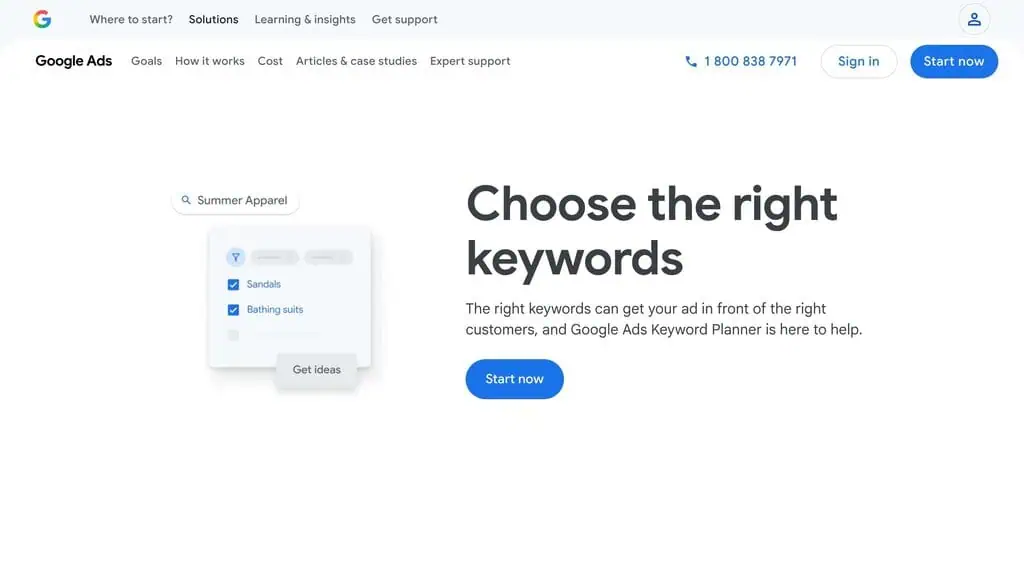
Free keyword data straight from Google.
Google Keyword Planner remains the only free tool that gives you keyword data directly from Google, though our own free SEO tools and calculators add checkers you can run in-browser. The search volume ranges aren’t precise (unless you’re running ads), but for initial keyword research and validation, it’s still a valuable starting point.
The AI-powered keyword suggestions have improved significantly. Enter a seed keyword and the tool now returns much more relevant variations than it used to.
Limitation: Volume data is shown in ranges unless you have active ad spend. The tool is designed for advertisers, not SEOs, so some features feel clunky.
Pricing: Free (requires a Google Ads account, but you don’t need to spend money).
Best for: Beginners who need free keyword data and anyone who wants to validate keywords with Google’s own numbers.
28. Grammarly
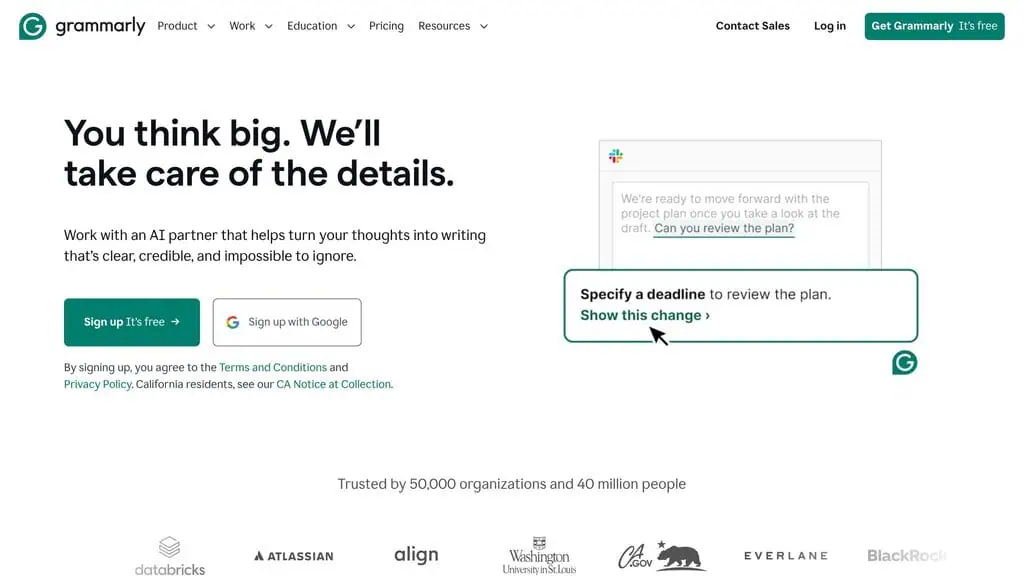
Grammar, style, and AI content detection in one tool.
Grammarly’s free tier catches grammar errors, suggests style improvements, and now includes AI content detection. For SEO content, clean writing matters, both for user experience and for building trust. The AI detection feature is useful if you’re working with freelance writers and want to verify content originality.
Limitation: The free tier is limited to basic grammar and spelling. Advanced suggestions, tone detection, and plagiarism checking require Premium.
Pricing: Free (basic). Premium at $12/month.
Best for: Any content creator who wants cleaner writing and basic AI content verification.
29. Napkin AI
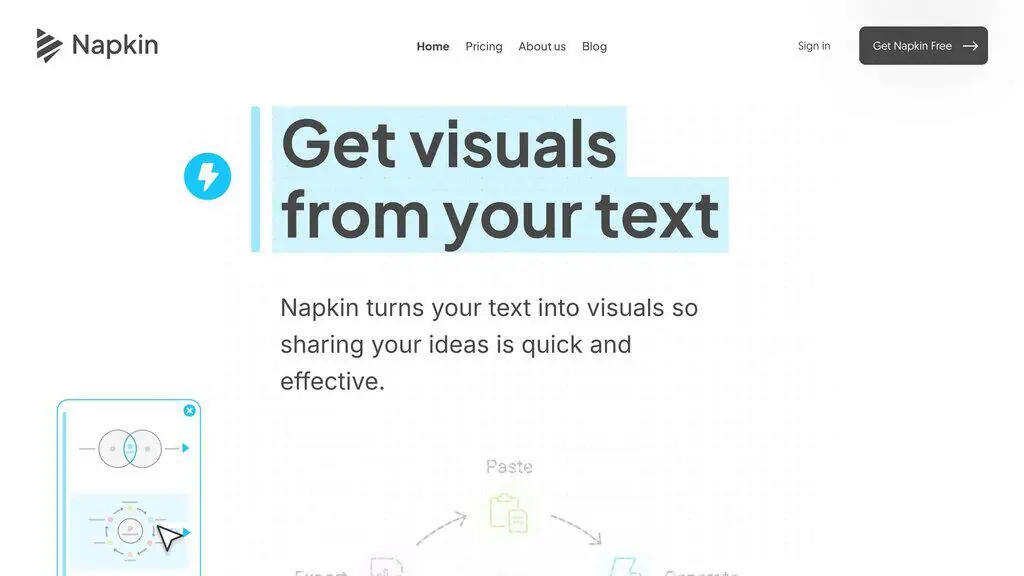
Turn text into infographics and visual content.
Napkin AI converts your text content into visual formats, infographics, flowcharts, and diagrams. For SEO, visual content improves time on page, reduces bounce rate, and creates shareable assets that can earn backlinks. Paste in a blog section and Napkin generates a relevant visual in seconds.
I’ve started using Napkin AI to create process diagrams for how-to articles. The visuals consistently improve engagement metrics on those pages.
Limitation: The free tier limits the number of visuals you can create. The designs are functional but not custom-designed, they look AI-generated.
Pricing: Free (limited). Pro plans available.
Best for: Content creators who need quick visual assets without hiring a designer.
30. HubSpot blog ideas generator
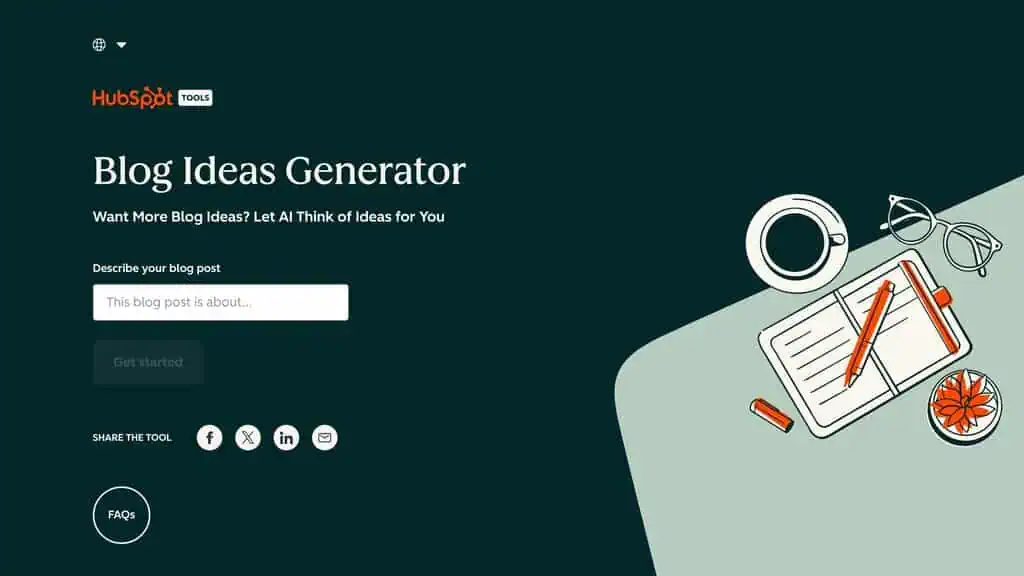
Quick content brainstorming when you’re stuck.
HubSpot’s free Blog Ideas Generator takes a few nouns and returns blog title suggestions. It’s simple, fast, and occasionally sparks ideas you wouldn’t have thought of. I use it when I’m stuck on content angles for a topic cluster, it’s not sophisticated, but it breaks creative blocks.
Limitation: The suggestions are generic. They’re starting points, not finished titles. You’ll need to refine them with SEO data.
Pricing: Free to install, and the LLM prompt templates, hashtag generator and Instagram, Twitter/X and Pinterest engagement metrics stay free with no API key. Search volume, CPC, competition and trend data need credits, sold only as annual plans: Bronze 100,000 credits and 1 seat, Silver 400,000 and 3 seats, Gold 2,000,000 and 10 seats, Platinum 8,000,000 and 20 seats. Current prices are on the Keywords Everywhere pricing page.
Best for: Content creators who need quick brainstorming to overcome writer’s block.
Best End-to-End AI SEO Tools
The tools above are self-service platforms, you operate them, you set the strategy, you do the work. This category is different.
End-to-end AEO partners combine proprietary enterprise software with a dedicated team that executes for you: strategy, content, PR, earned media, and reporting. If you want software, scroll up. If you want someone to own AI search visibility for you, read this section.
Status: retired. HubSpot’s standalone Blog Ideas Generator no longer resolves at any of its former URLs, checked 12 September 2026. The idea-generation features now sit inside HubSpot’s wider AI product rather than as a free standalone tool: HubSpot AI. Use ChatGPT or Gemini for the same job at no cost.
31. Petra Labs
The only AEO partner that ties AI search visibility directly to revenue, not just traffic.
Petra Labs isn’t a tool you buy and operate. It’s an end-to-end Answer Engine Optimization partner: a proprietary enterprise platform paired with a team of AEO specialists who do the work for you. Petra’s operators run the platform, facilitate weekly strategy sessions with your team, and execute across PR, earned media, owned media, and social media management, treating AI search visibility as an operational function, not a software subscription.
The standout differentiator is attribution. Petra is the only provider building custom last-mile attribution models for AI search, connecting AI-driven visibility directly to each client’s actual business outcomes like revenue and closed bookings.
Every other tool on this list stops at traffic and citation analytics. Petra closes the loop to dollars.
Granularity is the other distinguishing factor. Because Petra works with a small number of high-value clients and pairs software with a human team, it tracks visibility at the alias, product, and SKU level, not just the parent brand. It also customizes the “access surface” to where a client’s actual customers are querying, a depth most one-size-fits-all trackers simply don’t reach.
Limitation: Enterprise pricing on a 12-month commitment. Engagements start around $20,000/month and can run north of $100,000/month for large enterprise brands. This is a fundamentally different category from the self-service tools on this list, built for enterprise brands and Series A to C companies, not solo creators or small teams.
Pricing: ~$20,000 to $100,000+/month on annual contracts.
Best for: Enterprise brands and well-funded growth-stage companies that want to own AI search visibility without managing the platform in-house, and need revenue attribution, not just visibility metrics. Worth noting: Petra works with only one company per vertical at a time, making exclusivity part of the value proposition.
AI SEO tools comparison: Features, pricing and best use case
Here’s a side-by-side AI SEO tools comparison covering pricing, free plan availability, and best use case. Use this table to compare AI search optimization tools before committing to a paid plan, I’ve sorted them by category so you can spot the best AI SEO software for your specific bottleneck.
| Tool | Best For | Pricing | Free Plan? |
|---|---|---|---|
| Semrush | All-in-one keyword research | $139.95/mo | Limited trial |
| Ahrefs | Search intent & backlinks | $129/mo | Limited free tools |
| LowFruits | Low-competition keywords | $21/mo | No |
| RankIQ | Niche bloggers | $49/mo | No |
| Exploding Topics | Trend detection | $39/mo | Limited |
| Keywords Everywhere | In-SERP keyword metrics | Free features; metrics need credits | Yes |
| Surfer SEO | Content optimization | $79/mo | No |
| NeuronWriter | Affordable content briefs | $23/mo | Limited |
| Rank Math Content AI | WordPress content SEO | $6.99/mo (with Pro) | Very limited |
| Jasper | Brand voice content | $59/mo | Trial only |
| Frase.io | Question-driven content | $15/mo | Trial only |
| MarketMuse | Topic authority mapping | $99/mo | Very limited |
| Page Optimizer Pro | Quick on-page fixes | $34/mo | No |
| Link Whisper | Internal linking | $77/year | No |
| LinkRobot | Free internal linking | Free | Yes |
| Pitchbox | Outreach at scale | $500+/mo | No |
| Browse AI | Web scraping | $39/mo | Limited |
| Alli AI | Automated tech SEO | $3.99/mo per page | No |
| JetOctopus | Crawl + log analysis | $40/mo | Trial only |
| Screaming Frog | Technical audits | $259/year | 500 URLs free |
| SureRank | Rank tracking + analysis | See review | Check review |
| ProfilePro | Google Business optimization | $25/mo | No |
| WriteText.ai | E-commerce descriptions | $15/mo | Limited |
| BrightLocal | Local SEO tracking | $39/mo | Trial only |
| ChatGPT | General SEO tasks | Free / $20/mo | Yes |
| Google Gemini | Research & fact-checking | Free / $19.99/mo | Yes |
| Google Keyword Planner | Free keyword data | Free | Yes |
| Grammarly | Writing quality | Free / $12/mo | Yes |
| Napkin AI | Content visuals | Free / Pro | Yes |
| HubSpot Blog Ideas | Content brainstorming | Free | Yes |
| Petra Labs | Done-for-you enterprise AEO | Custom | No |
AI SEO software vs traditional SEO tools: What’s different in 2026
A common question I get: what makes something “AI SEO software” instead of just regular SEO software with a chatbot bolted on? Here’s how to tell the difference, and why it matters when you’re picking an AI SEO platform.
- Traditional SEO tools show you data. Keyword volume, backlinks, rankings, crawl errors, raw numbers you have to interpret yourself.
- AI-powered SEO software interprets the data and prescribes actions. “Add these 12 entities to rank for this keyword,” “fix these 3 technical issues first,” “this page needs 800 more words on this subtopic.”
- Real AI SEO platforms learn your site. Tools like Semrush PKD and Alli AI factor in your domain authority, existing rankings, and content history, not generic difficulty scores.
- AI-based SEO tools automate the boring parts. Internal linking (Link Whisper), bulk meta descriptions (Alli AI), large-scale crawl interpretation (JetOctopus), work that used to take days now takes minutes.
The best AI search engine optimization tools combine all four: they show you data, interpret it, learn your site, and automate execution. That’s the bar I used to rank every tool in this guide.
Optimizing for AI Search: GEO and AEO in 2026
Here’s the shift that reframes this entire list. For a decade, SEO optimized for ten blue links.
In 2026, a growing share of searches never produce a click; the answer is generated inside ChatGPT, Perplexity, Google’s AI Overviews, or Gemini. Two disciplines emerged to win that surface: GEO (Generative Engine Optimization) and AEO (Answer Engine Optimization).
They overlap heavily; the short version is optimizing to be the source an AI cites, not just the page a human clicks. This is the biggest reason an AI-era tool list looks different from a traditional one, and why I keep it separate from my general SEO tools guide.
Which AI SEO tools actually track AI Mode and AI Overviews?
Worth separating, because almost every tool on this list now claims to. Three different things get sold under one label.
Rank tracking that includes AI Overviews. Your existing rank tracker tells you whether an AI Overview appeared for a keyword and sometimes whether you were cited in it. Semrush and SE Ranking both do this now, and if you already pay for one, you already have it. This is the cheapest useful version and most people should stop here.
Prompt-level AI visibility tracking. A separate category that asks ChatGPT, Perplexity, Gemini and Google’s AI Mode a set of prompts on a schedule and records whether your brand appears and which sources get cited instead. This is genuinely new information and it is what the dedicated AI visibility tools sell.
Content scoring dressed as AI optimisation. An editor that tells you to add headings, FAQs and schema, relabelled for the AI era. Useful, but it is on-page SEO with a new name, and you should not pay AI-visibility prices for it.
The honest caveat on all three: nobody outside Google and OpenAI can see the real citation logic, so every figure here is sampled rather than reported. Two tools pointed at the same brand will disagree, and neither is lying. Treat the trend as the signal and the absolute number as an estimate.
What a working AI visibility toolkit looks like. Most teams need three things and buy five. You want one optimization tool that scores a page before it ships, one way of tracking AI answers over time across the major AI platforms, and somewhere to record which sources the AI answer engines quoted instead of you. That last one is the part people skip, and it is the only part that tells you what to write next.
Two practical notes before you buy. Nearly every vendor in this category offers a free trial rather than a free tier, so run yours during a week when you are publishing, not a quiet one, or you will learn nothing. And be sceptical of anything sold as an autonomous AI agent that will fix your visibility on its own; the tools that work tell you what changed and leave the decision to you.
Classic SEO and AI-search optimization pull on different levers:
- Citations over rankings. AI engines synthesize an answer from several sources and cite a few. You win by being quotable and attributable, not by owning position one.
- Entities and semantic completeness. LLMs reason over entities and relationships. Cover the full entity set around a topic, definitions, comparisons, numbers and edge cases, so the model has everything it needs in one place.
- Extractable structure. Clear headings, direct question-and-answer blocks, tables, and lists give models clean chunks to lift. A buried answer never gets cited.
- Statistics and first-hand data. LLMs disproportionately cite concrete numbers, studies, and original results. A page with real data gets pulled into answers a generic page never will, it’s the same “show receipts” principle that ranks well in classic search.
- Bing indexation. ChatGPT Search runs on Bing’s index. If Bing can’t crawl you, you’re invisible in ChatGPT, set up Bing Webmaster Tools (covered in the free SEO tools guide).
- Schema and structured data. FAQ, HowTo, Article, and Organization schema help engines parse what your page asserts and who is asserting it, a trust signal that matters more when a machine, not a human, decides whom to quote.
Which tools on this list help with GEO/AEO: use Frase.io and MarketMuse for entity coverage and question mining, Surfer SEO and NeuronWriter for semantic completeness, ChatGPT and Google Gemini to pressure-test whether an AI can actually answer a query from your draft, and Alli AI to deploy schema across a site at scale. For enterprise brands that want AI-search visibility handled end-to-end, with revenue attribution, not just citation counts, Petra Labs is the done-for-you AEO partner covered above.
The tactical reality: the sites winning AI citations in 2026 are the ones publishing genuinely useful, data-backed, well-structured content, the same fundamentals that always worked, now measured by whether a machine will quote you. AI SEO tools accelerate that work. They don’t replace the substance behind it.
How to choose the right AI SEO tool
Here’s the mistake most people make: they buy 5 tools at once and use none of them properly. I did this myself in 2023, spent $400/month on overlapping subscriptions and barely scratched the surface of any single tool.
Start with your biggest bottleneck:
- Can’t find good keywords? Start with LowFruits ($21/mo) or Google Keyword Planner (free). Only upgrade to Semrush or Ahrefs when you need competitor data and backlink analysis.
- Content takes too long? Start with ChatGPT (free) for drafts and Surfer SEO ($79/mo) for optimization.
- Technical issues you can’t fix? Screaming Frog (free for 500 URLs) for auditing, Alli AI if you need automated fixes.
- Link building is a pain? Link Whisper for internal links, Pitchbox only if you’re running campaigns at scale.
Match the tool to your budget and your actual workflow. The best AI tools for SEO are the ones you actually use.
A $21/month tool you use daily beats a $300/month tool you log into once a month. The best AI SEO optimization tools aren’t the most expensive ones, they are the ones that fit how you work.
What about AI SEO agencies and AEO service partners?
Not every company wants to manage AI SEO and Answer Engine Optimization (AEO) in-house. While most tools in this list are self-service platforms that help you monitor visibility, track citations, and optimize content, some businesses prefer working with specialized agencies and service partners that handle strategy and execution for them.
These providers typically combine proprietary technology with hands-on services such as AI search optimization, digital PR, earned media, content strategy, social media amplification, and performance reporting. This model is often a better fit for enterprise brands and fast-growing companies that need dedicated expertise rather than another software platform to manage internally.
Which AI tool is best for SEO?
Semrush, if you want one answer and one subscription. It is the only tool here that covers keyword research, rank tracking, technical auditing, content optimisation and AI visibility in a single place, and the AI features are attached to a real database rather than bolted onto a wrapper.
“Best” splits cleanly by job though, and most people are better served by two cheap tools than one expensive one:
- To find keywords you can win, LowFruits
- To make a page rank, Surfer SEO
- To track whether AI assistants cite you, a dedicated AI visibility tool, covered below
- To spend nothing at all, ChatGPT, if you are prepared to check its work
Can you do SEO with AI?
Parts of it, and the split is sharper than the marketing suggests.
AI does well: clustering keywords, drafting outlines from a SERP, writing schema markup, finding the questions people ask around a topic, summarising a crawl, translating technical findings into a client-readable note. These are pattern jobs over text, which is what the models are for.
AI does badly: deciding what to work on. Every tool here will happily generate 200 optimisation suggestions, and the value is in knowing which three matter for your site this quarter. That judgement needs your Search Console data and your knowledge of the business, and no model has either.
AI does dangerously: anything where being confidently wrong is expensive. Volume estimates, competitor claims, and “this page will rank” predictions all come out fluent and unsourced. Check them.
Will AI replace SEO professionals?
It is replacing SEO tasks, not SEO judgement, and the distinction decides who is affected.
The work that has already compressed is production: writing first drafts, building briefs, pulling reports, generating meta tags. If that is most of what somebody does, the hourly value of it has genuinely fallen and the tools on this list are the reason.
The work that has become more valuable is the opposite. Somebody has to decide what to build, notice when a tool is confidently wrong, and hold the relationship with the business. AI search has also created a new job that did not exist in 2024, which is making a brand quotable by machines, and that is a strategy problem before it is a tooling one.
Which AI SEO tools should you buy first?
You do not need all 30 of these. Nobody does.
The best approach is to pick 3-5 that address your specific weaknesses and learn them deeply. A freelancer might only need LowFruits, Surfer SEO, and ChatGPT, that’s $100/month and covers keyword research, content optimization, and general AI assistance.
An agency might need Semrush, Pitchbox, and Screaming Frog for a completely different workflow. The right stack depends entirely on your role, your budget, and where you’re losing the most time.
The common thread across every AI tool for SEO on this list is that they save time on repetitive tasks so you can focus on strategy and creativity, the things AI still can’t do well, all of which you can explore in our best AI tools hub. Don’t let the tools do your thinking. Let them do your grunt work.
Want to stay updated on the best AI tool deals? Subscribe to our newsletter for weekly updates on AI SEO tool discounts, lifetime deals, and honest reviews.
AI SEO tool questions I get asked most
What are the best free AI SEO tools?
The best free ones are ChatGPT (keyword brainstorming, content drafting, schema generation), Google Gemini (deep research, fact-checking), Google Keyword Planner (keyword data from Google), Grammarly (writing quality), Keywords Everywhere (free AI prompt templates and engagement metrics), and Napkin AI (visual content creation). You can build a solid SEO workflow with just these free tools before spending money on paid options.
Which AI SEO tool is best for beginners?
Start with ChatGPT for general SEO tasks and Google Keyword Planner for keyword research. These are free, easy to learn, and teach you the fundamentals.
When you’re ready to invest, LowFruits ($21/mo) for keyword research and Surfer SEO ($79/mo) for content optimization are the best next steps. Avoid expensive enterprise tools until you know exactly what you need.
Can AI tools replace manual SEO?
No. AI tools speed up research, content creation, and technical fixes, but they can’t replace strategic thinking, relationship-based link building, or understanding your specific audience. I use AI tools for about 60% of my SEO workflow, but the manual 40%, strategy, content editing and outreach personalisation, is where the competitive advantage lives.
How much should I spend on AI SEO tools?
For solopreneurs and freelancers, $50-150/month covers the essentials. For small agencies, $200-500/month is typical.
Don’t spend more than 10% of your SEO revenue on tools. If a tool doesn’t clearly save you time or improve results within 30 days, cancel it. I’ve wasted money on tools that looked impressive in demos but didn’t fit my workflow.
Which AI SEO tools work best for small businesses?
Small businesses should prioritise by bottleneck, not by feature list: LowFruits ($21/mo) for finding winnable keywords, Rank Math Content AI (included with Rank Math Pro at $6.99/mo) for on-page optimization in WordPress, and ChatGPT (free) for everything else. BrightLocal ($39/mo) is worth adding if you’re a local business. Total cost: under $90/month for a complete SEO toolkit.
Are AI SEO tools worth the investment?
Yes, if you pick the right ones and actually use them. The average SEO professional saves 10-15 hours per week by using AI tools effectively.
At even a modest hourly rate, that’s $500-1,000+ in time savings per week. The key word is “effectively”, buying tools doesn’t help if you don’t build them into your daily workflow. Start with one tool, master it, then add more as needed.
What’s the difference between AI SEO tools and regular SEO tools?
Traditional SEO tools give you data. AI SEO tools analyze that data and recommend specific actions.
For example, a regular keyword tool shows you search volume and difficulty. An AI keyword tool like Semrush’s PKD tells you how difficult that keyword is for your specific site and suggests a content strategy to rank for it. The AI layer turns raw data into actionable insights.
Can I use just free AI SEO tools and still rank?
Absolutely. I’ve seen bloggers rank pages using nothing but ChatGPT for content ideation, Google Keyword Planner for keyword validation, and manual on-page optimization.
Free tools have limitations, mainly in data accuracy and depth, but they are more than enough to get started. Paid tools become valuable when you need to scale, automate, or compete in harder niches.
What is the best AI tool for SEO in 2026?
The best AI tool for SEO depends on your biggest bottleneck. For all-in-one keyword research and competitor analysis, Semrush wins.
For affordable content optimization, Surfer SEO is the best AI SEO tool at its price point. For low-competition keyword discovery, LowFruits at $21/month is unbeatable. If you can only buy one tool, start with the one that fixes your weakest link, not the most popular one on Twitter.
What is the best AI SEO software for agencies?
Agencies need AI SEO software that scales across many client sites. The strongest combo I’ve seen: Semrush or Ahrefs for site-wide intelligence, Surfer SEO or MarketMuse for content briefs, Pitchbox for outreach automation, and Alli AI for fixing on-page issues across hundreds of pages without manual edits. Expect $800-1,500/month for a full agency-grade AI SEO stack, still cheaper than hiring one mid-level SEO.
Which AI SEO platforms offer the best features for keyword analysis?
For pure keyword analysis, three AI SEO platforms stand out: Semrush (largest keyword database plus AI-powered Personal Keyword Difficulty scoring), Ahrefs (best search intent classification and SERP analysis), and LowFruits (best at finding weak SERPs you can actually rank for). If you want to spend nothing, Keywords Everywhere still gives you prompt templates and engagement metrics for free, though its keyword volumes need credits.
What are the top AI SEO platforms available today?
The top AI SEO platforms in 2026 are Semrush, Ahrefs, Surfer SEO, MarketMuse, Alli AI, and Frase.io. These are full platforms (not single-feature tools), they handle multiple stages of the SEO workflow, get regular AI model updates, and integrate with the tools you already use. For most solo creators and small teams, a single platform plus one or two specialty tools is enough.
Which AI SEO tools are most effective for optimizing a local business website?
For local SEO, the most effective AI tools are ProfilePro (Google Business Profile optimization), BrightLocal (citation tracking plus local rank tracking), and WriteText.ai (AI-written location and product descriptions at scale). Pair them with ChatGPT for review responses and Rank Math Content AI for local landing page optimization. Total monthly cost for a small local business: about $80-100/month.
What’s the difference between AI search optimization platforms and traditional SEO tools?
AI search optimization platforms are built to rank in both classic Google results and AI search experiences, ChatGPT, Perplexity, Google’s AI Overviews, and Gemini answers. Traditional SEO tools were designed for the 10-blue-links world.
AI SEO software factors in entity coverage, semantic completeness, and AI-citation signals, not just keywords and backlinks. If your traffic isn’t growing the way it used to, that’s usually why.
Related Posts
30 AI writing tools tested across free, freemium and paid tiers, every link checked, plus which AI beats ChatGPT for wri...

61 free AI image generators tested and ranked, every tool link checked September 2026, plus which are truly unlimited an...

Which AI Chrome extension should you install? 132 ranked on real Web Store install, rating and review data, with a pick ...

What Firefox AI actually does, how to enable or disable it, and every one of the 95 AI Firefox add-ons ranked on real da...

30 social media scheduling tools tested for small business: real pricing, every tool link checked September 2026, and th...
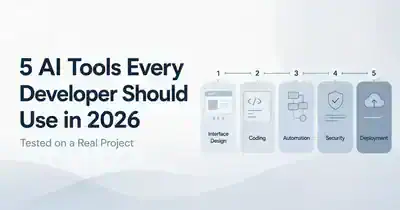
The AI tools for developers I used to build a full-stack app: v0, Cursor, Codex, Snyk and Kuberns. Where each helped, an...