


- Deal status Active
- Price From $99
- Normally $600
- Deal type Lifetime Deal
- Refund window 60 days
FlexClip is available as a lifetime deal at From $99. That is against a regular price of $600. There is a 60-day refund window, which is long enough to test it properly before the money is committed. Last checked against the seller's own page on November 9, 2026.
On this page10 sections
Get This Deal → Affiliate link - see our disclosure.
FlexClip Deal Snapshot
Every fact we hold on this offer, in one place. 8 of 12 confirmed; anything the vendor does not state publicly is marked as such rather than guessed.
| Deal status | Active |
|---|---|
| Price | From $99 |
| Regular price | $600 |
| Deal type | Lifetime Deal |
| Refund window | 60 days |
| Tiers available | Not published by the vendor |
| Stackable | Not published by the vendor |
| Free tier | Yes |
| Free trial | Not published by the vendor |
| Credits / usage model | Not published by the vendor |
| Vendor | flexclip.com |
| Last checked | November 9, 2026 |
What we checked
- Offer page read directly from the seller's live checkout page
- Listed price could not be matched on that page
- Refund window recorded from the offer terms
- Deal status checked (this offer is active)
- Affiliate relationship disclosed on every outbound link
Last checked November 9, 2026
This records what the seller's page said on that date. Vendors change lifetime terms without notice, so confirm the price and the terms at checkout before you pay.
FlexClip pricing at a glance
- Free tier
- Yes
- Deal price
- From $99
- Normally
- $600
FlexClip deal terms
- Refund window
- 60-day money-back guarantee
- Status
- active
Terms last checked Nov 9, 2026.
What is FlexClip?
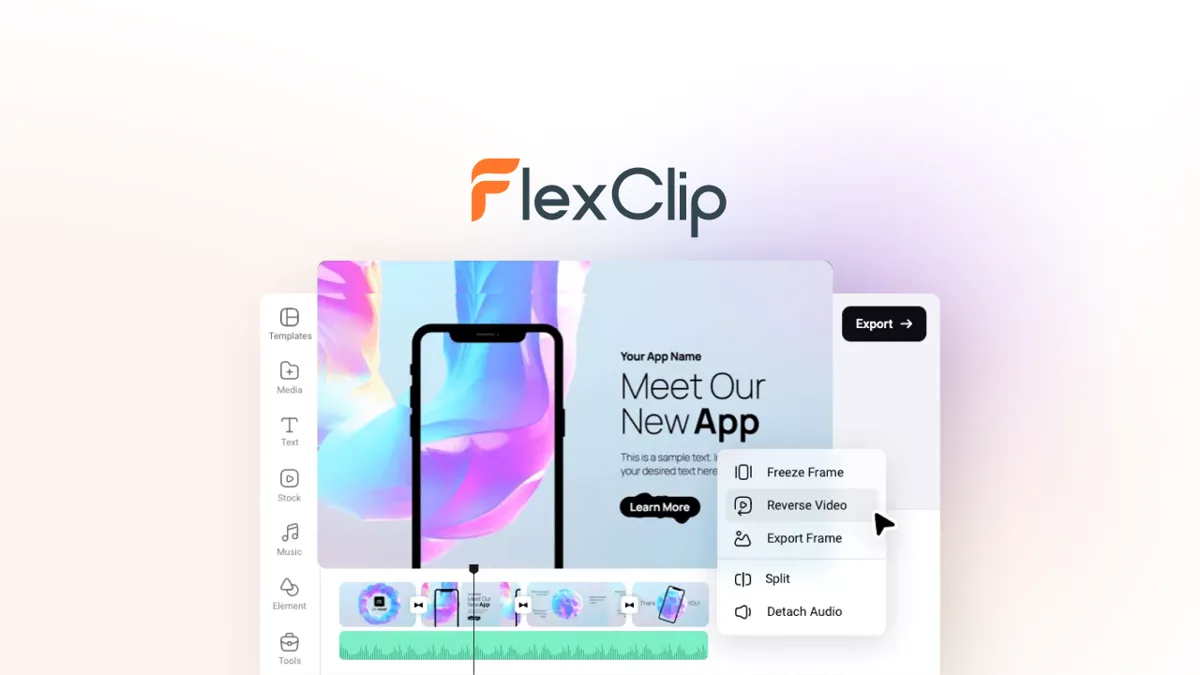
FlexClip is a browser-based AI video editor for making short-form and social media videos with templates, stock media, and automated editing tools. The FlexClip lifetime deal starts at $99 one-time on AppSumo, offers three plans up to $297, and replaces the $11.99/month Plus subscription, with AppSumo refund terms that vary by source.
The FlexClip lifetime deal starts at $99 one-time on AppSumo and replaces the $11.99 per month Plus subscription, with a $198 Plan 2 that unlocks 4K exports. FlexClip is a browser-based AI video editor built around templates, a 4 million asset stock library, and automated tools like auto-subtitles and text-to-speech. The biggest catch is that FlexClip is single-track only, so overlays, picture-in-picture, and layered edits are off the table, and independent testers report slow exports on longer files. Reviewers on AppSumo also flag weak AI voices, an upgrade watermark on AI text-to-video, and personal-only licenses that block team use. If you need multi-track editing or a watermark-free free tier, CapCut is free and more capable for social creators, which is why many buyers choose it over FlexClip. This deal fits casual creators making short clips, not agencies or anyone chasing professional output.
What You Get, and What to Accept
What the deal gets you
- One-time pricing from $99 removes the recurring $11.99 per month Plus fee, and all tiers include lifetime access to future plan updates per deal sources.
- The template-first workflow with 5,000+ templates and 4 million stock assets makes it fast for beginners to assemble a finished short video.
- Everything runs in the browser with no install, and higher plans add 4K exports plus larger cloud and export storage.
- Built-in AI helpers like auto-subtitles and PDF or PPT to video conversion cover common social and marketing tasks without extra software.
Trade-offs to know first
- Single-track editing is a permanent product limit, not a bug, making FlexClip unsuitable for overlays, layered effects, or anything beyond simple storyboards.
- AI output quality is weak, with robotic text-to-speech, unrealistic AI images, and an upgrade watermark stamped on AI text-to-video clips.
- Performance stutters and export slowdowns hit larger files even at the 4K tier, undercutting the value of the higher-plan purchase.
- The AppSumo tiers are personal-only, so teams must buy separate codes per seat, and 80 percent of AI credits are delayed 60 days.
What It Does
- Creates short-form videos from 5,000+ ready-made templates
- Generates auto-subtitles, text-to-speech, and voiceovers
- Provides 4 million stock video, audio, and image assets
- Converts PDF and PPT files into video slideshows
- Runs in-browser with text-to-video and background removal
FlexClip Lifetime Deal Tiers Compared
| Plan | Price | Type |
|---|---|---|
| FlexClip Deal Plan 1 (1080p) | $99 one-time | ⭐ Best Value |
| FlexClip Deal Plan 2 (4K) | $198 one-time | Lifetime Deal |
| FlexClip Plus (regular) | $11.99/month | Subscription |
| FlexClip Business (regular) | $19.99/month | Subscription |
How It Compares to the Alternatives
| Plan | Price | Type |
|---|---|---|
| Clipchamp Premium | $9.99/month | Subscription |
| Canva Pro | $14.99/month | Subscription |
| CapCut Premium | $79.99/year | Subscription |
| DaVinci Resolve Studio | $295 one-time | One-time License |
Who Should Buy This Lifetime Deal?
- Casual creators making social clips under five minutes long
- Small business owners producing simple promo and marketing videos
- Beginners who want templates over a full editing timeline
Who Should Use FlexClip but Not Buy This Deal?
- Editors who need multi-track overlays or picture-in-picture should choose CapCut or DaVinci Resolve, since FlexClip is single-track only.
- Teams and agencies should skip this deal because the AppSumo tiers are personal-only; Canva Pro offers real collaboration and brand kits instead.
- Anyone producing long-form or complex videos should pick DaVinci Resolve, since FlexClip lags and stutters on files over five minutes.
- Creators who mainly want free social clips are better served by CapCut, which exports without a watermark and has no length cap.
FlexClip vendor check
- Domain Rating
- 79/100 Backlink authority
- In business since
- 2004
- Monthly visitors
- ~441K Est. organic
- Ranks for
- 32,206 keywords Organic search
- Traffic value
- ~$58K/mo Equivalent ad spend
- Security
- No known flags Google Safe Browsing
Domain Rating & traffic data by Ahrefs. Objective third-party data, not our opinion.
How FlexClip's price compares
FlexClip is the 9th-cheapest of 9AI Videolifetime deals we've reviewed. At $99 it is above the $69 median for AI Video lifetime deals we've reviewed. It ranks 9th by verdict score (3/10) among the same group.
What Does "Lifetime" Actually Mean Here?
How long do you have to change your mind?
60 days. That refund window is the single most useful thing about any lifetime deal: it is long enough to put the tool through real work and get your money back if it does not hold up. Set a reminder for a day or two before it closes.
Before you buy, get these in writing
"Lifetime" is a marketing word, not a legal one. In practice it almost always means the lifetime of the product, not yours: if the company shuts down or retires the tool, the deal ends with it. These are the questions worth answering on FlexClip's own terms page before you pay (flexclip.com).
- Updates. Are future versions included forever, or only for a fixed window?
- New features. Do features built after your purchase reach your plan, or only the paid tiers?
- Support. Is help included indefinitely, or does it lapse after the first year?
- Integrations. Are new third-party connections part of the deal?
- Usage limits. Do monthly credits reset, and can the vendor lower them later?
- Fair use. Is there a cap that turns "unlimited" into something else?
- Inactivity. Can the account be closed if you stop logging in?
- Hosting and storage. If the tool stores your data, is that storage included permanently?
- Transfer. Can the licence move to another person or business?
Where a vendor answers these clearly, that is a good sign in itself. Silence on updates and support is the most common way a lifetime deal quietly becomes a one-year deal.
Frequently Asked Questions
- For casual creators making short social clips under five minutes, the $99 lifetime tier can be worth it because it removes the $11.99 per month Plus fee and includes template and stock access. For most other users it is hard to recommend. FlexClip is single-track only, so it cannot handle overlays or layered edits, and independent tests report slow exports on longer files. AppSumo reviewers also describe weak AI voices, unrealistic AI images, and an upgrade watermark on AI text-to-video. If your work is simple and template-driven, the deal has value; if you need real editing power, free tools like CapCut or DaVinci Resolve deliver more.
- The refund window is unclear because sources conflict. Different deal write-ups cite 7-day, 30-day, and 60-day money-back guarantees, so you should verify the exact terms directly on the AppSumo product page before buying. AppSumo separately lists a 60-day deadline to redeem your code after purchase, which is different from the refund window. There is also a credit catch worth knowing: only 20 percent of your lifetime AI credits arrive immediately, and the remaining 80 percent are released 60 days after you redeem the code. Because the refund language is inconsistent, treat the deal as higher risk and confirm the current guarantee on AppSumo itself rather than relying on third-party summaries.
- CapCut is generally more capable for social video and it is free. CapCut offers native multi-track editing, a large viral template library, watermark-free exports on its free tier for basic edits, and no length limit, all areas where FlexClip falls short. FlexClip is single-track only and forces an intro watermark on free exports capped at 720p. Where FlexClip pulls ahead is its 4 million asset stock media library and its PDF or PPT to video conversion, plus the one-time lifetime pricing that CapCut does not offer. For most short-form creators focused on cost and flexibility, CapCut is the stronger free choice; FlexClip mainly appeals to buyers who want lifetime access and a big built-in stock library.
- The headline limitation is single-track editing, which rules out overlays, picture-in-picture, and layered effects at every tier. FlexClip also runs only in the Chrome browser with no desktop or mobile app, and independent tests report performance slowdowns and audio glitches on larger files and videos over five minutes. The AI tools draw repeated criticism: text-to-speech sounds robotic, AI-generated human faces look unrealistic, and the AI text-to-video tool adds an upgrade watermark. On the deal side, the AppSumo tiers are personal-only, so teams cannot share credits, and 80 percent of the lifetime AI credits are withheld for 60 days after code redemption, delaying full value for higher-tier buyers.
- Skip FlexClip if you need multi-track editing, since it is single-track only; CapCut or DaVinci Resolve handle overlays and layered edits far better. Teams and agencies should also avoid this deal because the AppSumo tiers are personal-only licenses, and Canva Pro at $14.99 per month gives you genuine collaboration and brand kits. Anyone producing long-form or complex videos should choose DaVinci Resolve, which is free and does not stutter on large files the way FlexClip does. Finally, creators who just want free social clips are better off with CapCut, which exports without a watermark and imposes no length cap, unlike FlexClip's watermarked 720p free tier.
Is FlexClip worth the money?
What is the refund policy for the FlexClip AppSumo deal?
How does FlexClip compare to CapCut?
What are the main limitations of FlexClip?
Who should NOT buy FlexClip?
Official offer page
Pricing and terms on this page come from FlexClip's own site. Always confirm the current offer at checkout before buying, since vendors change lifetime terms without notice.
Related tools & guides
Alternatives to FlexClip
Other active deals in AI Video


Deals That Pair Well With FlexClip
Pairs well with AI Marketing and AI Design tools


Comments
Loading comments...