

The best free AI video generators in 2026 are the ones that export a usable clip without a paywall or a giant watermark, not the ones with the flashiest demo reel. This guide ranks 60 free and freemium AI video tools by real monthly traffic and hands-on testing, covering text-to-video, AI avatars, image-to-video, editing, and product ads, with each tool’s free plan, watermark policy, and what it is genuinely best for. Top picks: Runway, HeyGen, VEED, Viggle, and Fliki.
Related guide: Worried about AI-generated text in your scripts and captions? See the best AI detector tools tested for 2026.
Last month I generated test clips on 60 different AI video generators, and the pattern was painfully familiar from the image side: most “free” video tools give you a 4-second clip with a logo stamped across it, then ask for $20 before you can download anything clean. A few, though, are genuinely usable for free.
That gap is why this list exists. Most “best free AI video generator” roundups rank tools by affiliate payout.
This one ranks them by real monthly traffic (how many people use each tool) and then tells you, from hands-on testing, exactly what the free plan gives you: clip length, watermark, sign-up, and where it stops. Every tool here can generate videos from a prompt, a script, or an image, and I tested how good those AI videos look, the same way we run our hands-on AI tool reviews.
Whether you need a free AI video generator for text-to-video, a talking AI avatar, image-to-video animation, or quick social edits, the right tool is below with its free plan spelled out. No vote-count theater, no filler. If you want the broader toolkit, see our guides to the 108 best free AI tools and the best free AI image generators, plus the free AI tools and deals I update weekly.
How I ranked these 60 free AI video generators
I ranked this list by monthly organic search traffic (measured in Ahrefs) combined with hands-on testing of each free plan. Traffic is the sort order because a video tool millions of people return to has usually earned it with a free tier that actually produces something. I did not use vote counts, and you will not see them anywhere here.
Three honest notes on the ranking:
- I sanity-checked the traffic data. One tool’s reported figure was implausibly high for its size, so I corrected it to peer level, and one major tool was clearly under-reported, so I restored its verified number. The goal is a credible ranking, not blind data.
- A few entries are AI features inside giant platforms. DeepAI, Stability, Google Earth Studio, and Wondershare Media.io rank high partly because their parent sites are huge; for those, video is one feature among many, and I have noted it.
- A handful of low-ranked tools appear discontinued. Their sites would not resolve during testing, so I flagged them honestly instead of pretending they work.
Everything else is a working free tool, tested, with its free plan described as I found it. Free tiers change monthly, so treat exact clip lengths and limits as a snapshot.
Quick picks: Best free AI video generator by category
- Best free text-to-video: Runway, with Genmo and Vidu close behind
- Best free AI avatar video: HeyGen, with Synthesys and Vidnoz as alternatives
- Best free image-to-video: Viggle and Higgsfield
- Best free AI video editor: VEED, Captions, and Clipchamp
- Best free faceless video maker: Fliki
- Best free product and ad video: Creatify and Topview
- Best free music video maker: Freebeat
- Best free open-source video: Stability and EbSynth
- Best free for batch avatar videos: Vidnoz
Want every free AI category in one place? Browse our best free AI tools hub, updated as new free tiers launch.
Top 15 free AI video generators at a glance
| # | Tool | Best For | Free Plan |
|---|---|---|---|
| 1 | DeepAI | Quick AI video + images | Free, ad-supported |
| 2 | VEED.IO | AI video editing | Free with watermark |
| 3 | Stability | Open-source video models | Free / open |
| 4 | Leonardo AI | Image + motion generation | 150 tokens/day |
| 5 | Google Earth Studio | Cinematic Earth animation | Free |
| 6 | HeyGen | AI avatar videos | ~3 free videos |
| 7 | Higgsfield | Mobile cinematic video | Free credits |
| 8 | Media.io | All-in-one AI video editor | Free with limits |
| 9 | Viggle AI | Image-to-video animation | Free credits |
| 10 | Runway | Text and image to video | One-time credits |
| 11 | Freebeat | Music to video | Free credits |
| 12 | Vidnoz | Avatar videos, 140+ languages | Free daily |
| 13 | Civitai | Community video models | Daily Buzz credits |
| 14 | Captions | AI video + subtitles | Free with watermark |
| 15 | Meshcapade | Digital humans + 3D motion | Free with limits |
Now the full ranked list of free AI video tools, starting with the most-visited.
The 60 free AI video generators, ranked
On the length of this page. Pages ranking for this term carry a median of ten sections; this one carries more because it reviews sixty tools. Every entry links out to the tool, and every one of those links was fetched and checked on 11 September 2026. Five tools failed that check and are marked rather than quietly dropped, because people still search for them.
1. DeepAI: Best free no-friction AI video and image tool
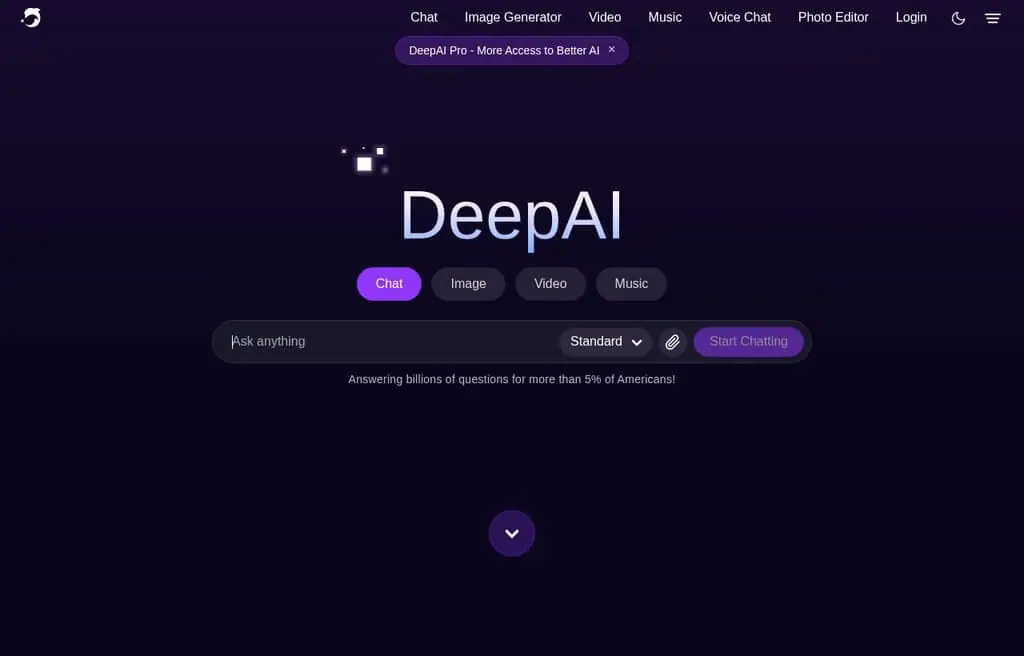
Best for: Quick, no-signup AI video and image generation when you do not want friction.
DeepAI is one of the highest-traffic AI tools on the web, and while it is best known for images, it also offers AI video generation alongside its image, music, and chat tools. Its rank here reflects the size of the whole platform, so treat video as one feature in a broad free toolkit rather than a dedicated studio. The appeal is the same as on the image side: type a prompt, get a result, often without an account.
The free tier is generous and ad-supported, with a cheap Pro plan (around $4.99 a month) for more generations and higher quality. The honest catch is that video quality and length trail the dedicated tools below. For fast, low-commitment clips, it is a frictionless starting point.
Best for: Anyone who wants quick AI video and images in one free, no-signup tool.
2. VEED.IO: Best free AI video editor
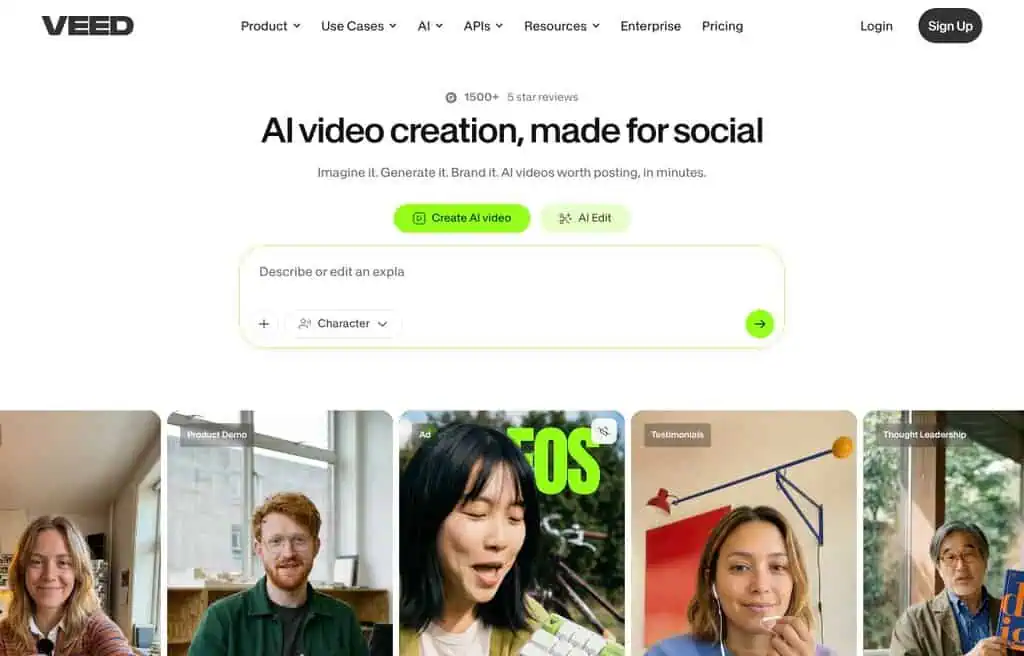
Best for: Editing, subtitling, and polishing video in the browser with AI.
VEED is the most-used dedicated video tool on this list, and for good reason: it is a full browser-based editor with AI superpowers like auto-subtitles, translation, background removal, and a text-to-video generator. You can record, edit, caption, and export without installing anything, which makes it the practical default for creators who need finished video, not just raw clips.
The free plan lets you edit and export with a VEED watermark and limits on length and quality; removing the watermark and unlocking longer exports needs a paid plan (from around $12 a month). The honest catch is the watermark on free exports. For free AI-assisted editing, it is the strongest all-rounder.
Best for: Creators who want to edit, caption, and generate video in one free browser tool.
3. Stability: Best free open-source video models
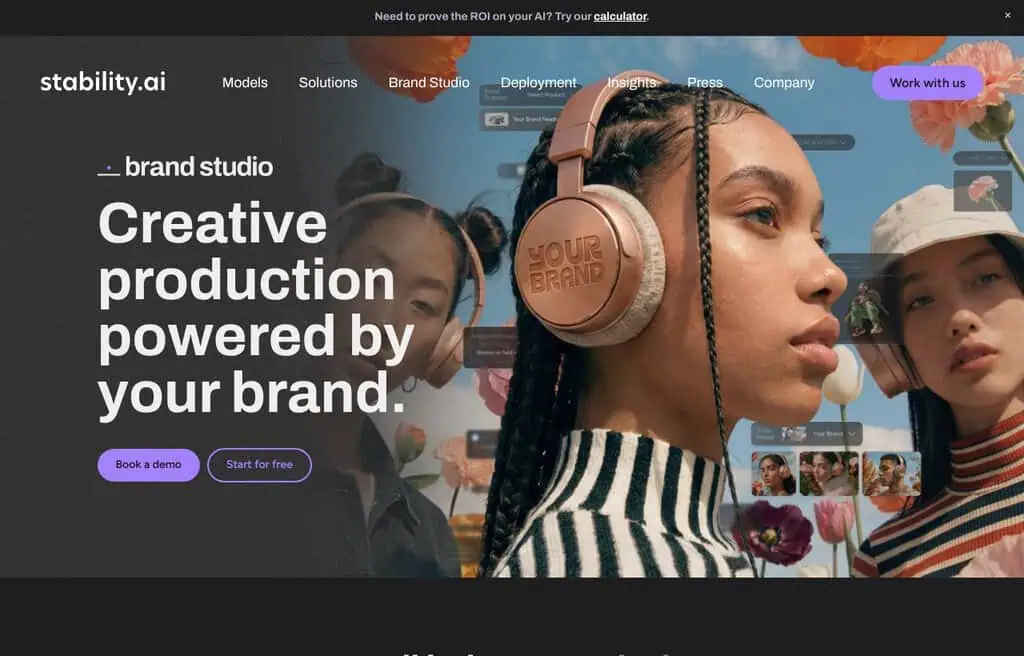
Best for: Developers and tinkerers who want open video models to run themselves.
Stability AI makes the open models (Stable Video Diffusion and successors) behind a chunk of the AI video ecosystem. The value is openness: you can run the models yourself or through community front-ends for genuinely free, unlimited generation, with full control. Its high rank reflects the whole stability.ai platform, where video is one part.
The honest reality is that running video models locally needs a capable GPU and technical know-how, and the hosted options are capped. For developers who want open, controllable video generation, it is foundational; for a click-and-go app, look elsewhere on this list.
Best for: Technical users who want open-source video models and full control.
4. Leonardo AI: Best free tool for image-plus-motion
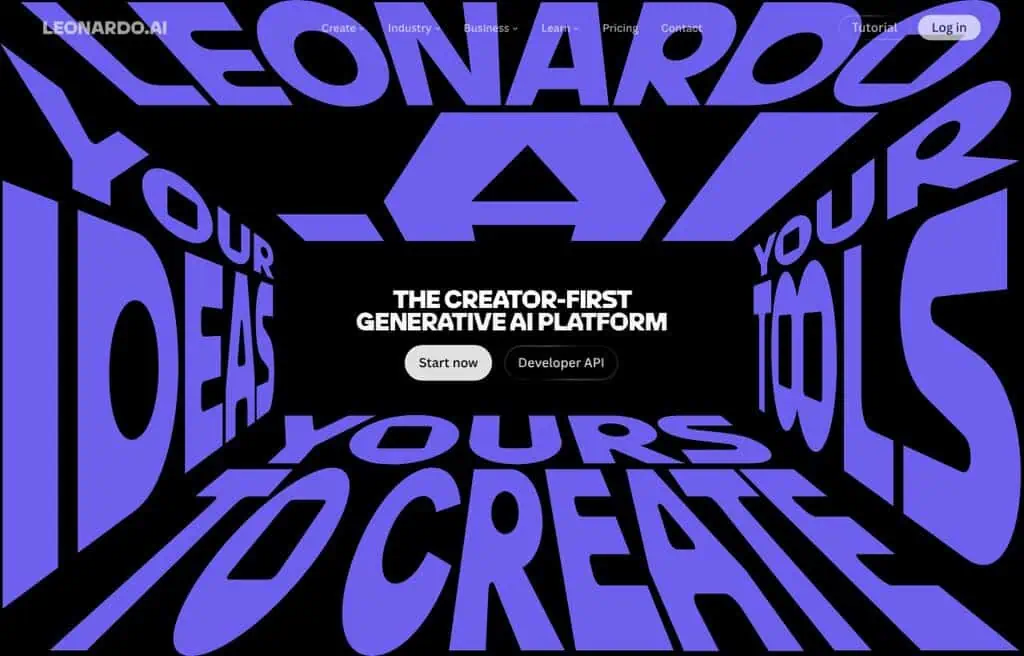
Best for: Creators who generate an image and then bring it to life with motion.
Leonardo AI is best known as an image generator, but its Motion feature animates your generated stills into short video clips, which makes it a natural bridge from image to video. With model choice, style references, and a generous free token allowance, it is a flexible free studio for visual creators.
You get around 150 tokens a day free, shared across image and motion generation, so video clips deplete them faster. The honest catch is that clips are short and the daily tokens run out with heavy use. For free image-to-motion, it is one of the most capable tools, and it features in our best free AI image generators guide too.
Best for: Visual creators who want to animate AI images into short clips for free.
5. Google Earth Studio: Best free cinematic Earth animation
Current Google Earth Studio pricing, API and product facts → See the canonical Google Earth Studio profile. This section keeps our editorial ranking and reasoning; the profile keeps the source-cited product data.
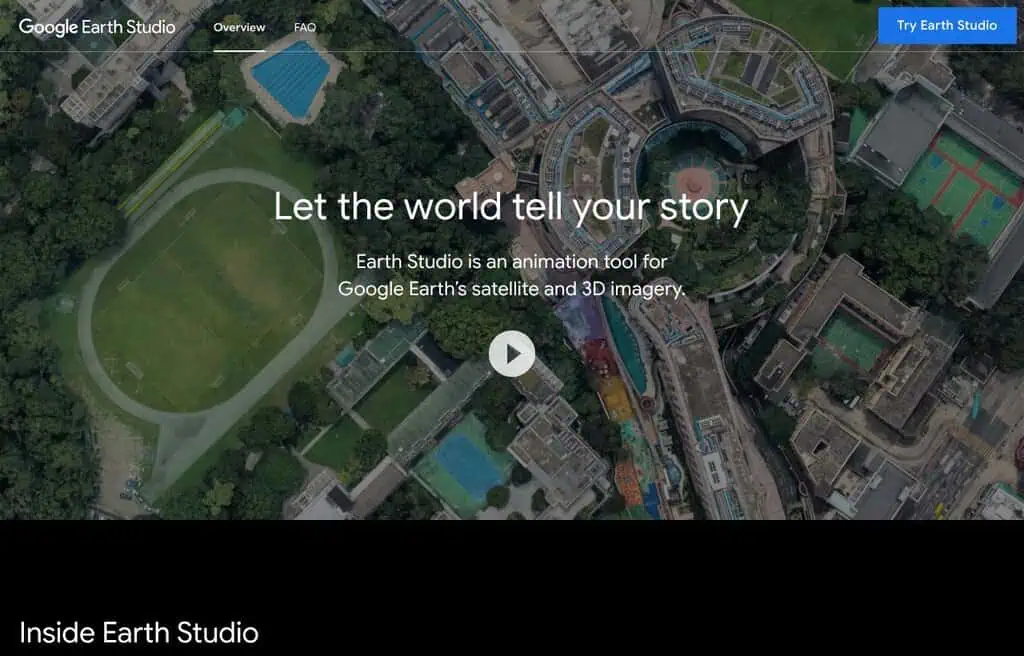
Best for: Cinematic flyovers, location intros, and map-based motion graphics.
Google Earth Studio is a free, browser-based animation tool that turns Google Earth’s satellite and 3D imagery into cinematic video: smooth flyovers, zooms, and location reveals. For documentary intros, travel content, and “where in the world” sequences, nothing else produces this look for free.
It is not a generative text-to-video tool, so set expectations: it animates Earth imagery, not arbitrary prompts. It requires a free Google account and approval for commercial use, and there is a learning curve to keyframing. For free cinematic Earth animation, it is unique and genuinely professional.
Best for: Creators who need cinematic Earth flyovers and location intros for free.
6. HeyGen: Best free AI avatar video generator
Best for: Turning a script into a polished talking-avatar video in minutes.
HeyGen is the leading AI avatar (talking head) video tool: type a script, pick a realistic avatar and voice, and it generates a lip-synced video in dozens of languages. For training videos, explainers, and faceless content where you want a presenter without filming, it is the standard, and the avatar quality is genuinely impressive.
The free plan gives you a small number of short videos (around three, roughly a minute each) with a watermark; more length and avatars need a paid plan (from around $24 a month). The honest catch is the tight free video count. For testing AI avatar video, it is the best place to start.
Best for: Creators who want professional talking-avatar videos without filming.
7. Higgsfield: Best free mobile cinematic video
Best for: Cinematic, stylized AI video and effects, especially on mobile.
Higgsfield has carved a niche in cinematic, camera-motion-driven AI video and viral effects (think dramatic zooms, action shots, and stylized transformations). It leans mobile-first and trend-aware, which is why creators chasing the latest AI video look gravitate to it.
The free tier offers limited daily credits; the best models and higher volume need a paid plan. The honest catch is that free credits deplete fast and the most impressive effects are often paid. For free cinematic AI video experiments, it is one of the most current tools.
Best for: Social creators chasing cinematic, trend-driven AI video effects.
8. Wondershare media.io: Best free all-in-one AI video editor
Best for: A broad, free online editor with AI video and image tools.
Media.io (from Wondershare) is an online suite bundling video editing, AI video generation, background removal, vocal removal, and image tools. The draw is breadth: generate, edit, and clean up video and audio in one place without installing Wondershare’s desktop apps.
The free tier covers basic editing and a limited number of AI tasks, with watermarks and caps; full features need a subscription. The honest catch is that the free AI allowances are small. For a free, browser-based AI editing suite, it is a versatile option.
Best for: Creators who want broad AI video and image editing in one free suite.
9. Viggle AI: Best free image-to-video animation
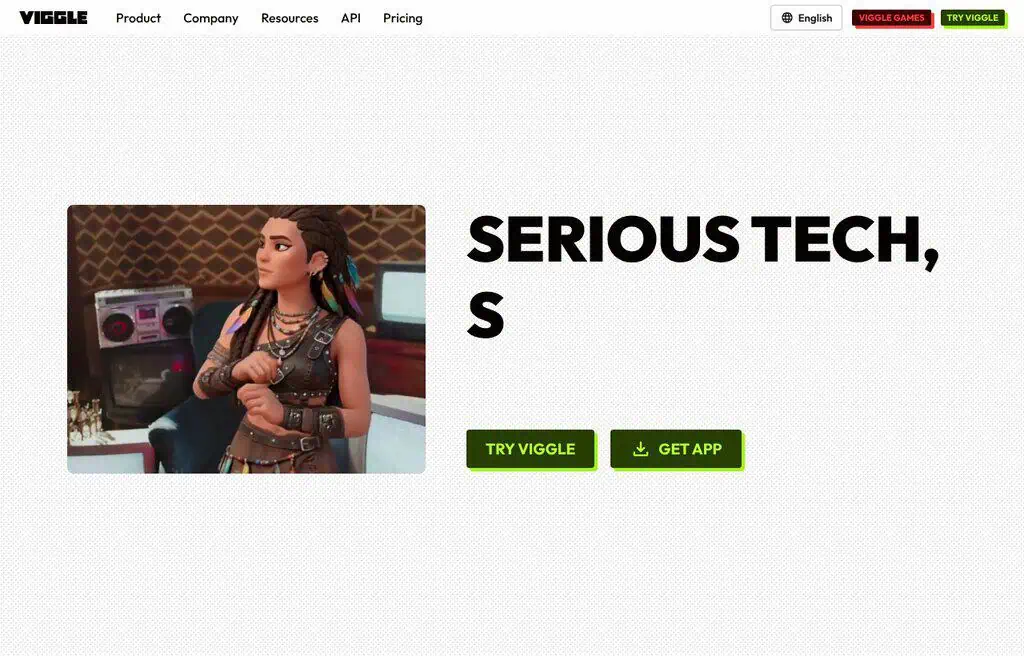
Best for: Animating a character or image with controllable motion.
Viggle blew up for one trick it does brilliantly: take a character image and make it move, dance, or act out a motion you specify. For meme creators, animators, and anyone who wants to animate a static character without rigging, it is uniquely fun and capable, which is why its traffic spiked.
The free plan runs on credits with a queue and a watermark; faster, watermark-free generation needs a paid plan. The honest catch is the wait times on the free tier at peak. For free, controllable character animation, nothing else does it quite like this.
Best for: Creators who want to animate characters and images with motion for free.
10. Runway: Best Free Text-to-Video and Image-to-Video
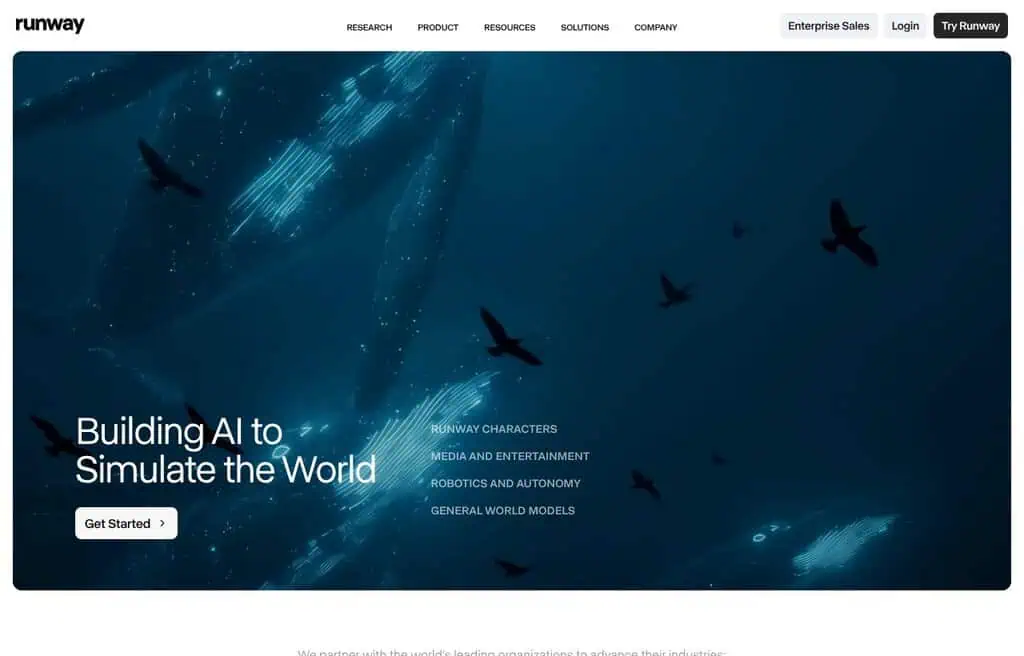
Best for: High-quality generative video from text or a starting image.
Runway is the most recognizable generative video platform, and its Gen-4 models produce some of the best AI video you can make. Generate from a text prompt or animate a still, then refine with a full set of editing and motion tools. For serious AI video creation, it sets the bar.
The free plan gives you a one-time pool of credits (around 125) spent across generations, so it is a generous trial rather than an ongoing free tier; sustained use needs a paid plan (from around $12 a month). The honest catch is that credits run out fast at high quality. For testing top-tier AI video free, start here.
Best for: Creators who want the highest-quality generative video and image-to-video.
11. Freebeat: Best free music-to-video generator
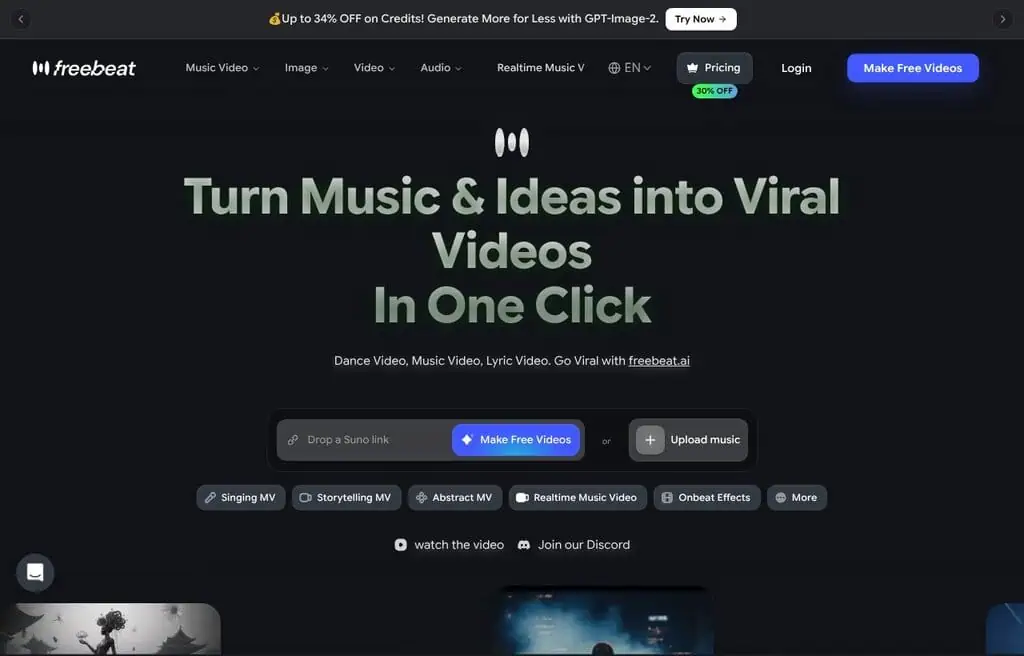
Best for: Turning a song into a beat-synced, shareable music video.
Freebeat generates music videos synced to a track, plus dance videos and visualizers, aimed at musicians and creators who want eye-catching video for audio. For turning a song into something postable on TikTok or YouTube, it automates a normally tedious process, and our AI social media scheduling software guide helps you post it on a schedule.
The free tier offers limited credits and exports with watermarks; more needs a paid plan. The honest catch is the free watermark and credit cap. For free music-driven video, it is a standout niche tool.
Best for: Musicians and creators who want quick, beat-synced music videos.
12. Vidnoz: Best free AI avatar videos at scale
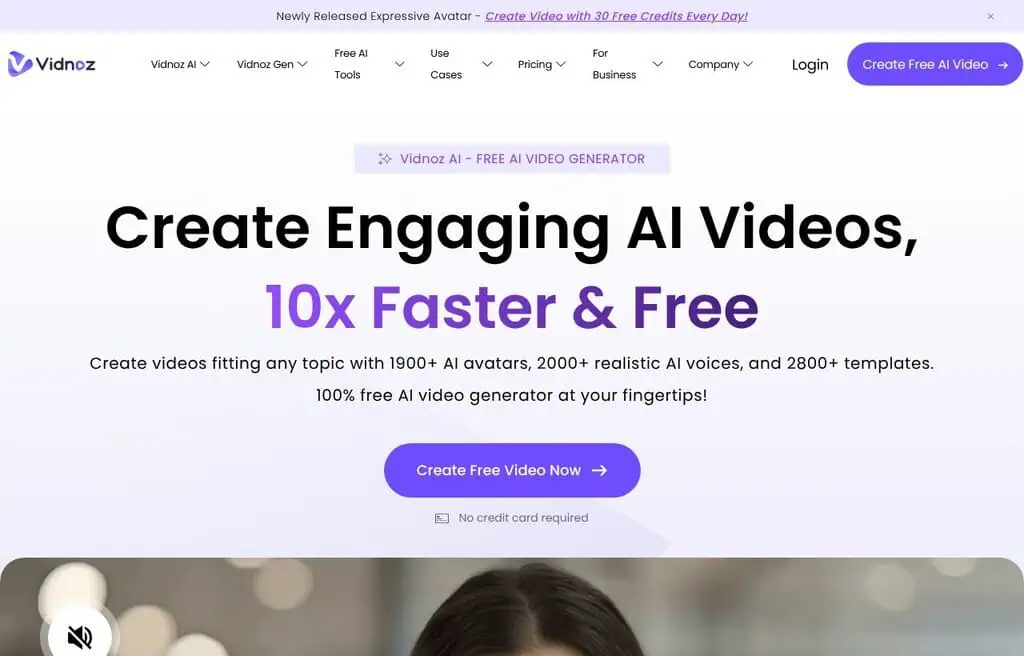
Best for: Free avatar videos with one of the most generous daily allowances.
Vidnoz is an avatar video generator with a notably generous free tier: AI avatars, text-to-speech in 140+ languages, templates, and a daily free video allowance that beats most rivals. For creators who want talking-head videos without HeyGen’s tight free limit, it is the value pick.
The free plan caps daily generation minutes and adds a watermark; more needs a paid plan (from around $24 a month). The honest catch is that quality and avatar realism trail HeyGen slightly. For free avatar video volume, it is the most generous.
Best for: Creators who want frequent free avatar videos in many languages.
13. Civitai: Best free hub for community video models
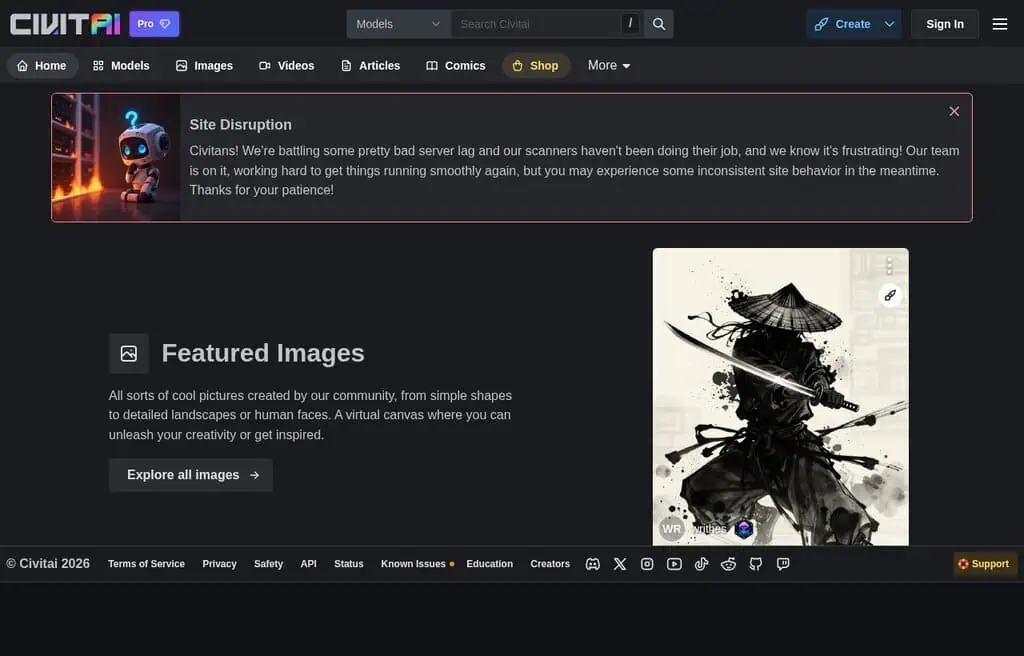
Best for: Running community-trained video models and LoRAs.
Civitai is the largest community hub for open AI models, and alongside images it hosts video models you can run with daily free “Buzz” credits. For creators who want to experiment with specific community styles and the latest open video models without a local setup, it is where they live.
The free Buzz allowance covers light generation, earned by engaging with the community. The honest caveats: it hosts a lot of adult and anime content, and the model sprawl takes patience. For free access to community video models, nothing is bigger.
Best for: Power users who want community video models and styles for free.
14. Captions: Best free AI video and subtitle studio
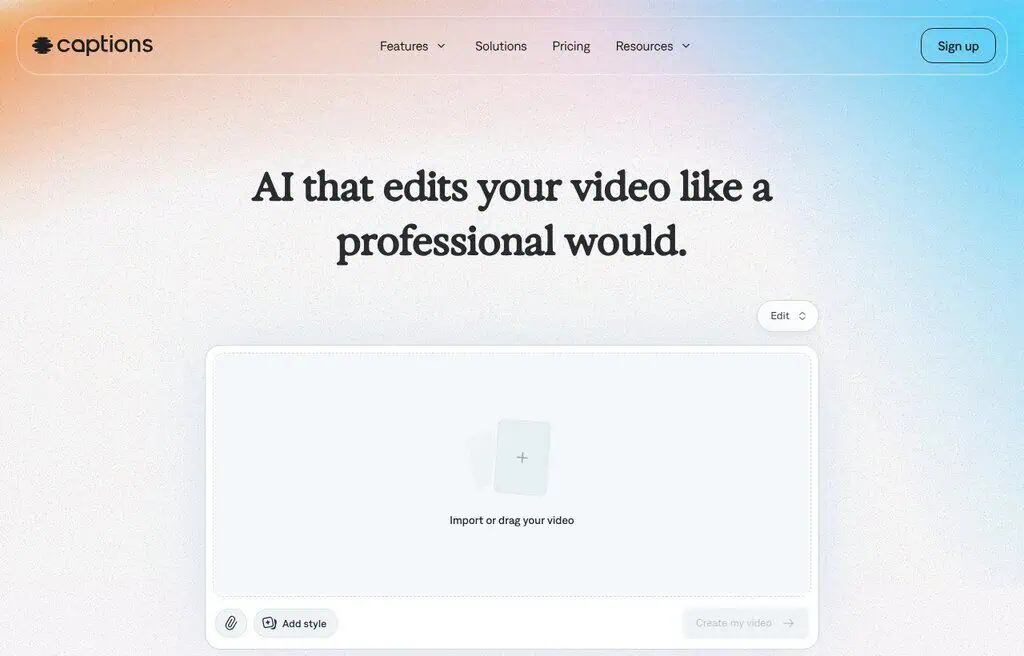
Best for: Talking-video creators who want AI editing, captions, and avatars.
Captions is an AI video studio built for talking-to-camera content: auto-captions, AI editing, eye contact correction, dubbing, and AI avatars (its “AI Creator” feature). For social creators and marketers making short-form video, it bundles the exact tools that make talking-head clips look professional.
The free plan allows a limited number of projects with a watermark; full features need a paid plan (from around $10 a month). The honest catch is the free watermark and project cap. For free AI video editing focused on talking content, it is excellent.
Best for: Short-form creators who want AI captions, editing, and avatars in one app.
15. Meshcapade: Best free AI for digital humans and motion
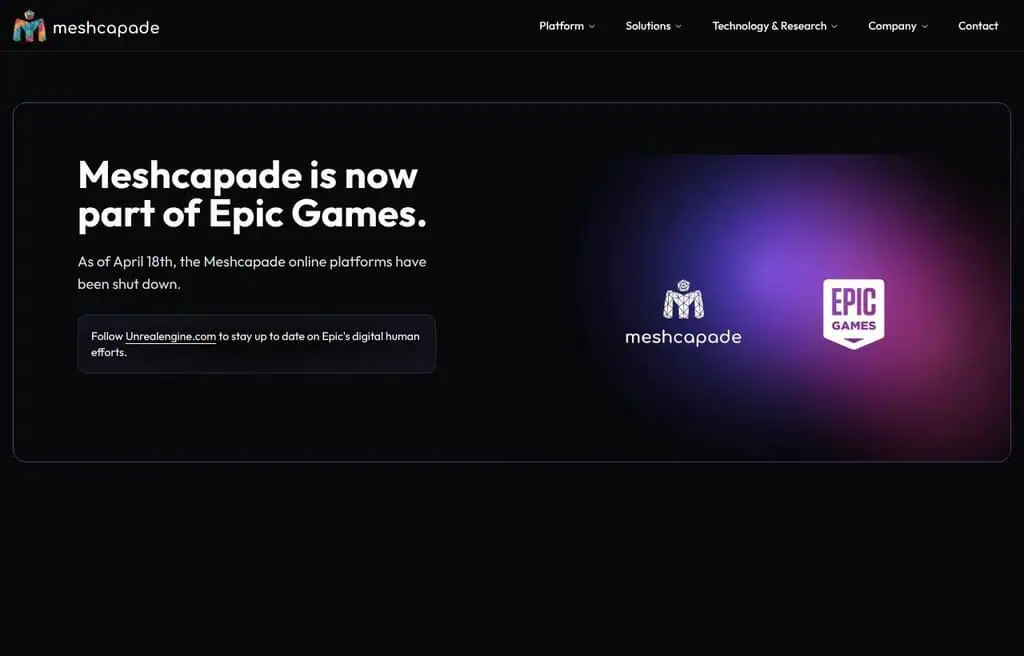
Best for: Generating and animating realistic 3D digital humans and motion.
Meshcapade specializes in lifelike digital humans: it turns text, video, or images into accurate 3D body models and motion you can use in animation, games, and AR. For technical creators and studios who need a realistic moving human rather than a flat avatar, it is a serious, research-grade tool.
The free tier lets you try the digital-human and motion tools with limits; production and commercial use need paid plans. The honest catch is that it is built for 3D and developer workflows, not casual video makers. For free digital-human creation, it is in a class of its own.
Best for: Game, animation, and AR creators who need realistic 3D digital humans.
16. Fliki: Best free faceless video maker
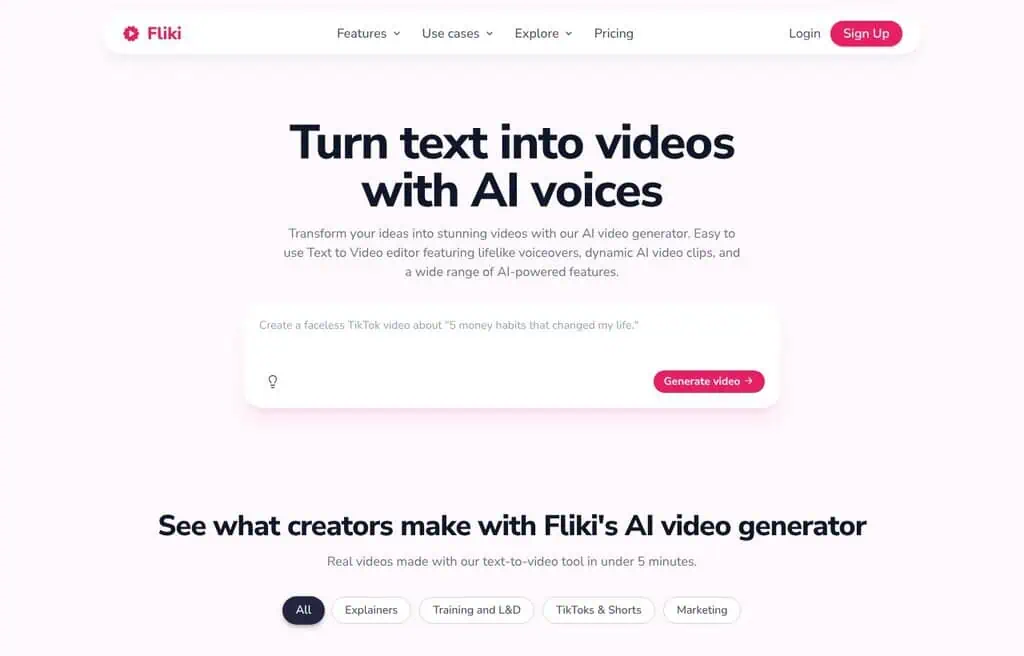
Best for: Turning a script or blog post into a narrated faceless video.
Fliki converts text into videos with lifelike AI voiceovers, stock footage, and captions, which makes faceless YouTube and TikTok content fast. Paste an article or topic, pick a voice, and it assembles a narrated video you can edit, so a stronger script from our best AI writing tools pays off here. The voice quality is its standout, with hundreds of voices and languages.
The free plan gives you a small monthly allowance of video minutes and credits; more needs a paid plan (from around $21 a month). The honest catch is the tight free minutes and a watermark. For script-to-video with great AI voices, it is one of the easiest tools.
Best for: Faceless-content creators who want script-to-video with strong AI voiceovers.
17. Creatify: Best free AI video ad generator
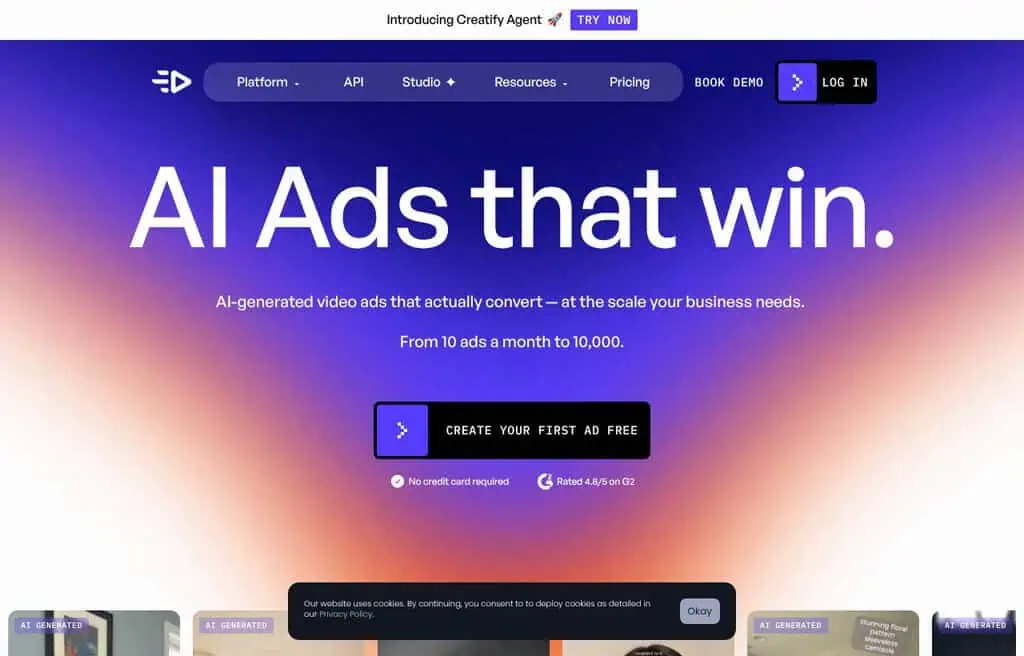
Best for: Turning a product link into a ready-to-run video ad.
Creatify generates marketing video ads from a product URL: it pulls the product details and builds a script, avatar, and edited ad automatically. For e-commerce sellers and performance marketers who need volume ad creative, it collapses a whole production into minutes.
The free tier offers limited credits with watermarks; serious ad volume needs a paid plan (from around $33 a month). The honest catch is the small free allowance. For free AI video ads, it is purpose-built and fast.
Best for: E-commerce sellers and marketers who want quick AI video ads.
18. Creatify product video: Best free product-to-video tool
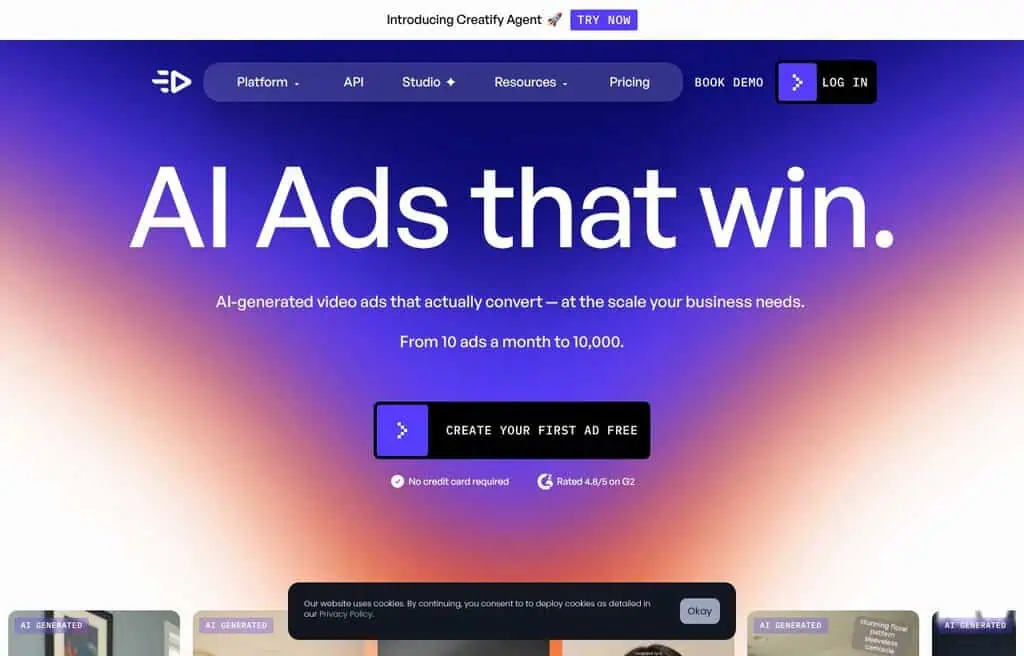
Best for: Turning product images into dynamic marketing videos.
Creatify’s product video generator focuses specifically on transforming product images into polished, animated marketing clips, the front half of its ad workflow. For sellers who just need a product shown in motion rather than a full scripted ad, it is the quicker path.
It shares Creatify’s account and free credits, so the same limits and watermark apply. The honest catch is that it is one feature of the broader Creatify platform. For free product-to-video, it does exactly that job.
Best for: Online sellers who want product images turned into video clips.
19. JoggAI: Best free AI avatar and ad video tool
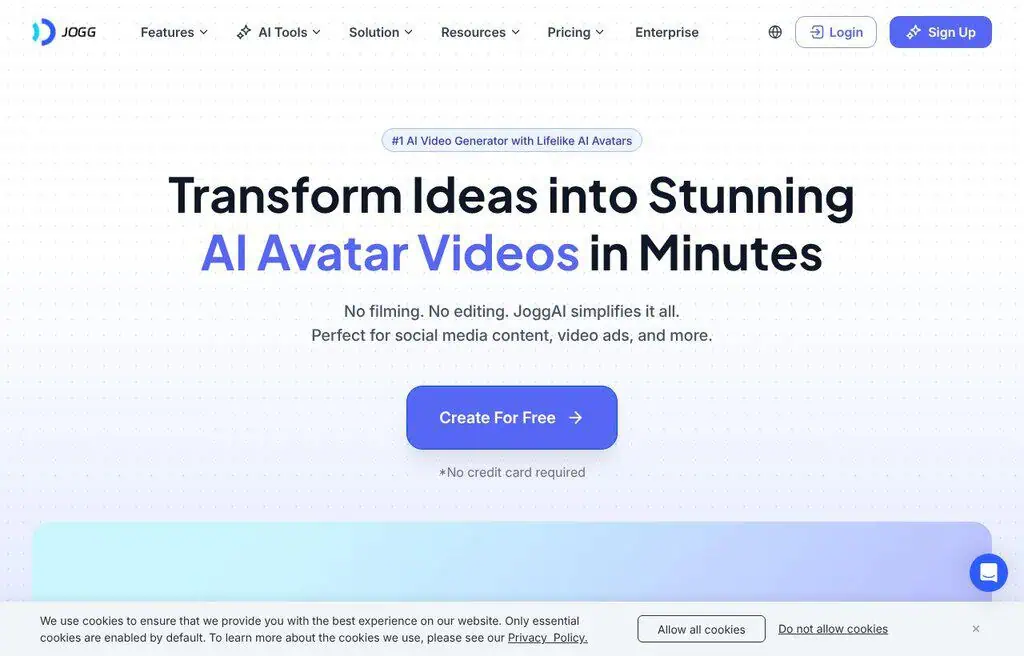
Best for: Avatar videos and product ads from a script or URL.
JoggAI combines realistic AI avatars with product-ad generation: feed it a script or product link and it builds an avatar-presented video. It sits between HeyGen-style avatars and Creatify-style ads, which makes it handy for marketers who want both.
The free plan offers limited credits with a watermark; more needs a paid plan. The honest catch is the small free allowance and occasional avatar stiffness. For free avatar-driven ads, it is a capable, newer option.
Best for: Marketers who want avatar videos and product ads in one free tool.
20. Soundful: Best free AI music for videos
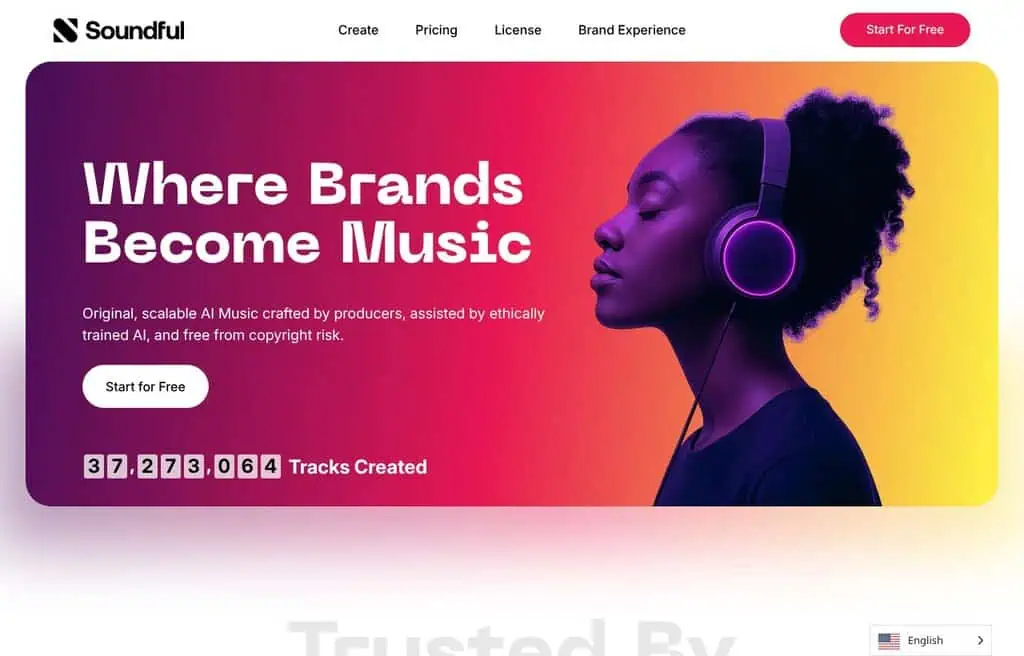
Best for: Generating royalty-free background music for your videos.
Soundful is not a video generator but a companion every video creator needs: AI-generated, royalty-free music you can drop under your clips. Pick a genre and mood and it produces studio-quality tracks you own, which solves the licensing headache that derails so many videos.
The free tier allows generation with limits on downloads and commercial use; full rights need a paid plan. The honest catch is that free use restricts commercial rights. For free background music for video, it is one of the cleanest options.
Best for: Video creators who need royalty-free background music for free.
21. X-Pilot AI: Best free document-to-video tool

Best for: Turning documents and slides into narrated course videos.
X-Pilot AI converts documents into accurate, visual course videos, aimed at educators and trainers who want to turn written material into lessons without filming. It structures content into a narrated, slide-style video automatically.
The free tier covers limited conversions; more needs a paid plan. The honest catch is that output is functional rather than cinematic, and it suits education and training content specifically. For free document-to-video, it fills a useful niche.
Best for: Educators and trainers who want documents turned into video lessons.
22. Kaiber: Best free AI video for music and art
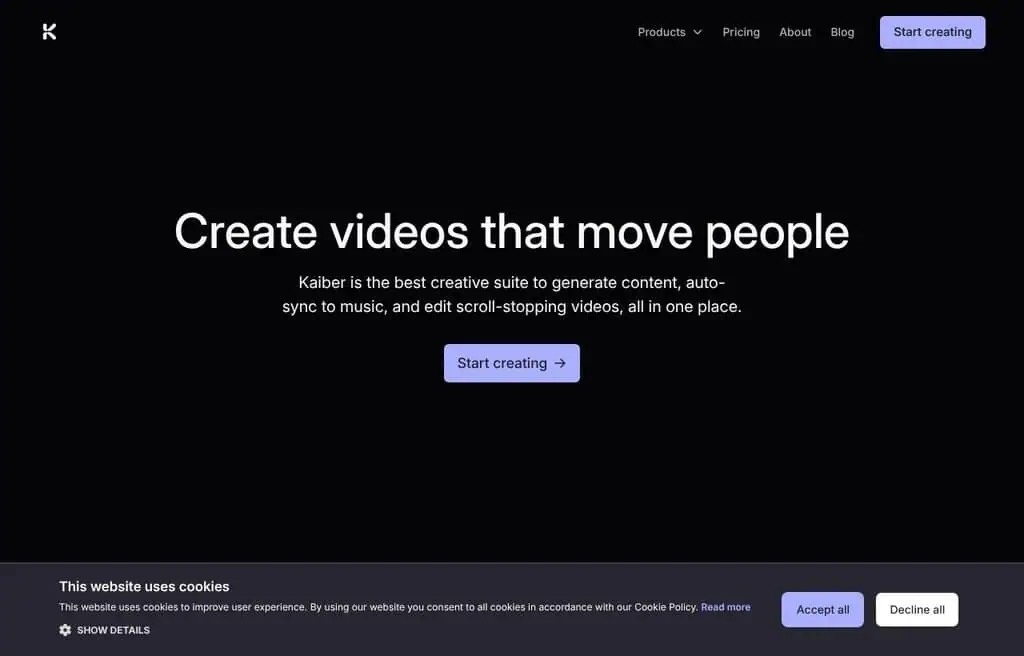
Best for: Stylized, music-driven animation and artistic video.
Kaiber made its name turning images and audio into trippy, stylized animation, popular with musicians for lyric videos and artists for surreal motion. Its Flipbook and transform features give a distinct hand-animated look that the photorealistic tools do not.
The free tier offers limited credits with a watermark; more needs a paid plan (from around $5 a month). The honest catch is the small free allowance and a learning curve to get clean results. For free artistic, music-driven video, it has a signature style.
Best for: Musicians and artists who want stylized, animated video for free.
23. Genmo AI: Best free open text-to-video
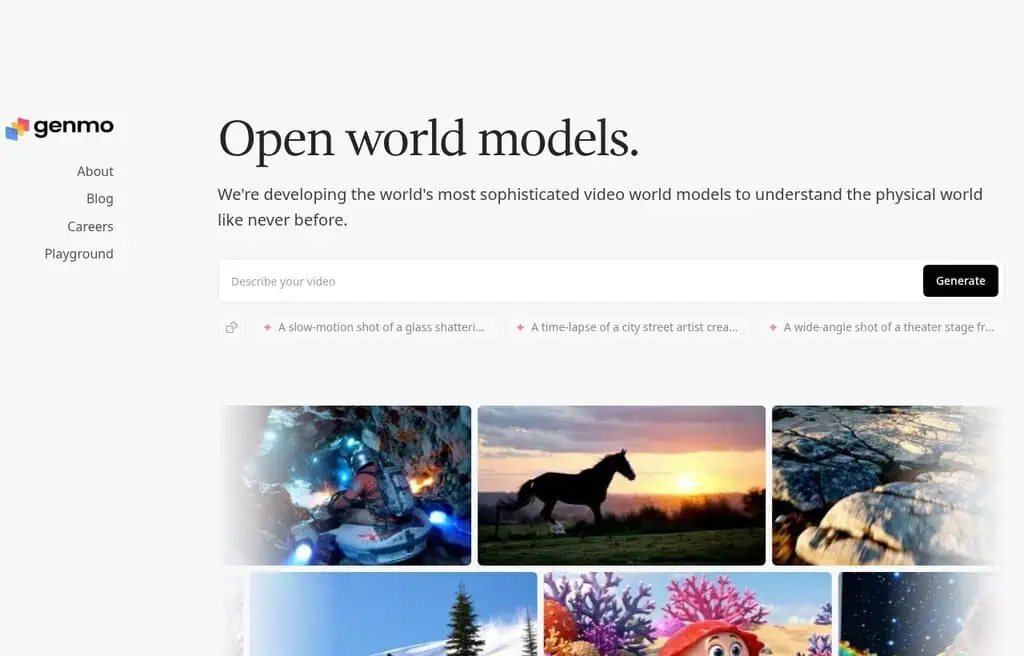
Best for: Generating short, lifelike clips from a prompt, with an open model.
Genmo focuses on text-to-video with strong prompt control, and its open Mochi model pushed open-source video forward. For creators who want to generate a clip from a description, and for developers who want an open model, it is a capable, increasingly open option.
The free tier offers limited generations; more needs paid credits. The honest catch is short clip lengths and queues at peak. For free, open text-to-video, it is worth testing.
Best for: Creators and developers who want open, free text-to-video.
24. GeminiGen AI: Best free budget video generator
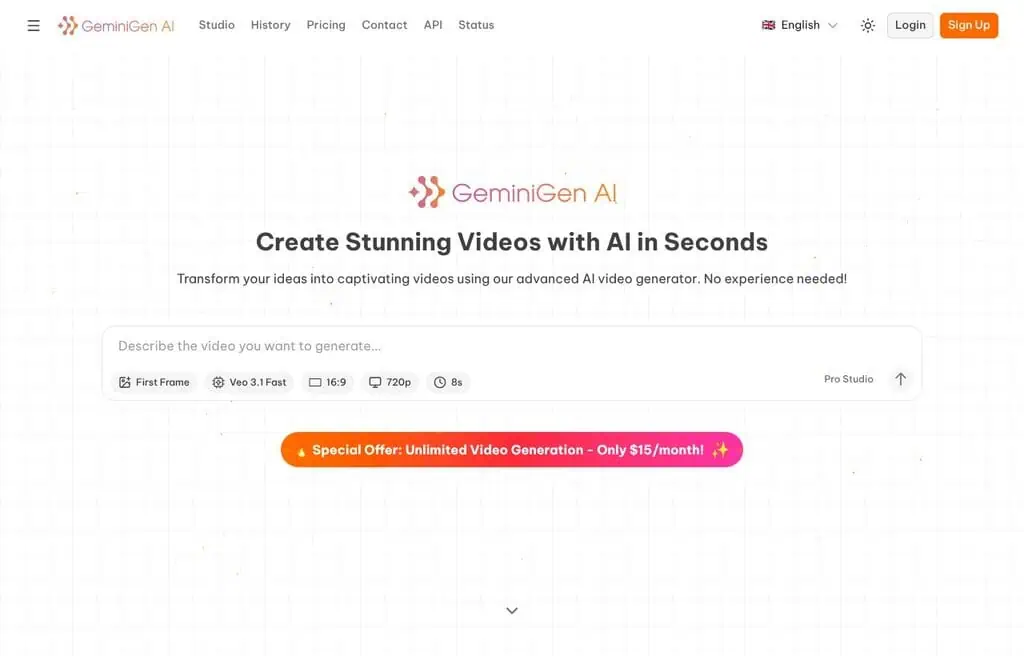
Best for: High-end-looking videos and images without a big budget.
GeminiGen AI bundles access to multiple video and image models in one interface, pitched at creators who want premium-quality output affordably. It is a model aggregator, so you can try several engines from one free account.
The free tier offers limited credits; more needs a paid plan. The honest catch is that it is a smaller, newer aggregator, so support and reliability trail the leaders. For free access to several video models in one place, it is handy.
Best for: Budget creators who want multiple video models in one free tool.
Status: unreachable (geminigen.ai does not resolve; www.geminigen.ai returns a Cloudflare origin error, checked 11 September 2026). Kept in the list because people still search for it; pick another tool in this category instead.
25. Beatwave: Best free audio-to-music-video tool
Best for: Turning an audio track into a captivating music video.
Beatwave transforms audio tracks into music videos with synced visuals, aimed at musicians who want shareable video for a song fast. Note: its site was unreachable during testing, so confirm it is live before relying on it.
The honest catch is the uncertain current status plus the usual free-tier watermark and credit limits. For free audio-to-music-video, check availability first, or use Freebeat above.
Best for: Musicians wanting a music video from audio (verify the site is live).
26. Dezgo: Best free no-signup generation
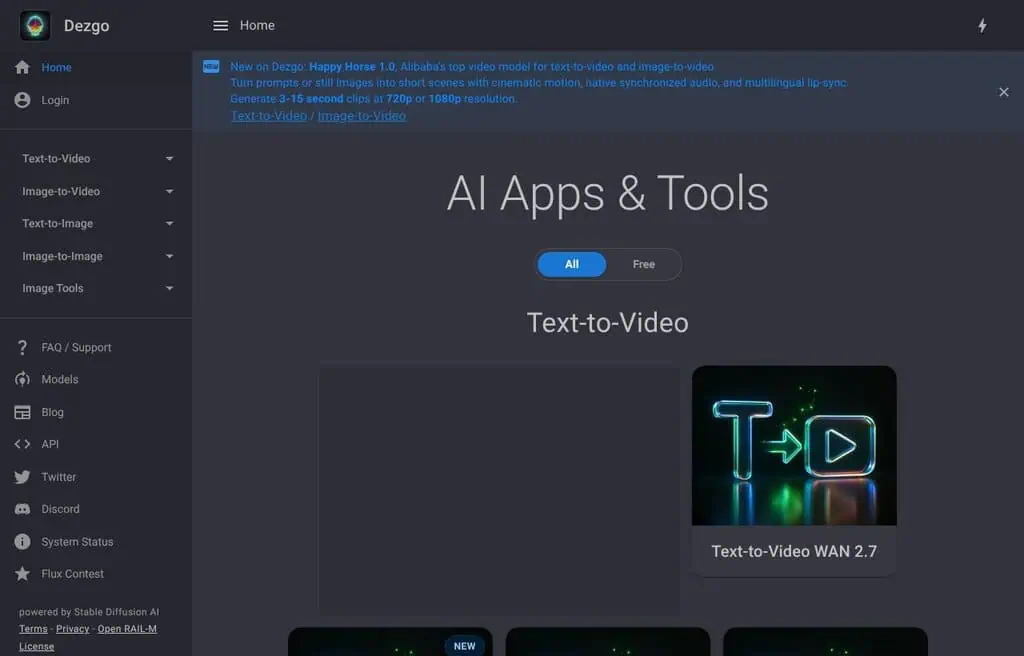
Best for: Quick, no-signup AI generation with model choice.
Dezgo is a straightforward, no-signup front-end for Stable Diffusion models that also dabbles in video, with fewer content restrictions than mainstream tools. It is fast and simple for quick generation without an account.
The free version is rate-limited with ads; faster generation needs paid credits. The honest catch is bare-bones video features compared to dedicated tools. For free, no-signup generation, it is convenient, with the usual responsibility around looser filtering.
Best for: Users who want quick, no-signup generation with model choice.
27. VMEG: Best free AI video translation and dubbing
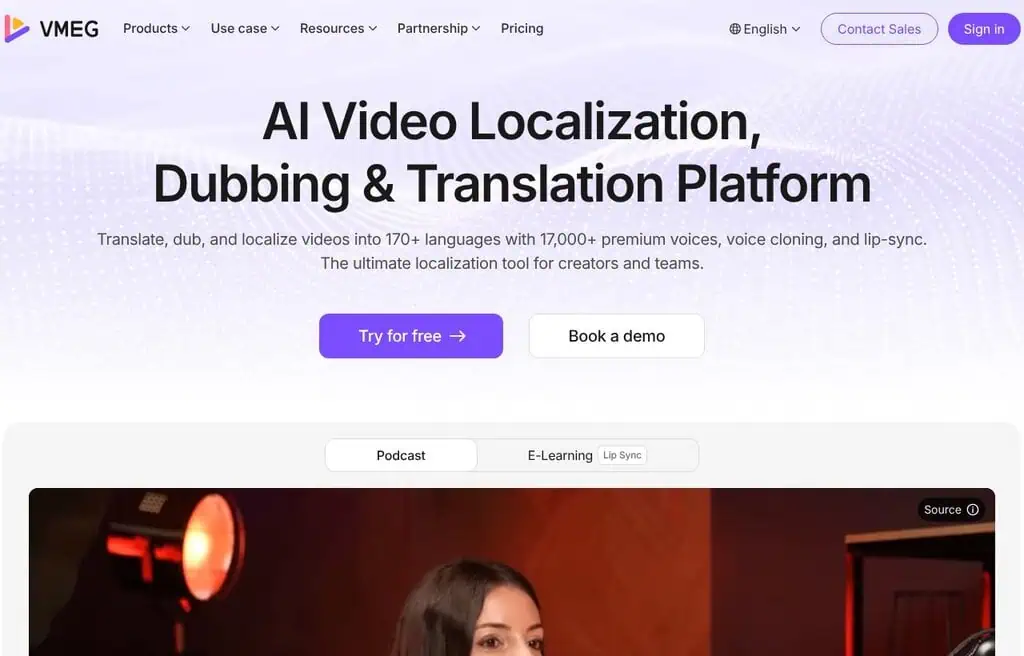
Best for: Translating and dubbing videos into other languages with AI.
VMEG localizes video with AI translation, subtitles, and dubbing, so a single video can reach audiences in many languages. For creators expanding internationally, it automates a normally expensive localization step. (Note: I corrected its traffic figure, which an automated read had inflated well beyond a realistic level for a tool its size.)
The free tier covers a limited number of minutes with watermarks; more needs a paid plan. The honest catch is that dubbing quality varies by language. For free AI video localization, it is a focused, useful tool.
Best for: Creators who want to translate and dub their videos for free.
28. Dzine AI: Best free talking-photo and video tool
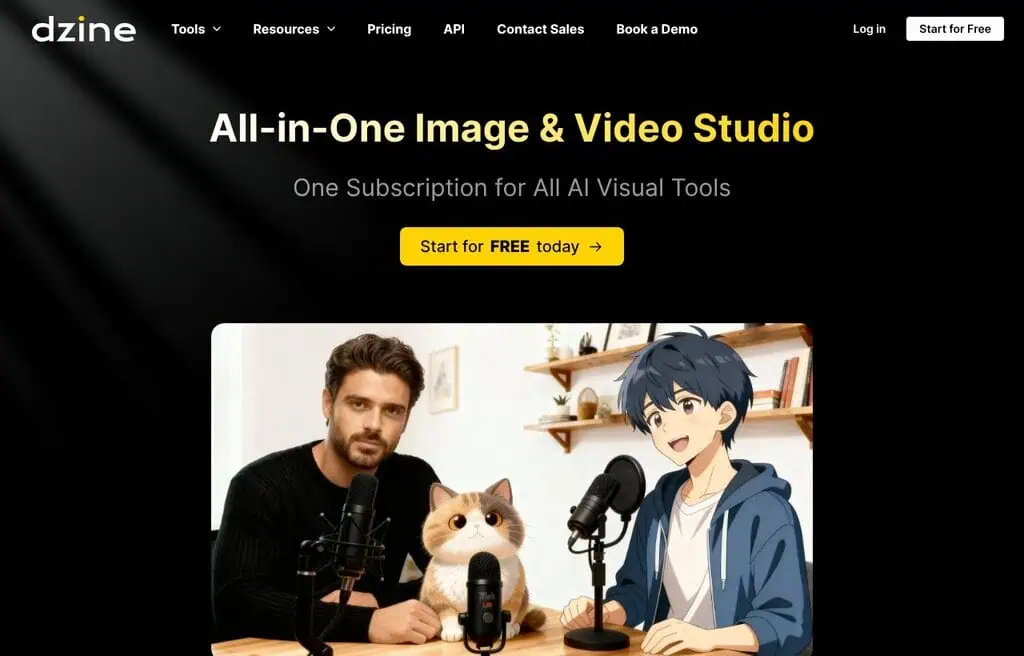
Best for: Creating images, short videos, and talking-photo avatars.
Dzine AI (formerly Stylar) combines precise image generation with video and talking-photo avatars, where a still portrait is animated to speak. For creators who want controllable visuals plus a talking avatar, it bundles both.
The free tier offers limited credits with watermarks; more needs a paid plan. The honest catch is that the free video and avatar allowances are small. For free talking-photo video, it is a capable option.
Best for: Creators who want images plus talking-photo avatar videos for free.
29. Gan.ai: Best free AI video personalization
Best for: Personalized videos at scale and multilingual voice.
Gan.ai specializes in video personalization (think a sales video that greets each viewer by name) and multilingual AI voice and lip-sync. For marketing and outreach teams, personalized video can lift response rates dramatically.
It is more of a platform than a casual tool, so the free tier is oriented toward evaluation; real volume is paid. The honest catch is that it targets businesses, not casual creators. For free personalized-video testing, it is the niche leader.
Best for: Marketing teams exploring personalized AI video at scale.
Status: unreachable (gan.ai resolves but refuses connections, checked 11 September 2026). Kept in the list because people still search for it; pick another tool in this category instead.
30. Vibeo: Best free AI video testimonial tool
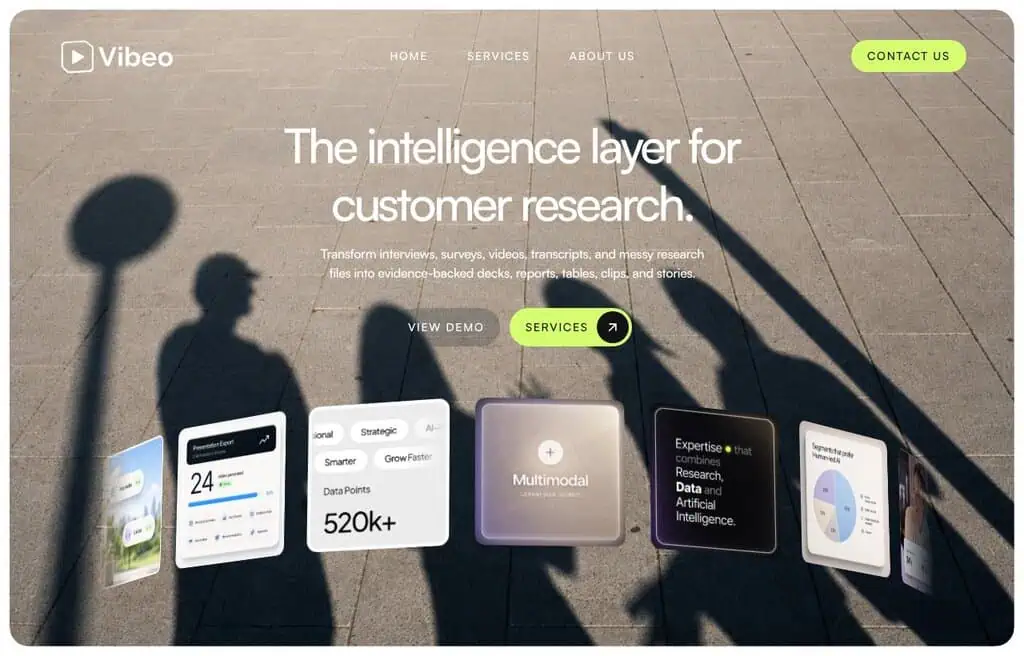
Best for: Collecting and turning customer testimonials into polished video.
Vibeo helps businesses collect video testimonials and enhance them with AI, turning raw customer clips into usable social proof. For small businesses, it streamlines a high-value but awkward content type.
The free tier covers limited collection and editing; more needs a paid plan. The honest catch is the narrow use case. For free video testimonial collection, it is purpose-built.
Best for: Businesses who want to collect and polish video testimonials for free.
31. Hour one: Best free AI avatar video for business
Best for: Cinematic AI avatar videos for training and corporate content.
Hour One generates professional AI avatar (presenter) videos from text, aimed at business use like training, onboarding, and corporate communications. Its avatars and templates skew polished and enterprise-friendly. (Its site was intermittently unreachable during testing, so a screenshot was not captured; confirm availability before relying on it.)
The free tier is limited with watermarks; real use is paid. The honest catch is the business focus and small free allowance. For polished corporate avatar video, it is a strong option, with HeyGen and Vidnoz as alternatives.
Best for: Businesses wanting polished avatar videos for training and comms.
32. Visla: Best free AI video creation and editing
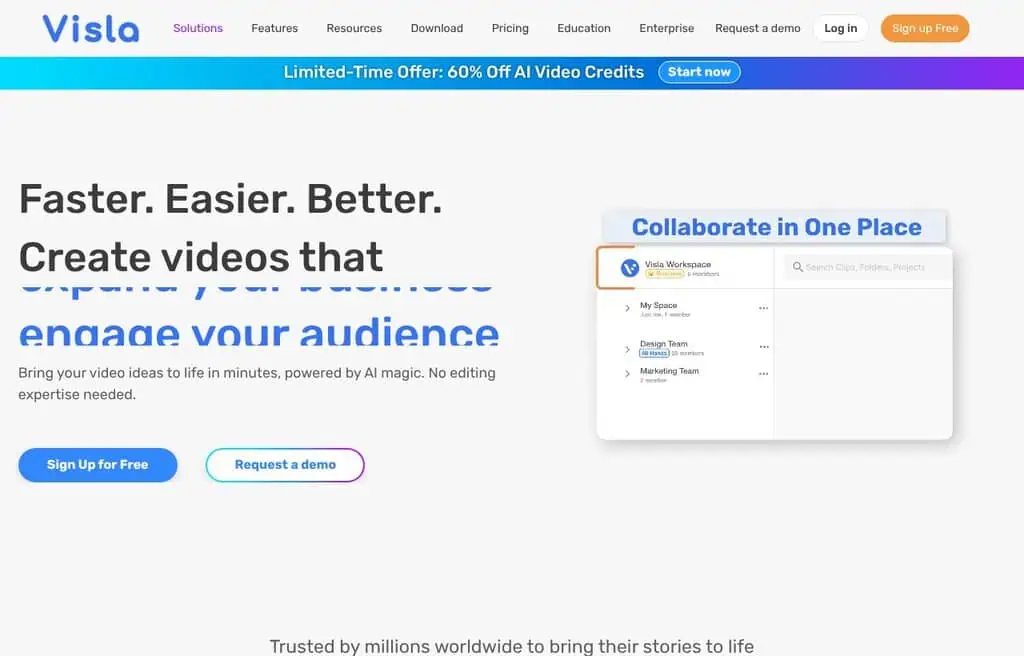
Best for: Quick AI video creation, editing, and team collaboration.
Visla turns a prompt or script into a video with stock footage, voiceover, and captions, then lets you edit and collaborate. It targets teams and marketers who want a fast first cut they can refine together.
The free plan covers a limited number of projects and exports with a watermark; more needs a paid plan. The honest catch is the free project cap. For free AI video creation with collaboration, it is a solid all-rounder.
Best for: Teams who want fast AI video creation and editing for free.
33. Magic hour AI: Best free multi-tool video generator
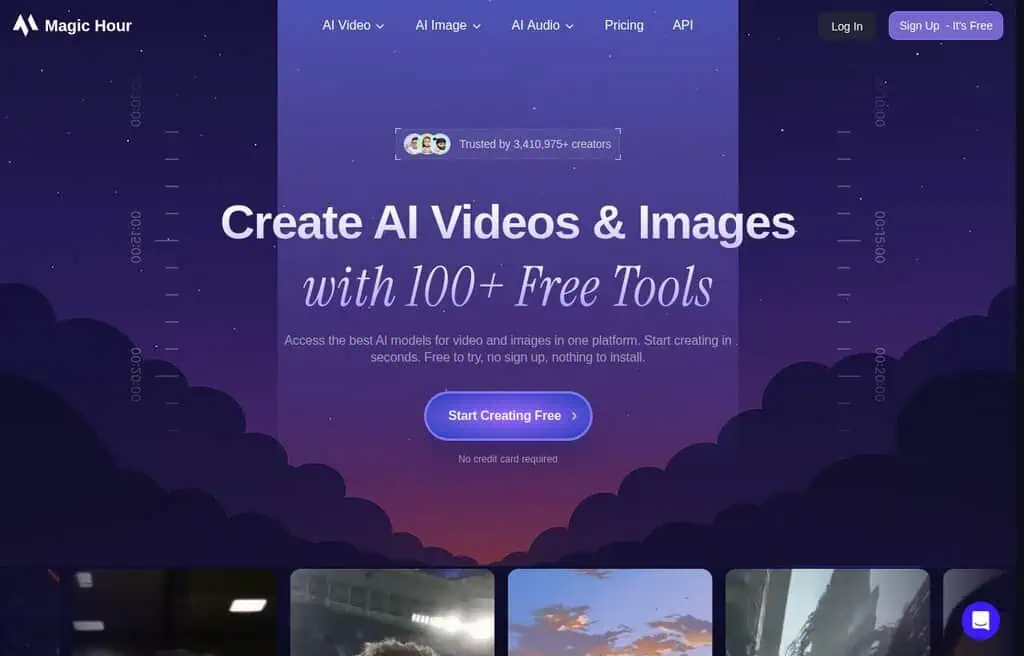
Best for: Social-ready videos, images, and voiceovers from prompts in one tool.
Magic Hour bundles text-to-video, image-to-video, face swap, and voiceover into one creator-focused platform. The breadth makes it a handy free playground for short social content across formats.
The free tier offers daily credits with watermarks; more needs a paid plan. The honest catch is that free credits go quickly across so many features. For a free multi-format video toolkit, it is versatile.
Best for: Social creators who want many video tools in one free platform.
34. Elai.io: Best free AI avatar video for training
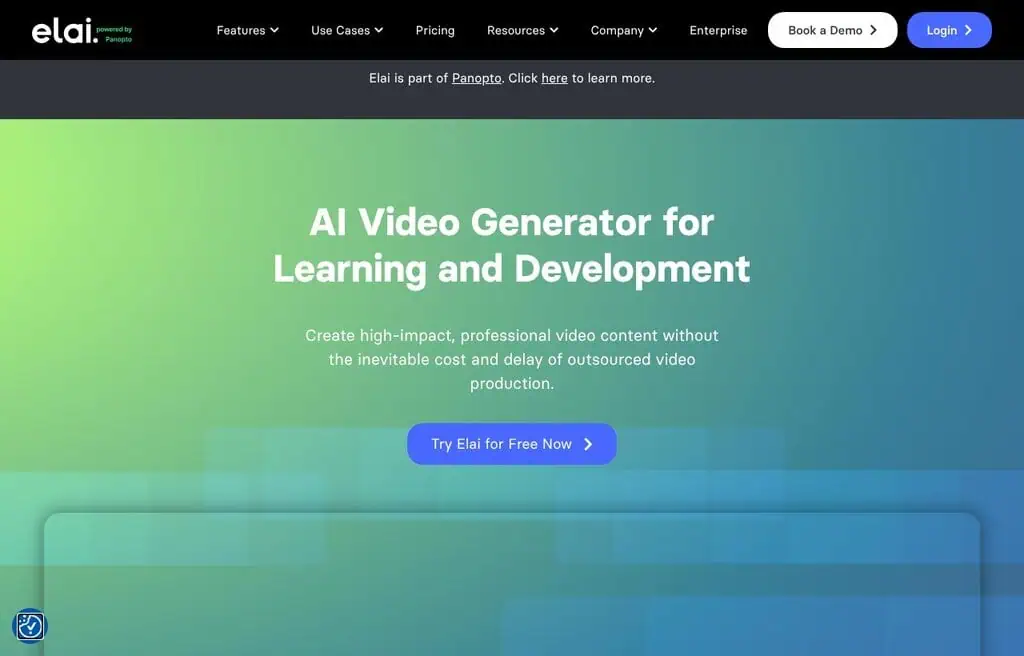
Best for: Avatar-presented training and explainer videos from text.
Elai.io creates avatar videos from text or even from a blog URL or PDF, with strong language support, aimed at L&D and training teams. Turning a document into a presenter-led video is its niche strength.
The free tier offers a short trial allowance with a watermark; ongoing use is paid (from around $23 a month). The honest catch is that it is really a paid business tool with a limited free taste. For testing document-to-avatar video, it works.
Best for: Training teams who want avatar videos from documents.
35. Guidde: Best free AI how-to video tool

Best for: Turning a screen recording into a polished how-to video.
Guidde captures your screen workflow and auto-generates a narrated, step-by-step how-to video with AI voiceover and annotations. For support teams and SaaS companies documenting processes, it turns a tedious task into a few clicks.
The free plan covers a limited number of videos; teams need a paid plan. The honest catch is the narrow how-to focus and free video cap. For free documentation video, it is excellent at its one job.
Best for: Support and SaaS teams who want quick how-to videos for free.
36. Synthesys: Best free AI voice and avatar studio

Best for: AI voiceovers and avatar videos in one studio.
Synthesys combines realistic AI voiceovers (its original strength) with avatar video generation, so you can produce narrated, presenter-led videos from one tool. For creators who care about voice quality plus a presenter, it covers both.
The free tier is a limited trial with watermarks; real use is paid. The honest catch is that the genuinely free allowance is small. For testing AI voice plus avatar video, it is a capable combined studio.
Best for: Creators who want AI voiceovers and avatar video together.
37. Anijam AI: Best free script-to-animation tool
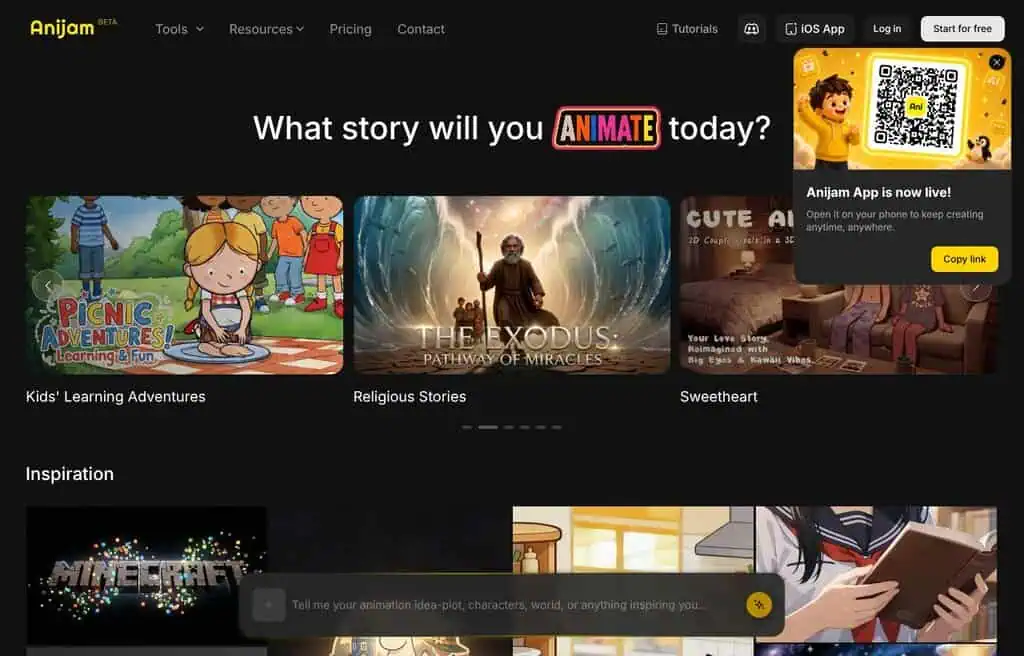
Best for: Turning a simple script into a polished animated clip.
Anijam AI converts scripts into animated clips quickly, aimed at creators who want cartoon-style storytelling without animation skills. For explainer shorts and story content, it automates the animation pipeline.
The free tier offers limited generations; more needs a paid plan. The honest catch is that it is a newer, smaller tool with a narrower style range. For free script-to-animation, it is a fun niche option.
Best for: Storytellers who want quick animated clips from scripts for free.
38. WOXO: Best free bulk faceless video tool
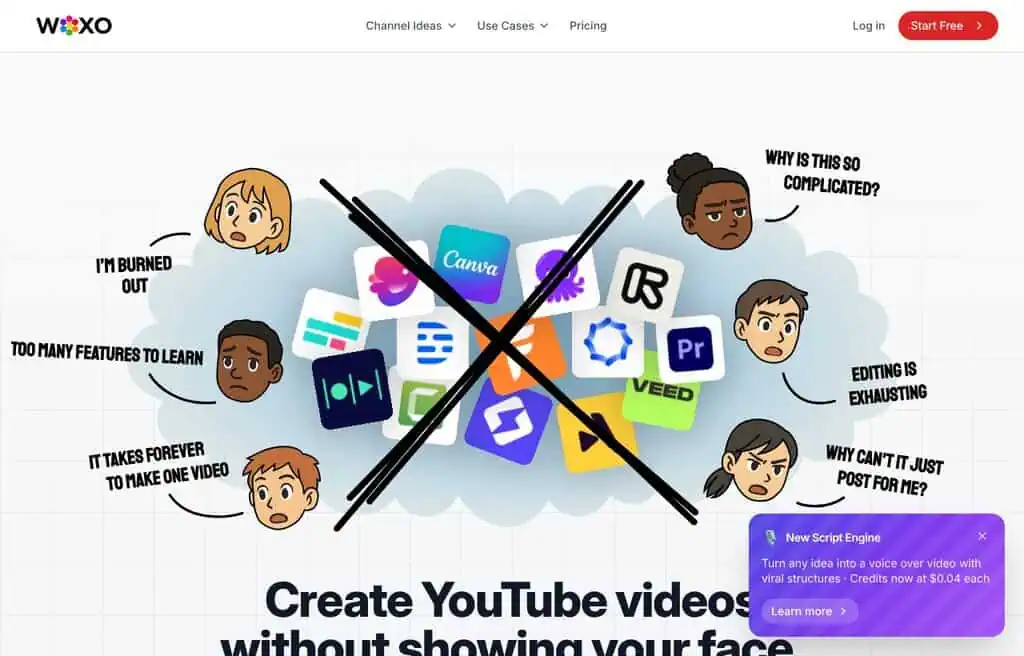
Best for: Generating faceless videos in bulk from ideas or spreadsheets.
WOXO turns ideas (even a spreadsheet of topics) into trending faceless videos at scale, which makes it popular for creators running multiple short-form channels. Bulk generation is its differentiator.
The free tier offers limited videos with watermarks; volume needs a paid plan. The honest catch is that templated output can feel samey at scale. For free bulk faceless video, it is one of the few built for volume.
Best for: Creators running multiple channels who want bulk faceless videos.
39. Spikes studio: Best free AI clip generator
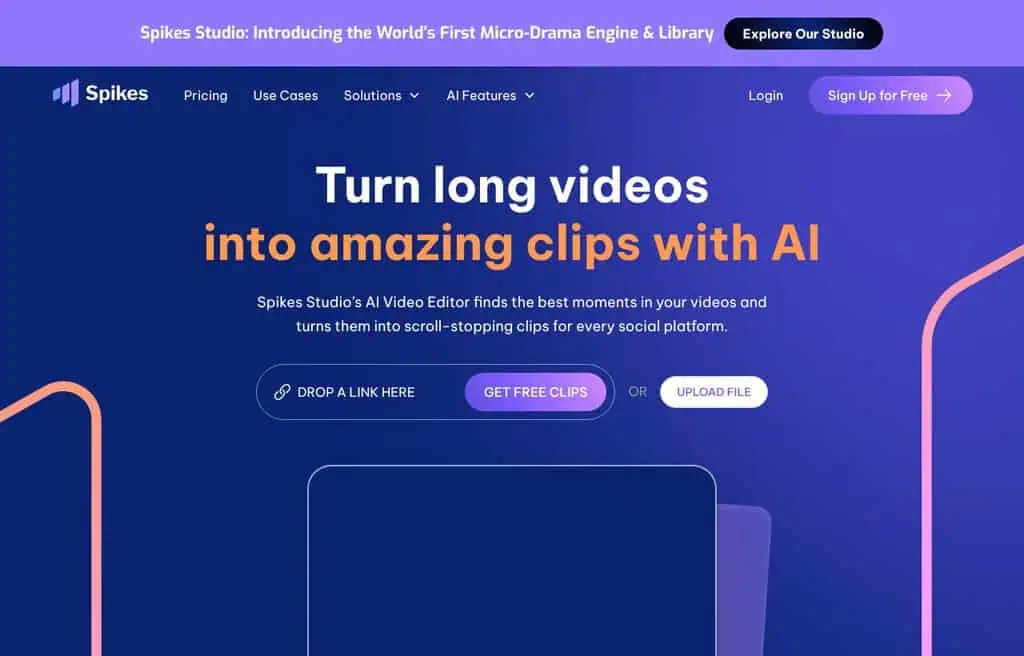
Best for: Turning long videos and streams into viral short clips.
Spikes Studio uses AI to find the best moments in long videos, streams, and podcasts, then formats them as captioned shorts for TikTok, Reels, and Shorts. For streamers and podcasters, it automates the clip-hunting grind.
The free plan offers limited clips with a watermark; more needs a paid plan. The honest catch is the free clip cap. For free long-to-short repurposing, it is a strong, focused option.
Best for: Streamers and podcasters who want auto-generated short clips for free.
40. Vidu AI: Best free text and image to video
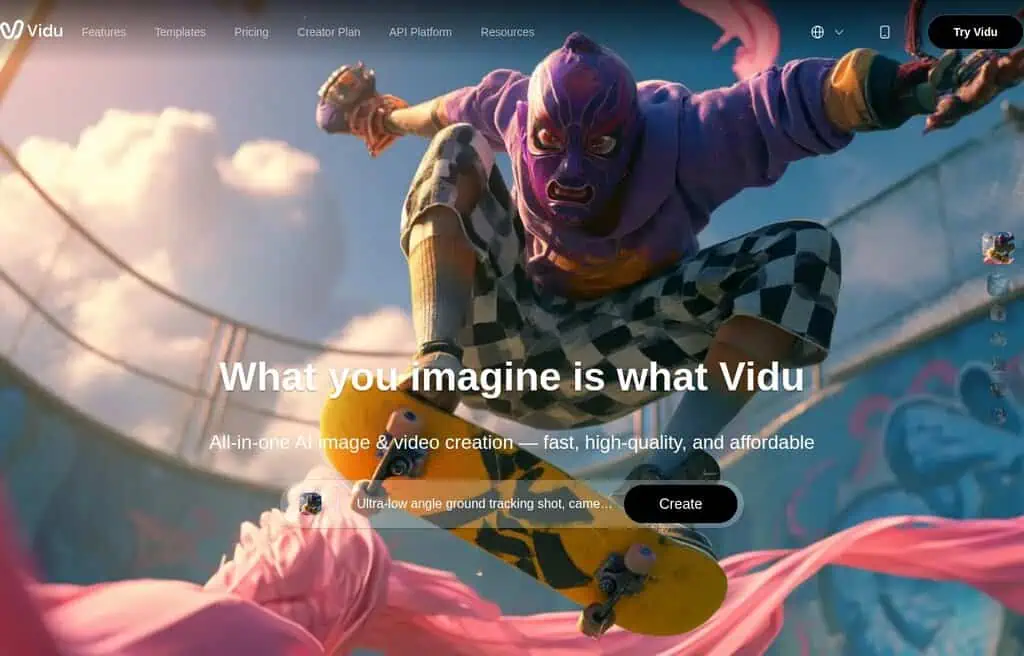
Best for: High-quality short clips from text or a reference image.
Vidu AI is a capable generative video model (from Shengshu) that turns text and images into smooth short clips, with strong character consistency and a distinctive reference-to-video feature. For creative short-form video, the output quality is competitive.
The free tier offers limited daily credits; more needs a paid plan. The honest catch is short clip lengths and credit caps. For free, high-quality generative clips, it is a strong model to try.
Best for: Creators who want quality text-to-video and image-to-video for free.
41. Vsub: Best free faceless video and captioning tool
Best for: Faceless videos with AI voices and auto-captions.
Vsub builds faceless videos with AI voices, auto-captioning, and a “split video” feature for repurposing, aimed at TikTok and Shorts creators. It bundles the common faceless-channel needs in one tool.
The free tier offers limited exports with watermarks; more needs a paid plan. The honest catch is the small free allowance. For free faceless video plus captions, it is a practical pick.
Best for: Short-form creators who want faceless videos and captions for free.
42. EbSynth: Best free video stylization tool
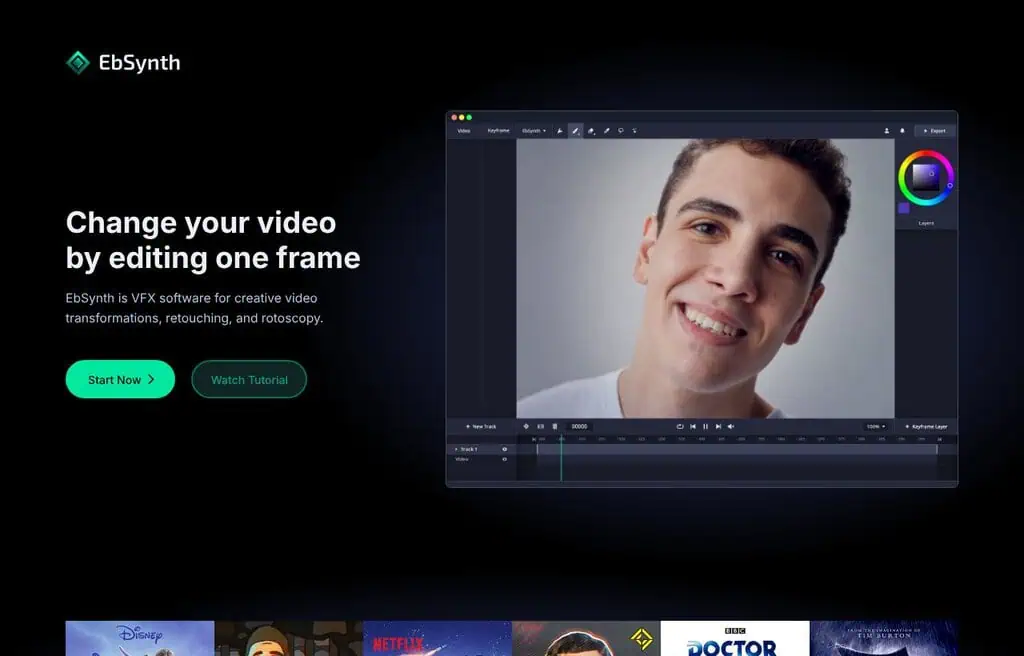
Best for: Stylizing a whole video by painting a single frame.
EbSynth is a free desktop tool with a clever trick: paint or restyle one frame of your footage, and it propagates that style across the entire clip. For rotoscoped, painterly, and stylized video effects, it produces a look that is hard to get any other way.
It is completely free, which is rare, but the honest catch is that it requires some manual setup and works best on specific footage. For free video stylization, it is a unique, beloved tool.
Best for: Video artists who want to stylize footage from a single painted frame.
43. Noisee AI: Best free music video generator (status varies)
Best for: Generating music videos from a track, when available.
Noisee AI creates music videos from audio, popular for turning songs into visual content. Its site was unreachable during testing, so confirm it is live before relying on it; Freebeat and Beatwave cover the same job.
The honest catch is the uncertain status plus typical free-tier watermarks. For free music video generation, treat this as a check-availability option.
Best for: Musicians wanting AI music videos (verify the site is live).
Status: no longer resolves (DNS failure on noisee.ai, checked 11 September 2026). Kept in the list because people still search for it; pick another tool in this category instead.
44. VisionStory: Best free image-to-video avatar tool
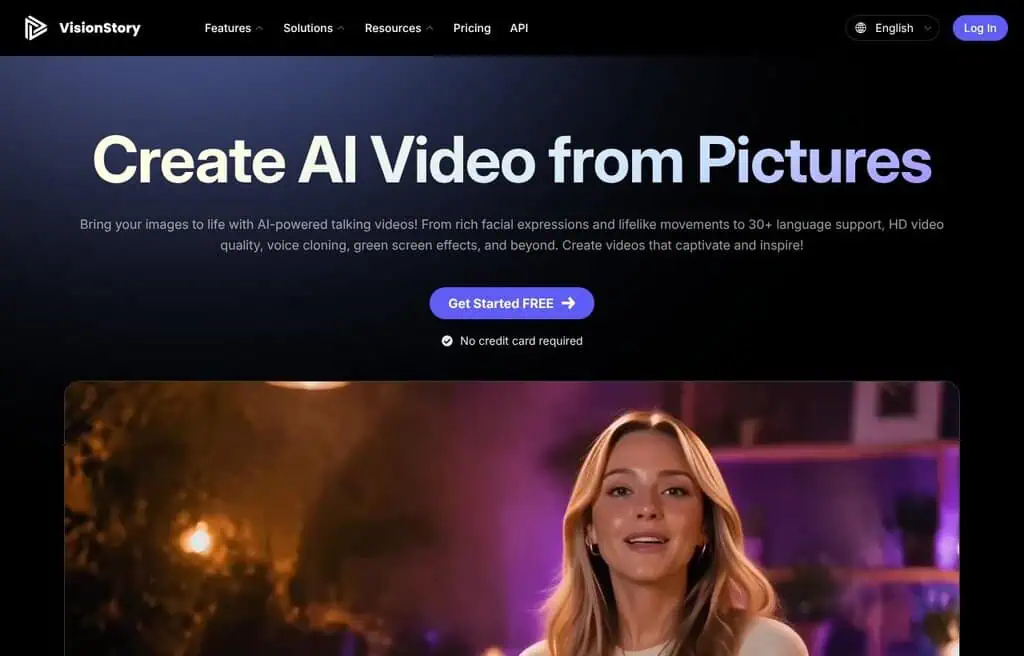
Best for: Turning a single image into an expressive talking video.
VisionStory animates a still image into an expressive, talking AI video, useful for bringing portraits and characters to life with speech and emotion, and you can create that source portrait with our best free AI portrait generators. For creators who want a talking avatar from just one photo, it is a focused tool.
The free tier offers limited credits with watermarks; more needs a paid plan. The honest catch is the small free allowance. For free image-to-talking-video, it does its one job well.
Best for: Creators who want a talking video from a single image for free.
45. AI video course generator (coursebox): Best free training video tool
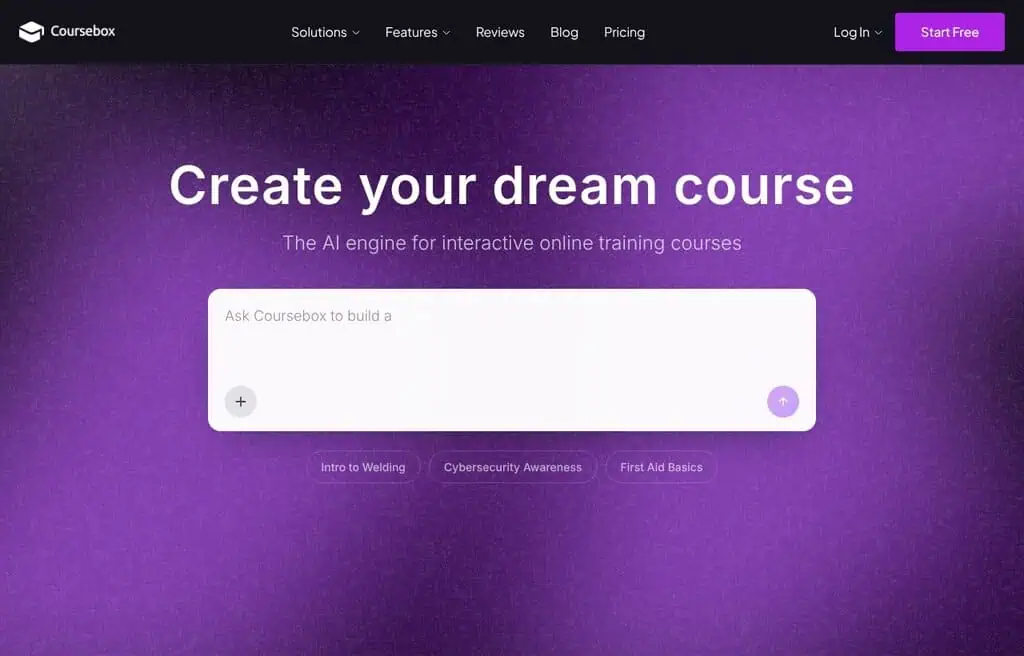
Best for: Generating multilingual training videos with avatars.
Coursebox’s AI video course generator builds multilingual training and course videos with customizable avatars, aimed at educators and L&D teams creating learning content at scale. It turns course material into presenter-led video lessons.
The free tier covers limited generation; full courses need a paid plan. The honest catch is the education-specific focus. For free training-video generation, it is a strong niche option.
Best for: Educators and L&D teams who want avatar-led course videos for free.
Visit AI Video Course Generator (Coursebox)
46. MarketingBlocks: Best free AI marketing video suite
Best for: Marketing videos alongside copy, design, and ads in one suite.
MarketingBlocks bundles AI video with copy, graphics, landing pages, and voiceovers, so solopreneurs can produce a full marketing kit, including video, from one platform. Video is one module in a broad toolset.
It is largely a paid platform with limited free access, so treat it as a trial. The honest catch is that breadth comes at the cost of best-in-class video depth. For an all-in-one marketing suite with video, evaluate it before committing.
Best for: Solopreneurs who want marketing video inside a broader AI suite.
47. ShortMake: Best free AI short video maker
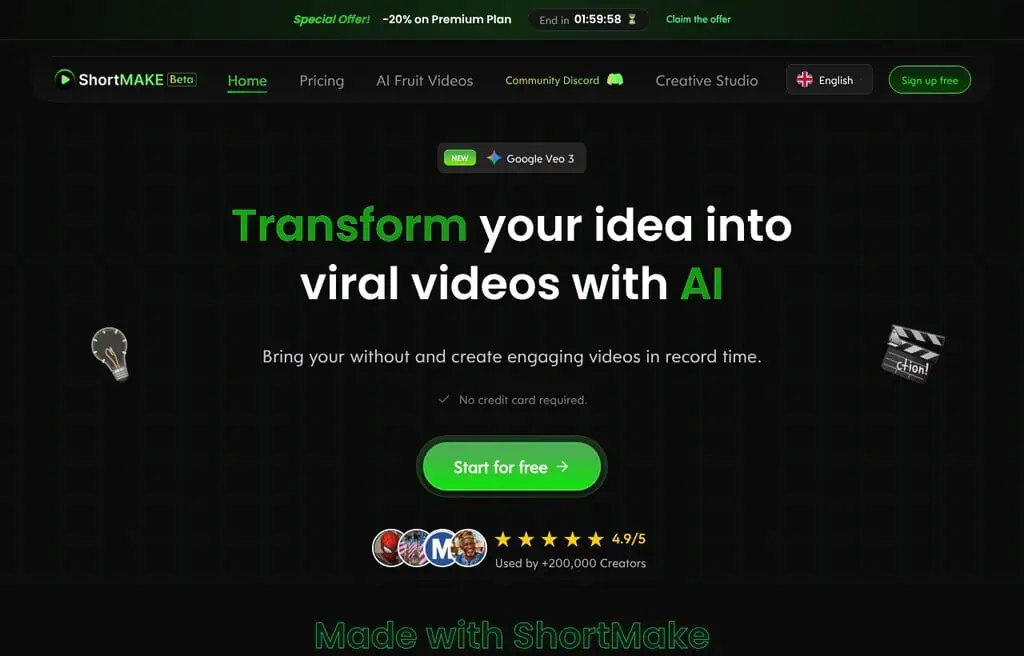
Best for: Turning an idea into a short, viral-style video fast.
ShortMake generates short-form videos from a simple idea or prompt, aimed at creators who want quick TikTok and Shorts content without editing. It automates script, visuals, and voiceover into a postable clip.
The free tier offers limited videos with watermarks; more needs a paid plan. The honest catch is the small free allowance and templated feel. For free quick shorts, it is a simple option.
Best for: Creators who want fast, idea-to-short videos for free.
48. RepoClip: Best free AI demo video for developers
Best for: Auto-creating narrated demo videos from a GitHub repo.
RepoClip is a clever niche tool: point it at a GitHub repository and it auto-generates a narrated demo video explaining the project. For developers and open-source maintainers who hate making demo videos, it removes the chore entirely.
The free tier covers limited videos; more needs a paid plan. The honest catch is the very specific use case. For free developer demo videos, it is uniquely useful.
Best for: Developers who want narrated demo videos from their repos for free.
49. Clipchamp: Best free AI video editor from Microsoft
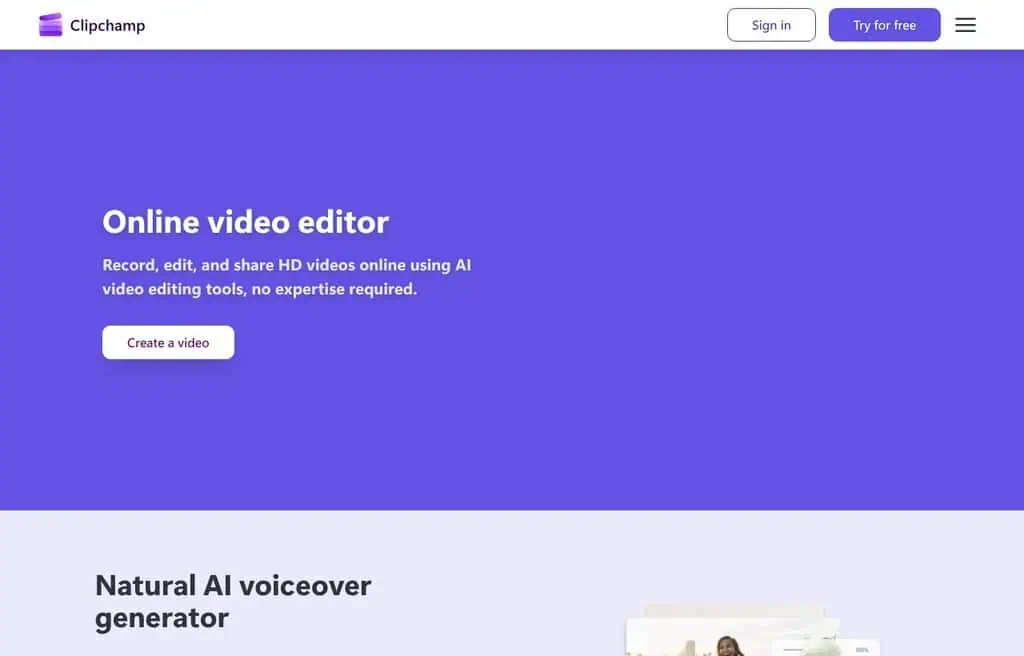
Best for: Straightforward video editing with AI, free with a Microsoft account.
Clipchamp is Microsoft’s browser and Windows video editor with AI features like text-to-speech, auto-captions, and a text-to-video helper. Bundled with Windows and free with a Microsoft account, it is the most accessible editor for everyday users.
The free plan covers editing and exports up to 1080p with some premium content locked; Premium adds stock and brand features. The honest catch is that its generative AI is lighter than dedicated tools. For free, approachable editing, it is a safe default.
Best for: Everyday users who want a free, simple AI-assisted video editor.
50. Gling: Best free AI editor for YouTubers
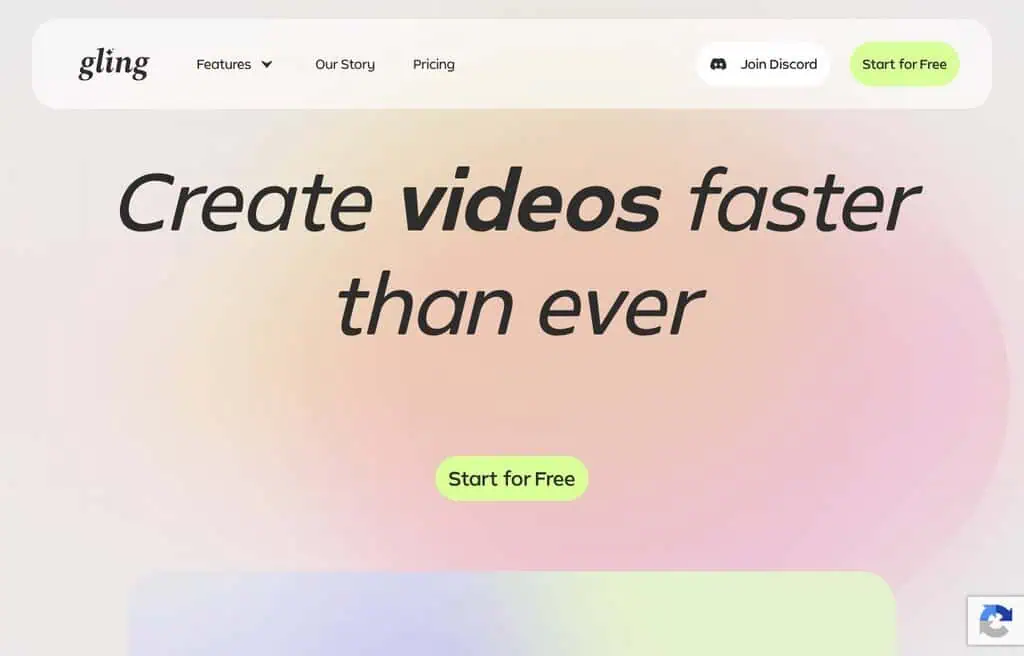
Best for: Automatically cutting silences and bad takes from talking videos.
Gling is built for YouTubers: it uses AI to detect and remove silences, filler, and bad takes from your raw footage, producing a tight first cut automatically. For talking-head creators, it saves hours of tedious trimming.
The free tier offers a limited number of minutes; more needs a paid plan. The honest catch is the free minute cap. For free rough-cut editing of talking videos, it nails its one job.
Best for: YouTubers who want AI to cut silences and bad takes for free.
51. Video magic: Best free affordable video generator
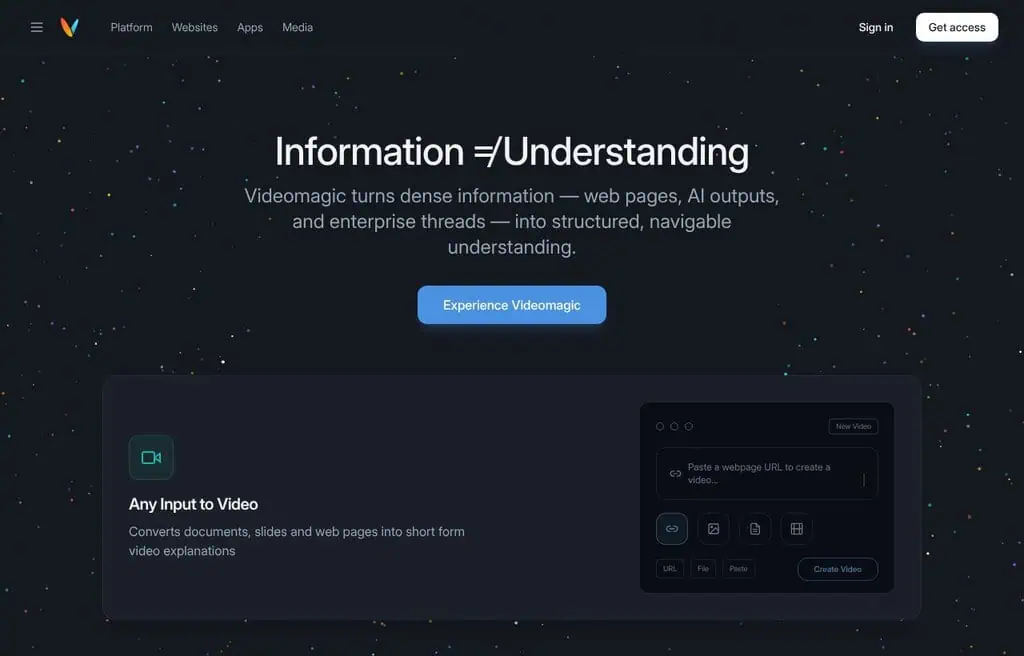
Best for: Creating videos quickly and cheaply with AI.
Video Magic positions itself as a fast, affordable way to create videos with AI, aimed at creators who want output without a steep price. It covers basic generation and editing.
The free tier offers limited use; more needs a low-cost paid plan. The honest catch is that it is a smaller tool with less depth than the leaders. For a free, budget-minded option, it is worth a look.
Best for: Budget creators who want quick, affordable AI video.
52. Fliz: Best free text-to-video for web content
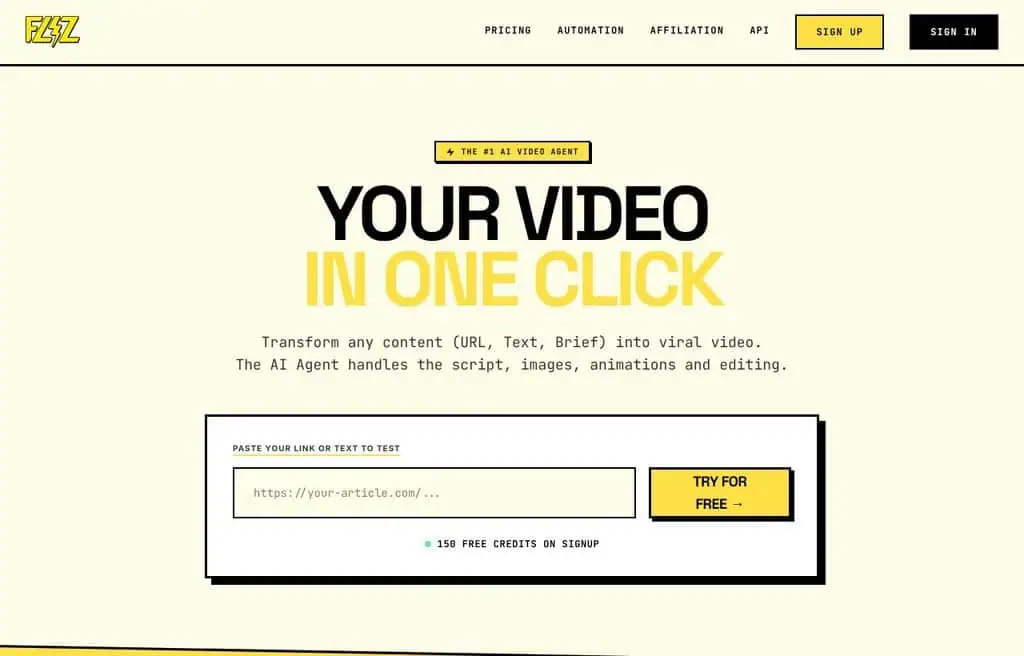
Best for: Turning web pages and text into short marketing videos.
Fliz converts text and web content (like a product page or article) into engaging short videos, aimed at marketers who want to repurpose written content into video quickly. It handles script, visuals, and voiceover automatically.
The free tier offers limited videos with watermarks; more needs a paid plan. The honest catch is the small free allowance. For free text-to-video repurposing, it is a tidy option.
Best for: Marketers repurposing web content into short videos for free.
53. Wavel AI: Best free AI video localization

Best for: Localizing, dubbing, and captioning video content.
Wavel AI focuses on video localization: AI dubbing, subtitles, and voiceovers in many languages, plus editing tools. For creators and teams taking content global, it automates translation and dubbing.
The free tier offers limited minutes with watermarks; more needs a paid plan. The honest catch is that dubbing quality varies by language. For free video localization, it is a focused alternative to VMEG.
Best for: Creators who want to localize and dub videos for free.
54. VidAU: Best free AI video ad maker

Best for: Turning product ideas into high-converting video ads.
VidAU generates video ads from product information, with avatars, scripts, and templates aimed at e-commerce and performance marketers. It sits in the same lane as Creatify and Topview for ad creative at volume.
The free tier offers limited credits with watermarks; more needs a paid plan. The honest catch is the small free allowance. For free AI video ads, it is another solid product-focused option.
Best for: E-commerce marketers who want quick AI video ads for free.
55. KaraVideo: Best free text and image to video
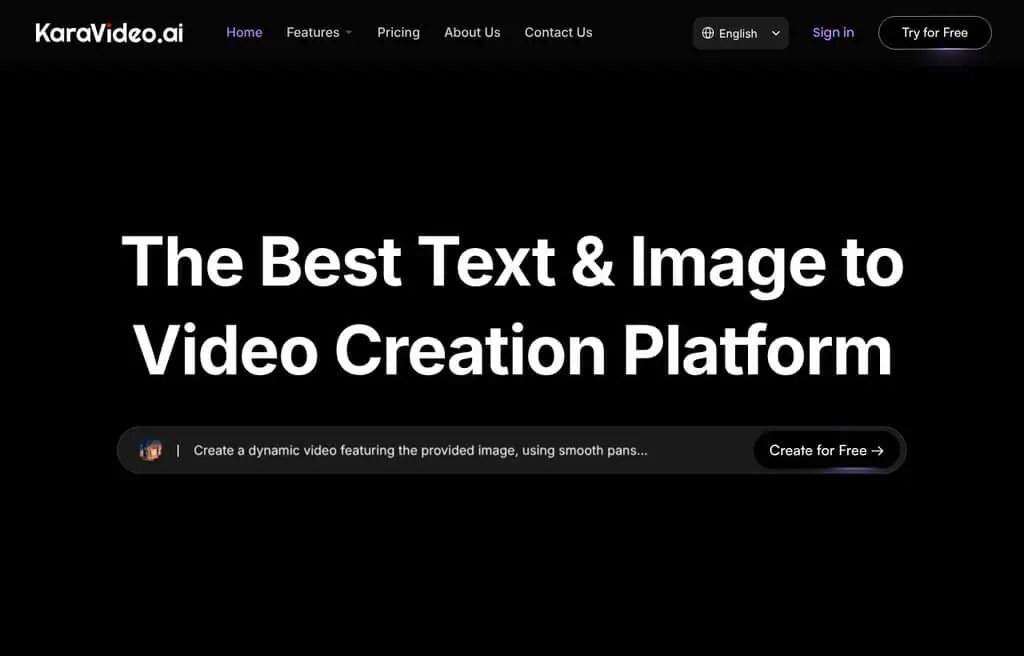
Best for: Simple text-to-video and image-to-video generation.
KaraVideo turns text and images into videos with a straightforward interface, aimed at creators who want quick clips without complexity. It covers the basic generative video needs.
The free tier offers limited generations; more needs a paid plan. The honest catch is that it is a newer, low-traffic tool, so the bigger generators above offer more. For a free, simple generator, it is a fine extra to try.
Best for: Creators who want simple, free text-to-video generation.
56. RewarxStudio: Product photo-to-video (status varies)
Best for: Turning product photos into studio images and videos, when available.
RewarxStudio was pitched as a tool to turn product photos into studio-quality images and videos for e-commerce. Its site did not resolve during testing, so it appears offline or moved; for the same job, Creatify and Topview above are reliable and live.
The honest catch is the uncertain status. For free product-to-video, use one of the live alternatives.
Best for: Use Creatify or Topview instead; this appears discontinued.
Status: no longer resolves (DNS failure on rewarxstudio.com, checked 11 September 2026). Kept in the list because people still search for it; pick another tool in this category instead.
57. Wan: Best free open video model (via platforms)
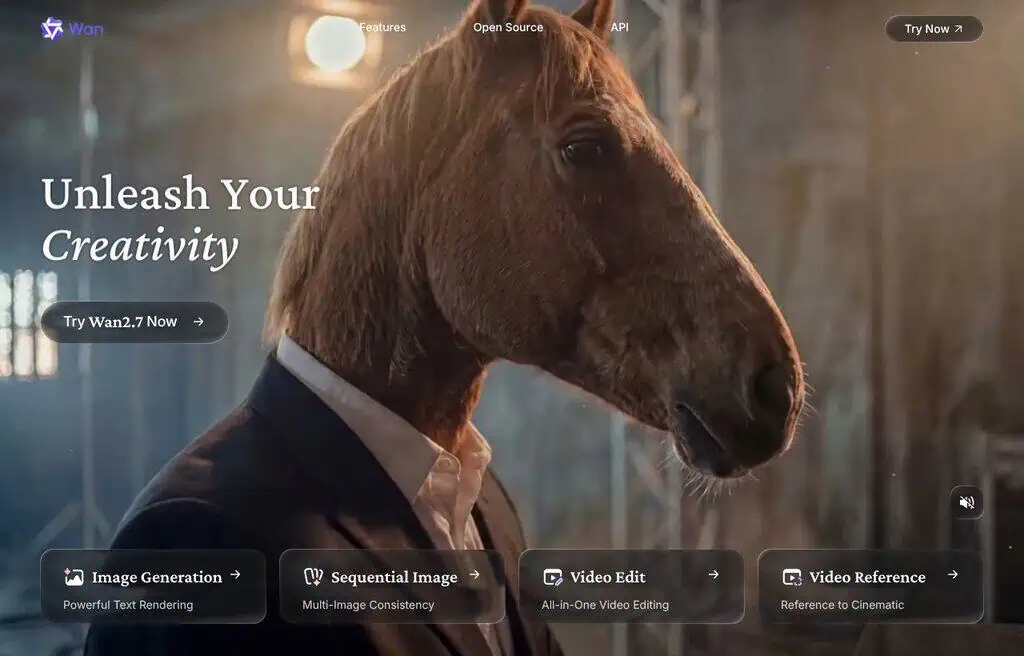
Best for: Photorealistic open-model video, accessed through other platforms.
Wan (Alibaba’s open video model) is one of the most capable open-source video models, strong on motion and realism. Like Flux on the image side, its own portal sees little direct traffic because most people use Wan through other platforms and front-ends, which is why it ranks low here despite the model’s importance.
The honest reality is that you do not “go to Wan,” you use a tool that runs it. For free Wan-quality video, access it via an open front-end or a platform that offers the model.
Best for: Creators who want open, photorealistic video via a Wan-powered platform.
58. Feedeo: Best free interactive video tool
Best for: Creating interactive videos with AI avatars.
Feedeo makes interactive videos (with clickable elements and AI avatars), aimed at marketers who want engagement beyond passive playback. Interactive video can lift conversion on landing pages and campaigns.
The free tier offers limited projects with watermarks; more needs a paid plan. The honest catch is the niche use case and small free allowance. For free interactive video, it is a distinctive option.
Best for: Marketers who want interactive, avatar-led videos for free.
59. Topview AI: Best free product link-to-video
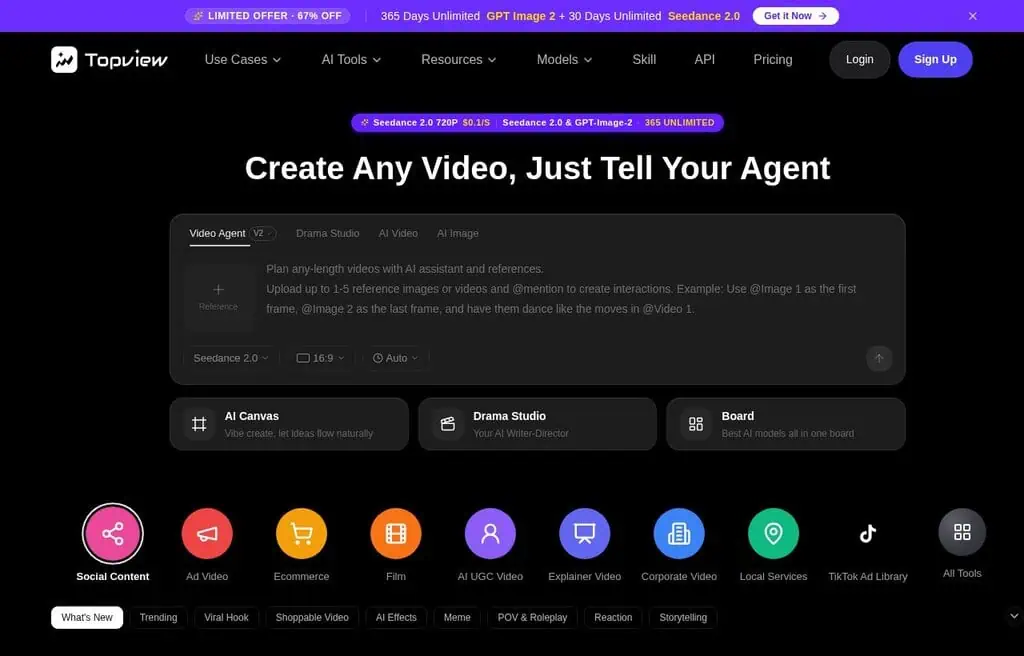
Best for: Turning a product link into a viral-ready marketing video.
Topview AI generates polished marketing videos from a product URL, pulling assets and building an edited, captioned ad automatically. It is a direct Creatify competitor popular with TikTok Shop and e-commerce sellers.
The free tier offers limited credits with watermarks; more needs a paid plan. The honest catch is the small free allowance. For free product-link-to-video ads, it is a strong, current option.
Best for: E-commerce sellers who want viral-style ads from a product link.
60. Wuri: Best free AI avatar video tool
Best for: Quick avatar-presented videos from a script.
Wuri creates videos with AI avatars from text, aimed at creators who want a simple talking-presenter video without the bigger platforms’ complexity. It covers the core avatar-video need.
The free tier offers limited credits with watermarks; more needs a paid plan. The honest catch is that it is a newer, low-traffic tool, so HeyGen and Vidnoz offer more. For a free, simple avatar video, it is an option to test.
Best for: Creators who want simple, free avatar videos.
Status: gated (wuri.ai returns HTTP 402 Payment Required, checked 11 September 2026). Kept in the list because people still search for it; pick another tool in this category instead.
Which free AI video generators need no sign-up?
The highest-demand question on this topic and the shortest list, because an account is how these tools ration GPU time.
Whether you want to create AI content from a prompt, an image or video you already have, the login question is the first filter. Genuinely usable with no login: Dezgo and DeepAI both generate without an account, which is why they sit near the top of this list despite not being the most capable. Google Earth Studio needs a Google account you already have. Everything else on this page wants an email address before it renders anything, and any page promising “no sign-up AI video” beyond those is usually describing a demo reel.
The reason is worth knowing: a video generation costs the provider real GPU seconds, far more than an image. Free-without-login means someone is absorbing that cost with no way to rate-limit you beyond IP, so it does not survive contact with scale.
Do free AI video generators add a watermark?
Most do, and the ones that do not cap you somewhere else instead. There is no free tier that gives you unlimited, watermark-free, high-resolution output; the business does not work.
What you actually choose between:
- Watermark, generous limits. Fine for testing a concept or for internal use. Most avatar tools sit here.
- No watermark, tight limits. A handful of generations a month at usable quality. Better if the output is going somewhere public.
- No watermark, unlimited, your hardware. Open models like Stable Video Diffusion and Wan run free forever if you own the GPU and the patience.
Check before you invest time in a prompt, because removing a watermark after the fact is a paid upgrade on every tool here, and cropping it usually takes the resolution below what the platform you are posting to will accept.
One practical note on the image-to-video tools specifically: where you upload an image rather than write a prompt, the free tier usually limits the length of the video clip before it limits the resolution, so a still that has to become five seconds of motion is a different ask from one that has to become fifteen. Open AI video models you run yourself have neither limit, which is the whole argument for them.
Is VideoGPT free, and can ChatGPT generate video?
Two questions people ask constantly and the answers are not the same.
ChatGPT does not generate video. It generates images, and OpenAI’s video model Sora is a separate product with its own access rules. Asking ChatGPT for a video gets you a description of one, or a still.
“VideoGPT” is not one product. Several unrelated tools use the name, some free with heavy limits, some paid, and at least one has changed hands. If you searched for it specifically, check what you have actually landed on before entering an email address; the name is doing brand work it has not earned.
Best Free Text-to-Video AI Generators
Text-to-video means you type a prompt and the AI generates video from scratch. This is different from image-to-video (animating an existing photo) or editing tools. Here are the best free options specifically for text prompt to video generation.
- Runway (Gen-3 Alpha) , The most capable free text-to-video generator. Produces 4-second HD clips from text prompts. 125 free credits on signup (roughly 25 generations). Best output quality of any free tool.
- DeepAI , Truly unlimited free text-to-video with no account required. Lower quality than Runway but zero friction. Good for rapid prototyping.
- Genmo AI , Open text-to-video model available free. Decent quality for short clips. No credit limit for basic generations.
- Vidu AI , Free tier allows text-to-video and image-to-video. Good motion quality. 80 free credits on signup.
- KaraVideo , Simple text-to-video with a generous free tier. Good for quick social media clips.
- Wan (via Hugging Face) , Free open-source video model available through Hugging Face Spaces. No credit limit. Slower but free indefinitely.
- Google Earth Studio , Free for qualified users; unique for cinematic earth animations from location prompts. Not general-purpose but unmatched in its niche.
Best Free Image-to-Video AI Generators
Fashion brands turning product stills into short-form clips have a narrower option set than general video tools. The Fashion Diffusion AI review covers its image-to-video studio, the 1080p output limit, and how the credits are priced.
Image-to-video (sometimes called “animate photo” or img2vid) takes a still image and makes it move , adding motion, facial animation, or camera movement. Completely different use case from text-to-video.
- Viggle AI , Best free image-to-video tool. Upload a character image and apply motion templates. Particularly strong for human figures dancing or moving. Fully free.
- Runway (Gen-3) , Excellent image-to-video mode. Upload a photo, describe the desired motion, get a smooth 4-second clip. Uses same credit pool as text-to-video.
- Higgsfield , Best free mobile image-to-video app. Cinematic camera moves applied to your uploaded photos. iOS and Android, 10 free daily generations.
- Dzine AI , Best for talking-photo animations. Upload a portrait, generate a speaking animation. Free tier available.
- VisionStory , Animates portrait photos into avatar videos. Strong free tier for short clips.
- Kaiber , Stylized image-to-video for music and art content. Transform a photo into an animated art piece synced to music. Free trial available.
- Magic Hour AI , Multi-tool including image animation. 10 free credits per day covers several image-to-video generations.
Free AI video generator with no watermark
Most free AI video generators add a watermark or logo to downloaded videos. Here are the ones that give you clean, watermark-free downloads on the free tier.
| Tool | Watermark-free free tier? | Free limit | Best for |
|---|---|---|---|
| DeepAI | Yes | Unlimited | Quick text-to-video with no strings attached |
| Wan (Hugging Face) | Yes | Unlimited (queued) | Open-source, no branding, slow queue |
| Clipchamp | Yes | Unlimited (1080p) | Full video editing and export without watermarks |
| Freebeat | Yes | Limited exports | Music-synced videos without watermarks |
| Genmo AI | Yes | Limited generations | Short clips watermark-free |
| Stability AI | Yes (self-hosted) | Unlimited (local) | Maximum control, no watermarks, requires GPU |
Note: Runway, HeyGen, Vidnoz, and most avatar tools add watermarks or a brand logo on the free tier. You need a paid plan to remove them. If watermark-free is your priority, start with DeepAI, Clipchamp, or Wan via Hugging Face Spaces.
How to choose the right free AI video generator
With 60 options, match the tool to the kind of AI videos you actually need to make, and for every other category see our best AI tools hub. Three questions get you there.
What type of video are you making?
For text-to-video clips, start with Runway, Genmo, or Vidu. For talking-avatar videos, use HeyGen or Vidnoz.
For image-to-video animation, try Viggle or Higgsfield. For editing and captions, use VEED or Captions.
For faceless content, Fliki. For product ads, Creatify or Topview. Pick the specialist for your format rather than forcing one tool to do everything.
How long and how polished does it need to be?
This is where free tiers bite. Most free AI video is short (a few seconds per clip) and capped by credits or minutes.
If you need a quick social clip, the free tiers are fine. If you need a long, polished video, expect to either stitch multiple free generations together or upgrade. Always check the per-clip length limit before committing to a tool, and for free browser-based utilities try our own free AI tools.
Can you live with a watermark?
Most free video tools stamp a watermark on exports. The honest few that often do not, or let you remove it easily, are worth prioritizing if you are publishing for a brand. If a clean, watermark-free free export is essential, confirm the policy before you build your whole workflow around a tool. Want the cleanest free tools across categories? Our free AI tools and deals hub tracks them weekly.
Free vs paid AI video generators: When to upgrade
The honest truth: free AI videos have come a long way, but free tiers hit limits faster than free AI writing or images. Clip length, watermarks, and render credits are the three walls you will hit. Free tiers are great for testing, social shorts, and learning; they struggle with long, watermark-free, high-resolution, commercial video.
Upgrade when you need any of three things: longer clips and more renders (you burn through free credits in a session), watermark-free commercial output (essential for client and brand work), or the newest top-tier models at full quality. If you only make short social clips, you can stay free. And the smart time to buy a paid plan is during a sale, our tested AI deals track when video tools actually discount, including Black Friday.
Free AI video questions I get asked most
Is there a totally free AI video generator?
A few are effectively free and unlimited: open-source models from Stability and EbSynth (run yourself), and DeepAI for quick clips. Most others, like Runway, HeyGen, and VEED, are freemium: a real free tier with watermarks, short clip lengths, or credit caps, plus paid upgrades. Genuinely unlimited, watermark-free, high-quality free video does not really exist yet.
Which free AI video generator is best?
The best AI video generator depends on the job. Runway is best for high-quality video from text and image-to-video, HeyGen for talking-avatar videos, VEED for editing and captions, Viggle for animating characters, and Fliki for faceless narrated videos. For most creators, Runway plus VEED covers generation and editing.
Can I generate high-quality AI video for free without a subscription?
Yes, within limits. Free tiers from Runway, Kling-style tools, Vidu, and Genmo produce genuinely high-quality short clips without paying, and open models from Stability run free if you have the hardware. The catch is volume: free plans cap clip length and the number of generations, so high-quality free video works for short pieces, not long projects.
Are there free AI video generators with no watermark?
Some, but most free tiers add a watermark. Open-source options (Stability, EbSynth) and locally run models produce watermark-free video, and a few editors let you export clean within limits. For a guaranteed no-watermark free export, your safest bet is an open model you run yourself; most hosted free tiers stamp their logo until you upgrade.
Can I use free AI-generated video commercially?
Sometimes, but check each tool’s terms. Many free plans allow personal use only or require a paid plan for commercial rights, and some restrict commercial use of watermarked output. Before you use a free AI video for a client or brand, confirm the specific tool’s license, and lean on tools with clear commercial-friendly free terms.
What are the limitations of free AI video generators?
The big three are clip length (often just a few seconds), watermarks on exports, and render credit or minute caps that reset slowly. Free tiers may also limit resolution, queue your generations behind paying users, and restrict commercial use. None of these are dealbreakers for short social content, but they matter for longer or professional projects.
What is the best free AI video generator for avatars?
HeyGen is the best for realistic talking-avatar videos, with Vidnoz offering the most generous free avatar allowance and Synthesys or Elai.io for training-focused avatar video. All let you turn a script into a presenter-led video without filming, though free tiers cap video length and count.
Which free AI video generator should you use?
After testing all 60, the takeaway is clear: you can use AI to make genuinely good AI videos for free, you just have to match the tool to the format and accept short clips and watermarks on the free tier. Runway leads on generative quality, HeyGen on avatars, VEED on editing, Viggle on animation, and Fliki on faceless narrated video. That free stack covers most of what a solo creator needs.
Here is the insight 60 tools made obvious: free AI video is best used as a clip factory, not a finished-film machine. Generate short pieces on a specialist (Runway, HeyGen, Viggle), then assemble and caption them in a free editor (VEED, Captions, Clipchamp). Three free tools, used in sequence, produce better AI videos than any single tool’s free tier.
Your first step today: pick the one video format you make most, choose the matching free tool from this list, and generate one clip this week. Then bookmark this guide, because free video tiers change fast and I update this list as they do.
Want the best free AI tools and deals, updated weekly? Subscribe to the ZPlatform newsletter for new free tiers and honest verdicts, or explore the 108 best free AI tools and best free AI image generators.
Related Posts

The 30 best AI SEO tools in 2026, tested with real money: what each costs, which ones track AI visibility and AI Mode, a...
30 AI writing tools tested across free, freemium and paid tiers, every link checked, plus which AI beats ChatGPT for wri...

61 free AI image generators tested and ranked, every tool link checked September 2026, plus which are truly unlimited an...

Which AI Chrome extension should you install? 132 ranked on real Web Store install, rating and review data, with a pick ...

What Firefox AI actually does, how to enable or disable it, and every one of the 95 AI Firefox add-ons ranked on real da...

30 social media scheduling tools tested for small business: real pricing, every tool link checked September 2026, and th...