

The best free AI tools in 2026 are not the ones with the loudest marketing, they are the ones millions of people actually use every month. This guide ranks 108 free and freemium AI tools by real organic traffic and hands-on testing, covering writing, image generation, video, voice, music, coding, search, research, and productivity, with each tool’s free plan, honest limits, and what it is genuinely best for. Top all-rounders: ChatGPT, Google Gemini, Canva, Perplexity, and Claude.
Last quarter I logged into 108 different AI tools, ran each one’s free plan through a real task, and checked how many people actually visit each site every month. The gap between hype and usage was brutal.
Some tools with slick launch videos pull almost no traffic and barely work. Others you have never heard of quietly serve millions.
That gap is exactly why this list exists. Most “best free AI tools” roundups rank tools by affiliate payout or by who emailed the writer. This one ranks them by real monthly traffic (how many people genuinely use each tool) and then tells you, from hands-on testing, what each free plan actually gives you before the paywall.
Whether you need a free AI tool for writing, an AI image generator, an AI video maker, a coding assistant, or an AI agent, the right pick is below, with its free plan spelled out and an honest note on where it stops. No vote-count theater, no filler. If you also want category deep-dives, see my dedicated guide to the best free AI image generators, and the running list of free AI tools and deals I update weekly.
How I ranked these 108 free AI tools
A note on this edition. This guide was taken down during a site-wide cleanup and is back because the data said it should be: it was still being found by thousands of searches a month. The traffic figures behind the ranking were measured in June 2026 and have not been re-measured for this restore, so treat the order as a June snapshot rather than a live leaderboard.
I ranked this list by monthly organic search traffic (measured in Ahrefs) combined with hands-on testing of each free plan. Traffic is the sort order because it is the most honest popularity signal there is: a tool millions of people return to every month has usually earned it with a free tier that works. I did not use vote counts or directory upvotes, and you will not see them anywhere in this guide.
Two honest caveats about the ordering:
- Some entries are AI features inside giant platforms. ChatGPT, Canva, Gemini, Bing, Notion, Namecheap, QuillBot, Teachable Machine, and NVIDIA’s GET3D (hosted on GitHub) sit near the top partly because their parent domains are enormous. I have noted where a high rank reflects the platform rather than the standalone tool, so you can judge fairly.
- A handful of tools at the very bottom appear discontinued. Their sites no longer resolve. I kept them listed for completeness and flagged them honestly rather than pretending they are thriving.
Everything else is a working free generative AI tool, tested, with its free plan and limits described as I found them. Limits change monthly, so treat exact numbers as a snapshot, not a contract.
Quick picks: Best free AI tool by category
If you only want the short answer, here are the strongest free options by job:
- Best overall free AI chat assistant: ChatGPT, with Google Gemini and Claude close behind
- Best free AI search: Perplexity (with Gemini and Bing as alternatives)
- Best free AI writing: QuillBot, Rytr, and Copy.ai
- Best free AI image generator: Google Gemini, Leonardo AI, and Craiyon
- Best free AI video: Runway, Fliki, and Genmo
- Best free AI voice and music: Adobe Podcast, Mubert, Uberduck, and Boomy
- Best free AI presentations: Gamma
- Best free AI coding: Replit and Windsurf
- Best free AI productivity: Notion AI, Monica, and Taskade
- Best free AI for branding: Namelix and Namecheap Logo Maker
- Best free AI research and study: Perplexity, Consensus, and WolframAlpha
- Best free AI agents: AgentGPT and AutoGPT
Want all the best free tools in one place? Browse our best AI tools hub, updated as new free tiers launch.
Top 20 free AI tools at a glance
| # | Tool | Best For | Free Plan |
|---|---|---|---|
| 1 | ChatGPT | Everything: chat, writing, analysis | Generous free tier |
| 2 | Canva | Design + AI images | Free plan, limited AI uses |
| 3 | Google Gemini | Multimodal assistant + images | Generous free tier |
| 4 | GET3D (NVIDIA) | AI 3D model research | Free, open-source |
| 5 | QuillBot | Paraphrasing + grammar | Free with limits |
| 6 | Microsoft Bing | AI search | Free |
| 7 | Perplexity | AI answer engine | Free tier |
| 8 | Notion AI | Productivity + writing | Limited free AI |
| 9 | Claude | Long-form writing + coding | Free tier |
| 10 | Gamma | AI presentations | Free credits |
| 11 | Monica | All-in-one AI assistant | Daily free credits |
| 12 | Namecheap Logo Maker | Logos | Free to design |
| 13 | Leonardo AI | AI art + control | 150 tokens/day |
| 14 | Replit | Coding + deploy | Free tier |
| 15 | WolframAlpha | Computation + answers | Free tier |
| 16 | Adobe Podcast | Audio enhancement | Free |
| 17 | Namelix | Business names | Free |
| 18 | Runway | AI video | Free credits |
| 19 | Autodraw | Doodle to art | Free |
| 20 | Craiyon | No-signup image gen | Free, unlimited |
Now the full ranked list, starting with the most-used free AI tools on the internet.
The 108 free AI tools, ranked by real traffic
1. ChatGPT: Best overall free AI tool
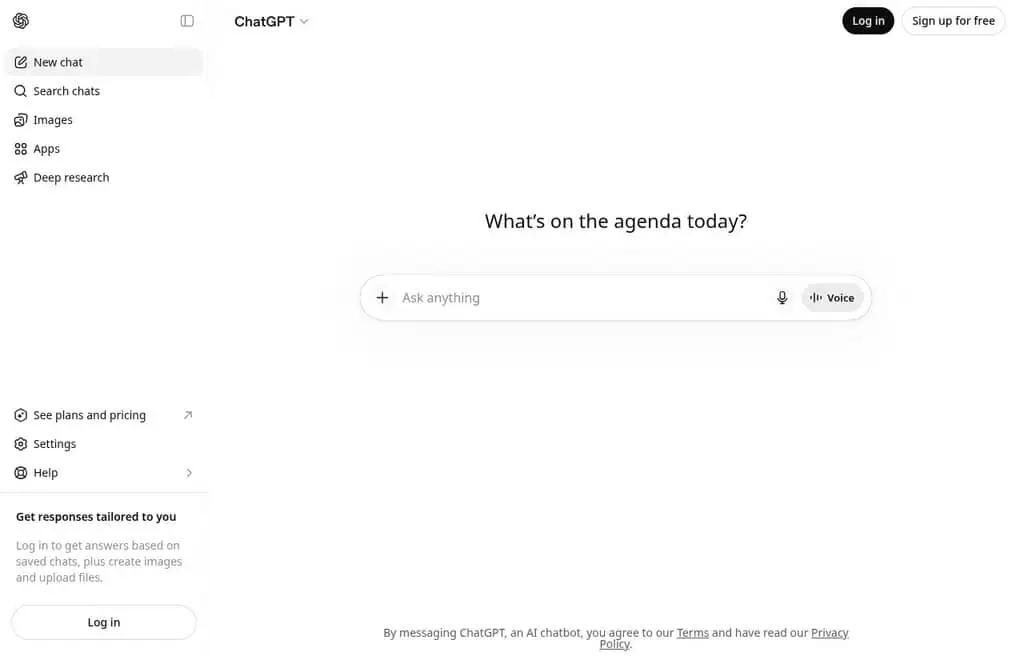
Best for: Almost any AI task, from writing and brainstorming to coding and analysis.
ChatGPT is the most-visited AI tool on the planet, and for most people it is the only free AI tool they will ever need. The free plan now includes a capable model, web browsing, image understanding, and even some image generation, all through a plain chat box. You describe what you want and refine by talking, which is why it remains the default starting point for beginners and pros alike.
The free tier is genuinely useful, with limits that reset through the day and a fallback to a smaller model when you hit them. The honest catch is that the newest models and highest usage sit behind ChatGPT Plus at $20 a month, and the free model can slow down at peak times. For 90% of everyday tasks, free ChatGPT is more than enough.
Best for: Anyone who wants one free assistant that handles writing, research, coding help, and ideas in one place.
2. Canva (text to image): Best free design tool with AI
Best for: Turning AI images into finished, on-brand graphics.
Canva is where hundreds of millions of people already make social posts, slides, and thumbnails, and its built-in AI (Magic Media, Text to Image) generates images right on your canvas. The advantage is not raw image quality, it is context: you generate, then drop the result into a template, add text, resize, and export without leaving the tool. For bloggers and small businesses, that finished-graphic workflow beats a sharper standalone render.
The free plan covers a limited number of AI generations plus the huge free template and asset library. Heavier AI use and premium assets need Canva Pro at around $15 a month. For design-led work, the free tier is one of the most practical here.
Best for: Creators and marketers who want the image and the finished design in one free tool.
3. Google Gemini: Best free multimodal AI assistant
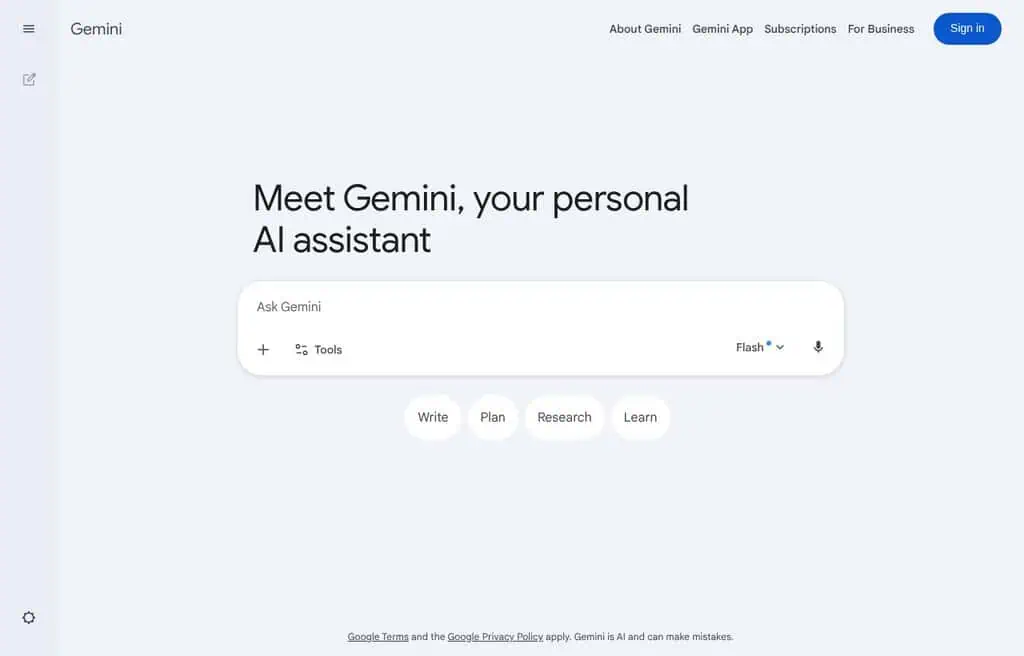
Best for: A free assistant that reasons across text, images, audio, and video, with top-tier image generation.
Gemini is Google’s flagship assistant and one of the most powerful free AI tools available. Beyond chat, its image generation (Nano Banana) is arguably the best free image model in 2026, with accurate text rendering that most rivals still botch. It also taps Google’s ecosystem, so it can pull in search, Workspace, and live information.
The free tier is generous for daily use, with higher limits and the newest models on Google AI Premium at $19.99 a month. The honest downside is daily caps on the heaviest features and Google’s strict safety filters. For most people, free Gemini competes directly with paid tools.
Best for: Anyone who wants a free, multimodal assistant with excellent image generation built in.
4. GET3D by NVIDIA: Best free AI for 3D model research
Best for: Researchers and developers exploring AI-generated 3D models.
GET3D is NVIDIA’s open-source research project for generating textured 3D shapes with AI, and it is completely free on GitHub. Its high rank here reflects GitHub’s enormous traffic rather than mainstream consumer use, so set expectations: this is a research codebase, not a polished app. If you are a technical user experimenting with generative 3D, the code, models, and papers are all freely available.
The honest reality is that you need machine-learning know-how and a capable GPU to run it. It is not a click-and-generate tool for designers. But for the niche of free, open AI 3D generation, it is a landmark.
Best for: ML researchers and developers who want open-source generative 3D, not a consumer app.
5. QuillBot: Best free AI writing enhancer
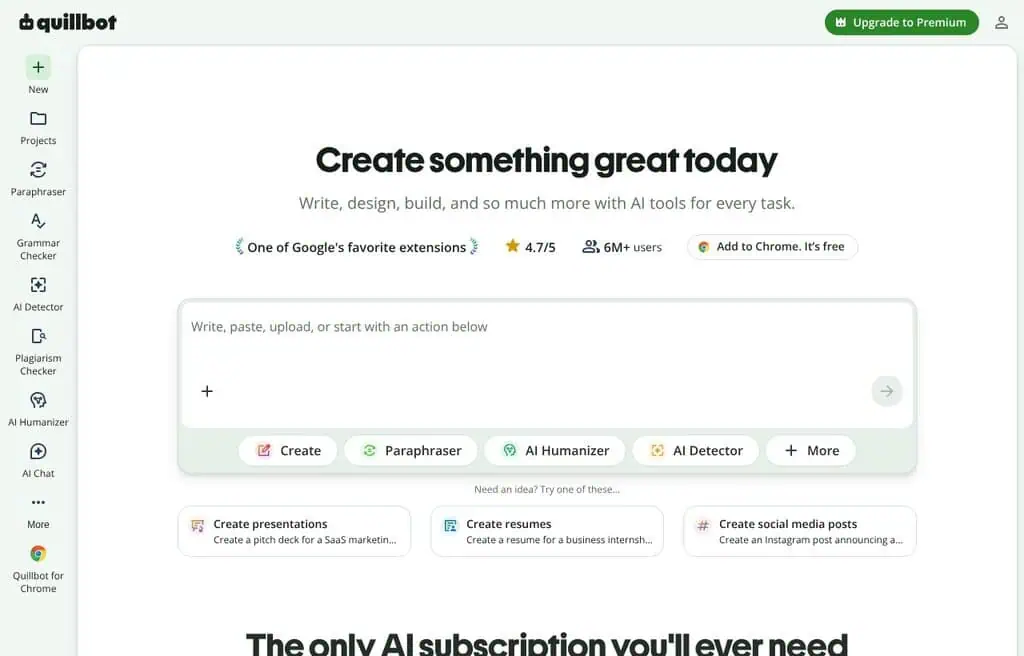
Best for: Paraphrasing, summarizing, and cleaning up writing.
QuillBot is one of the highest-traffic AI writing tools in the world because it nails a specific job: rewriting and polishing text. The free plan gives you paraphrasing (with a couple of modes), a grammar checker, a summarizer, and a citation generator. Students and writers lean on it daily to rephrase sentences, fix grammar, and tighten drafts.
The free tier caps paraphrasing length and locks the more advanced rewrite modes behind Premium (around $9.95 a month). It is a rewriter, not a from-scratch generator, so pair it with ChatGPT for ideation. For cleaning up text you already have, the free version is excellent.
Best for: Students and writers who want free paraphrasing, grammar fixes, and summaries.
6. Microsoft Bing: Best free AI-powered search
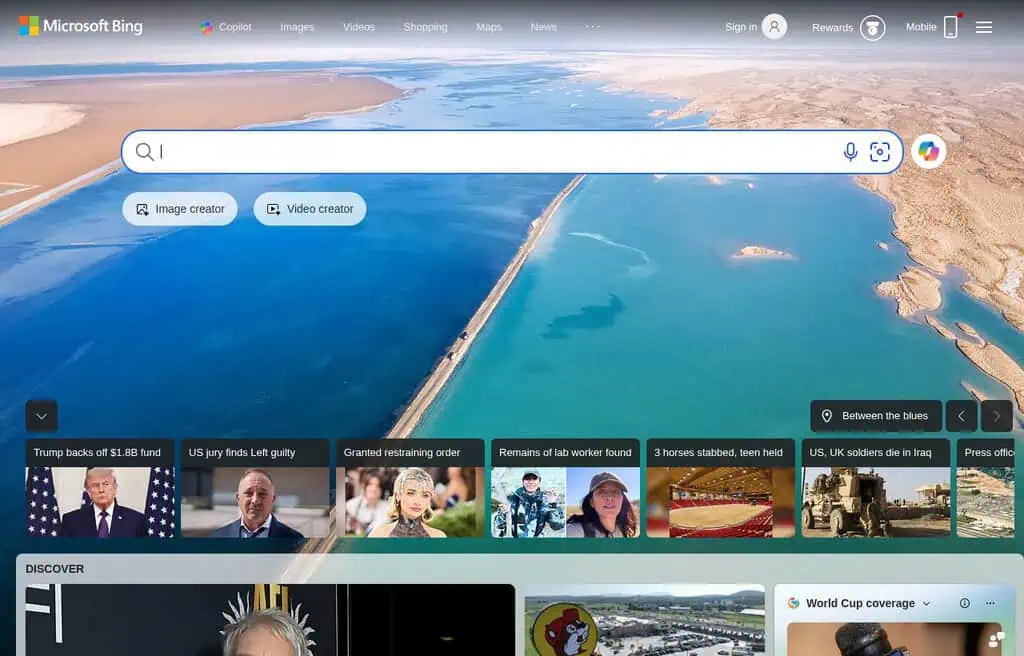
Best for: Free AI search with image generation baked in.
Bing folds OpenAI’s models into search, giving you AI-generated answers, citations, and the free Image Creator, all without a separate subscription. For quick research with sources and the occasional free image, it is a one-stop free tool that most people already have access to through their browser.
The honest catch is that the experience is tied to Microsoft’s ecosystem and Edge in places, and the AI answers can feel cluttered next to a focused tool like Perplexity. But as a free, no-setup AI search with bonus image generation, it earns its spot.
Best for: Anyone who wants free AI answers and images without signing up for anything new.
7. Perplexity: Best free AI answer engine
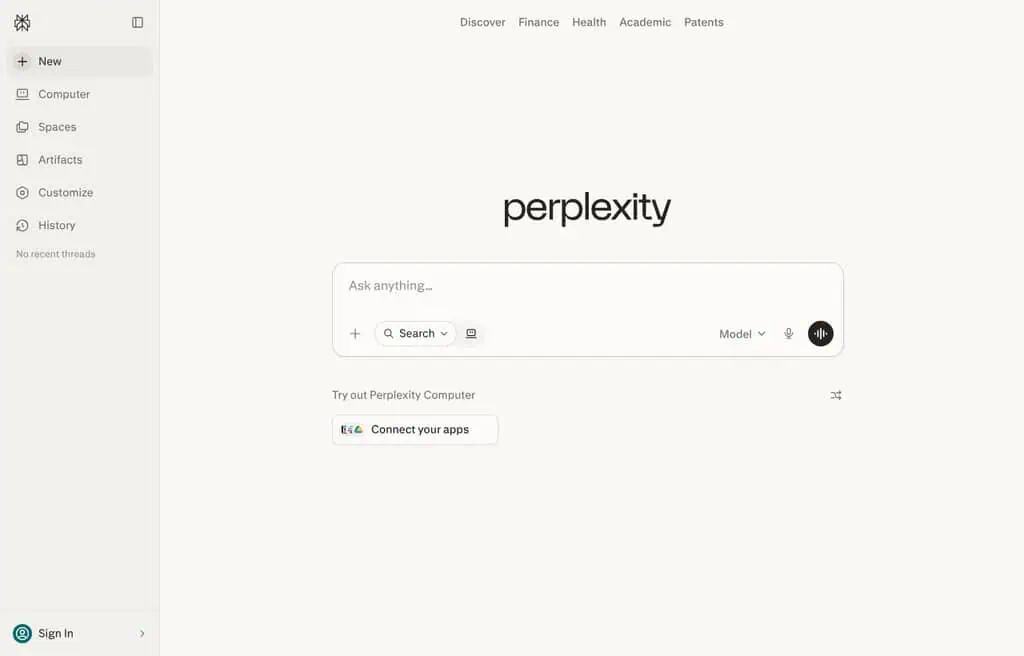
Best for: Research questions where you want a direct, sourced answer instead of ten blue links.
Perplexity is the AI search tool I reach for most. Ask a question and it returns a concise answer with numbered citations you can click to verify, then suggests follow-ups. For research, fact-checking, and “explain this to me with sources,” the free plan is genuinely excellent and fast.
The free tier covers unlimited basic searches plus a daily allowance of “Pro” searches that use stronger models; heavier Pro use needs the $20-a-month plan. The honest limit is that very deep, multi-step research is reserved for Pro. For everyday sourced answers, free Perplexity is hard to beat.
Best for: Students, researchers, and anyone who wants trustworthy, cited answers for free.
8. Notion AI: Best free AI for productivity and notes
Best for: Generating and organizing content inside your notes and docs.
Notion AI lives inside Notion, the workspace millions use for notes, docs, and project management. It drafts, summarizes, translates, and answers questions about your own content, which is the key advantage: the AI knows your workspace. For anyone already in Notion, it removes the copy-paste shuffle between a chatbot and your docs.
Notion itself has a strong free plan, but AI features run on a limited free allowance before needing a paid AI add-on (around $10 a month). If you do not already use Notion, a standalone assistant is a better free pick. Inside Notion, it is a natural upgrade.
Best for: Notion users who want AI writing and summaries where their work already lives.
9. Claude: Best free AI for long-form writing and coding
Best for: Nuanced long-form writing, careful analysis, and coding help.
Claude, from Anthropic, is my pick when writing quality and reasoning matter most. It handles long documents gracefully, writes in a more natural voice than most models, and is excellent at code. The free plan gives you access to a capable Claude model with a daily message allowance, which is plenty for focused sessions.
The honest catch is the free message cap, which resets but can interrupt a long work session, and the newest models favor paid Pro ($20 a month). For thoughtful drafts, analysis, and debugging, free Claude is one of the best tools on this list.
Best for: Writers and developers who want high-quality long-form output and coding help for free.
10. Gamma: Best free AI presentation maker
Best for: Turning a prompt or rough notes into a polished deck in minutes.
Gamma is the AI presentation tool that actually impresses people. Type a topic or paste notes, and it generates a designed deck (or doc or webpage) with sensible layouts, images, and structure you can then edit. For anyone who dreads slide design, it collapses an afternoon into a few minutes.
The free plan gives you a pool of AI credits to create and generate, with watermark removal, exports, and more credits on paid plans (from around $10 a month). The honest limit is that free decks carry light Gamma branding and credits deplete with heavy use. For fast, good-looking presentations, it is the best free option.
Best for: Students, founders, and marketers who need a good deck fast without design skills.
11. Monica: Best free all-in-one AI assistant
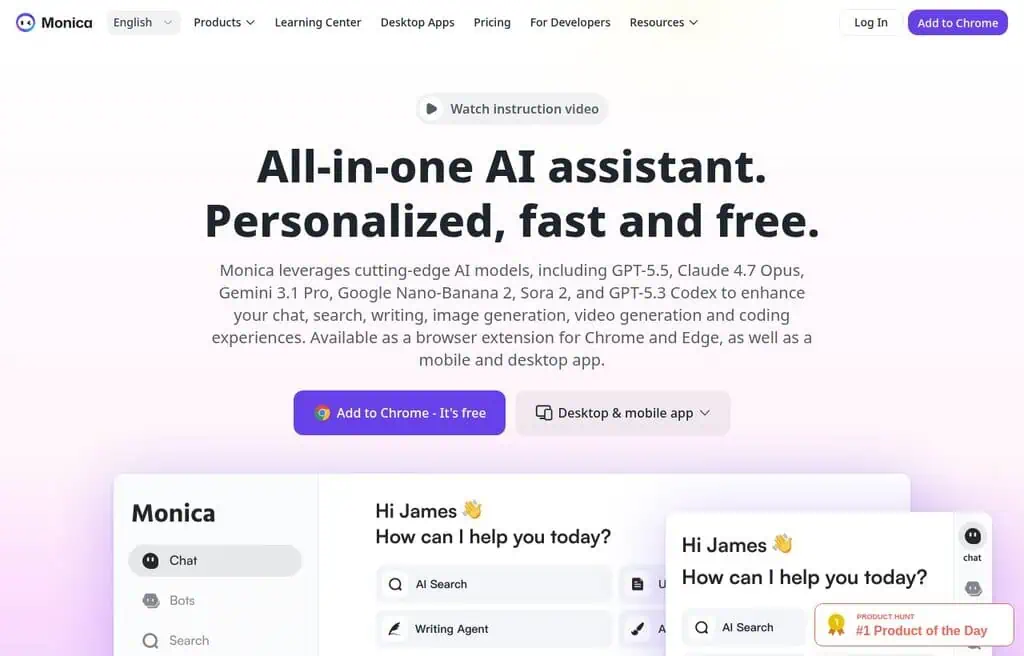
Best for: One assistant, accessible everywhere, that bundles many models.
Monica is a browser-extension assistant that puts chat, writing, translation, and image tools one click away on any web page, often with access to multiple underlying models. The convenience is the point: highlight text anywhere and summarize, rewrite, or explain it without switching tabs.
The free plan runs on daily credits shared across features, so heavy use hits the cap quickly, and full model access needs a paid plan (from around $8.30 a month). As a generalist it will not beat a specialist tool, but for everyday convenience it is excellent.
Best for: People who want an AI helper available on every web page for free.
12. Namecheap logo maker: Best free AI logo tool
Best for: Spinning up a free logo concept in minutes.
Namecheap’s Logo Maker is genuinely free to design with, which is rare in the logo space. Answer a few questions about your brand and style, and it generates logo options you can customize (fonts, colors, icons) and download in high resolution at no cost. For a side project or a quick brand refresh, it removes the usual paywall.
The honest reality is that AI logo makers produce template-quality results, not custom design, so a serious brand still benefits from a designer later. But for a free, fast, usable logo, it is one of the best options, and it pairs naturally with a free business-name tool.
Best for: Founders and side-hustlers who need a free, downloadable logo fast.
13. Leonardo AI: Best free AI art tool with control
Best for: Creators who want real control over AI image models and styles.
Leonardo AI is where people graduate once one-click image tools feel limiting. It offers model choice, fine-tuned community models, image and style references, and consistent characters, all in the browser. The output competes with paid tools, and the free daily token allowance is enough for real work.
You get around 150 tokens a day free, which translates to a solid number of images depending on settings. The honest catch is a learning curve and tokens that deplete with heavy or high-res generation.
For controllable, high-quality free image generation, it is a top pick. See it alongside the rest in our best free AI image generators guide.
Best for: Intermediate creators who want control and quality without running models locally.
14. Replit: Best free AI coding environment
Best for: Coding, collaborating, and deploying from the browser with AI help.
Replit is a full coding environment in your browser with AI (Replit Agent and Assistant) that can scaffold, explain, and fix code. You can build, run, and deploy apps without installing anything, which makes it ideal for learners and for quick prototypes. The collaborative, zero-setup nature is its superpower.
The free plan gives you workspaces and limited AI usage; heavier AI and always-on deployments need a paid plan (from around $20 a month). The honest limit is that the most powerful Agent features are paid. For learning to code and prototyping with AI, the free tier is a great start.
Best for: Beginners and tinkerers who want to code and ship from the browser with AI.
15. WolframAlpha: Best free AI for computation and facts
Best for: Math, science, and data questions that need a precise, computed answer.
WolframAlpha is the computational knowledge engine that answers questions with actual calculations and curated data, not a web summary. Ask it math, physics, chemistry, finance, or statistics questions and it returns step-aware, structured answers. For students and analysts, it is the antidote to AI tools that confidently make up numbers.
The free version answers most queries; step-by-step solutions and extended compute need Pro (around $5-7 a month for students). The honest catch is that the interface is dated and it is not conversational. But for trustworthy computation, free WolframAlpha is unmatched.
Best for: Students and analysts who need precise, computed answers rather than guesses.
16. Adobe podcast: Best free AI audio enhancer
Best for: Making rough recordings sound studio-clean for free.
Adobe Podcast’s free Enhance Speech tool is borderline magic: upload a noisy, echoey voice recording and it returns clean, professional-sounding audio. For podcasters, course creators, and anyone recording on a laptop mic, it removes background noise and reverb better than most paid plugins, free in the browser.
The free tier has monthly processing limits and caps on file length, with more available through Adobe accounts and Premiere. The honest limit is that very long files need to be split. But for free, fast audio cleanup, it is one of the most useful AI tools here.
Best for: Podcasters and creators who need clean audio without a studio or paid software.
17. Namelix: Best free AI business name generator
Best for: Brainstorming a short, brandable business or product name.
Namelix uses AI to generate brandable business names based on your keywords and style preferences, complete with logo mockups. Unlike generic name generators, it favors short, memorable, available-sounding names, which is exactly what founders need at the naming stage. It is free to browse endless options.
The names and basic logos are free to view; buying a matching domain or a polished logo costs extra (and the logos come from its sibling tool). The honest catch is that the best available .com domains may already be taken. For free naming inspiration, it is the go-to.
Best for: Founders naming a startup, product, or side project on a budget.
18. Runway: Best free AI video generator
Best for: Generating and editing AI video, and animating still images.
Runway is the most recognizable name in AI video, and its image and video models (Gen-4 and Frames) are strong. The workflow shines when you generate a still and then animate it into a clip, all in one platform. For creators moving into motion, it is the most complete free starting point.
The free plan gives you a one-time pool of credits (around 125) spent across image and video, so it is more a generous trial than an ongoing free tier. The honest reality is that serious video work needs a paid plan. For testing AI video for free, it is the best place to start.
Best for: Creators who want to try AI video and image-to-video without paying upfront.
19. Autodraw: Best free AI drawing assistant
Best for: Turning rough doodles into clean icons and drawings, instantly and free.
Autodraw is a free Google experiment that guesses what you are sketching and offers polished, professional drawings to swap in. Doodle a cat, a sun, or a laptop, and it suggests clean vector versions in real time. For quick diagrams, whiteboard-style sketches, and simple icons, it is delightfully fast and completely free.
The honest catch is that it is limited to its library of suggested drawings, so it is not a general illustration tool. But for free, instant, no-skill sketches, nothing is simpler.
Best for: Anyone who wants quick, clean doodles and icons with zero drawing skill.
20. Craiyon: Best free no-signup image generator
Best for: Instant, unlimited AI images with no account.
Craiyon (formerly DALL-E mini) introduced a generation to AI images and is still free, unlimited, and signup-free. Type a prompt and get a grid of options in under a minute. It is ad-supported and the quality is modest, which is exactly why it became a meme-image staple.
Do not come here for photorealism; come for fast concepts and fun with zero friction. The free version shows ads and watermarks, removed on the paid “Supercharged” tier. For unlimited no-signup images, it is unbeatable.
Best for: Anyone who wants instant, unlimited, no-signup images and does not need top quality.
21. Magic studio: Best free AI image editing
Best for: Quick AI photo edits like background removal and cleanup.
Magic Studio bundles practical AI image tools: background removal, object erasing, upscaling, and product-photo backgrounds. It is aimed at getting a usable, clean image fast rather than artistic generation, which makes it handy for online sellers and social posts. Most tools work right in the browser.
The free tier lets you try the tools with resolution limits and some watermarking, with full quality on paid plans. For fast, practical edits, the free version covers a lot.
Best for: Sellers and creators who need quick, practical AI photo edits for free.
22. NightCafe studio: Best free AI art community
Best for: Exploring art styles inside an active creative community.
NightCafe is a long-running AI art platform built around community: daily challenges, a public gallery, and credits you can earn by participating. It offers multiple models and deep style options, great for exploring looks rather than chasing one perfect render. Active users rarely run out of its daily free credits.
The honest catch is that the best models and bulk generation cost credits that deplete quickly, and the interface shows its age. For hobbyist art with a community, it is a strong free pick.
Best for: Hobbyist artists who enjoy experimenting with styles among other creators.
23. Stable Diffusion: Best free open-source image model
Best for: Unlimited, private, fully controllable image generation.
Stable Diffusion is the open-source model behind a huge share of the tools on this list. Use it free through web front-ends, or run it locally for genuinely unlimited, private generation with full control over every parameter. Run locally and there are no caps and nothing leaves your machine.
The control is also the catch: local setup needs a capable GPU and some learning, while web versions are capped. For volume, privacy, or customization, nothing beats running the model yourself.
Best for: Power users and privacy-conscious creators who want unlimited, tunable images.
24. Civitai: Best free hub for AI models and LoRAs
Best for: Finding and running the largest library of community AI models.
Civitai is the biggest hub for community-trained Stable Diffusion and Flux models, LoRAs, and embeddings, with an on-site generator that runs them on daily free “Buzz” credits. If you want a specific community style or character model without a local setup, this is where the models live.
The honest caveats: it hosts a lot of adult and anime content, and navigating thousands of models takes patience. For model variety, nothing is bigger.
Best for: Power users who want the largest library of free community image models.
25. Descript: Best free AI audio and video editor
Best for: Editing audio and video by editing the transcript like a doc.
Descript’s killer feature is editing media by editing text: it transcribes your recording, and deleting a word deletes the audio. Add AI tools like filler-word removal, studio sound, and voice cloning (Overdub), and it becomes a genuinely modern editor for podcasters and video creators.
The free plan covers a limited number of transcription hours and watermarked exports, with full features on paid plans (from around $19 a month). The honest limit is the free transcription cap. For transcript-based editing, it is the best free starting point.
Best for: Podcasters and video creators who want to edit by editing text, for free.
26. Consensus: Best free AI for scientific research
Best for: Evidence-based answers pulled from peer-reviewed research.
Consensus is an AI search engine for science: ask a research question and it surfaces findings from 200M+ peer-reviewed papers, with a “consensus meter” showing where the evidence lands. For students, academics, and anyone who wants claims backed by studies rather than blog posts, it is invaluable.
The free plan gives unlimited searches with a monthly cap on AI-synthesized answers; deeper features need a paid plan (around $9 a month for students). For trustworthy, citation-backed research, the free tier is excellent.
Best for: Students and researchers who want answers grounded in actual studies.
27. Merlin: Best free AI browser assistant

Best for: Summarizing, writing, and answering on any web page or YouTube video.
Merlin is a Chrome-extension assistant that brings GPT-style help to any page: summarize articles and YouTube videos, write replies, and search with AI. The convenience of having it everywhere, plus access to multiple models, makes it a popular free productivity booster.
The free plan runs on daily query credits shared across features; unlimited use needs a paid plan. The honest catch is the daily cap. For free, on-page AI help, it is solid.
Best for: Anyone who wants AI summaries and writing help on every web page.
28. GPTGO: Best free AI search and chat combo
Best for: Free ChatGPT-style answers alongside normal search results.
GPTGO pairs a Google-style search with a free ChatGPT-powered answer, so you get web links and an AI response on the same page, no login required. It is a simple, fast way to use AI search for free without signing up for anything.
The honest reality is that it is a lightweight wrapper, so it lacks the depth and citations of Perplexity. But for quick, free, no-signup AI answers, it does the job.
Best for: People who want free AI answers plus search with zero setup.
29. Fliki: Best free AI text-to-video and voiceover
Best for: Turning a script or blog post into a narrated video.
Fliki converts text into videos with lifelike AI voiceovers, stock footage, and captions, which makes faceless YouTube and TikTok content fast. Paste a topic or article, pick a voice, and it assembles a narrated video you can tweak. The voice quality is a standout.
The free plan gives you a small monthly allowance of video minutes and credits; more needs a paid plan (from around $21 a month). The honest limit is the tight free minutes. For testing AI video-with-voiceover, it is one of the easiest tools.
Best for: Faceless-content creators who want script-to-video with great AI voices.
30. Copy.ai: Best free AI tool for marketing copy
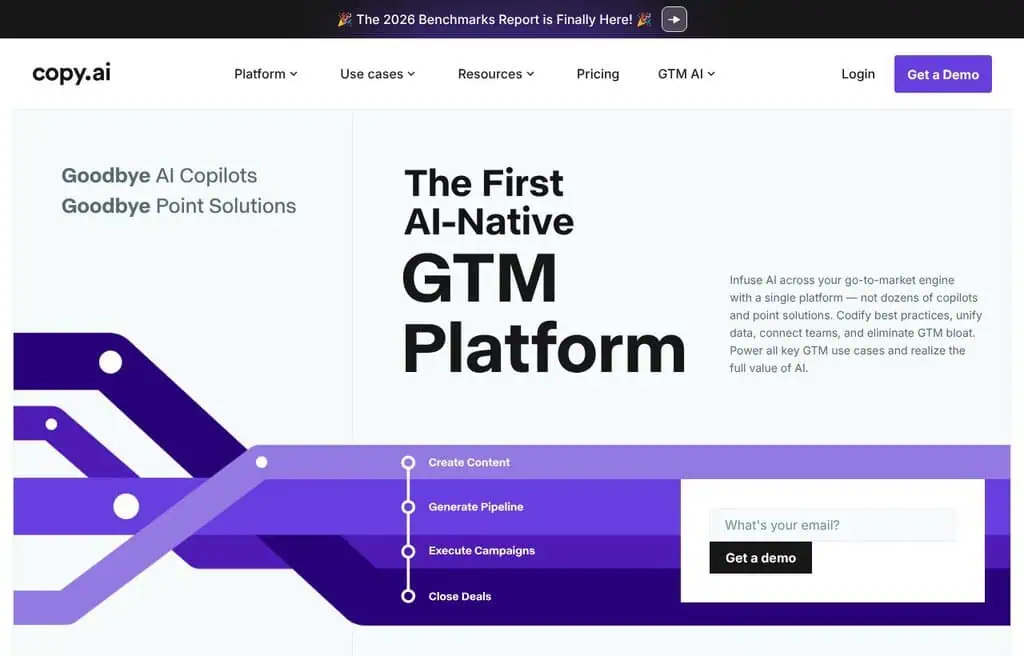
Best for: Drafting marketing copy, emails, and social posts fast.
Copy.ai is a marketing-focused writing tool with templates for ads, emails, product descriptions, and social posts, plus longer workflows. For marketers who need first drafts at volume, the templates remove the blank-page problem and keep output on-format.
The free plan includes a monthly word allowance and limited chat; serious use needs a paid plan. The honest catch is that output still needs editing to sound human. For free marketing first drafts, it is a reliable workhorse.
Best for: Marketers and small businesses who want fast first-draft copy for free.
31. Playground AI: Best free AI tool for design images
Best for: Social graphics and design-forward images from templates.
Playground blends image generation with design templates, so it leans toward finished graphics (posts, logos, banners) rather than raw renders. It offers multiple models and an editor, with a healthy free allowance in rolling batches.
The free tier works in windows (around 10 images per few hours), fine for casual use but limiting for volume. For design-led image creation, the free tier is generous.
Best for: Creators who want templates and AI generation together for social and marketing graphics.
32. TutorAI: Best free AI learning tool
Best for: Generating a structured lesson on any topic you want to learn.
TutorAI builds interactive, personalized lessons on demand: type a topic and it produces an outline, explanations, and follow-up questions, turning the open web into a guided course. For self-learners, it is a fast way to get a structured starting point on anything.
The free tier covers a generous amount of lesson generation, with more on paid plans. The honest limit is that depth varies by topic. For free, on-demand learning paths, it is a handy tool.
Best for: Self-learners who want an instant, structured lesson on any subject.
33. Easy peasy AI: Best free AI content and avatar tool
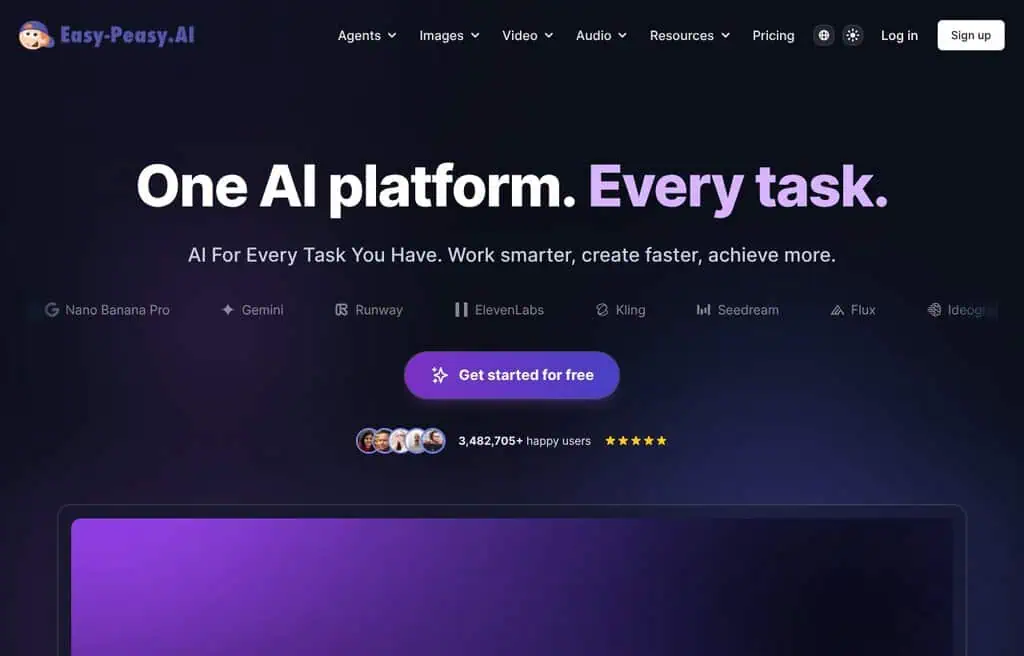
Best for: A broad free toolkit for writing, images, audio, and avatars.
Easy Peasy AI bundles content templates, an AI chatbot, image generation, transcription, and talking AI avatars in one dashboard. It is a generalist aimed at solopreneurs who want many AI jobs covered without subscribing to five tools.
The free plan offers a monthly credit allowance across features, with more on paid tiers (from around $4 a month). The honest catch is that specialists beat it on any single task. For a cheap all-rounder, the free tier is a fair start.
Best for: Solopreneurs who want a broad, low-cost AI toolkit in one place.
34. Writesonic: Best free AI tool for SEO content
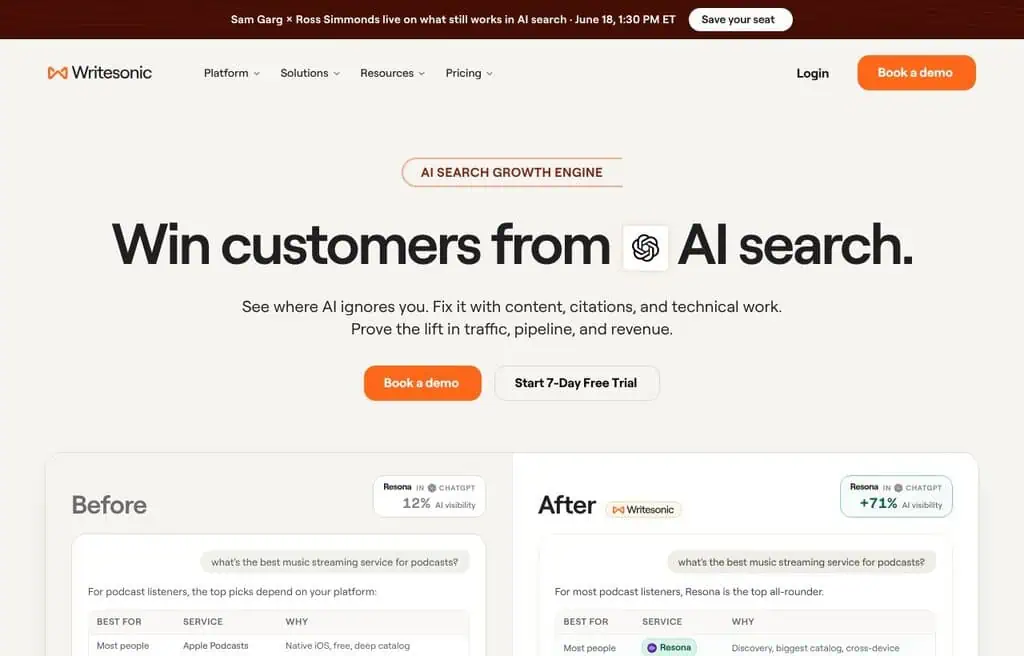
Best for: SEO articles and marketing content with built-in research.
Writesonic is a content platform that pairs AI writing with SEO features, real-time data, and an image generator (Photosonic). For bloggers and marketers producing search-focused content, the combination of drafting plus optimization in one tool saves steps.
The free plan gives a limited monthly word/credit allowance shared across features; serious output needs a paid plan (from around $20 a month). The honest limit is that free credits go fast. For free SEO-minded drafting, it is capable.
Best for: Bloggers and marketers who want AI writing plus SEO features for free.
35. Uberduck: Best free AI voice and rap tool
Best for: AI singing, rapping, and custom synthetic voices.
Uberduck is a niche but beloved tool for AI voices, including singing and rapping with a big library of voices, plus an API for developers. For music experiments, voiceovers, and creative audio, it does things mainstream TTS tools do not.
The free tier covers basic voice generation; commercial use and custom voices need paid access. The honest catch is that voice availability and licensing vary. For playful, free AI voice work, it is unique.
Best for: Creators experimenting with AI singing, rap, and custom voices.
36. Windsurf: Best free AI coding IDE
Best for: Developers who want an AI-native code editor.
Windsurf is an AI-first IDE (from the Codeium team) with predictive autocomplete, an agentic “Cascade” mode that edits across files, and integrated deployment. For developers, it is a serious Copilot/Cursor alternative with a genuinely usable free tier.
The free plan includes a monthly allowance of premium AI actions; heavier use needs a paid plan (from around $15 a month). The honest catch is that the best agentic features burn the free allowance. For AI-assisted coding, the free tier is strong.
Best for: Developers who want an AI-native editor with a real free tier.
37. Softr: Best free AI app and website builder
Best for: Building client portals, internal tools, and web apps with no code.
Softr turns a spreadsheet or database into a real web app (portals, directories, dashboards) with no code, and AI helps generate and configure them. For founders and ops teams who need a functional app without developers, it is fast and approachable.
The free plan supports a live app with limits on users and features; growth needs paid plans (from around $49 a month). The honest catch is the free user cap. For a free no-code app MVP, it works well.
Best for: Non-technical founders building portals and internal tools for free.
38. AutoGPT: Best free open-source AI agent
Best for: Building autonomous AI agents that chain tasks together.
AutoGPT pioneered the autonomous-agent idea: give it a goal and it plans and executes multi-step tasks using tools. It is open-source and free to self-host, with a newer low-code platform for building agent workflows. For developers exploring agentic AI, it is a foundational free project.
The honest reality is that self-hosting needs technical setup and API keys (which cost money to run), and agents can wander. For free, hands-on agent experimentation, it is a landmark.
Best for: Developers who want to build and run autonomous AI agents for free.
39. Genmo AI: Best free AI video from text
Best for: Generating short, lifelike video clips from prompts.
Genmo focuses on text-to-video with strong prompt control, and its open Mochi model pushed open-source video forward. For creators who want to generate a clip from a description, it is a capable, increasingly open option.
The free tier offers a limited number of generations; more needs paid credits. The honest limit is short clip lengths and queues at peak times. For free AI video experiments, it is worth a look.
Best for: Creators who want to test text-to-video generation for free.
40. Mubert: Best free AI music generator
Best for: Royalty-free background music for videos and streams.
Mubert generates royalty-free music from text prompts or mood/genre selections, ideal for backing tracks on YouTube, podcasts, and streams. Instead of licensing a library track, you generate something fit-for-purpose in seconds.
The free tier allows generation with attribution and limits on downloads and commercial use; full rights need a paid plan. The honest catch is that free use requires crediting Mubert. For free background music, it is one of the easiest tools.
Best for: Video and stream creators who need quick, royalty-free background music.
41. Humata AI: Best free AI for document Q&A
Best for: Asking questions across long PDFs and documents.
Humata lets you upload documents and chat with them: ask questions, get summaries, and pull citations from the source. For researchers, students, and professionals wading through long PDFs, it turns a 100-page report into a conversation.
The free plan caps the number of pages and questions; heavier use needs a paid plan. The honest limit is the free page cap. For free document Q&A, it is a strong, focused tool.
Best for: Anyone who needs to question and summarize long documents for free.
42. Rytr: Best free AI writing assistant on a budget
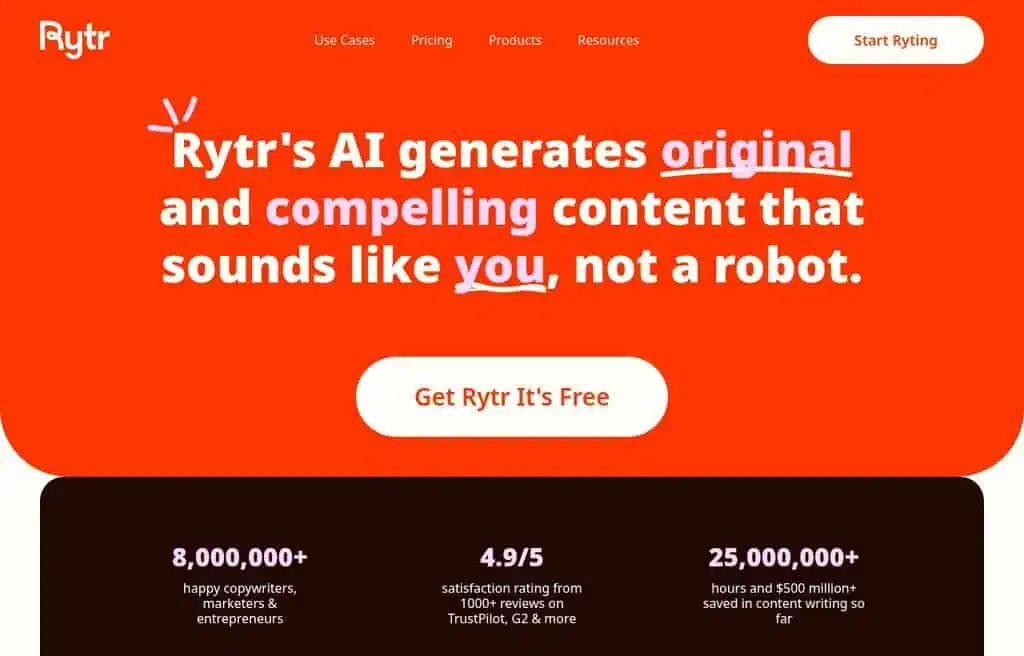
Best for: Quick, affordable AI writing across tones and languages.
Rytr is a lightweight AI writer with templates, multiple tones, and 30+ languages, popular for its genuinely useful free plan and low prices. For short-form content, emails, and ideas, it is fast and unintimidating.
The free plan includes a monthly character allowance; unlimited writing is cheap (from around $9 a month). The honest catch is that long-form output trails heavier tools. For free, simple writing help, it punches above its price.
Best for: Budget-conscious writers who want simple AI drafting for free.
43. Teachable machine: Best free no-code AI model trainer
Best for: Training a simple image, sound, or pose model with zero code.
Teachable Machine, a free Google tool, lets anyone train a basic machine-learning model in the browser by uploading examples, no code required. Teachers, students, and hobbyists use it to grasp how AI learns and to build simple classifiers fast.
The honest reality is that it is educational, not production-grade, so the models are simple. But for free, hands-on AI learning, nothing is more approachable.
Best for: Students and educators who want to understand and build AI models for free.
44. Excel formula bot: Best free AI for spreadsheets
Best for: Turning plain English into Excel and Google Sheets formulas.
Formula Bot (Excel Formula Bot) converts natural language into spreadsheet formulas and can explain or debug existing ones. For anyone who freezes at nested IF statements and VLOOKUPs, it is a genuine time-saver, and it now does broader data analysis too.
The free plan covers a limited number of formula generations per month; more needs a paid plan. The honest catch is the free monthly cap. For free formula help, it is the fastest fix.
Best for: Spreadsheet users who want formulas written from plain English for free.
45. Andi: Best free conversational AI search
Best for: Ad-free, conversational search that answers instead of listing links.
Andi is an AI search engine that answers questions conversationally and ad-free, summarizing sources and explaining results. It is privacy-minded and clean, a calm alternative to cluttered search pages.
The honest reality is that its index and depth trail the giants, so it is a secondary search tool rather than a replacement. But for free, ad-free AI answers, it is a pleasant option.
Best for: Privacy-minded users who want clean, conversational AI search for free.
46. Riverside: Best free AI tool for podcasts and video
Best for: Recording studio-quality remote interviews, then editing with AI.
Riverside records local, high-resolution audio and video for each participant (so remote interviews sound and look professional), then adds AI transcription, clip generation, and text-based editing. For podcasters and YouTubers doing interviews, it solves the “my guest sounds terrible” problem.
The free plan includes limited recording hours and exports; more needs a paid plan (from around $15 a month). The honest catch is the free hour cap. For free, high-quality remote recording, it is excellent.
Best for: Podcasters and interviewers who want studio-quality remote recording for free.
47. AgentGPT: Best free browser-based AI agent
Best for: Spinning up an autonomous AI agent in the browser, no install.
AgentGPT lets you configure and deploy an autonomous agent in the browser: give it a goal and watch it break the task into steps and execute them. It is the most approachable way to see agentic AI in action without a local setup.
The free tier offers limited runs; heavier use needs your own API key or a paid plan. The honest limit is that free runs are short and agents can loop. For a free taste of AI agents, it is the easiest entry.
Best for: Curious users who want to try autonomous AI agents in the browser for free.
48. Glasp: Best free AI highlighting and notes tool
Best for: Highlighting the web and turning it into AI-summarized notes.
Glasp is a social highlighter: mark up articles and YouTube videos, collect your highlights, and use AI to summarize and connect them. For researchers and lifelong learners, it builds a searchable knowledge base from what you read, with a community angle.
The free plan is generous for personal use; the honest catch is that the social/sharing focus is not for everyone. For free web highlighting plus AI summaries, it is a quiet gem.
Best for: Researchers and learners who want to capture and summarize what they read.
49. Taskade: Best free AI productivity and agents tool
Best for: AI-powered task management, notes, and custom agents for teams.
Taskade combines tasks, notes, mind maps, and chat with AI agents you can customize to automate workflows. For small teams, it is an all-in-one workspace where the AI actually does work (generating tasks, summarizing, researching) rather than just chatting.
The free plan supports real workspaces with limited AI runs; more needs a paid plan (from around $8 a month). The honest catch is the free AI run cap. For a free AI-native workspace, it is a strong pick.
Best for: Small teams who want tasks, notes, and AI agents in one free workspace.
50. Palette.fm: Best free AI photo colorizer
Best for: Colorizing black-and-white photos with natural results.
Palette.fm uses AI to add realistic color to monochrome photos, with filters to steer the look and high-resolution output. For restoring family photos or historical images, the results are surprisingly natural compared to older colorizers.
The free tier allows colorizing at lower resolution; full-resolution downloads need credits. The honest catch is the free resolution cap. For free, high-quality colorization, it is one of the best.
Best for: Anyone restoring or colorizing old black-and-white photos for free.
51. MeetGeek: Best free AI meeting assistant
Best for: Auto-recording, transcribing, and summarizing meetings.
MeetGeek joins your video calls to record, transcribe, and summarize them, then pushes action items and highlights to your tools. For anyone drowning in meetings, it means never taking notes again and getting a searchable record of every call.
The free plan covers a monthly allowance of transcription and storage; more needs a paid plan (from around $15 a month). The honest catch is the free transcription cap. For free meeting notes, it is reliable.
Best for: Professionals who want automatic meeting notes and summaries for free.
52. ChefGPT: Best free AI meal planner
Best for: Personalized recipes and meal plans from what you have.
ChefGPT suggests recipes based on the ingredients you own, your diet, and your goals, and builds meal plans and shopping lists. For home cooks staring at a random fridge, it is a genuinely useful “what can I make” assistant.
The free plan covers a limited number of recipe generations; more needs a paid plan. The honest catch is the free generation cap. For free meal inspiration, it is a fun, practical tool.
Best for: Home cooks who want recipes and meal plans tailored to them for free.
53. Imagecolorizer: Best free AI photo restoration
Best for: Colorizing and restoring old or damaged photos.
Imagecolorizer adds color to black-and-white images and restores old, scratched, or low-quality photos with AI upscaling and repair. It is a focused tool for breathing life back into family archives.
The free tier allows a limited number of images with watermarks or lower resolution; full quality needs a paid plan. The honest catch is the free limits. For occasional restoration, the free version works.
Best for: Anyone restoring old family photos who wants a free first pass.
54. Dream interpreter: Best free AI dream analysis
Best for: A fun, personalized take on what your dream might mean.
Dream Interpreter uses AI to give personalized interpretations of your dreams based on common symbolism and the details you provide. It is a light, entertaining tool that scratches a curious itch, and it is free to try.
The honest reality is that dream interpretation is not science, so treat results as fun reflection rather than fact. For a free, novel AI experience, it delivers exactly what it promises.
Best for: Curious users who want a free, personalized dream interpretation for fun.
55. Boomy: Best free AI tool to make and release music
Best for: Making original songs in seconds and releasing them to streaming.
Boomy lets anyone create original songs with AI in seconds, then distribute them to Spotify and 40+ platforms and earn from streams. For non-musicians who want to release music, it removes every technical barrier.
The free plan lets you create and save songs with limits on releases; distribution and ownership terms vary by plan. The honest catch is that royalties are small and quality is “good enough” rather than chart-topping. For free music creation, it is remarkably accessible.
Best for: Non-musicians who want to create and release AI songs for free.
56. Browse AI: Best free AI web scraper
Best for: Extracting and monitoring web data with no code.
Browse AI lets you “train a robot” to scrape data from any site and monitor it for changes, all without code. For price tracking, lead lists, and competitor monitoring, it turns manual copy-paste into an automated feed.
The free plan covers a small monthly allowance of credits and one robot; scaling needs paid plans. The honest catch is the tight free credits. For free, no-code scraping, it is the most approachable.
Best for: Non-coders who want to scrape and monitor web data for free.
57. REimagine home: Best free AI interior design
Best for: Redesigning a room or staging a space from a photo.
REimagine Home generates interior design ideas from a photo of your room: pick a style and it restyles the space, useful for renovators, renters, and real-estate staging. It is one of the most popular AI interior tools, which matches the steady search demand for “AI for interior design.”
The free tier offers a limited number of designs; more needs credits. The honest catch is occasional odd geometry. For free interior inspiration, it is a fun, practical tool.
Best for: Homeowners, renters, and agents who want free AI room redesigns.
58. Woebot health: Best free AI mental health support
Best for: Accessible, CBT-based emotional support conversations.
Woebot is an AI chatbot grounded in cognitive behavioral therapy that offers 24/7, judgment-free check-ins and coping techniques. It is not a replacement for a therapist, but for in-the-moment support and building healthy habits, it is a thoughtfully designed free tool.
The honest and important caveat: it is a support tool, not a crisis service or medical care; seek a professional for serious concerns. Availability has shifted over time, so check current access. For free, structured emotional support, it is a pioneer.
Best for: Anyone wanting free, CBT-based emotional check-ins (not a therapy replacement).
59. AirOps: Best free AI for content and data workflows
Best for: Building task-specific AI apps and SEO content workflows.
AirOps lets teams build AI workflows that go beyond a chatbot: generate data-informed content at scale, draft and fix SQL, and chain steps into reusable apps. For marketing and data teams, it is closer to an AI automation platform than a single tool.
The free tier is oriented toward trying workflows; production use is paid. The honest catch is that it is built for teams, not casual users. For free experimentation with AI workflows, it is capable.
Best for: Marketing and data teams building repeatable AI content workflows.
60. Fast.ai: Best free AI learning resource
Best for: Learning to build deep-learning models, free and practically.
Fast.ai is not an app but a free, world-class set of courses and libraries that teach deep learning top-down, with code from day one. For anyone serious about understanding and building AI rather than just using it, it is the best free education on this list.
The honest reality is that it requires coding and real time investment. But the entire course and library are genuinely free, with no upsell.
Best for: Developers and students who want to actually learn to build AI for free.
61. Roamaround: Best free AI travel planner
Best for: Generating a day-by-day trip itinerary in seconds.
Roamaround builds personalized travel itineraries from a destination and trip length, mapping out daily activities you can tweak. For trip planning without hours of research, it is a fast starting point.
The free tier covers basic itineraries; richer features need an account or paid tier. The honest catch is generic suggestions for off-beat destinations. For free trip outlines, it is handy.
Best for: Travelers who want a quick AI itinerary to build on for free.
62. SheetAI.app: Best free AI for Google Sheets
Best for: Running AI prompts directly inside Google Sheets.
SheetAI adds AI functions to Google Sheets so you can generate text, classify data, and extract information with a formula. For anyone who lives in spreadsheets, it brings AI to the cells instead of a separate chatbot.
The free plan includes a monthly allowance of AI calls; more needs a paid plan. The honest catch is the free call cap. For free AI-in-Sheets, it is the simplest add-on.
Best for: Spreadsheet power users who want AI inside Google Sheets for free.
63. Durable: Best free AI website builder test drive
Best for: Generating a small-business website in about 30 seconds.
Durable builds a complete small-business website (copy, images, layout) from a few prompts in seconds, plus AI tools for invoicing and a CRM. For a tradesperson or solo business that just needs a presence online, it is astonishingly fast.
You can generate and preview a site free, but publishing with a custom domain needs a paid plan (from around $12 a month). The honest catch is that there is no truly free published site. For testing an instant AI site, it is impressive.
Best for: Solo businesses who want an instant website draft to evaluate for free.
64. Jetwriter AI: Best free AI writing suggestions
Best for: Lightweight AI suggestions while you write.
Jetwriter offers AI-driven writing suggestions and content generation in a simple interface, aimed at people who want quick help without a heavy platform. It covers the common short-form writing needs.
The free tier offers limited generations; more needs a paid plan. The honest catch is that it is a smaller, less-known tool, so the feature depth trails the leaders. For free, simple writing help, it is fine.
Best for: Casual writers who want straightforward AI suggestions for free.
65. Lucidpic: Best free AI stock photo generator
Best for: Generating AI photos of people for stock and marketing.
Lucidpic creates realistic AI photos of people (and AI headshots) that you can use commercially, handy when you need diverse, model-released-style images without a photoshoot. For ads and websites that need people, it sidesteps stock-photo licensing.
The free tier allows a few low-resolution generations; full-resolution commercial use needs credits. The honest catch is occasional uncanny results. For free AI people-photos, it is a useful niche tool.
Best for: Marketers who need AI photos of people without a photoshoot.
66. Glambase: Best free AI influencer creator
Best for: Creating a consistent AI persona or virtual influencer.
Glambase lets you design ultra-realistic AI models and generate consistent content with them, aimed at the virtual-influencer and content-monetization trend. For creators experimenting with AI personas, it packages a complex workflow.
The honest reality is that this category raises real disclosure and ethics questions, and quality varies. The free tier is limited. Include it on your radar with eyes open.
Best for: Creators exploring AI personas, mindful of disclosure and ethics.
67. Build AI: Best free AI app builder
Best for: Quickly creating and publishing simple AI-powered apps.
Build AI helps you create and publish AI apps fast, then refine them, without heavy development. For makers who want to ship a small AI tool or internal app, it lowers the barrier.
The free tier supports building and trying apps; publishing and scaling lean on paid plans. The honest catch is that it is a newer, smaller platform. For free AI app prototyping, it is worth testing.
Best for: Makers who want to prototype and publish simple AI apps for free.
68. MarketingBlocks: Best free AI marketing suite trial
Best for: An all-in-one AI marketing toolkit for content, design, and ads.
MarketingBlocks bundles AI copy, graphics, landing pages, ads, and voiceovers into one marketing platform, aimed at solopreneurs who want everything in one login. The breadth is the appeal.
It is largely a paid platform with limited free access, so treat it as a trial rather than a free tool. The honest catch is that breadth comes at the cost of best-in-class depth. Evaluate before committing.
Best for: Solopreneurs evaluating an all-in-one AI marketing suite.
69. Pollinations: Best free AI generation API
Best for: Developers who want a genuinely free image and text API.
Pollinations is an open, free generation service with a dead-simple API: hit a URL with your prompt and get an image, no key needed for basic use. For developers prototyping bots and apps, a free, no-auth API is rare and useful.
The honest reality is a minimal website, variable reliability under load, and no production guarantees. For free programmatic generation, it is one of the few real options.
Best for: Developers and makers who need a free generation API for projects.
70. Validator AI: Best free AI startup validator
Best for: Pressure-testing a startup idea before you build it.
Validator AI acts as an AI business mentor: describe your startup idea and it critiques the concept, flags risks, and suggests a path forward. For founders at the napkin stage, it is a fast, free reality check.
The free tier covers basic validations; deeper analysis needs paid access. The honest catch is generic advice for niche ideas. For a free first gut-check, it is a useful prompt.
Best for: Early founders who want a quick, free critique of an idea.
71. SEO GPT: Best free AI SEO content helper
Best for: Generating SEO-aware content snippets using live data.
SEO GPT generates SEO-focused content (meta descriptions, snippets, sections) using live search data, aimed at marketers who want optimization baked into drafts. For quick on-page content, it is a focused helper.
The free tier offers limited generations; more sits within a broader paid SEO suite. The honest catch is that it is part of an agency-oriented ecosystem. For free SEO snippets, it does the job.
Best for: Marketers who want quick, SEO-aware content for free.
72. Video to blog: Best free AI video repurposing tool
Best for: Turning a YouTube video into an SEO blog post.
Video to Blog converts a video (especially YouTube) into a structured, SEO-optimized article in multiple languages, perfect for creators who want to repurpose video into searchable text. It captures the talking points and formats them as a post.
The free tier covers a few conversions; more needs credits. The honest catch is that the draft needs editing to read naturally. For free video-to-article repurposing, it is a real time-saver.
Best for: Creators repurposing video content into blog posts for free.
73. JungleAI: Best free AI study tool
Best for: Turning study material into flashcards and practice questions.
JungleAI generates flashcards and quiz questions from any notes or material you paste, helping students study actively instead of re-reading. For exam prep, it automates the tedious part of making review materials.
The free tier covers a limited number of generations; more needs a paid plan. The honest catch is that quality depends on your input material. For free flashcard generation, it is handy.
Best for: Students who want auto-generated flashcards and quizzes for free.
74. MagicForm AI: Best free AI lead-gen assistant
Best for: A 24/7 AI assistant that qualifies and converts website leads.
MagicForm AI trains on your business and answers visitor questions, qualifies leads, and follows up, acting like a tireless sales rep on your site. For small businesses, it captures leads outside business hours.
The free tier is limited; real usage sits in paid plans. The honest catch is the small free allowance. For testing AI lead capture, it is a quick setup.
Best for: Small businesses testing a free AI lead-qualifier for their site.
75. STORYD: Best free AI for data presentations
Best for: Turning data and ideas into narrative business presentations.
STORYD helps you build data-driven presentations with strong narrative structure, guiding you from idea to a story executives actually follow. For business storytelling, it is more opinionated about structure than generic deck tools.
The free tier covers basic decks; advanced features and exports need paid plans. The honest catch is the narrower focus. For free, story-led business decks, it is a smart option.
Best for: Professionals who want narrative-driven data presentations for free.
76. Maps GPT: Best free AI map maker
Best for: Creating a custom, editable map from a text request.
Maps GPT generates customized maps from a prompt, useful for trip plans, themed lists, and visual location content you can edit and share. It is a fast way to turn “best coffee shops in Lisbon” into a map.
The free tier covers basic maps; more advanced features need an account or paid tier. The honest catch is limited styling. For free, quick custom maps, it is a neat tool.
Best for: Anyone who wants a quick, custom AI-generated map for free.
77. MarsX: Best free AI app development platform
Best for: Building apps by combining AI, no-code, and reusable micro-apps.
MarsX is a development platform that blends AI, no-code, and code with a “micro-apps” ecosystem, aimed at building software faster. For developers who want to assemble apps from reusable parts with AI help, it is an ambitious toolkit.
The honest reality is that it targets developers and has a learning curve, and the platform is still maturing. The free tier is for exploring. For free experimentation with AI-assisted app building, it is interesting.
Best for: Developers exploring AI plus no-code app assembly.
78. GitFluence: Best free AI Git command helper
Best for: Finding the right Git command from a plain-English description.
GitFluence suggests the correct Git command when you describe what you want to do, saving you a Stack Overflow detour. For developers who can never remember the exact rebase or reset syntax, it is a small but frequent time-saver.
The free tier covers a daily allowance of suggestions. The honest catch is that it is narrow by design. For free Git command help, it is delightfully focused.
Best for: Developers who want quick, plain-English Git command suggestions for free.
79. Riffusion: Best free AI music from lyrics
Best for: Turning lyrics and prompts into complete songs.
Riffusion generates full songs (vocals and instrumentation) from your lyrics or a text prompt, and it has grown into one of the more capable free music generators. For songwriters and hobbyists, it is a fast way to hear an idea as a finished track.
The free tier allows a generous number of generations; commercial rights and extras sit in paid tiers. The honest catch is that complex songs still show AI artifacts. For free song creation, it is one of the most fun tools.
Best for: Songwriters and hobbyists who want full AI songs from lyrics for free.
80. HarmonAI: Best free open-source AI music tools
Best for: Developers and musicians exploring open-source AI audio.
HarmonAI is a community organization building open-source generative audio tools (like Dance Diffusion). It is for technical musicians and researchers who want to experiment with open models rather than use a polished app.
The honest reality is that this is open-source research, so it needs setup and know-how, not a click-and-play product. For free, open AI music experimentation, it is a foundational project.
Best for: Technical musicians and researchers exploring open-source AI audio.
81. WatchNow AI: Best free AI movie recommender
Best for: Getting personalized movie and show recommendations.
WatchNow AI recommends films and shows tailored to your taste and mood, cutting the endless scroll on streaming apps. Tell it what you liked and it suggests what to watch next, with where to stream it.
The free tier covers basic recommendations. The honest catch is a smaller catalog of signals than the big streamers. For a free “what should I watch” helper, it is a fun tool.
Best for: Streamers who want quick, personalized watch recommendations for free.
82. TwitterBio: Best free AI bio generator
Best for: Writing a catchy social media bio in seconds.
TwitterBio generates personalized, on-brand social bios from a short description of you, with tone options. For anyone staring at the bio field on X or LinkedIn, it produces usable options instantly.
The honest reality is that it is a tiny single-purpose tool, but it does that one thing well and free. For a free bio in seconds, it is the fastest fix.
Best for: Anyone who wants a quick, catchy social bio for free.
83. Public prompts: Best free AI prompt library
Best for: Finding free, high-quality prompts for image and text models.
Public Prompts is a free library of community-shared prompts (and some models) for tools like Stable Diffusion, so you can copy proven prompts instead of guessing. For anyone learning prompt craft, it is a free shortcut to good results.
The honest catch is that it is a resource, not a generator, and some prompts are dated. For free prompt inspiration, it is a useful bookmark.
Best for: Creators who want proven, free prompts to copy and adapt.
84. IngestAI: Best free AI knowledge bot builder
Best for: Turning your documents into a chatbot or knowledge assistant.
IngestAI lets you turn knowledge bases and documents into AI assistants deployed to chat platforms, aimed at teams who want a bot trained on their own content. Note: the site was intermittently unavailable during testing, so confirm it is live before relying on it.
The honest catch is the uncertain current status plus the usual free-tier limits. For free document-to-bot experimentation, check availability first.
Best for: Teams wanting a free document-trained chatbot (verify the site is live).
85. JourneAI: Best free AI trip itinerary generator
Best for: Generating tailored global travel itineraries.
JourneAI creates personalized, day-by-day travel itineraries based on your destination, dates, and interests, another solid option in the AI travel-planning space alongside Roamaround. For a quick, structured plan, it does the heavy lifting.
The free tier covers basic itineraries; richer features need an account. The honest catch is generic picks for unusual destinations. For free trip planning, it is a handy starting point.
Best for: Travelers who want a free, tailored itinerary to refine.
86. ProductBot: Best free AI customer support bot
Best for: A 24/7 AI support agent trained on your product.
ProductBot answers customer questions around the clock, surfaces analytics, and integrates with your stack, aimed at small teams who cannot staff support 24/7. Train it on your docs and it deflects repetitive tickets.
The free tier is limited; real usage is paid. For testing a free AI support bot, it is a quick setup.
Best for: Small teams trialing an AI support agent for free.
87. Pixela AI: Best free AI image enhancement
Best for: Enhancing and analyzing images with AI precision.
Pixela AI focuses on AI image enhancement and analysis at scale, useful when you need to clean up, upscale, or process images in volume. It is more utility than creative tool.
The free tier offers limited processing; volume needs paid credits. For occasional free enhancement, it works.
Best for: Users who need free, basic AI image cleanup and analysis.
88. Casper AI: Best free AI summarizer for work
Best for: Summarizing articles and content as you browse.
Casper AI is a browser assistant that summarizes content and helps draft responses, aimed at professionals who want quick context without reading everything. It lives where you work, in the browser.
The free tier covers light use; more needs a paid plan. For free, on-the-fly summaries, it is a handy add-on.
Best for: Professionals who want quick AI summaries while browsing for free.
89. Zapt: Best free AI no-code app maker
Best for: Creating AI-powered apps with no coding.
Zapt lets you build AI apps without writing code, describing what you want and assembling it visually. For non-developers who want a custom AI tool, it lowers the barrier to shipping something usable.
The free tier supports building and testing; publishing and scale lean on paid plans. For free AI app prototyping, it is approachable.
Best for: Non-coders who want to build simple AI apps for free.
90. Socratic by Google: Best free AI homework helper
Best for: Students who want step-by-step help across school subjects.
Socratic, a free Google app, lets students photograph a question and get explanations, resources, and visual aids across math, science, and humanities. It is built for learning, not just answers, with curated educational content.
The honest reality is that it is a mobile app focused on K-12 and early college, so it is narrower than a general assistant. But for free homework help, it is excellent and trustworthy.
Best for: Students who want free, step-by-step help with schoolwork.
91. Midjourney prompt helper: Best free Midjourney prompt builder
Best for: Crafting better Midjourney prompts with guided options.
This prompt helper gives you visual controls (style, lighting, parameters) to assemble strong Midjourney prompts without memorizing syntax. For Midjourney users, it speeds up getting the look you want.
The honest catch is that it is a niche utility and Midjourney itself is paid. For free prompt-building, it is a small but useful companion.
Best for: Midjourney users who want help writing better prompts for free.
92. PaperBrain: Best free AI research reader
Best for: Summarizing and querying academic papers.
PaperBrain helps you find, summarize, and chat with academic papers, aimed at students and researchers managing a literature pile. It turns dense PDFs into searchable, askable text.
The free tier covers limited use; the honest catch is that the tool is small and availability can be spotty. For free paper summarizing, it is worth a try.
Best for: Students and researchers who want free help reading academic papers.
93. PowerMode AI: Best free AI business insights tool
Best for: AI-driven business insights and light automation.
PowerMode AI aims to surface business insights and automate routine analysis for operators who want data-informed decisions without a data team. The concept is strong for small businesses.
The honest reality is that it is an early-stage, low-traffic tool, so verify it fits your stack before relying on it. The free tier is for evaluation.
Best for: Small-business operators evaluating a free AI insights tool.
94. Scribble Diffusion: Best free sketch-to-image tool
Best for: Turning a rough doodle into a finished image.
Scribble Diffusion takes your sketch plus a text prompt and generates a polished image guided by your drawing. It is a fun, free demo of controllable image generation, great for quick concepting.
The honest catch is that it is a single-purpose demo, not a full studio. For free sketch-to-image fun, it is delightful.
Best for: Anyone who wants to turn doodles into AI images for free.
95. Where to: AI location insights (appears discontinued)
Best for: Geospatial location analysis, if and when it is available.
Where To was pitched as AI-powered geospatial location insights. During testing its site did not resolve, so it appears to be offline or discontinued. I have left it listed for completeness rather than linking to a dead page; if it returns, the use case is data-driven location analysis.
Best for: Noted for completeness; verify it is live before use.
96. ThumbnailAI: Best free AI thumbnail tester
Best for: Predicting how clickable a YouTube thumbnail is.
ThumbnailAI rates your thumbnail’s likely effectiveness so you can compare options before publishing. For creators chasing click-through rate, it is a quick gut-check.
The honest catch is that a score is a guess, not a guarantee, and the tool is small. For free thumbnail feedback, it is a fast second opinion.
Best for: YouTubers who want a quick, free read on thumbnail clickability.
97. Magic type AI: Best free real-time writing aid
Best for: Real-time AI writing help with multilingual support.
Magic Type AI offers real-time assistance and content generation across languages, aimed at writers who want help as they type. It covers the common short-form needs.
The honest catch is that it is a smaller tool with less depth than the leaders. The free tier is for light use. For free, simple writing help, it is serviceable.
Best for: Casual, multilingual writers who want light AI help for free.
98. WTF does this company do: Corporate jargon translator (appears discontinued)
Best for: Decoding vague corporate websites with a humorous twist.
This tool turned jargon-filled company sites into plain English with a bit of humor. Its domain did not resolve during testing, so it appears to be offline. Listed for completeness; the idea, a free jargon translator, was a fun novelty.
Best for: Noted for completeness; appears discontinued.
99. Namy.ai: AI domain brainstorming (appears discontinued)
Best for: Domain name ideas with availability checks, if it returns.
Namy.ai generated brandable domain ideas with instant availability checks. Its site did not resolve during testing, so it appears offline. For the same job, Namelix (ranked higher) is a reliable, live alternative.
Best for: Use Namelix instead while this one is unavailable.
100. Pixelicious: Best free AI pixel art maker
Best for: Turning images into pixel art online.
Pixelicious converts photos and images into pixel art, with background removal included, a fun, focused tool for game-style art and avatars. It does one playful thing well.
The honest catch is the narrow use case and small scale. For free pixel-art conversion, it is a neat toy.
Best for: Hobbyists and indie devs who want quick pixel art for free.
101. timeOS: Best free AI meeting memory
Best for: Automatic meeting notes and summaries across your calendar.
timeOS captures, transcribes, and summarizes your meetings automatically, then syncs notes and action items into your tools. For people who want a passive “AI memory” of their workday, it runs in the background.
The free tier covers a limited number of meetings; more needs a paid plan. For free meeting summaries, it is a capable option alongside MeetGeek.
Best for: Professionals who want passive, automatic meeting notes for free.
102. Podcast: AI podcasting experiences (appears discontinued)
Best for: AI-generated, interactive podcast audio, if available.
This entry covered AI-driven podcasting experiences. Its site did not resolve during testing, so it appears offline or moved. For AI audio work that is live today, see Adobe Podcast, Descript, or Riverside above.
Best for: Use Adobe Podcast or Descript instead; this appears discontinued.
103. PlayArti: Best free AI digital art tool
Best for: Generating professional-looking digital art from prompts.
PlayArti is an AI art generator aimed at producing polished, professional digital art with minimal effort. It is a straightforward text-to-image option for creative pieces.
The honest catch is that it is a smaller, lower-traffic tool, so the bigger image generators above offer more models and support. For free art generation, it is a fine extra.
Best for: Hobbyists who want another free AI art generator to try.
104. Ordinary people prompts: Best free AI Prompt collection
Best for: Curated, high-impact prompts to get more from any chatbot.
Ordinary People Prompts is a curated collection of effective prompts you can copy into ChatGPT, Claude, or Gemini to get better results. For anyone who struggles to phrase requests, it is a free shortcut to stronger outputs.
The honest catch is that it is a resource, not a tool. For free prompt inspiration, it is a useful bookmark.
Best for: Anyone who wants proven, free prompts to improve their AI results.
105. Suggest gift: AI gift finder (appears discontinued)
Best for: Personalized gift ideas by interest and budget, if available.
Suggest Gift recommended gifts tailored to a recipient’s interests and your budget. Its site did not resolve during testing, so it appears offline. The use case, a free AI gift finder, is easy to replicate by asking ChatGPT or Gemini directly.
Best for: Ask a general assistant instead; this appears discontinued.
106. Chromox: AI visual storytelling (appears discontinued)
Best for: Turning ideas into visual stories, if it returns.
Chromox was pitched as AI that transforms ideas into customizable visual stories. Its domain did not resolve during testing, so it appears offline. For visual storytelling that is live, Gamma and Canva above cover the need.
Best for: Use Gamma or Canva instead; this appears discontinued.
107. ImageCreator: AI Photoshop plug-in (appears discontinued)
Best for: AI image generation inside Photoshop, if available.
ImageCreator was a professional Photoshop plug-in powered by AI. Its listed domain did not resolve cleanly during testing, so its status is uncertain. For AI inside a design workflow today, Adobe Firefly’s Photoshop integration is the reliable route.
Best for: Use Adobe’s built-in AI instead; status uncertain.
108. Chatbase: Best free AI chatbot builder
Best for: Building a custom AI agent trained on your own content.
Chatbase lets you build AI chatbots and agents trained on your website and documents, then embed them for customer support and lead capture. It is one of the most popular custom-chatbot builders, despite its low standalone search footprint.
The free tier lets you build and test one chatbot with limits on messages and data; scaling needs a paid plan (from around $19 a month). The honest catch is the free message cap. For free custom chatbot building, it is a top pick.
Best for: Businesses who want a free custom AI chatbot trained on their content.
How to choose the right free AI tool
With 108 options, the trick is matching the tool to the job, not testing everything. Three quick questions get you there.
What task do you actually need done?
Start with the job. For an all-purpose assistant, ChatGPT, Gemini, or Claude.
For writing, QuillBot or Rytr. For images, Gemini or Leonardo.
For video, Runway or Fliki. For voice and music, Adobe Podcast, Mubert, or Boomy.
For coding, Replit or Windsurf. For research, Perplexity or Consensus.
For presentations, Gamma. Pick the specialist for your main task, then add a generalist for everything else.
How much will you use it?
Free tiers come in two flavors: genuinely generous (ChatGPT, Gemini, Bing, Perplexity, Craiyon) and trial-style (Runway’s one-time credits, Fliki’s tight minutes, Jasper-style trials). If you will use a tool daily, prioritize the generous ones. If you only need a tool occasionally, a small monthly allowance is fine.
Do you need commercial rights?
This trips people up. Many free plans allow personal use only, watermark output, or require attribution.
For anything you will sell or publish for a brand, check the license, and lean on tools built for it (Adobe Podcast for audio, licensed image tools, and clearly commercial-friendly plans). When in doubt, read the free tier’s terms before you publish.
Want the strongest free tools curated for you? Our free AI tools and deals hub tracks new free tiers and limited-time offers every week.
Free vs paid AI tools: When to upgrade
The honest truth in 2026 is that free AI tools now cover the vast majority of what most people need. A year ago, paid tools were clearly ahead. Today, free ChatGPT, Gemini, and Claude handle most writing, research, and coding; free Gemini and Leonardo rival paid image tools; and free Perplexity beats most paid search.
So when should you pay? Three cases make it worth it:
- Volume (you hit daily caps constantly)
- The newest models (the frontier sits behind $20-a-month plans)
- Commercial licensing or team features (indemnified images, more seats, higher limits)
If none of those apply to you, stay free without guilt. To find paid tools that are genuinely worth it, browse our tested AI deals, where every pick gets an honest buy, wait, or skip.
Frequently asked questions about free AI tools
Which AI is best for free?
ChatGPT is the best free AI tool overall for most people, with Google Gemini and Claude close behind. Gemini edges ahead if you want top-tier free image generation built in, while Claude is best for nuanced long-form writing and coding. All three have genuinely useful free plans.
What AI tools are 100% free?
Several are effectively unlimited and free:
- Craiyon
- Autodraw
- Perplexity (basic search)
- Bing
- Teachable Machine
- WolframAlpha (basic queries)
- Open-source options like Stable Diffusion and AutoGPT that you run yourself
Most other tools here are freemium, with a free tier plus paid upgrades.
Which free AI is better than ChatGPT?
For most general tasks, none clearly beats free ChatGPT, but specialists win at specific jobs:
- Claude for long-form writing and code
- Gemini for image generation and multimodal tasks
- Perplexity for cited research
- QuillBot for paraphrasing
The best approach is to use ChatGPT as your base and add a specialist where it matters.
Are free AI tools good enough, or do I need to pay?
For the vast majority of people, free AI tools are more than good enough in 2026. The free plans of ChatGPT, Gemini, Claude, Perplexity, and the image tools on this list cover everyday writing, research, images, and coding. You only need to pay when you hit usage caps constantly, need the newest frontier models, or require commercial licensing and team features.
Are there limitations to using free AI tools?
Yes, and they are predictable:
- Daily or monthly usage caps
- Slower speeds at peak times
- Watermarks on some outputs
- Smaller models than the paid tiers
- Personal-use-only licensing on some free plans
None of these are dealbreakers for casual use, but check the specific tool’s limits before relying on it for high-volume or commercial work.
Are free AI image generators safe to use commercially?
Sometimes, but check each tool’s terms. Tools trained on licensed data are the safest for commercial use, while many free image tiers allow commercial use only on paid plans or with attribution.
Always confirm the license of the specific free tool before you sell or publish its output. For a deep comparison, see our best free AI image generators guide.
How do I get more out of a free AI tool’s limits?
Combine tools instead of maxing one out: use a generous generalist (ChatGPT, Gemini) for most tasks and reserve a capped specialist for its strength. Write clearer prompts so you regenerate less, and spread heavy work across a few free tools rather than burning one tool’s daily cap. Stacking free tiers is how most people avoid paying.
The bottom line: Best free AI tools in 2026
After testing all 108, the takeaway is simple: you can build an entire AI workflow without paying a cent. ChatGPT, Gemini, and Claude cover thinking, writing, and coding. Perplexity handles research. Gemini, Leonardo, and Craiyon cover images. Runway and Fliki cover video. Gamma makes your decks, and Replit ships your code. That free stack would have cost hundreds of dollars a month two years ago.
Here is the insight that 108 tools made obvious: the best free AI setup is not one mega-tool, it is a small, deliberate stack. Pick:
- One generalist assistant.
- One specialist for your main craft (image, video, audio, or code).
- One utility for your most repetitive chore (transcription, paraphrasing, or formulas).
Three free tools, chosen well, beat a dozen you never open.
Your first step today: pick the one task that eats the most of your week, choose the matching free tool from this list, and use it for that single job this week. Then bookmark this guide, because free tiers change constantly, and I update this list as they do.
Want the best free AI tools and deals, updated weekly? Subscribe to the ZPlatform newsletter for new AI tools, fresh free tiers, limited-time offers, and honest verdicts, or browse the full best AI tools hub.
Related Posts

The 30 best AI SEO tools in 2026, tested with real money: what each costs, which ones track AI visibility and AI Mode, a...
30 AI writing tools tested across free, freemium and paid tiers, every link checked, plus which AI beats ChatGPT for wri...

I tested 60 free and freemium AI image generators and ranked them by real traffic and hands-on quality. Free tiers, limi...

Which AI Chrome extension should you install? 132 ranked on real Web Store install, rating and review data, with a pick ...

What Firefox AI actually does, how to enable or disable it, and every one of the 95 AI Firefox add-ons ranked on real da...

30 social media scheduling tools tested for small business: real pricing, every tool link checked September 2026, and th...