

The best AI social media scheduling software for most small businesses in 2026 is Buffer (simplest, genuine free plan) or Metricool (best analytics for the price). If you want unlimited posting on a flat fee, Publer and SocialBee win on value, while Vista Social and Later cover agencies and visual brands. Below I break down 30 tools with real pricing, honest limitations, and exactly who each one is for.
Repurposing video for social feeds? Clean audio matters before you schedule. Our Music Remover AI review covers a free tool to remove background music from clips while keeping the voice clear.
Running a solo or small business means wearing the finance hat too. If quarterly taxes stress you out, read our SnapTax review of 1099 tax planning software for freelancers.
A small team I researched spent three full days testing Metricool, Buffer, and Hootsuite back to back, putting a real credit card on file, connecting every account, and trying to schedule the same batch of short-form videos. By the end, they gave up on finding one “hero tool” and went back to posting some platforms by hand. That is the part most “best scheduler” lists never tell you.
Here is the truth nobody selling you software wants to say out loud: a good AI post scheduler will save you hours every week, but it will not be perfect on every platform, and the “AI” features range from genuinely useful to marketing wallpaper. I have reviewed over 500 SaaS tools, and scheduling apps are some of the most oversold products in the entire category, the same scrutiny I bring to my hands-on AI tool reviews.
So I did the work. I pulled current pricing straight from every official site in May 2026, cross-checked it against documented real-user testing, and ranked these 30 AI social media scheduling tools by who benefits from each one.
To rank the best social media scheduling tools, I looked at how each one handles content scheduling and social media publishing across social channels and social networks, the depth of its social media metrics, and whether its built-in AI tools genuinely help or just add noise. You will get exact prices, the standout feature, at least one honest limitation per tool, and a clear “best for” verdict. No fluff, no fake screenshots, no pretending a $250-per-month enterprise platform makes sense for a solo bakery owner.
If you only have two minutes, jump to the comparison table or grab my top three picks. If you have ten minutes, read the honest truth about API limits first. It will change how you shop.
A scheduler does not grow your audience. It removes the friction that stops you from showing up consistently. That is worth paying for, but only if you pay the right amount. - Alston Antony
What is AI social media scheduling software?
AI social media scheduling software is a tool that lets you plan, create, and automatically publish posts across multiple social platforms from one dashboard, with built-in AI that helps write captions, generate images, suggest hashtags, and recommend the best times to post. Instead of opening five apps every day, you batch a week of content in one sitting and let the tool publish on schedule.
A good one lets you schedule and publish posts to every social media platform you use, repurpose one idea into platform-specific social media content, and keep your broader social media marketing consistent. Most of these tools act as a single social media management platform.
You connect your social media accounts, plan a social media calendar, and schedule social media posts in batches instead of publishing manually. The stronger ones layer in social media analytics, best posting times, social listening tools, and collaboration tools, so a small team can manage multiple social media accounts without stepping on each other.
The “AI” layer is what changed between 2023 and 2026. Five years ago, these were simple queue managers.
Today, almost every serious tool includes a caption generator, a grammar and rewrite assistant, AI image creation, and data-driven send-time prediction, though dedicated AI writing tools still produce sharper captions. Some, like Predis.ai and Ocoya, are built AI-first and will generate an entire video or carousel from a single prompt.
But “has AI” is not the same as “the AI is good.” In my testing, most caption generators produce the same generic, emoji-stuffed output you can spot from a mile away. The best AI social media management tool nails three things: reliable publishing, a unified inbox so you never miss a customer, and analytics you will look at.
It should also make everyday social media posts and post scheduling painless, and help you follow a coherent social media strategy instead of posting at random. Treat AI as a bonus, not the deciding factor.
Want to test a few without spending a cent? Several tools below have real free plans. I keep a running list of the strongest free AI tools on ZPlatform so you can start before you ever pull out a card.
How I evaluated these 30 tools
I did not score these in a lab. I judged them the way a busy founder or freelancer uses a scheduler, across five things that matter:
- Publishing reliability. Does it post when it says it will, on the platforms you care about, without mangling your captions or rejecting your video? This is the single most common failure point, and it is almost never in the marketing copy.
- Real cost at the tier you need. Headline prices are bait. The number that matters is what you pay once you connect the accounts and seats you genuinely use. I list that wherever the pricing model hides it.
- AI usefulness. Not “do they have AI,” but whether the caption help, image generation, and best-time prediction save time or just add a button.
- Small-business fit. Approval workflows and enterprise listening are useless to a solo creator. I flag when a tool is overkill.
- Free or trial access. Tools you can try before committing rank higher for bootstrappers, because you can grow into them and downgrade if business slows.
Prices below are pulled from each vendor’s official pricing page in May 2026. Plans change often, so always confirm the current rate before you buy. For tools I have not personally run for months, I lean on documented real-user testing and label it honestly.
My top 3 picks (if you just want an answer)
Short on time? Here is where I would point most small business owners before reading all 30.
- Best overall for small business: Buffer for its genuinely useful free plan and clean simplicity, or Metricool if analytics matter to you.
- Best value for unlimited posting: Publer and SocialBee, both flat-fee with strong AI.
- Best for agencies and client work: Vista Social (it even has a free tier) and SocialPilot.
Now the full list, grouped so you can skip to your situation.
Quick comparison: The 30 tools at a glance
| # | Tool | Starting Price (verified May 2026) | Free Plan | Best For |
|---|---|---|---|---|
| 1 | Buffer | $5/channel/mo | Yes (3 channels) | Simplicity, solo creators |
| 2 | Metricool | From $22/mo | Yes (1 brand) | Analytics on a budget |
| 3 | Publer | $12/mo (3 accounts, annual) | Yes (3 accounts) | Flat-fee value |
| 4 | SocialBee | $29/mo | No (14-day trial) | Content categories + AI |
| 5 | Vista Social | $79/mo | Yes (3 profiles) | Agencies, low entry |
| 6 | Later | $18.75/mo | No (trial) | Visual brands, Instagram |
| 7 | SocialPilot | $20/mo (5 accounts) | No (14-day trial) | Small agencies, bulk posting |
| 8 | CoSchedule | $19/user/mo | Yes (1 profile) | Content + social calendar |
| 9 | Planable | $33/mo | Yes (50 posts) | Client approvals |
| 10 | Sendible | $29/mo | No (14-day trial) | Agencies, client dashboards |
| 11 | Agorapulse | $79/mo | No (30-day trial) | Inbox-heavy teams |
| 12 | Loomly | $42/mo (annual) | No (trial) | Post ideas, small teams |
| 13 | Hootsuite | $99/user/mo (annual) | No (trial) | Established teams |
| 14 | Sprout Social | $199/seat/mo | No (30-day trial) | Mid-market, reporting |
| 15 | ContentStudio | $19/mo | No (trial) | Content discovery + AI |
| 16 | Predis.ai | $19/mo | No (7-day trial) | AI video and carousel creation |
| 17 | Ocoya | $15/mo | No (7-day trial) | AI copy + design in one |
| 18 | FeedHive | $19/mo | No (7-day trial) | AI writing, automation |
| 19 | Blaze.ai | $79/mo | No (trial) | All-in-one AI marketing |
| 20 | Pallyy | $15/mo | No (14-day trial) | Agencies on a budget |
| 21 | Sked Social | From $89/mo | No (trial) | Instagram-first agencies |
| 22 | Typefully | $8/mo | Yes (limited) | X and LinkedIn writers |
| 23 | Hypefury | $29/mo | No (7-day trial) | Growing on X |
| 24 | Taplio | $39/mo | No (7-day trial) | LinkedIn personal brands |
| 25 | Tailwind | $14.99/mo (annual) | Yes (Forever) | Pinterest creators |
| 26 | Zoho Social | $15/mo ($10 annual) | Yes | Zoho ecosystem users |
| 27 | PostPlanify | $29/mo | No (7-day trial) | Affordable all-in-one |
| 28 | Planoly | $16/mo | Yes | Solo visual planners |
| 29 | Iconosquare | €33/mo (annual) | Yes (2 profiles) | Analytics-led brands |
| 30 | Sprinklr | Custom (enterprise) | No | Large enterprises only |
The all-rounders: Best AI social media schedulers for most small businesses
These are the tools I would shortlist first if you run a normal small business or solo brand and post across several platforms.
1. Buffer: The best simple scheduler with a genuine free plan
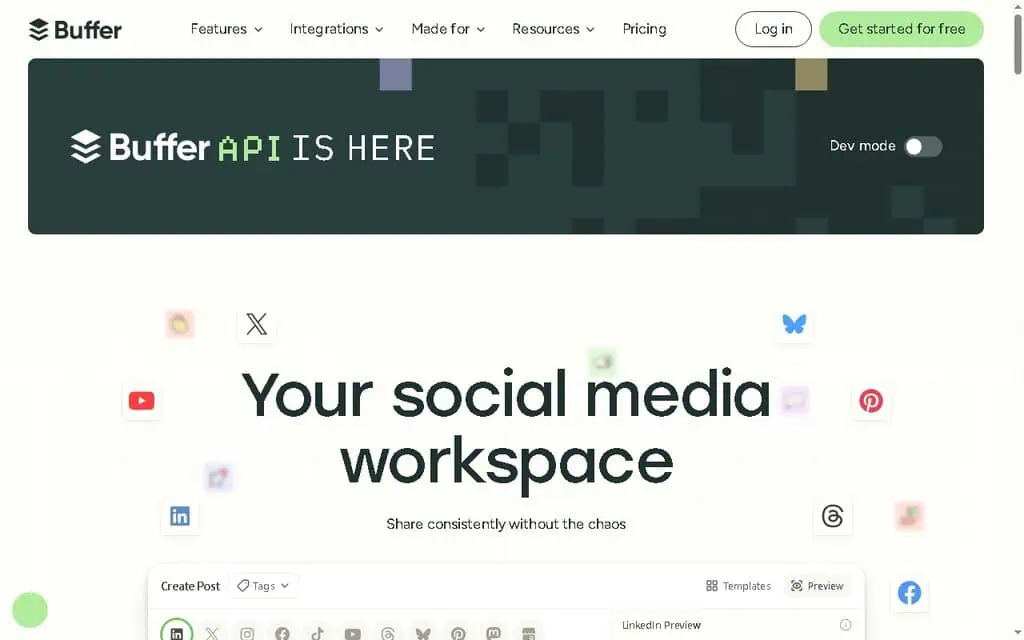
Buffer is the tool I recommend most often to people who just want to schedule posts without learning a new career. It does one thing extremely well: get your content out the door across platforms with a clean, friendly interface that takes about ten minutes to learn.
I have used Buffer on and off since the early days, and what keeps it on this list is honesty of design. It does not bury you in dashboards you will never open.
You write a post, pick your channels, drop it on the calendar, and you are done. The AI Assistant brainstorms ideas and rewrites captions per platform, which is the kind of small help that saves time. Their Start Page feature gives you a free link-in-bio page built right into the tool, handy for driving social traffic to a shop or promotion.
In one real comparison I researched, a small team testing Buffer against Metricool and Hootsuite found Buffer’s interface “much prettier and more friendly,” and crucially, it scheduled and posted an Instagram Reel with zero video-size errors when two competitors choked on the exact same file. That reliability on the platform most small businesses care about is worth a lot.
The honest limitation: Buffer’s free analytics are thin, and best-time-to-post suggestions only sharpen after you have used it for a while. Power users running ten-plus channels will find the per-channel pricing adds up.
Pricing (verified May 2026): Free forever (3 channels, 10 scheduled posts each). Essentials $5 per channel per month. Team $10 per channel per month with unlimited members and approvals.
Best for: Solo creators and small business owners who value simplicity and want a free plan that is actually useful.
2. Metricool: Best analytics and best times to post for the money
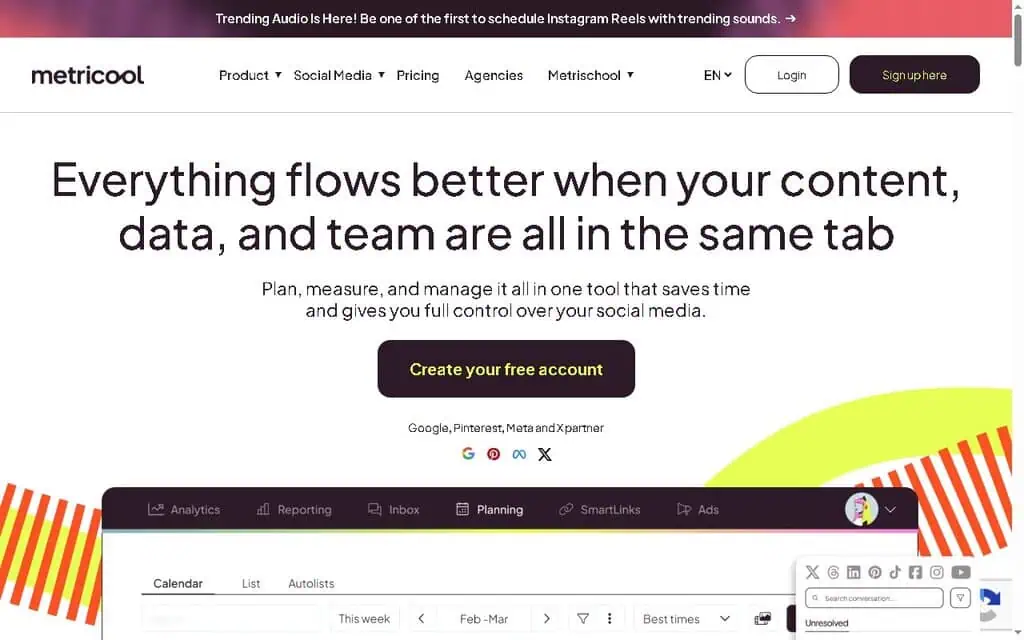
If you care about data and your budget is real, Metricool is my pick. It covers scheduling for nearly every platform, shows you when your audience is online, tracks competitors, and gives you a link-in-bio tool, all at a price the enterprise crowd cannot touch.
What makes Metricool stand out is its free plan generosity and its analytics depth. One social media manager who has used it for years and tested it against five rivals confirmed Metricool was still her best overall, citing three months of historical analytics data on the free plan and a competitor-tracking feature she did not find anywhere else at that price. The AI data assistant and best-time recommendations are genuinely useful for planning.
The honest limitation is the interface. More than one reviewer, including small business owners, has called Metricool’s UI “a bit complicated” and “outdated.” It does not feel as premium or as clean as Buffer.
You also hit a real wall on the free plan at 20 posts per month, and the same team that loved it ran into a video-size error scheduling an Instagram Reel that forced them to resize files. That is an API limitation, not a Metricool bug, but you will feel it.
Pricing (verified May 2026): Free (1 brand, 20 posts/month, no LinkedIn). Starter from $22/month (around $29/month for 10 brands) with unlimited publishing. Advanced from $54/month for 50 brands, team roles, and approvals. Custom plan for white label.
Best for: Small businesses and freelancers who want serious analytics and competitor tracking without enterprise pricing.
3. Publer: The best flat-fee value, with AI built in
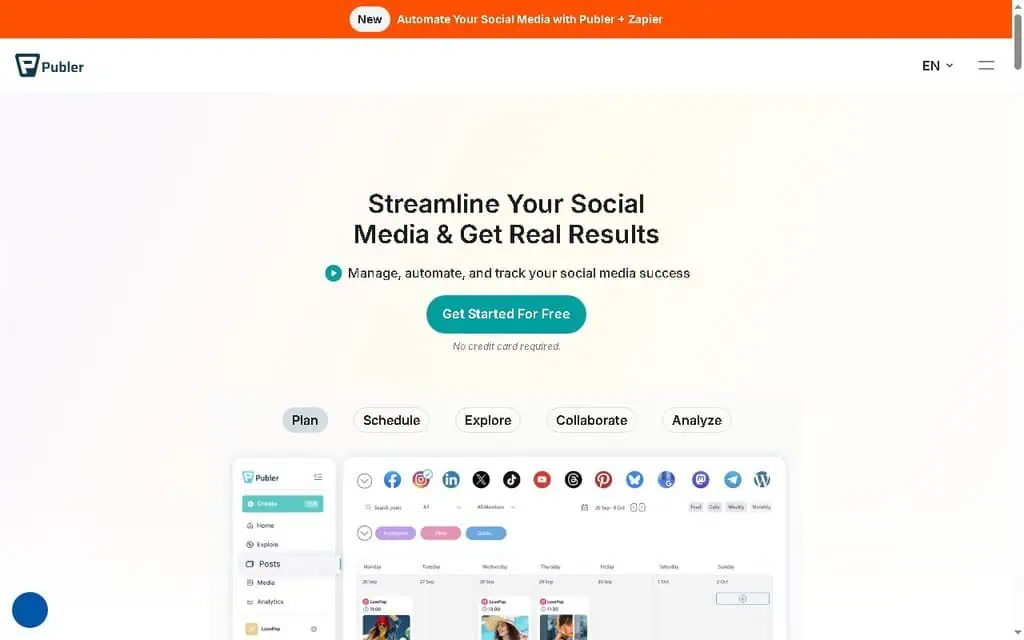
Publer is one of the best-value tools in this entire list, and it rarely gets the attention it deserves. You get a real free plan, a clean calendar, bulk scheduling, AI caption and image generation through AI Assist, and a pricing model where every tenth social account is free.
I like Publer because it respects your money. The Professional plan covers most solopreneurs cheaply, and the Business plan adds the team and analytics features a small agency needs without the $100-plus jump that rivals demand. Bulk import, watermarking, recycling evergreen posts, and a browser extension are all included rather than locked behind a higher tier.
The honest limitation: the sheer number of toggles and options can feel busy at first, and the cheapest paid tier is priced per account, so the “starts at $5” headline only applies to a single connection. Read the per-account math before you commit.
Pricing (verified May 2026): Free forever (3 accounts, no X). Professional from $12/month for 3 accounts (annual), roughly $4 per added account. Business from $21/month for 3 accounts with analytics and team features.
Best for: Budget-conscious creators and small teams who want maximum features per dollar.
4. SocialBee: Best for content categories and unlimited AI
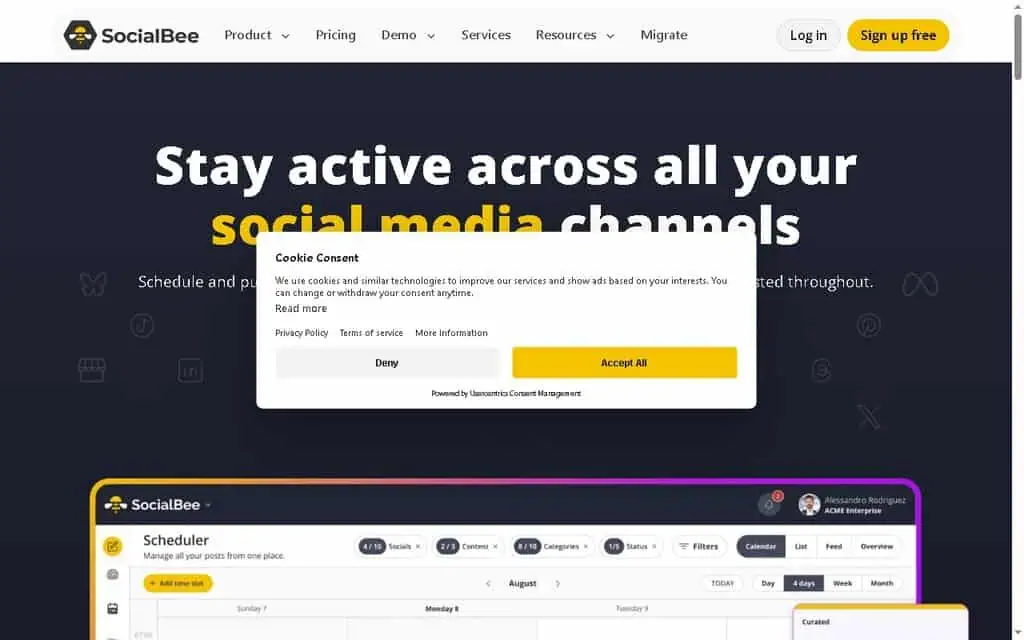
SocialBee built its reputation on a single smart idea: category-based scheduling. Instead of scheduling individual posts, you sort content into buckets (tips, promos, blog links, quotes) and SocialBee keeps your feed balanced and recycling automatically, so you never go dark and never spam one type of post.
For 2026, the standout is unlimited AI content generation on every plan, including the cheapest. The AI copilot will generate a month of posts from a topic, write captions in your tone, and suggest images. For a solo business owner who struggles with the blank-page problem, that combination of evergreen recycling plus unlimited AI is a real time-saver.
The honest limitation: there is no permanent free plan, only a 14-day trial, and the interface has a steeper learning curve than Buffer because the category system takes a minute to understand. It is worth it once it clicks.
Pricing (verified May 2026): Bootstrap $29/month (5 accounts). Accelerate $49/month (10 accounts).
Pro $99/month (25 accounts, 3 users). Agency plans from $179/month. Note: a 50% off promo was running with code SBDAY2026 through June 10, 2026, the kind of current AI tool promotions worth checking before you buy.
Best for: Solopreneurs and small teams who want hands-off evergreen posting plus genuinely unlimited AI.
5. Vista social: Best agency features with a free tier
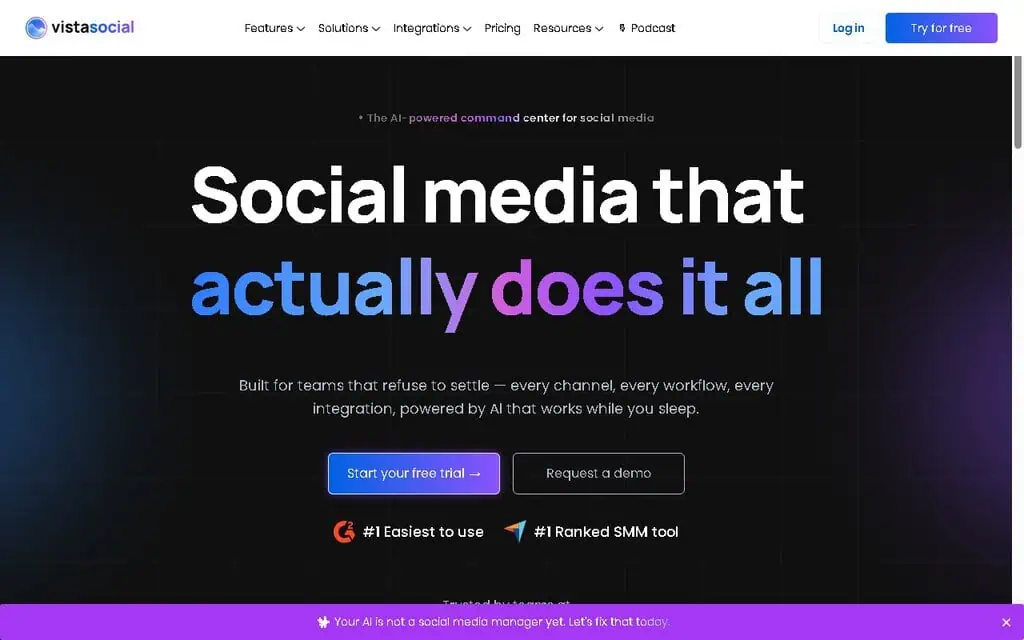
Vista Social is the dark horse a lot of agencies switch to once they realize how much they were overpaying elsewhere. It packs scheduling, a unified inbox, review management, listening, approval workflows, and a strong AI assistant into a platform that, unusually for this feature set, includes a free plan.
I rate Vista Social highly because it gives small agencies the client-management depth of Sprout Social at a fraction of the cost, and you can weigh more Sprout Social alternatives if that is your budget ceiling. The AI assistant comes with thousands of credits even on the entry plan, and the link-in-bio, task assignment, and white-label reports are all there. For someone managing five to fifteen client profiles, this is a serious contender.
The honest limitation: the entry “Professional” plan at $79/month is built for teams, so a true solo user posting to three accounts may find better value in Buffer or Publer. The free plan exists but is limited to a few profiles and is best treated as an extended trial.
Pricing (verified May 2026): Free (3 profiles, limited). Professional $79/month (15 profiles, 3 users, 2,500 AI credits). Advanced $149/month (30 profiles, 6 users). Scale $349/month. Enterprise custom. 14-day trial on paid plans.
Best for: Freelancers and small agencies managing multiple clients who want premium features without premium pricing.
6. Later: Best for Instagram and visual-first brands
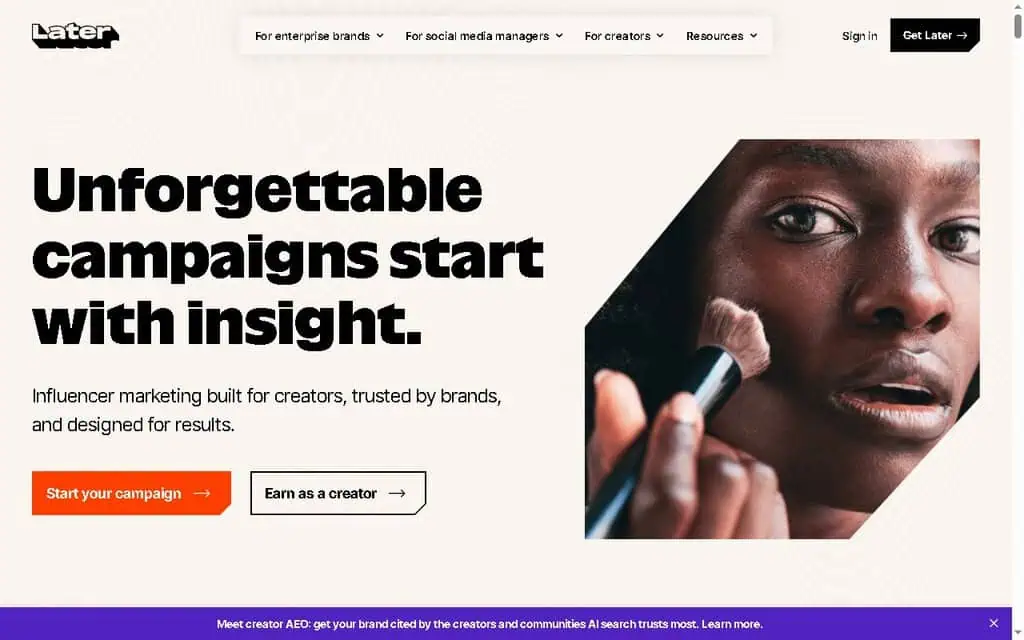
Later started as an Instagram planner and that DNA still shows. Its visual content calendar, drag-and-drop media grid, and Instagram-first features (best time to post, link-in-bio, hashtag suggestions) make it the natural pick for brands where the feed aesthetic matters.
The “social set” model is the thing to understand: each set bundles one profile from each network. That keeps pricing predictable for a single brand but gets expensive fast if you manage many accounts on the same platform.
The honest limitation: the entry Starter plan caps you at 30 posts per profile per month, which one reviewer rightly questioned as too low for anyone serious. AI credits are also metered and modest on lower tiers. If you post daily, you will need the Growth plan or higher.
Pricing (verified May 2026): Starter $18.75/month (1 social set, 30 posts/profile, 5 AI credits). Growth $37.50/month (2 sets, 180 posts/profile, 50 credits). Scale $82.50/month (6 sets, unlimited posts). Annual billing saves 25%.
Best for: Instagram-led creators and visual brands who plan their grid carefully.
7. SocialPilot: Best workhorse for small, growing agencies
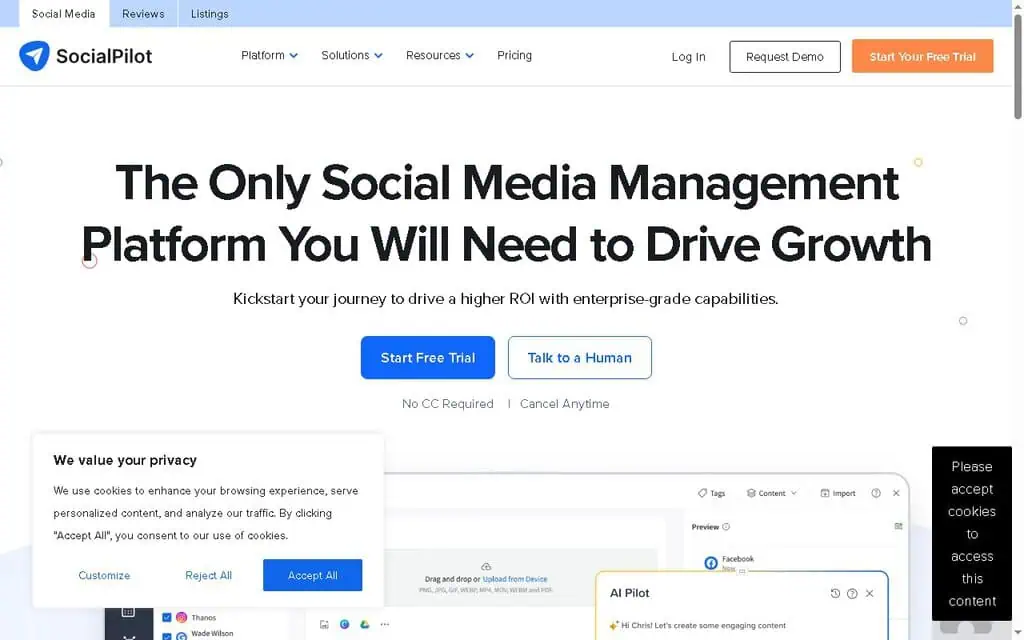
SocialPilot is the practical, no-nonsense choice for agencies that need to manage a lot of accounts without an enterprise invoice. Its client-management system lets you give clients their own login to approve posts, and you can white-label the whole platform so it looks like your own software.
The features that earn its keep are bulk scheduling (upload a CSV of hundreds of posts at once), a browser extension for sharing on the fly, a unified inbox, and solid AI credits even on lower tiers. It does the heavy lifting an agency needs while staying far cheaper than Hootsuite or Sprout Social.
The honest limitation: the interface is functional rather than beautiful, and the entry plan caps accounts at five, so growing agencies climb the tiers quickly. It is a workhorse, not a showpiece.
Pricing (verified May 2026): Essentials $20/month (5 accounts, 1 user, 500 AI credits). Standard $40/month (10 accounts, 3 users). Premium $100/month (20 accounts). Ultimate $200/month (40 accounts, unlimited users). 14-day trial.
Best for: Small and growing agencies that need white-label client management on a budget.
8. CoSchedule: Best when social is part of a bigger content plan
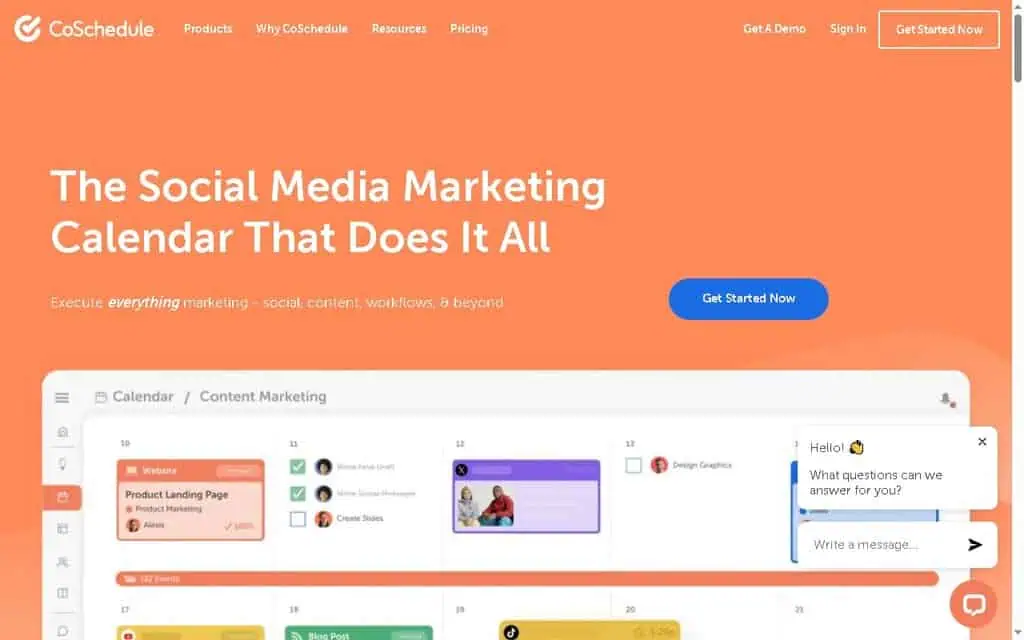
CoSchedule is less a pure scheduler and more a marketing calendar. If your social media is one piece of a larger machine that includes blog posts, newsletters, and campaigns, CoSchedule gives you a single bird’s-eye calendar over all of it.
Its best-kept secret is ReQueue, which automatically reslots your best evergreen content into gaps in your schedule so your feeds never go dark. The built-in Headline Analyzer helps you write stronger hooks, and there is a free Social Calendar plan to start.
The honest limitation: as a pure social scheduler it is not the deepest, and the most powerful planning features (Content Calendar, Marketing Suite) move to custom pricing you have to call about. For social-only needs, simpler tools cost less.
Pricing (verified May 2026): Free Calendar (1 user, 1 profile, 15 messages). Social Calendar $19/user/month (annual). Agency Calendar $59/user/month. Content Calendar and Marketing Suite are custom-quoted.
Best for: Content marketers who manage blogs, email, and social from one calendar.
9. Planable: Best for client and team approvals
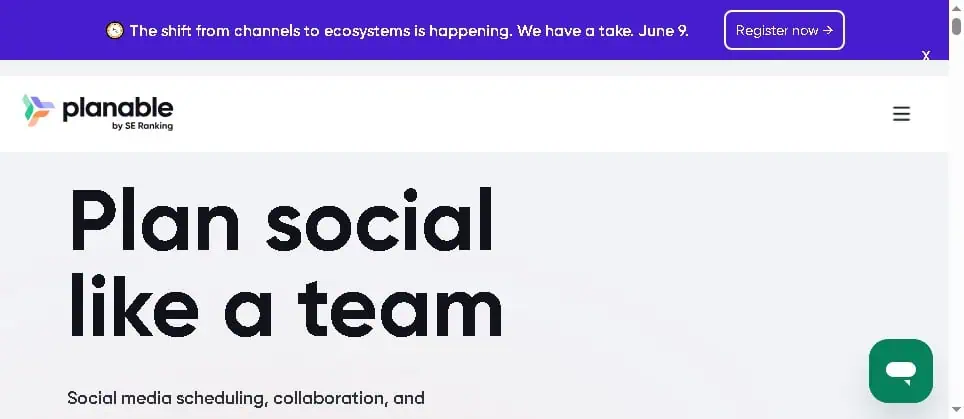
Planable is built around one job and nails it: collaboration and approval. It shows a live preview of exactly how your post will look on the feed before publishing, and lets teammates or clients leave comments right next to the content, with custom multi-level approval workflows so nothing goes live without sign-off.
A reviewer who has sat through corporate approval chains (legal, PR, manager, marketing all weighing in) called Planable’s comment-and-approval system the feature that genuinely sets it apart. If your bottleneck is “who approved this,” this is your tool.
The honest limitation: pricing is per user per workspace, and post counts are capped (60 on Basic, 150 on Pro per workspace). One reviewer flagged the real worry: add a client or teammate, and your bill jumps per seat, even if they barely log in. Analytics and the social inbox are paid add-ons.
Pricing (verified May 2026): Free (50 posts total). Basic $33/month (4 pages, 60 posts, unlimited users). Pro $49/month (10 pages, 150 posts). Enterprise custom. Analytics add-on $12/workspace/month; Social Inbox add-on $7.50/workspace/month.
Best for: Agencies and teams where every post needs multiple approvals.
10. Sendible: Best client dashboards for agencies

Sendible is a long-standing agency favorite that bundles scheduling, a unified inbox, monitoring, reporting, and client dashboards. The Creator plan even includes unlimited AI credits, which is rare at the entry level, and the higher tiers add white-label options and automated reports.
What I like is the per-plan profile generosity. Even the entry tier covers six profiles, and the Scale plan jumps to 49, so you are not nickel-and-dimed per connection the way some rivals do it. Client dashboards let customers see their own performance without you exporting a thing.
The honest limitation: there is no free plan, only a 14-day trial, and the interface, while capable, feels dated next to newer tools like Vista Social. The price jump from Creator to Traction is steep.
Pricing (verified May 2026): Creator $29/month (1 user, 6 profiles, unlimited AI). Traction $89/month (4 users, 24 profiles). Scale $199/month (7 users, 49 profiles). Advanced $299/month. Enterprise from $750/month.
Best for: Agencies that want client-facing dashboards and white-label reporting.
11. Agorapulse: Best unified inbox for engagement-heavy teams

Agorapulse shines for businesses where social media is a two-way conversation, not just a broadcast. Its social inbox is among the best in the category, pulling every comment, message, mention, and ad comment into one stream with saved replies, automated moderation rules, and assignment to teammates.
The AI writing assistant is included on every plan, scheduling is unlimited, and the 30-day free trial is unusually generous. For a customer-service-led brand or a team that lives in the inbox, Agorapulse is built for you.
The honest limitation: profiles are capped at 10 on standard plans regardless of tier, so you pay for features, not connections. At $79 to $149 a month for 10 profiles, a small solo brand will find it expensive for what it does.
Pricing (verified May 2026): Standard $79/month (10 profiles). Professional $119/month. Advanced $149/month. Custom for unlimited profiles. 30-day free trial, no card required.
Best for: Engagement-heavy teams that need a powerful unified inbox and moderation.
12. Loomly: Best for post ideas and guided workflows
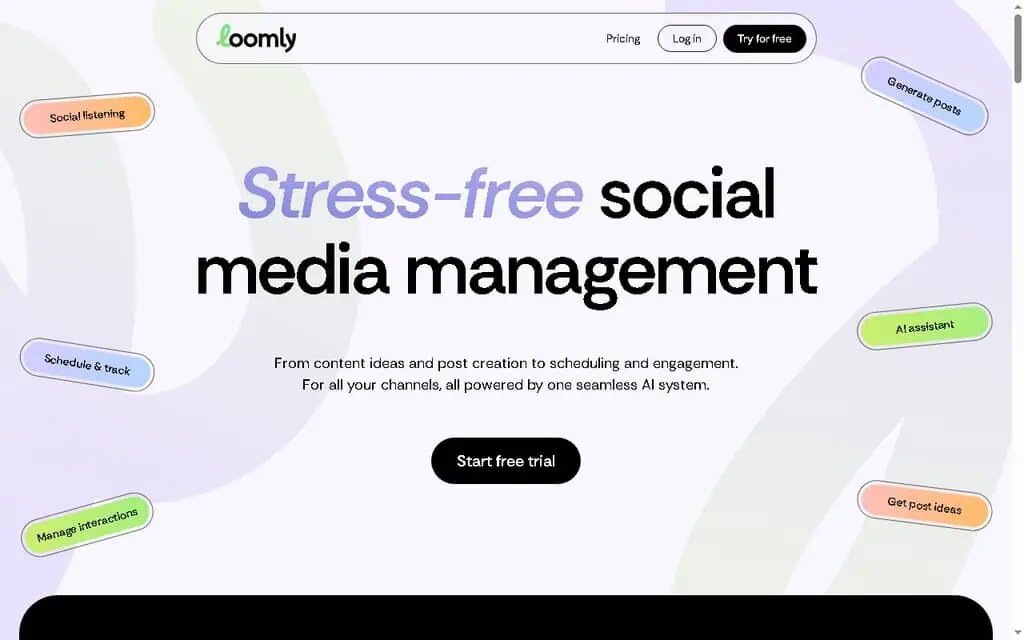
Loomly is a friendly, structured tool that holds your hand through creating better posts. It suggests content ideas based on trends and events, gives optimization tips as you write, and includes a basic AI assistant, social listening, and analytics across unlimited calendars.
It suits small teams that want guidance, not just a blank scheduler. The post-creation flow nudges you toward stronger content, which beginners appreciate.
The honest limitation: the jump from Starter to Beyond is enormous ($49 to $249 a month on annual billing), with little in between, and AI usage is metered. There is no free plan, only a trial.
Pricing (verified May 2026): Starter $65/month monthly, or $49/month annual (12 accounts, 3 users). Beyond $332/month monthly, or $249/month annual (60 accounts, unlimited users). Enterprise custom.
Best for: Small teams that want guided post creation and idea prompts.
The established players: Powerful social media scheduling tools, but often overkill for small business
These are the household names. They are genuinely capable, but I want you to walk in with clear eyes about price.
13. Hootsuite: Powerful, established, and usually too expensive for small business
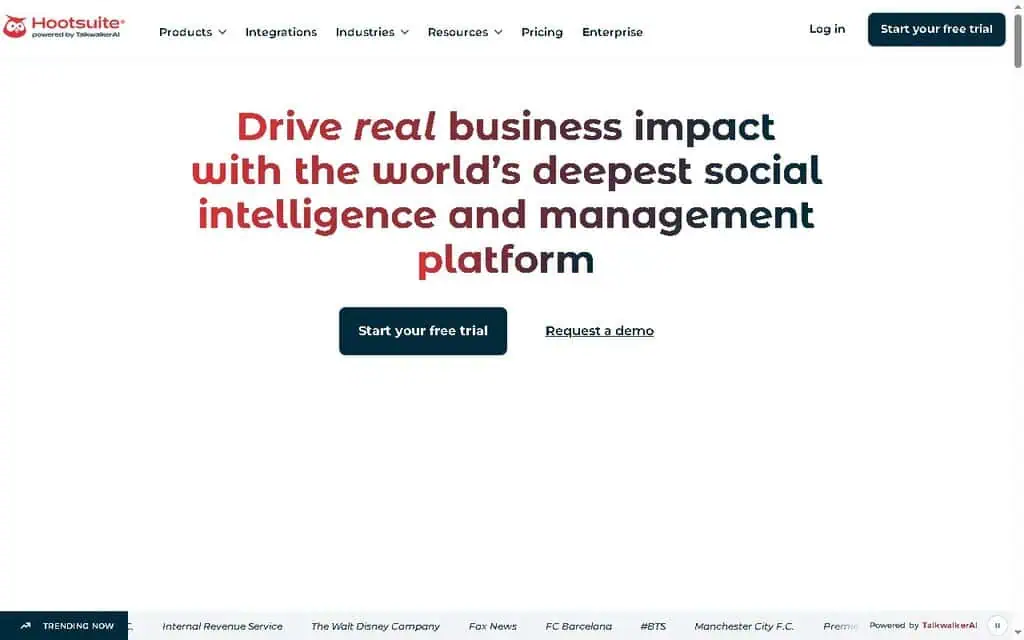
Hootsuite has been around as long as anyone in this space, and it is feature-rich for teams that need comprehensive reporting, permissions, and approvals. OwlyWriter AI handles captions and hashtags, and the platform supports every major network.
I will be blunt, because the small business owners I write for deserve it: Hootsuite is usually the wrong choice if you are a solo operator or tiny team. In the real three-tool test I mentioned earlier, the team paid for Hootsuite, hit the same Instagram video-size error and the same TikTok and YouTube caption limits as the free tools, and concluded that paying $99 a month for features a free tool already covered “just didn’t make sense.” They disconnected it within 30 minutes. The interface also mixes modern and dated screens awkwardly.
It is built for established marketing teams that need the governance and reporting, and for them it is fine. For everyone else, it is expensive.
Pricing (verified May 2026): Standard $99/user/month (annual), $149 monthly, up to 5 accounts. Advanced $249/user/month (annual), $399 monthly, unlimited accounts. Enterprise custom. Free trial available.
Best for: Established marketing teams that need governance, permissions, and deep reporting.
14. Sprout social: Best reporting for mid-market teams
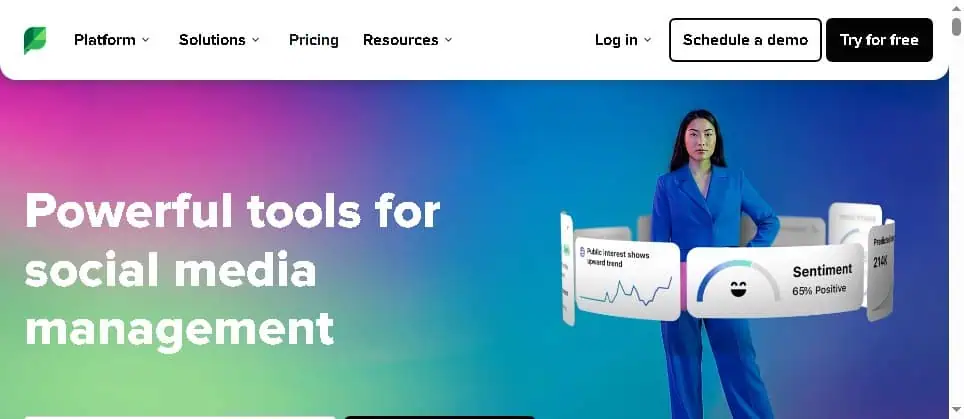
Sprout Social is the polished, premium option mid-market companies choose when reporting quality is non-negotiable. The reports are genuinely beautiful and boardroom-ready, the smart inbox is excellent, and AI features (alt text, post enhancement, reply suggestions) layer in as you climb tiers.
The honest limitation is simply the price. At $199 per seat per month for the Standard plan, and $399 for Advanced, Sprout is priced per seat, so a three-person team is looking at real money. It is superb software aimed squarely at companies with a marketing budget, not bootstrappers.
Pricing (verified May 2026): Standard $199/seat/month. Professional $299/seat/month (unlimited profiles). Advanced $399/seat/month. Enterprise custom. 30-day free trial.
Best for: Mid-market teams that must produce premium client or executive reports.
AI social media tools: When you want content created, not just scheduled
These tools lead with AI generation. They are for people who do not just want to schedule content, they want help creating it from scratch. Think of the strongest ones as an ai social media manager, with content curation tools that help you keep the calendar full.
15. ContentStudio: Best for content discovery plus AI
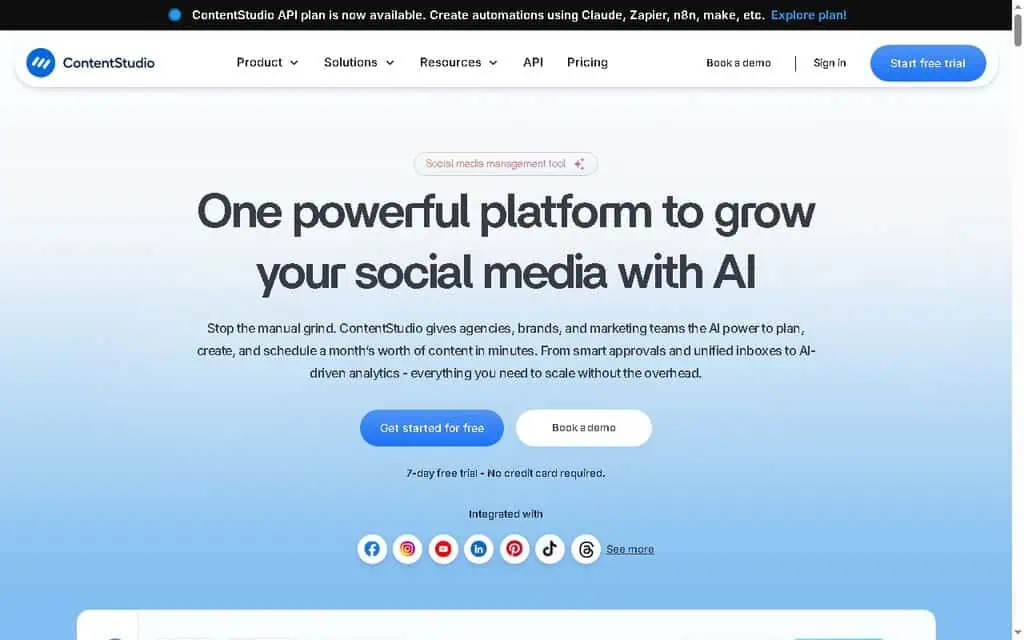
ContentStudio pairs scheduling with content discovery, surfacing trending articles and topics in your niche so you always have something to share, then helps you write it with a generous AI text allowance. For a small team that struggles to find things to post, that discovery engine is the hook.
The honest limitation: extra users and accounts are add-on priced, and the interface has more moving parts than a simple scheduler. The AI word credits, while large, are still a cap.
Pricing (verified May 2026): Standard $19/month (5 accounts, 25,000 AI words). Advanced $49/month (10 accounts, 50,000 words). Agency Unlimited $99/month. 7-day trial.
Best for: Small teams that want content discovery and AI writing in one tool.
16. Predis.ai: Best for AI video and carousel generation

Predis.ai is the strongest pick if your bottleneck is making content, not scheduling it. Give it a topic and it generates full posts: AI images, video reels, and multi-slide carousels, then schedules them; if video is your focus, our guide to the best free AI video generators covers standalone options. For a small business owner who is not a designer, that is genuinely powerful.
The honest limitation: output still needs a human eye before it goes live, the credit system means heavy users burn through allowances, and there is no permanent free plan, only a 7-day trial. Treat the generated content as a strong first draft.
Pricing (verified May 2026): Core $19/month (10 accounts, 1,300 credits). Rise $40/month (20 accounts, 3,200 credits, 4 brands). Enterprise+ $212/month. 7-day trial.
Best for: Small businesses that need AI to actually create videos and carousels, not just captions.
17. Ocoya: Best all-in-one AI copy and design
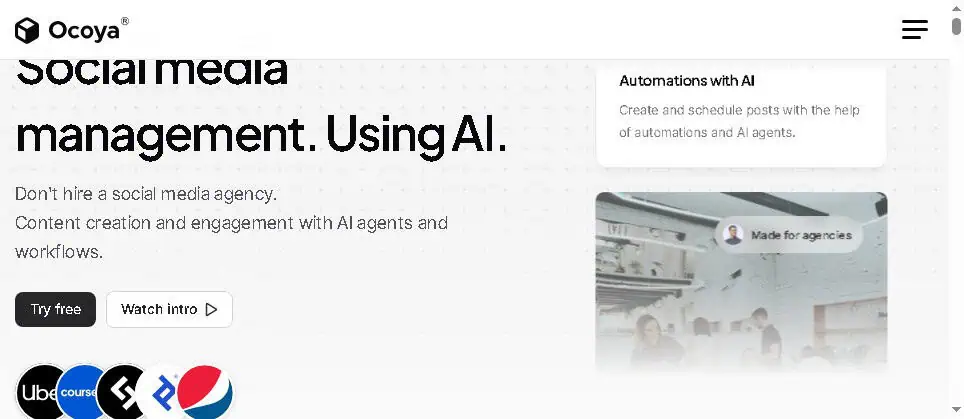
Ocoya combines AI copywriting, a Canva-style design editor, and scheduling in one place. You can generate a caption, design the matching graphic, and queue it without leaving the tool, though a dedicated set of free AI image generators gives you more visual range. The workspace model also makes it friendly for freelancers juggling a few brands.
The honest limitation: it tries to do a lot, and depth in any single area (analytics, inbox) is shallower than specialist tools. Credits cap your AI usage, and there is no free plan.
Pricing (verified May 2026): Bronze $15/month (5 profiles, 100 credits). Silver $39/month (20 profiles, 500 credits). Gold $79/month (50 profiles, 1,500 credits). Diamond $159/month. 7-day trial.
Best for: Solopreneurs who want copy, design, and scheduling bundled with AI.
18. FeedHive: Best AI writing and conditional automation
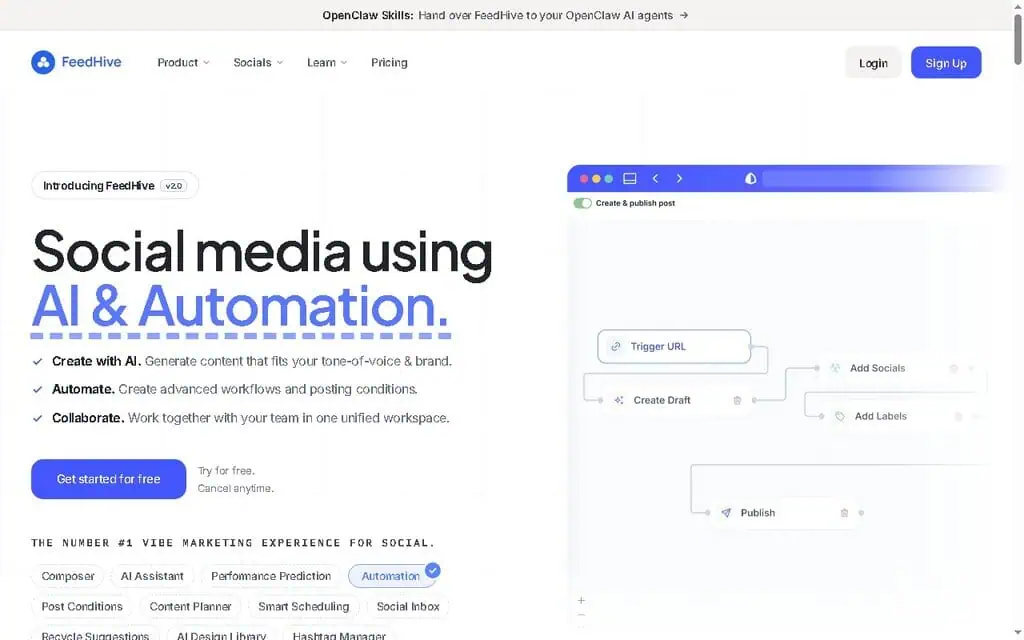
FeedHive is a favorite among solo creators, especially on X and LinkedIn, for its AI writing assistant, post recycling, and clever conditional posting (for example, auto-post a follow-up if a post hits a certain engagement). The AI predicts how a post will perform before you publish, which is a neat planning aid.
The honest limitation: its all-in flat plan is priced at the higher end for a single creator, and while it covers many networks, its strength is clearly text-first platforms. Visual brands will prefer Later or Predis.ai.
Pricing (verified May 2026): Plans from around $19/month for creators, up to a $99/month all-inclusive Pro tier (100 accounts, 50,000 AI credits, full AI writing and image generation). 7-day trial.
Best for: Solo creators on X and LinkedIn who want AI writing plus smart automation.
19. Blaze.ai: Best all-in-one AI marketing beyond social
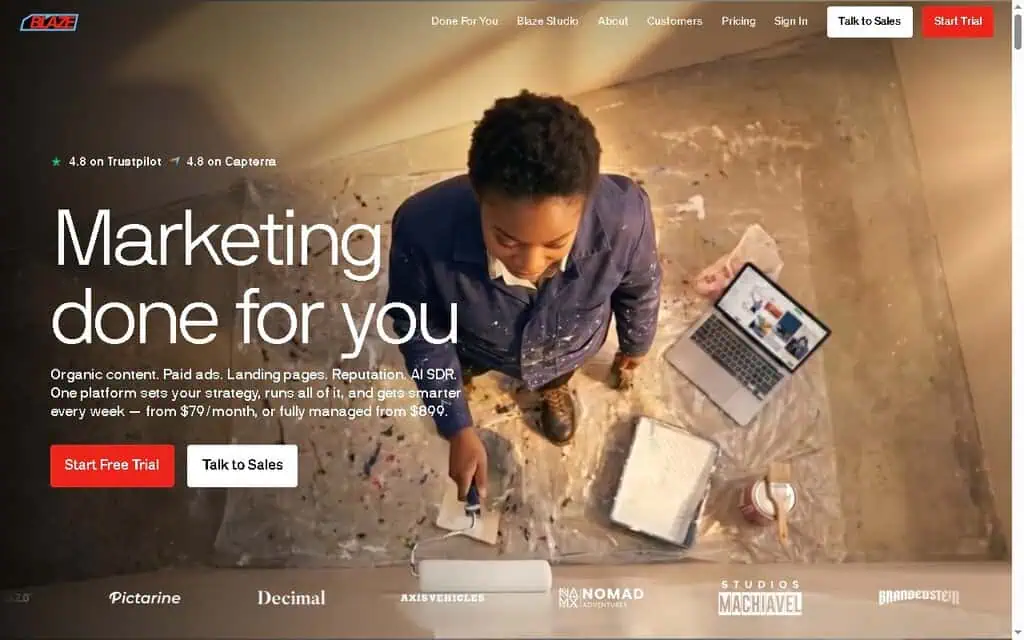
Blaze.ai goes wider than social, generating on-brand social posts, blogs, emails, and ad campaigns from a single brand voice you train once. For a solo founder who is the entire marketing department, having one AI that keeps everything consistent is the appeal.
The honest limitation: at $79 to $149 a month it is priced as a marketing suite, not a budget scheduler, and the social-specific depth (inbox, granular analytics) is lighter than dedicated tools. The “done for you” service tiers run into the hundreds or thousands per month and are a different product entirely.
Pricing (verified May 2026): Starter $79/month (3 accounts, 600 credits, 1 user). Growth $149/month (10 accounts, 1,500 credits, unlimited users). Done-for-you services priced separately and much higher.
Best for: Solo founders who want one AI to handle social, blog, and email together.
Budget and niche picks: Affordable, specialized, or platform-specific
Not every business needs a Swiss Army knife. These tools are cheaper, simpler, or laser-focused on one platform.
20. Pallyy: Best cheap agency tool with clean design
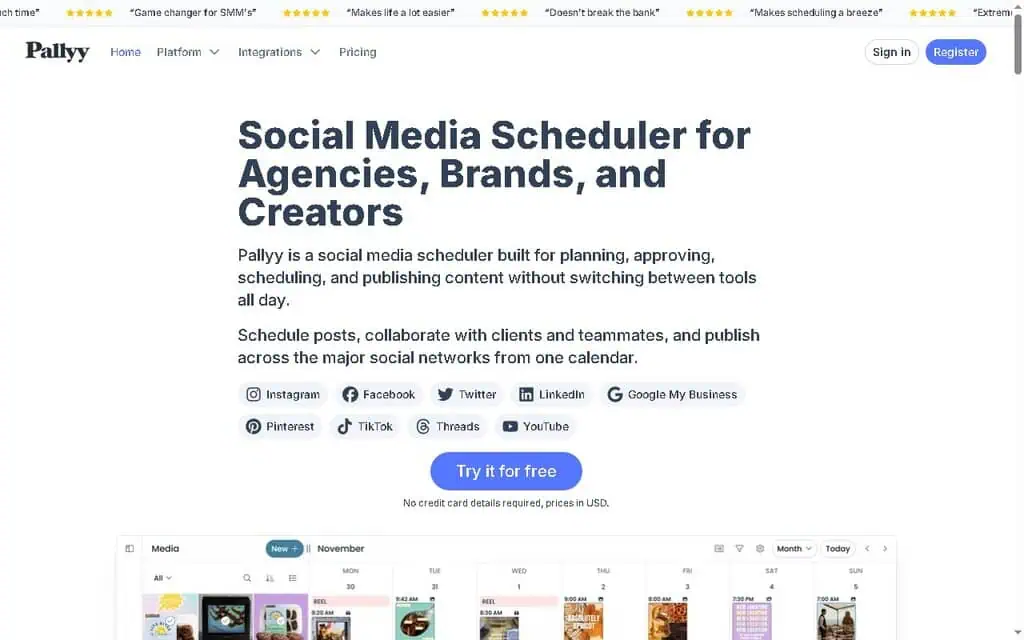
Pallyy is a genuinely affordable, beautifully designed scheduler that punches above its price. The Pro plan at $25 a month gives you unlimited posts, a social inbox, advanced analytics, and approvals for a single brand, and the Agency tier adds multiple social sets cheaply.
The honest limitation: no free plan (14-day trial only), and the Starter plan’s 20-post monthly cap is too low for most. It is strongest for Instagram-led brands and small agencies who value clean UX.
Pricing (verified May 2026): Starter $15/month (1 set, 20 posts). Pro $25/month (unlimited posts, inbox). Agency $99/month (10 sets, 3 users). Scale $199/month.
Best for: Budget-minded agencies and creators who want a clean, modern interface.
21. Sked social: Best for Instagram-first agencies
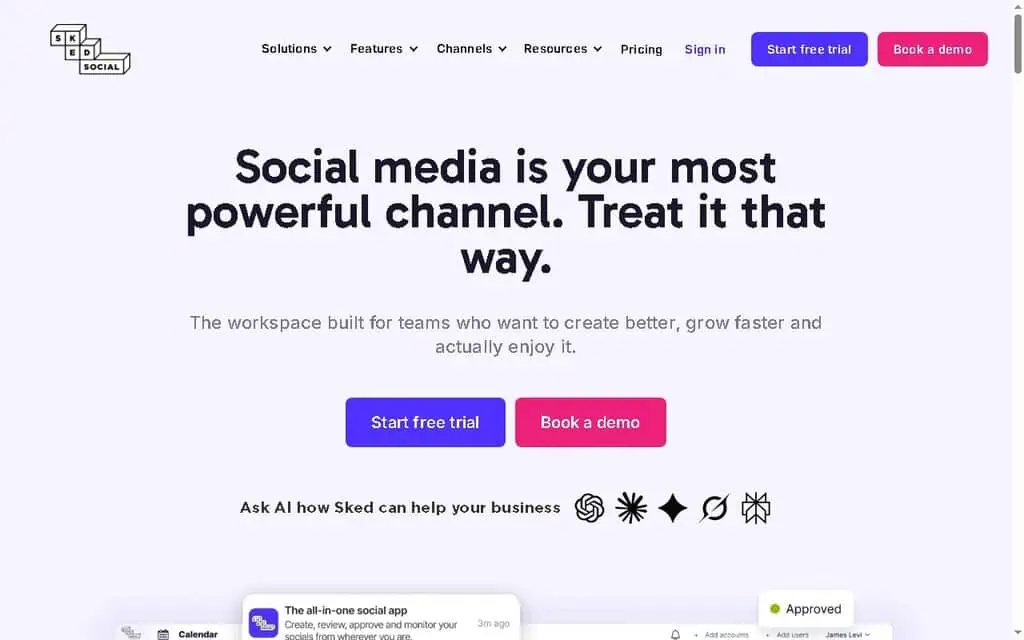
Sked Social (once Schedugram) is built for Instagram power users and agencies, with strong visual planning, first-comment scheduling, link-in-bio, and the ability to manage many Instagram accounts plus other networks.
The honest limitation: it is one of the pricier specialists, with the entry plan landing around $89 a month or higher depending on accounts and billing. If Instagram is not your core platform, you are overpaying.
Pricing (verified May 2026): Essentials from around $89/month (3 Instagram accounts plus 6 others, unlimited users). Higher tiers scale accounts. Free trial available.
Best for: Agencies and brands whose world revolves around Instagram.
22. Typefully: Best for X and LinkedIn Writers
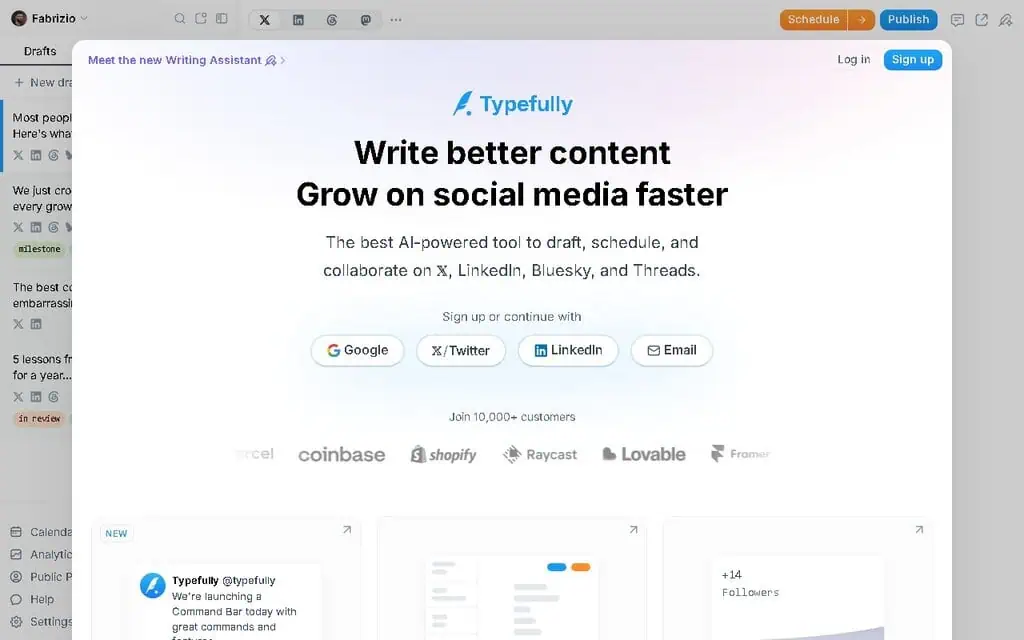
Typefully is the quiet favorite of serious X (Twitter) and LinkedIn writers. It strips everything down to writing, thread composition, scheduling, and analytics, with auto-save so you never lose a draft, plus power features like auto-plug and auto-DM. The AI helps refine and rewrite posts.
A reviewer building an X following put it well: it lets you write, schedule, and get out, without getting sucked into the feed, and it doubles your output by cross-posting to LinkedIn automatically.
The honest limitation: it only supports X, LinkedIn, Bluesky, and Mastodon. If you need Instagram, TikTok, or Facebook, it is not your tool. The free plan allows just one scheduled post at a time.
Pricing (verified May 2026): Free (limited). Starter $8/month. Creator $19/month (AI features). Team $39/month. Annual billing saves about 20%.
Best for: Writers and founders growing on X and LinkedIn.
23. Hypefury: Best for aggressive growth on X
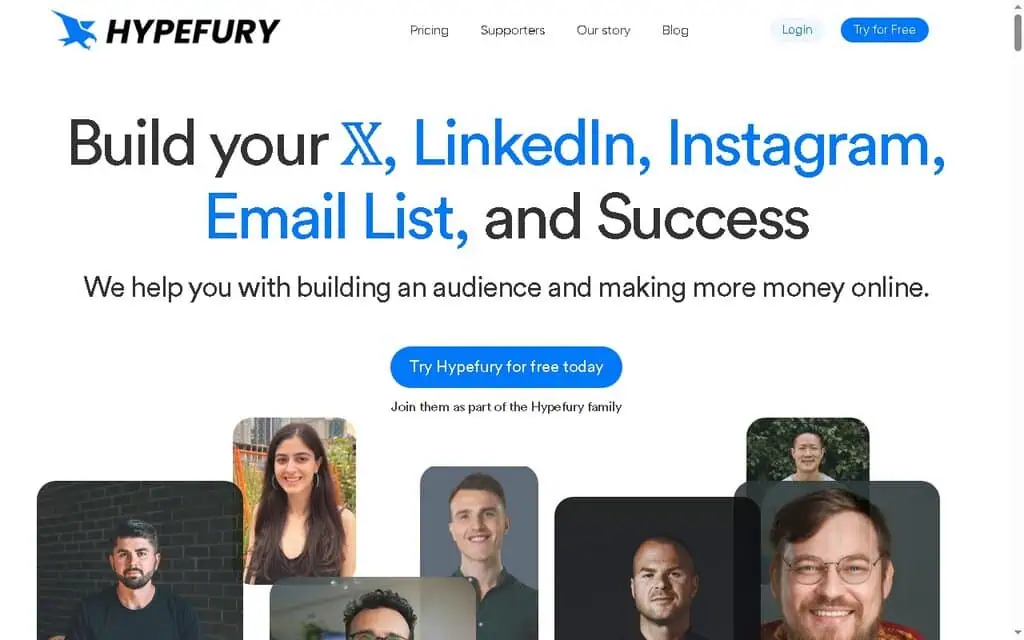
Hypefury is built for people serious about growing on X. Beyond scheduling and thread composition, it automates engagement: auto-DMs to people who interact, auto-plugs on viral posts, evergreen retweeting, and even tweet-to-reels conversion for cross-posting to video platforms.
The honest limitation: it is X-centric, the automation can feel spammy if overused, and the daily DM and engagement features push close to platform etiquette lines. Use it deliberately.
Pricing (verified May 2026): Starter $29/month (1 X account). Creator $65/month (5 X accounts). Business $97/month (10 X accounts). Agency $199/month. 7-day trial.
Best for: Creators and founders aggressively growing an X audience.
24. Taplio: Best AI tool for LinkedIn personal brands
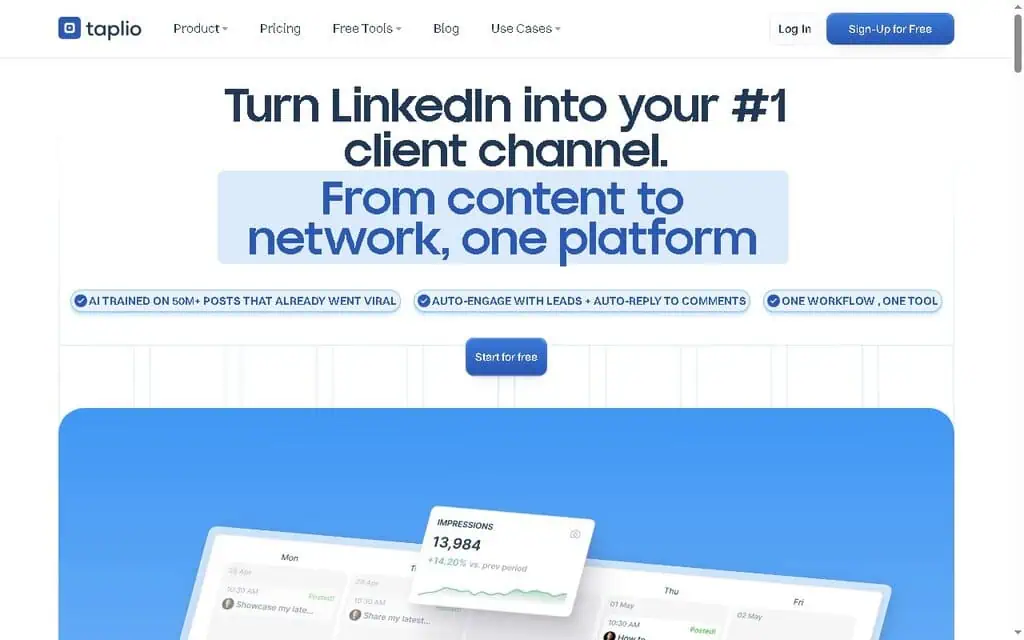
Taplio is the LinkedIn specialist. It combines AI post generation, a viral-post inspiration database, carousel creation, scheduling, analytics, and engagement tools aimed at building a personal brand on LinkedIn specifically.
The honest limitation: it is expensive for one network, and the cheapest plan reportedly includes zero AI credits, so you realistically need the mid or top tier to use its headline feature. If LinkedIn is not central to your business, skip it.
Pricing (verified May 2026): Starter $39/month. Standard around $65/month (with AI credits). Pro $199/month (auto-DMs, auto-connect). 7-day trial, annual saves 25%.
Best for: Founders and professionals building a serious LinkedIn personal brand.
25. Tailwind: Best for Pinterest creators
Tailwind remains the go-to for Pinterest, with scheduling for Pinterest, Instagram, and Facebook, plus an AI Ghostwriter for captions and design tools. If Pinterest drives your traffic, Tailwind’s pin scheduling and interval features are purpose-built for it.
The honest limitation: it covers only three networks, and the free and lower plans have low limits (one account, 20 posts a month on free), which is barely a day’s worth of pinning for an active creator. It is a specialist, not an all-rounder.
Pricing (verified May 2026): Free Forever (1 account, 5 posts/month). Pro $14.99/month (annual). Advanced $24.99/month (annual). Max $49.99/month (annual). Monthly billing costs more.
Best for: Pinterest-first creators and bloggers driving traffic from pins.
26. Zoho social: Best for existing Zoho users
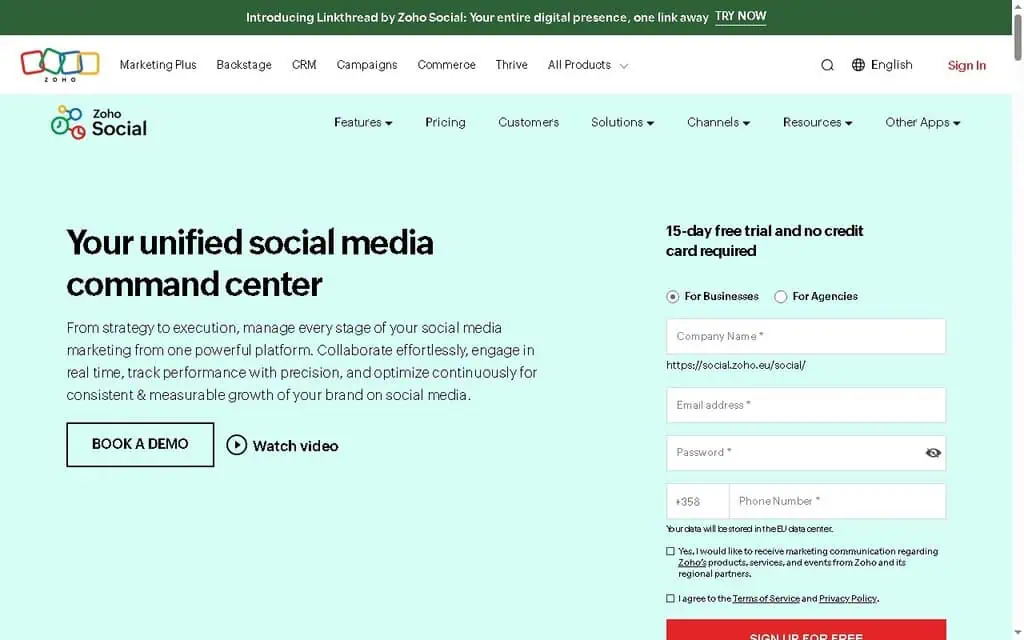
Zoho Social is a clean, capable scheduler that becomes a clear winner if you already use the Zoho ecosystem (CRM, Mail, Desk). It integrates tightly, offers solid scheduling, monitoring, and reporting, and includes a free plan plus affordable paid tiers.
The honest limitation: AI credits are modest, single-brand plans only cover one brand, and outside the Zoho ecosystem there is little reason to pick it over Buffer or Metricool. Pricing also varies by region.
Pricing (verified May 2026): Free. Standard $15/month ($10 annual). Professional $40/month. Premium $65/month. Agency $230/month (10 brands). Agency Plus $330/month (annual).
Best for: Businesses already running on Zoho’s suite of apps.
27. PostPlanify: Best affordable all-in-one for founders
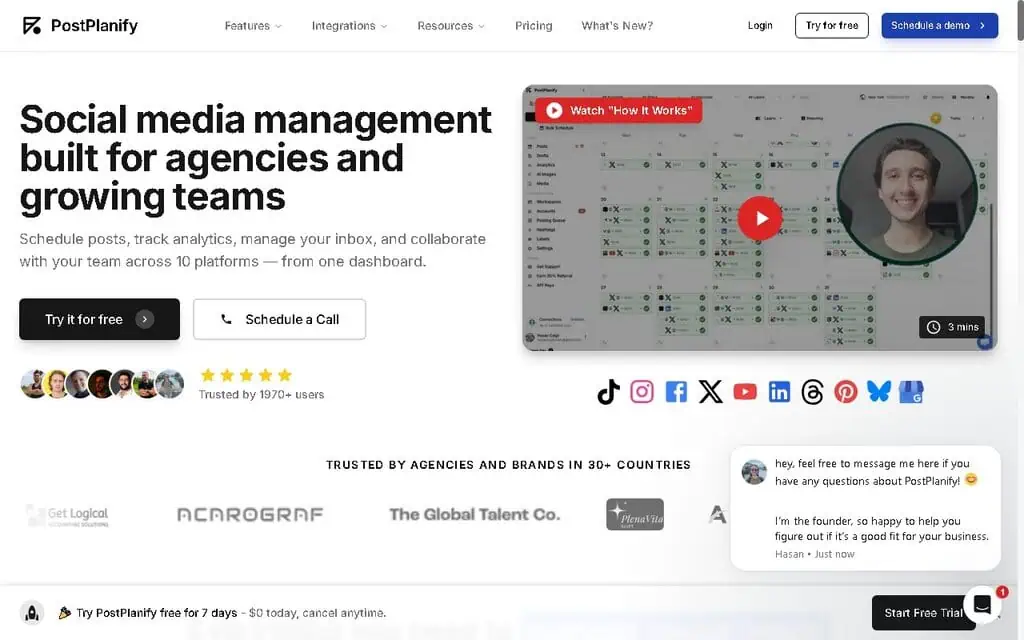
PostPlanify is a newer entrant built explicitly for founders, creators, and small teams who found the big tools either too expensive or too weak. It supports all major platforms, includes AI captions and image generation, approval workflows, a social inbox, analytics, branded PDF reports, and a media library, with flat per-plan pricing and no per-account add-on fees.
I appreciate the positioning: aim for the middle, high quality without enterprise pricing. The content calendar, per-platform post customization, and bulk scheduling are all there.
The honest limitation: it is younger than the established names, so its track record is shorter, and there is no permanent free plan, only a 7-day trial. As with any newer tool, factor in platform maturity.
Pricing (verified May 2026): Starter $29/month (5 accounts, 200 posts). Growth $49/month (10 accounts, unlimited posts). Premium $99/month (25 accounts, 5 users, white-label reports). Enterprise custom. 7-day trial.
Best for: Founders and small teams who want all-in-one features at a flat, fair price.
28. Planoly: Best simple visual planner for solos
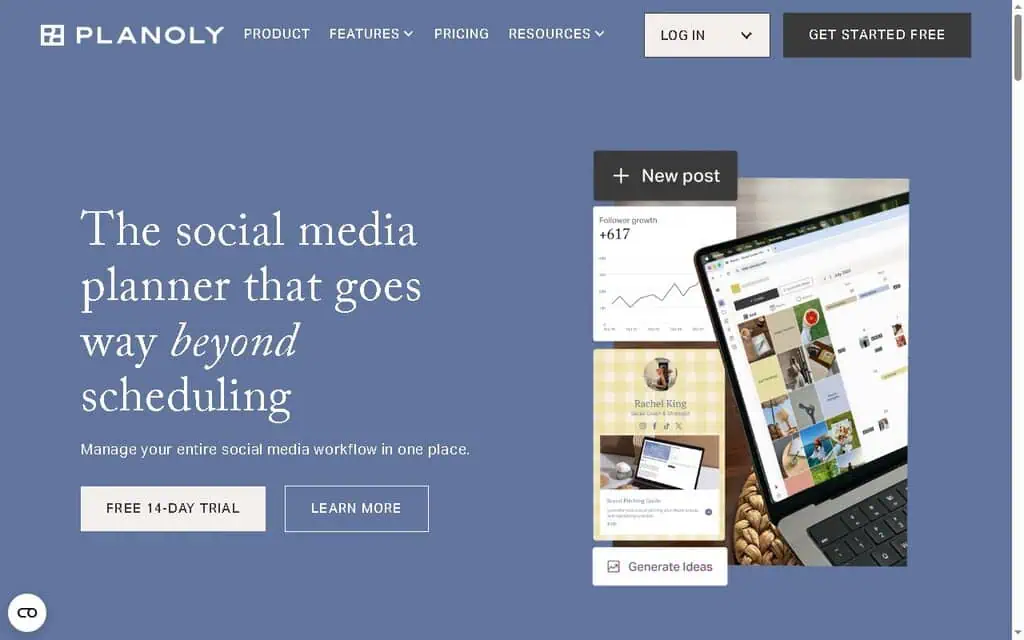
Planoly is a clean, visual-first planner popular with solo creators and small Instagram and Pinterest brands. The drag-and-drop grid preview, link-in-bio (Sellit), and simple calendar make it approachable for non-technical users, with a free plan to start.
The honest limitation: it recently shifted pricing, the legacy cheap tier is closing to new users, and upload caps on lower plans constrain heavy posters. Feature depth (analytics, inbox) is lighter than all-rounders.
Pricing (verified May 2026): Free (limited). Starter $16/month (legacy). Growth $28/month ($24 annual). Pro $43/month. Annual billing saves 12 to 22%.
Best for: Solo creators who want a simple, visual Instagram and Pinterest planner.
29. Iconosquare: Best Analytics-Led Scheduling
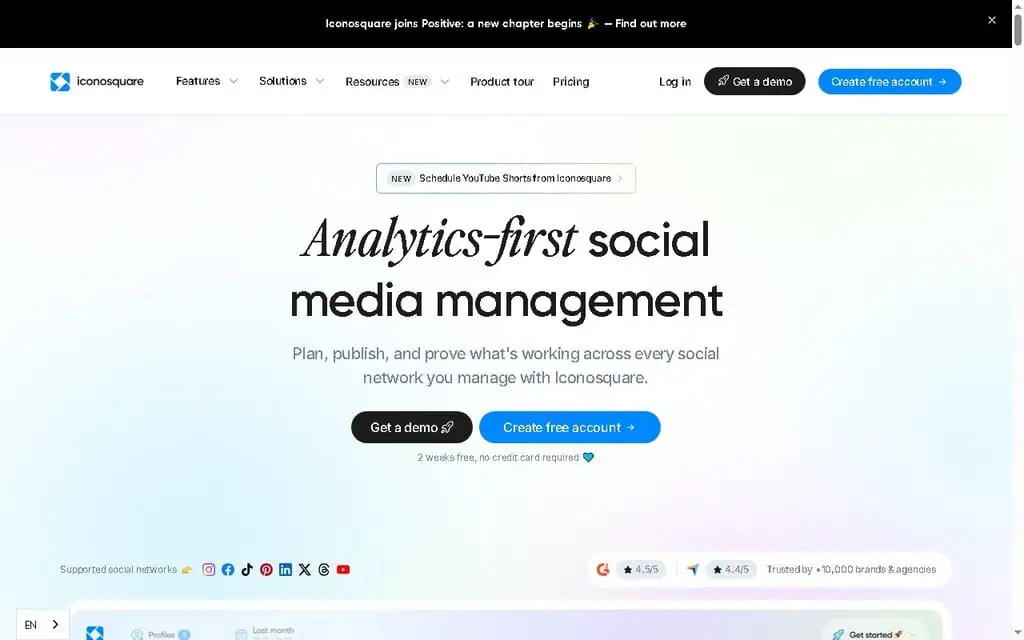
Iconosquare leads with analytics. If your priority is understanding performance deeply, with competitor tracking, hashtag analytics, custom feeds, and benchmarking, then scheduling around that data, Iconosquare is built for you. It includes an AI caption assistant and a small free plan.
The honest limitation: plans cap at five social profiles until the custom tier, pricing is in euros and runs higher than Buffer or Metricool for comparable scheduling, and it is analytics-first, so pure schedulers may find it more than they need.
Pricing (verified May 2026): Free (2 profiles, 10 posts/month). Launch €33/month (annual, 5 profiles). Scale €69/month (3 users). Excel €116/month. Custom for 20+ profiles.
Best for: Data-driven brands that want analytics and scheduling in one place.
30. Sprinklr: Enterprise Only
I am numbering Sprinklr last on purpose. It is a unified customer experience platform with social scheduling as one module, built for large enterprises managing hundreds of accounts with compliance, listening, and care at massive scale. Pricing is custom and starts well into enterprise territory.
The honest verdict for this audience: if you are reading a small business scheduling guide, Sprinklr is not for you. I include it only so you know what the top of the market looks like and can confidently skip it.
Pricing (verified May 2026): Custom enterprise pricing only.
Best for: Large enterprises with dedicated social teams and big budgets.
What are the 5-3-1, 5-5-5 and 5:3:2 rules for social media?
Posting ratios that tell you what to schedule, not just when. They exist because the fastest way to make a scheduler useless is to fill it with thirty posts about yourself.
The 5:3:2 rule. Out of every ten posts: five are other people’s content relevant to your audience, three are your own content, two are personal or human posts that show there is a person behind the account. It is the most widely used of the three because the ratio survives contact with a real content calendar.
The 5-3-1 rule. Per day or per cycle: five posts from other sources, three from you, one personal. The same idea as 5:3:2 at a different cadence, usually quoted for X and LinkedIn where volume is higher.
The 5-5-5 rule. A daily engagement habit rather than a posting ratio: five minutes replying to comments on your own posts, five commenting on others, five on direct outreach. It is the rule people forget when they start scheduling, and it is why accounts that automate everything stall.
How this maps to the software. Any social media tool worth paying for lets you schedule posts across every social channel you run from one queue, and keeps media libraries so the same asset can be reused per social platform without re-uploading.
Why this belongs on a page about scheduling software. A scheduler’s content categories map straight onto these ratios. Tools with category-based queues, SocialBee and CoSchedule in particular, let you assign a category per slot so the ratio holds automatically no matter what you drop into the queue. Without that, keeping a ratio is a manual discipline that quietly decays by week three.
None of the three is a law, and no study anoints one. Treat them as a starting distribution you adjust once you can see which posts earn replies.
The honest truth: No scheduler fixes platform API limits
This is the section that separates this guide from every thin listicle, and it comes straight from real testing rather than marketing decks.
Every paid and free tool above is limited by what the social platforms allow through their APIs. That means the same frustrations show up no matter which logo is on the dashboard:
- YouTube Shorts: Almost no third-party tool can set a custom thumbnail, description, or tags through the API. If YouTube is your priority channel, schedule natively in YouTube and you keep full control.
- TikTok: Many tools cannot format captions properly, and some downscale video quality. Several reviewers found TikTok’s own desktop scheduler unreliable too, with descaled, low-view posts.
- Instagram Reels: A documented, repeating issue is a “video size too large” error across Metricool, Hootsuite, and others, caused by API limits, where support tells you to resize files yourself.
- Account permissions: Connecting your YouTube account to any scheduler typically requires broad permissions, including, technically, the ability to delete videos. Every vendor says they will not, and it is a standard API scope, but it is worth knowing.
When that small team tested three tools for three days, they did not find a single hero tool. They landed on a hybrid: Buffer for Instagram, X, and LinkedIn where it worked flawlessly, native YouTube scheduling for full thumbnail and tag control, and manual TikTok posting for quality. That took one day to schedule two weeks of content, and they stopped thinking about it.
That is the real answer for most small businesses. Use social media automation software for the platforms where it works cleanly, and post natively on the one or two channels you care about most. Anyone who tells you one tool perfectly automates every platform is selling you something.
The platforms want you opening their apps daily so they can show you ads. That is why the APIs stay limited. Plan around that reality instead of fighting it. - Alston Antony
Want tools that genuinely pull their weight? I track the best AI tools across every category on ZPlatform, with the same honest, buy-or-skip approach you just read.
How to choose the right AI social media scheduler
Here is the decision framework I would use to choose the right AI social media scheduling software, stripped to the essentials.
Start with your platforms. If you live on X and LinkedIn, Typefully or Hypefury beat any all-rounder. Pinterest?
Tailwind. Instagram-led?
Later or Pallyy. Posting everywhere?
Buffer, Metricool, Publer, or SocialBee. Whatever your main social media channel, favor social media tools that use AI to draft captions and schedule the busywork.
Then your team size. Solo or tiny: Buffer, Publer, Metricool, Planoly. Small agency with clients: Vista Social, SocialPilot, Sendible, Planable. Mid-market with reporting needs: Sprout Social or Hootsuite.
Then your real budget. Bootstrapping? Start free with Buffer, Metricool, Publer, Vista Social, or Tailwind, and upgrade only when a limit actually blocks you. Most people overbuy.
Then how much you need AI to create. If writing and design are your bottleneck, an AI-first tool like Predis.ai, Ocoya, FeedHive, or Blaze.ai earns its price. If you can write your own captions, do not pay a premium for AI you will not use.
Finally, always trial before you commit. Run your real content through it for a week. Schedule an actual Reel, an actual Short, an actual TikTok.
The errors show up fast, and a free trial costs nothing but an hour. The best social media management software just removes the friction from managing your social media presence: it connects your social media profiles across the social media networks you use, works as a reliable publishing tool, and gives you the right tools for social media without the bloat.
When Sarah, a solo skincare brand owner I have in mind as the typical reader, started, she signed up for Hootsuite because it was the name she knew, paid $99, and used maybe ten percent of it. Three months later she switched to Buffer’s $5-per-channel plan, kept the budget she saved, and her posting consistency actually went up because the simpler tool got out of her way. The lesson: match the tool to your reality, not to the brand with the biggest ad budget.
Common mistakes small businesses make when choosing a scheduler
Three mistakes show up over and over, and each one quietly drains either money or momentum.
Buying annual before testing a single real post. The discount is tempting, but locking into a year on a tool you have not stress-tested with your actual content is how people get stuck. When Marcus, who runs a two-person ecommerce brand, grabbed an annual Loomly plan in January 2026 to save 25 percent, he found out three weeks in that it mangled his TikTok captions and could not set his YouTube thumbnails.
He had already paid for the year. He now runs Buffer month to month and tests every new tool with a live week of posts before committing another cent.
Confusing more features with more results. A longer feature list does not publish your content for you. Most small businesses use scheduling, a calendar, basic analytics, and maybe a unified inbox.
That is the whole job. Everything else on a $250-a-month plan is weight you pay for but rarely lift. Pick the tool that nails the three things you do daily, not the one with the most checkmarks on the comparison page.
Ignoring the platform you care about most. If 80 percent of your growth comes from one channel, that channel should pick your tool, not the other way around. A Pinterest-driven blog should start with Tailwind.
An X-first founder should look at Typefully or Hypefury. A LinkedIn consultant belongs on Taplio. Choosing a generic all-rounder and then fighting its weak support for your main platform is a slow, frustrating tax you pay every single week.
Avoid these three and you will land on the right AI social media scheduling software faster than most of the people typing this exact search into Google.
Need images for all those scheduled posts? Our guide to the 60 best free AI image generators covers free tools to make on-brand visuals fast.
Need more than scheduling? Our guide to the 108 best free AI tools ranks free tools across writing, images, video, and productivity.
Need video for all those scheduled posts? Our guide to the 60 best free AI video generators ranks free tools to generate and edit them.
Social scheduling questions I get asked most
What is the best AI social media scheduling software for small business?
For most small businesses, Buffer is the best starting point thanks to its genuinely useful free plan and simplicity, while Metricool wins if analytics matter. For unlimited posting at a flat fee, Publer and SocialBee offer the best value, and Vista Social is the strongest pick for small agencies managing client accounts.
Is there a free AI social media scheduler?
Yes. Buffer, Metricool, Publer, Vista Social, Tailwind, Zoho Social, Planoly, CoSchedule, Iconosquare, and Planable all offer free plans in 2026.
Buffer and Metricool have the most useful free tiers for small businesses, including AI assistance and scheduling across multiple platforms, though each has post or account limits. Compare them in our roundup of tested free AI tools.
Do AI social media schedulers post automatically on their own?
Mostly, yes, but with platform-specific caveats. Tools publish automatically to Facebook, Instagram, X, LinkedIn, and Pinterest reliably. YouTube Shorts and TikTok often have API limits that block custom thumbnails, tags, or proper caption formatting, so many businesses schedule those two platforms natively for full control.
How much should a small business pay for a social media scheduler?
Most small businesses should pay between $0 and $50 per month. A solo creator can run effectively on a free plan or a $5 to $30 plan from Buffer, Publer, or Metricool. Only pay $79 a month or more if you manage multiple client accounts or need a powerful unified inbox and advanced reporting.
Which scheduler has the best AI features?
For AI content creation, Predis.ai (video and carousels), Ocoya (copy plus design), and Blaze.ai (full marketing content) lead the pack. For AI captions and assistance bundled into a scheduler, SocialBee, Publer, and Metricool offer strong, often unlimited, AI on affordable plans.
Can I schedule TikTok and YouTube Shorts with these tools?
You can, but expect limits. Most schedulers can post to TikTok and YouTube Shorts, yet API restrictions usually prevent setting custom thumbnails, descriptions, or tags, and some tools downscale video quality. For these two platforms specifically, native scheduling inside the YouTube and TikTok apps often gives better results.
What is the cheapest AI social media scheduling tool?
Among paid plans, Ocoya ($15/month), Pallyy ($15/month), Zoho Social ($15/month, or $10 annual), Buffer ($5/channel), and Publer ($12/month for 3 accounts) are the most affordable. For totally free options, Buffer and Metricool give you the most capability without paying anything.
Which social media scheduler should you pick?
After researching and testing across 30 tools, the pattern is clear: the best AI social media scheduling software is almost never the most expensive or most famous one. It is the one that handles your specific platforms cleanly, fits your team size, and respects your budget.
For most small businesses reading this, start with Buffer or Metricool free, prove the workflow with your real content, and upgrade only when a limit genuinely blocks you. If you run client accounts, Vista Social and SocialPilot give you agency power without enterprise prices.
If creating content is your bottleneck, an AI-first tool like Predis.ai or SocialBee will pay for itself in saved hours. And if you are tempted by Hootsuite or Sprout Social, ask honestly whether you will use even half of what you are paying for. Usually, you will not.
One last insight the listicles miss: consistency beats tooling. The team in my opening story succeeded not because they found a magic app, but because they accepted that no single tool does everything, built a simple hybrid around that truth, and then actually showed up.
The right scheduler removes friction. You still have to do the work.
Your concrete first step today: pick two free plans from this list, connect your accounts, and schedule one week of real posts in each. By next Monday you will know which one fits, and you will have already saved yourself a few hours.
Ready to stop overpaying for tools? ZPlatform reviews AI software the same way I wrote this guide, with real testing and honest buy-or-skip verdicts. Browse our tested AI deals, check the best AI lifetime deals to cut recurring costs, or join the newsletter for weekly picks worth your money.
Related Posts

The 30 best AI SEO tools in 2026, tested with real money: what each costs, which ones track AI visibility and AI Mode, a...
30 AI writing tools tested across free, freemium and paid tiers, every link checked, plus which AI beats ChatGPT for wri...

61 free AI image generators tested and ranked, every tool link checked September 2026, plus which are truly unlimited an...

Which AI Chrome extension should you install? 132 ranked on real Web Store install, rating and review data, with a pick ...

What Firefox AI actually does, how to enable or disable it, and every one of the 95 AI Firefox add-ons ranked on real da...
The AI tools for developers I used to build a full-stack app: v0, Cursor, Codex, Snyk and Kuberns. Where each helped, an...