

Proton Lumo at a glance
| Field | Detail |
|---|---|
| Tool | Lumo (proton.me/lumo), an AI chat assistant from Proton AG, the company behind Proton Mail and Proton VPN |
| Category | Privacy-first AI assistant with web, iPhone and Android apps |
| Best for | People who put sensitive material into an AI chat, such as health questions, contracts, unpublished writing or client files, and want a vendor that cannot read it |
| Free plan | Yes, no credit card. Limited Max model usage, limited messages and chat history, limited image generations and 1 Project. Guest chat needs no account. |
| Paid plan | Lumo Plus at $9.99 a month billed yearly ($119.88 every 12 months), shown against a struck-through $12.99. 30-day money-back guarantee. Checked 2026-10-27. |
| Verdict | Start on the free plan with a real task. If the privacy model is what you wanted and the Max model covers your work, Lumo Plus is a fair price for an assistant that never logs or trains on your chats. |
What Lumo is, and what the reading is based on
Lumo is Proton’s answer to the question of what an AI assistant looks like when the company running it is built around not seeing your data. Proton launched it in 2025. By the company’s own count, more than 10 million people have tried it, and it comes from the same team and the same Swiss-based group behind Proton Mail.
I did not run a long test for this review. It is built from Proton’s own pages, all read on 2026-10-27: the Lumo homepage, the Lumo 2.0 launch post, the models and privacy support pages, the security model write-up and the October 2026 Creations announcement. I also loaded the guest chat screen without signing in. Where a claim is Proton’s, the text says so, and the screenshots are captures of Proton’s own pages.
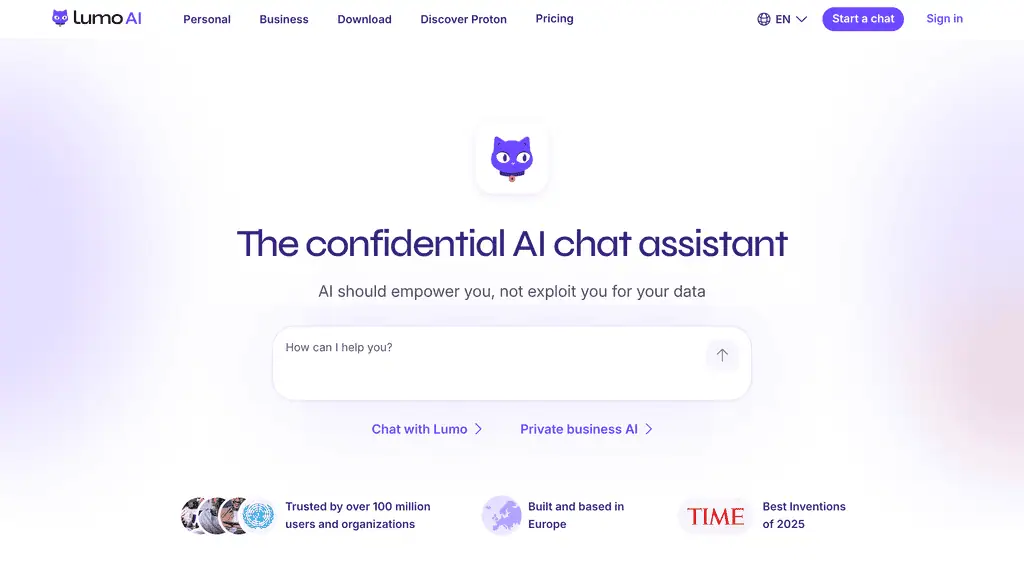
The homepage puts the pitch in one line: AI should serve you and not mine you for data. A chat box sits right under it, so you can see the product before you read about it.
Why the privacy design stands out
Most AI assistants keep your conversations and many use them to improve their models. Lumo is built the other way round. Proton states four things on its privacy page, and they are specific enough to check:
- No logs. After Lumo processes a query and answers, the data is erased on the server. The only record is on your device.
- Zero-access encrypted history. Saved chats are stored on Proton’s servers encrypted so that only you, through your account password, can read them.
- No training. Lumo does not use your chats to train models. The one exception is opt-in: if you choose to send feedback on an answer from the Apertus 1.5 model, Proton anonymises it and shares it with the university teams behind that model.
- Models Proton runs itself. The open-source models run only on servers Proton controls, so your prompts are not sent to a third-party AI platform.
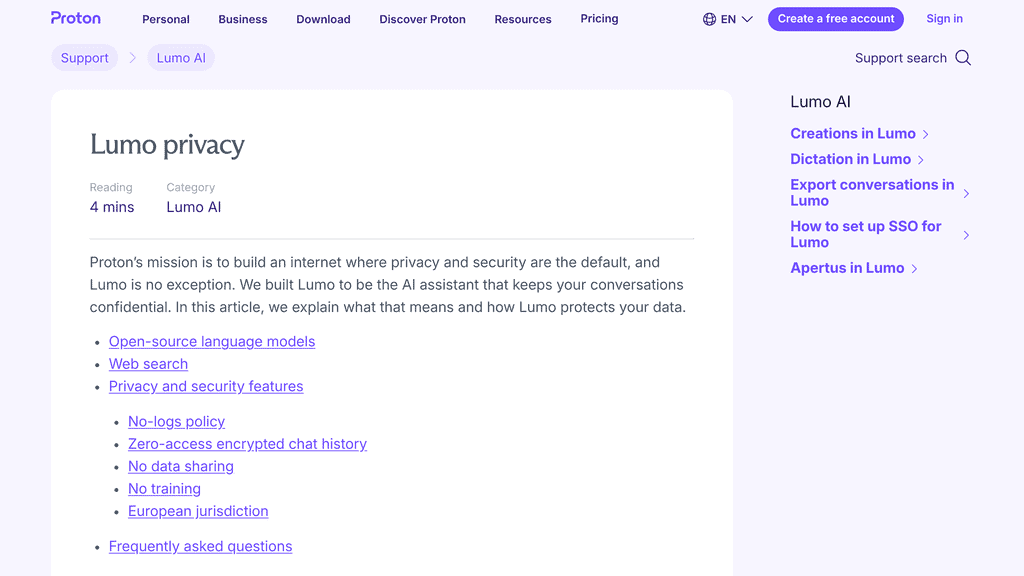
The homepage also publishes a comparison table against Gemini, Copilot, OpenAI and Claude on six privacy points. Lumo is ticked on all six. Claude is ticked only on the ad-free business model. That table is Proton’s own marketing, so read it as the vendor’s position, but the rows are concrete facts that you can verify against each company’s terms.
The code is open source, which is unusual in this category and the reason Proton can say the privacy claims are checkable.
How the encryption works, and where its limit is
Proton’s security write-up is candid about one point that many summaries skip. Full end-to-end encryption, where even the AI model cannot read your message, is not practical today, because the technique that would allow it is too slow. So Lumo uses what Proton calls user-to-Lumo encryption. Your device encrypts the request so that only Lumo’s model servers can decrypt it, the request passes through Proton’s internal systems as an opaque payload, and the model reads the plain text only while it answers. The server is memoryless and keeps no conversation log.
I count that candour in Lumo’s favour. Proton says plainly that this is not standard end-to-end encryption and gives it its own name. For the typical threat, a company reading, selling or training on your chats, the design addresses it. If your threat model requires that no server ever sees your plain text, nothing hosted can offer that, and a local model is the only answer.
Using the free version: the guest chat screen
You can open lumo.proton.me and chat without an account. The guest screen is clean: a New chat button with a toggle beside it, a Library, Projects, Settings, and a single chat box that reads “Ask anything”. Under the box sit a plus button for attachments, a Tools menu, a microphone for dictation and a model picker that defaults to Lumo 2.0 Max.
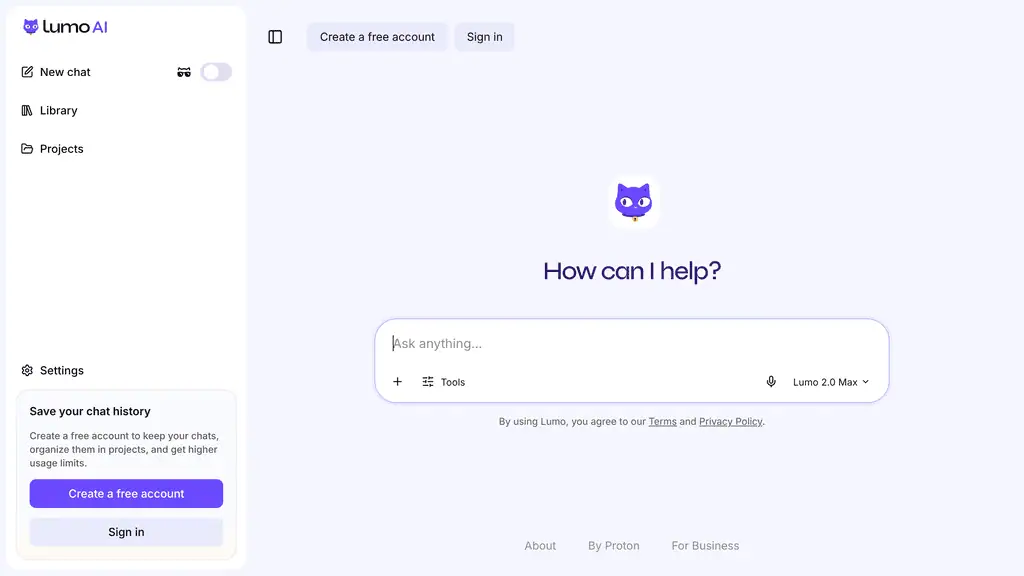
A sidebar card explains the trade: a free account keeps your chats, organises them into Projects and raises the usage limits. Proton’s privacy page says a guest conversation is erased at the end of the session. Its homepage FAQ also says you can reach guest access through Tor, which is a useful option for anyone who wants to separate Lumo from their identity.
That first-run experience is a point for Lumo. There is no sign-up wall and no card to enter before you find out whether the answers are good enough.
Models and modes: Lite, Max and Apertus
Lumo gives you a choice of three models and two reasoning modes, and all of them are open to free users:
| Model | What Proton says it is for |
|---|---|
| Lumo 2.0 Lite | Everyday work: general questions, writing help, summaries |
| Lumo 2.0 Max | Proton’s most powerful model, for stronger reasoning and more demanding tasks |
| Apertus 1.5 | A fully open model built by researchers at ETH Zurich, EPFL and the Swiss National Supercomputing Centre, trained on over 1,000 languages |
Fast mode answers as quickly as possible. Thinking mode reasons step by step first and shows a visible thinking state. Proton’s own guidance is simple: Lite in Fast for quick lookups, Max in Fast when you are unsure, and Max in Thinking for coding and technical tasks.
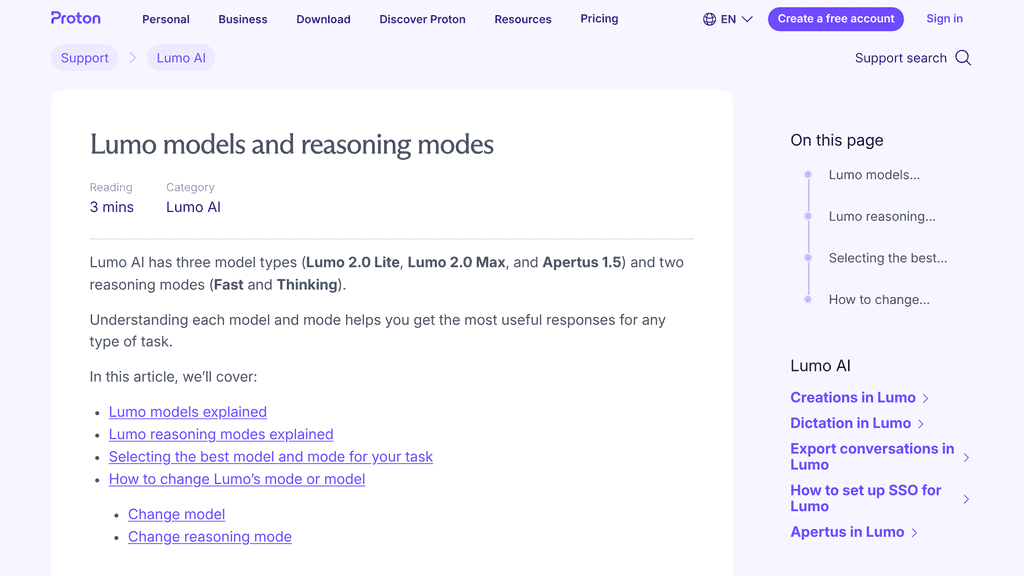
Two details are worth knowing. The free plan does not lock Max away; it limits how much Max you can use, and when you reach your daily Max limit the app switches you to Lite instead of stopping. And Proton does not publish which underlying model answers a given request. Its privacy page lists the open-source models currently in use as Qwen 3.5, GLM 5.3, Image-Turbo, FireRed-Image-Edit-1.1 and Apertus 1.5.
What changed in Lumo 2.0
Lumo 2.0, announced by Proton on 2026-06-30, rebuilt the assistant on a new architecture. The launch post lists these changes:
- Speed. Everyday queries answer up to 76% faster than Lumo 1.4, by Proton’s measure.
- Reasoning. On the Artificial Analysis Intelligence Index, Proton reports Lumo 2.0 Lite scoring 127% higher than Lumo 1.4 and Max 240% higher. Those are launch figures from Proton, and the index has been rescaled since, so use them only to compare Lumo with its own earlier version.
- Images. Upload an image to analyse it, generate one from a prompt or a rough sketch, or edit an existing one in the same conversation. Proton says uploaded and generated images are covered by the same zero-access encryption.
- Web search. Live results with cited sources, covering news, financial data and weather. It is optional: by default Lumo answers only from the model’s own knowledge.
- Memory and context. Memory lets Lumo carry your preferences between chats, and you decide what it keeps, forgets or never learns. The context window is twice the size.
- Custom Lumos. Saved instruction sets for a specific job, such as a writing assistant that always drafts in your tone.

The point that matters for the privacy case is that none of these features changed the policy. Memory, images and search all sit under the same no-logs, no-training rules.
Projects, Custom Lumos and the new canvas
The features that make Lumo usable as a daily workspace came after launch. Projects are encrypted workspaces that group chats, files and instructions together. You can link files and folders from Proton Drive, so Lumo can work with documents you already keep in an encrypted vault.
On 2026-10-22 Proton added Creations. Lumo can now open documents, code and interactive web pages in a canvas beside the chat, where you highlight a passage and ask for a change, or select code and choose Improve or Explain. Each revision creates a new version you can look back at, and a Library view collects everything you have made across conversations.
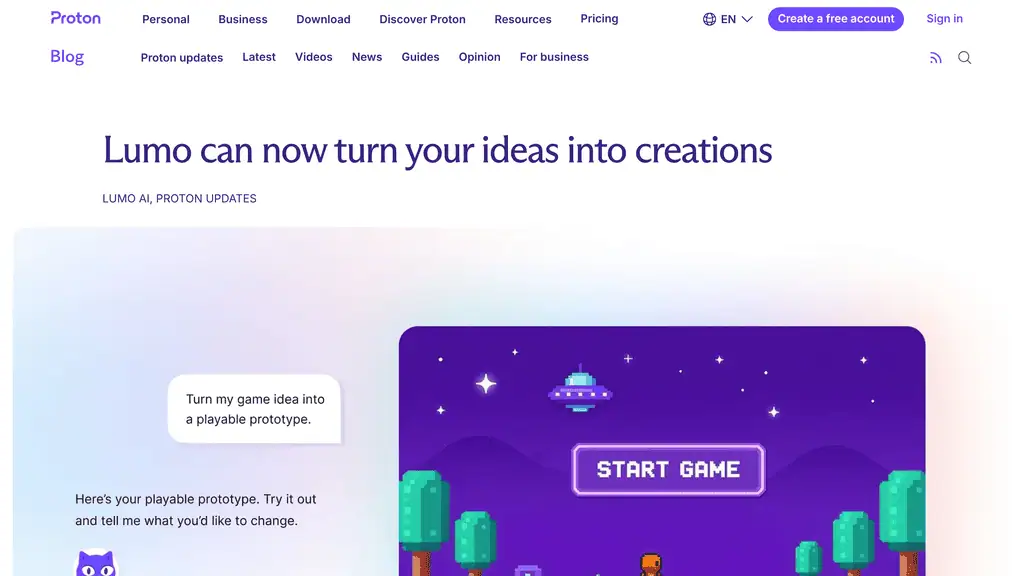
The way Proton built this is the interesting part. The Library needs to list your creations without the servers reading them, so Lumo stores a separate encrypted copy of each creation’s latest version. Export to Word or PDF runs on your own device, not on a server, so the unencrypted document never travels to an extra backend. Proton names the cost of that choice: Save to Drive as PDF currently produces image-based PDFs without selectable text, and you can work around it with the browser’s print dialog.
A privacy-first assistant that accepts a feature trade-off to avoid sending your draft to another server is behaving consistently, and that consistency is why I trust the other claims more.
Lumo pricing: free, Plus and business
Prices below are from the Lumo homepage, checked 2026-10-27.

| Plan | Price | What changes |
|---|---|---|
| Free | $0, no credit card | Limited Max usage, limited messages and chat history, limited image generations, 1 Project |
| Lumo Plus | $9.99 a month billed yearly ($119.88 per 12 months), against a struck-through $12.99 | More Max usage, more messages and history, more image generations, unlimited Projects and Custom Lumos |
| Lumo for Business | Quoted on Proton’s business page | Admin tools, with conversations kept encrypted and never used for training, per Proton |
Both plans carry a 30-day money-back guarantee. Proton does not publish the numeric free limits on the page I read, so test your own workload on the free plan before paying. The $12.99 figure is the monthly-billing price, so the yearly plan is the one that earns the 23% discount shown.
For comparison, Claude Pro is $20 a month billed monthly ($17 on an annual plan), and Mistral Pro is $14.99 a month. Lumo Plus is the cheapest of the three on yearly billing.
Who Lumo suits, and who should look elsewhere
Lumo is a strong fit for:
- Anyone who types sensitive material into AI. Health questions, legal drafts, financial documents and client files are what the no-logs design is for.
- People already inside Proton. Drive linking and one account across Mail, VPN and Lumo make it a natural extra.
- Writers and researchers with unpublished work. The no-training rule and encrypted Projects keep drafts out of anyone’s model.
- People who want a European provider. Proton runs Lumo on European infrastructure under Swiss privacy law.
- Anyone who wants to try before committing. Guest access and a no-card free plan make the first test cheap.
Look elsewhere if you:
- Need the sharpest model available for the hardest coding or reasoning. Lumo runs open-weight models, and open models can trail the newest closed ones on the hardest tasks.
- Need a coding agent or deep tool integrations. The main integration I found is Proton Drive.
- Need a guarantee that no server ever sees plain text. Only a local model gives that, as explained above.
Where Lumo can fall short
- The model is not named per answer. Proton chooses among several open models and does not say which one replied, so you cannot pin one down for repeatable results.
- Max has a daily allowance. On the free plan, heavy Max users will be moved to Lite partway through the day. Numeric limits are not published.
- Benchmark claims are Proton’s. The 127% and 240% figures are launch-day numbers supplied by the vendor.
- Search is off by default. Without enabling web search, answers reflect the model’s training date.
- Creations export has a known gap. PDFs saved to Drive come out as images until Proton changes it.
- Proton’s comparison table is marketing. Verify the competitor rows against each company’s own policy before relying on them.
Lumo vs ChatGPT, Claude and Mistral
Prices are from each vendor’s own pages, checked 2026-10-27.
| Alternative | Price | Switch to it when |
|---|---|---|
| Claude | Free plan. Pro is $20 a month, or $17 on an annual plan. | You need top-end reasoning and long-document work, and accept a vendor that can see your chats |
| Mistral | Pro is $14.99 a month. | You want a European provider with coding tools, connectors and a CLI |
| Ollama | Free to run models locally. Cloud Pro is $20 a month. | You want nothing to leave your machine at all |
Lumo’s case is the combination: a hosted, polished assistant with a no-logs and no-training promise, a free tier, and a price under the usual $20. If you are weighing it against a wider field, our guide to Lumo alternatives covers fifteen more private and mainstream options.
Frequently asked questions
Is Lumo free?
Yes. The free plan costs $0, needs no credit card and includes Lite, Max (with limited usage) and Apertus, plus 1 Project. You can also chat as a guest without an account.
Does Proton read my Lumo chats?
Proton says no. Saved chats use zero-access encryption, so only your account password can unlock them, and the server keeps no log of your questions or Lumo’s replies after it answers.
Is Lumo really end-to-end encrypted?
Not in the strict sense, and Proton says so. Your request is encrypted so that only Lumo’s model servers can decrypt it, and the model has to read the plain text to answer. Proton calls this user-to-Lumo encryption.
Does Lumo train on my conversations?
No. The one exception is opt-in feedback on an Apertus 1.5 answer, which Proton anonymises before sharing it with the research teams behind the model.
Transparency note: this review is based on Proton’s public Lumo pages, support articles and blog posts, plus the Claude, Mistral and Ollama pricing pages, all read on 2026-10-27. I loaded Lumo’s guest chat screen but did not run a test series, so I have not measured answer quality, speed or the free usage limits, and vendor claims are labelled as such. The screenshots are captures of Proton’s own web pages. None of the links here are affiliate links. If anything changes, tell me and I will update the review.
Related Posts

I tested AgainstData on 355 pages of Gmail data. Bulk unsubscribe, personal data deletion requests, pricing, and whether...
AI-Text-Humanizer.com took a 132-word ChatGPT paragraph from 100% AI to 0% on ZeroGPT but flattens your voice. Buy the $...
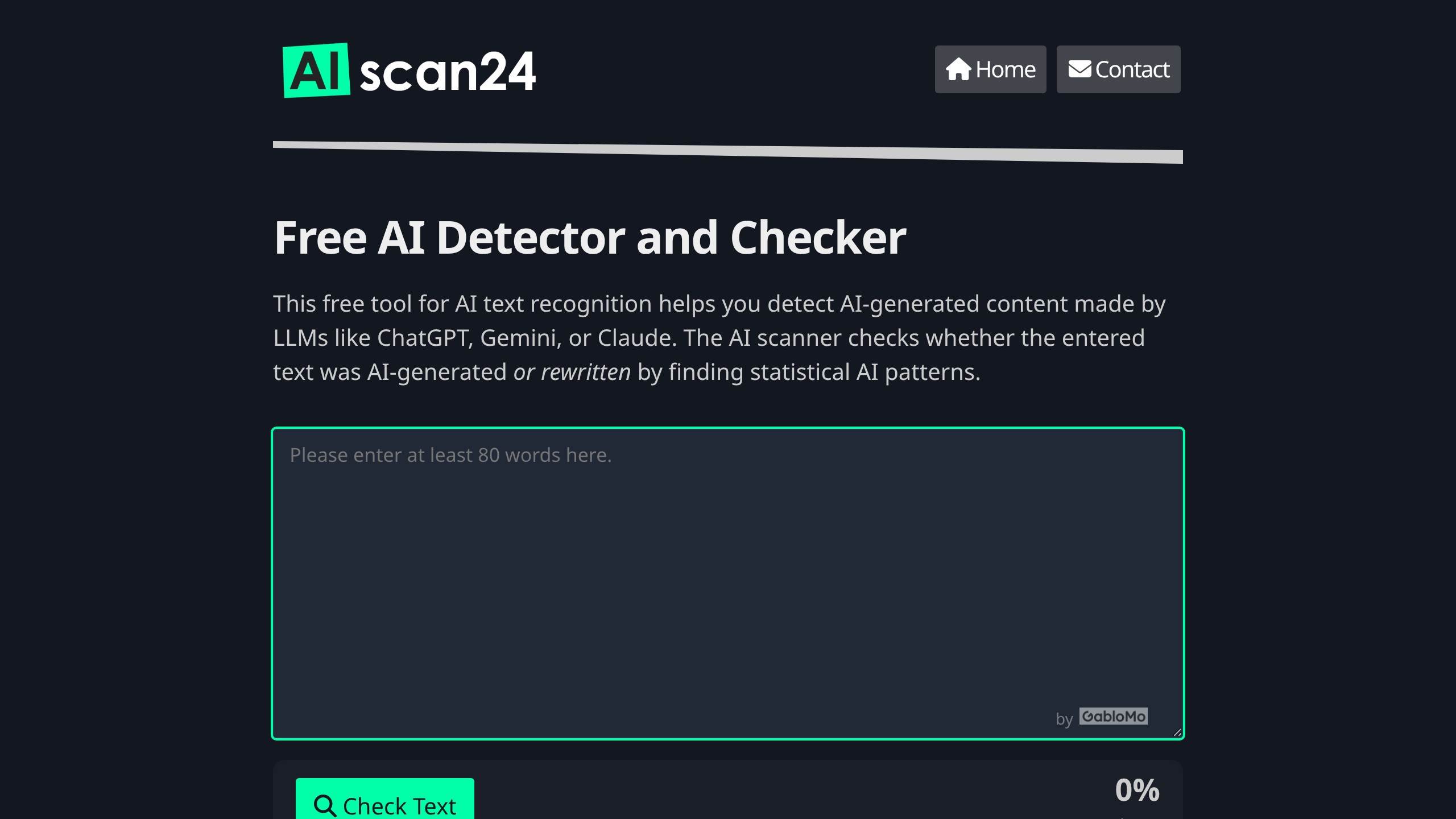
AIscan24 is a free, no-signup AI detector: it caught pure ChatGPT text at 100% but scored my handwritten paragraph 80%. ...
Honest Aithenticate review after hands-on testing. Does this AI disclosure badge tool meet EU AI Act requirements? Prici...
Allavsoft review: a Windows and Mac video and music downloader with batch queues, 8K support and format conversion, from...

My hands-on Answer Socrates review covering all features, free plan limits, pricing, and how it compares to AlsoAsked. I...