

Textbuddy in brief: free, no login, read every sentence
| Field | Detail |
|---|---|
| Tool | Textbuddy |
| Category | 17 single-purpose AI writing tools that run in the browser |
| Price | Free, with no account, no credit card and no visible paid tier. The pricing and premium URLs load the homepage. Checked 31 July 2026. |
| Best for | Freelancers, bloggers, solo marketers and non-native English writers who want quick writing utilities without another subscription |
| The catch | Occasional grammar slips in the output, and nothing you do is saved |
| Verdict | Bookmark the Writing Style Rater, Text Statistics, generator and humanizer; do not build client work on it |
Disclosure: Free-tier tested. Every test in this review ran on the public tools at textbuddy.com on July 31, 2026, with no account and no payment. There is no affiliate link on this page, and I could not find a live pricing page to verify any paid tier, which I cover in detail below.
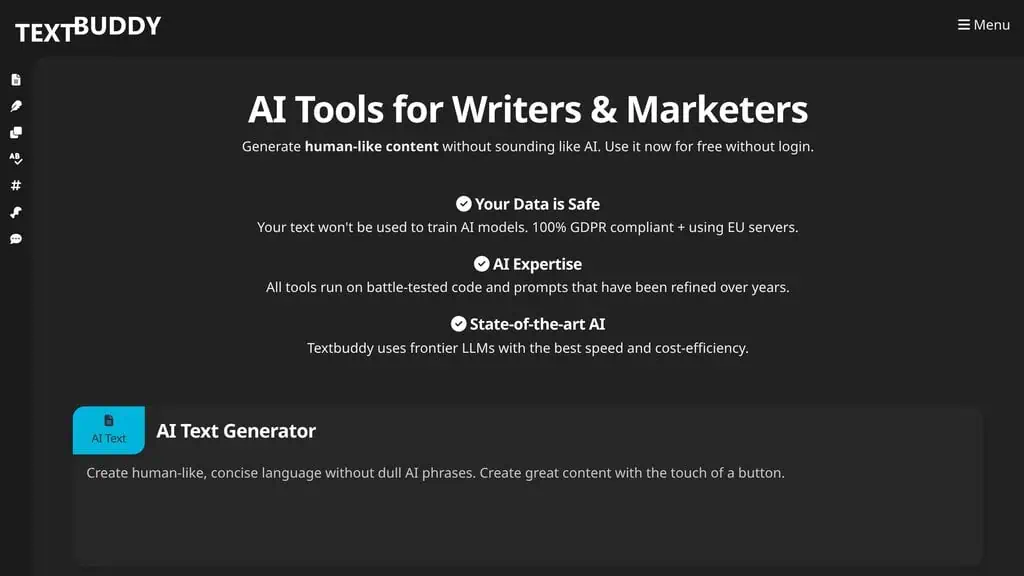
Most “free AI writing tool” sites are a signup form wearing a costume: three generations, then an email wall, then a credit counter, then a checkout page. I assumed Textbuddy’s wall was two clicks away. It never appeared. I ran a text generation, two humanizer passes and a writing style rating across three tools, and nothing asked me for an email address.
What Textbuddy is and how the tools work
Textbuddy is a collection of single-purpose AI writing tools built by GabloMo.com, a small German company that also runs the humanizer AI-Text-Humanizer.com and the free detector AIscan24. Each tool is its own page with its own input box, and all of them run the same core engine with a different task preset. The tagline promises human-like content without sounding like AI, and the prompts behind the tools are tuned to avoid the vocabulary that makes machine text obvious.
The interface is three dropdowns and a box. You pick a Task from 20 options, a Tone from five and a target language from a list of 20, paste your text and press the button. The result appears below with a word count and export buttons for TXT, HTML and DOC.
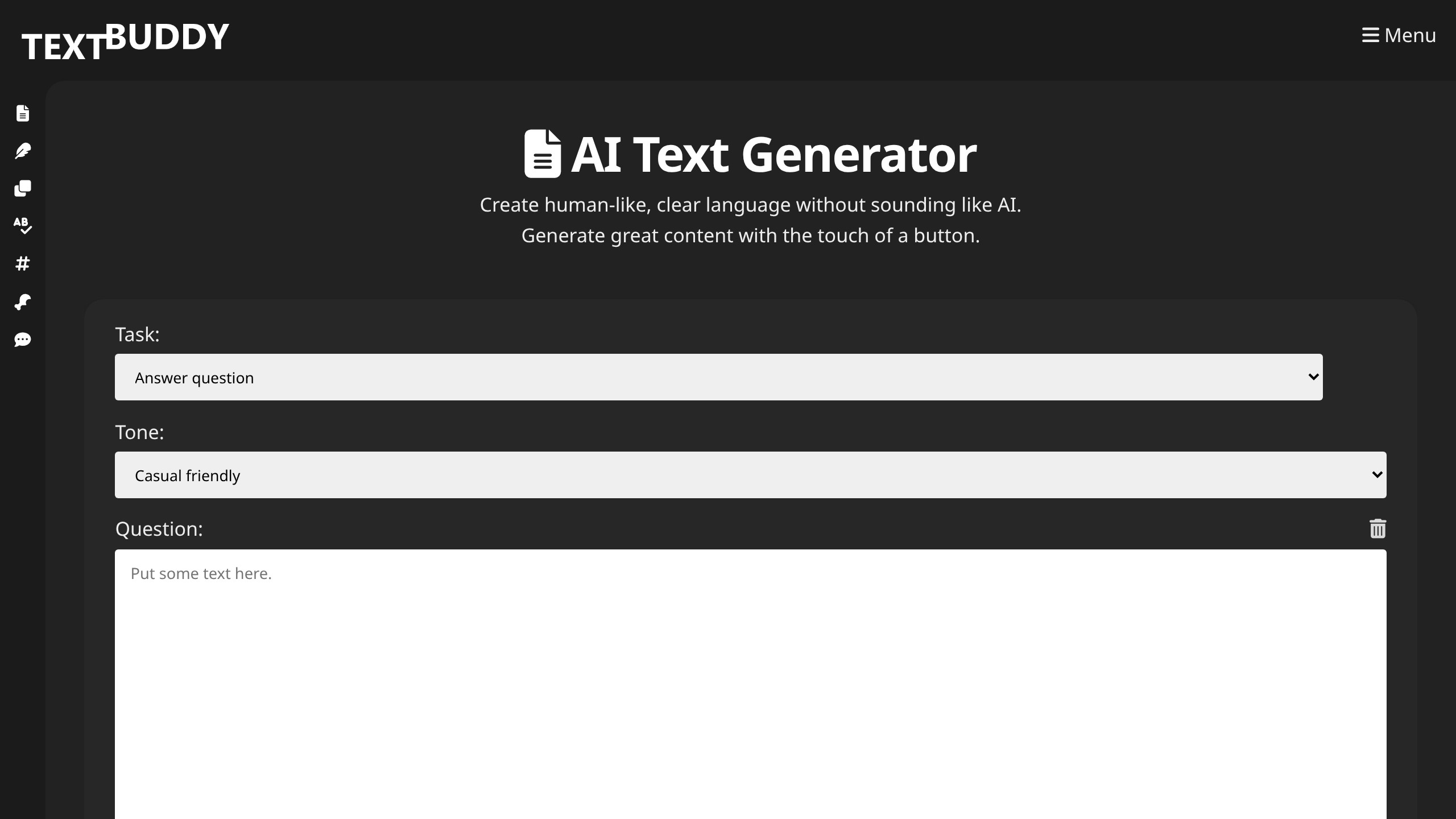
Every tool page carries the same full Task dropdown, so the AI Text Generator page can proofread and the humanizer page can summarize. The individual pages exist mostly for search and for defaults; bookmark one and you have all of them. The generator also has a web search toggle under the input that pulls live results in as context, which is the difference between a generic answer and one that references something that happened this month.
The 17 tools, ranked after testing
I sorted the tools into ones I would keep, ones with a real use case, and ones to ignore, judged on output quality against what else you can get free.
| Tool | My verdict | Best use |
|---|---|---|
| AI Text Generator | Keep | One box for 20 tasks, with live web search |
| AI Text Humanizer | Keep | Stripping AI vocabulary out of drafts |
| AI Writing Style Rater | Keep | Second opinion on prose before publishing |
| Text Statistics | Keep | Finding repeated words and repetitive sentence starts |
| AI Proofreader | Situational | Grammar fixes without style rewriting |
| AI Summarizer | Situational | Long documents into bullets |
| AI Translator | Situational | 50+ languages, quick drafts |
| Text Clarity | Situational | Readability plus an AI score in one pass |
| AI Blog Post Generator | Situational | Structure and outline, not final copy |
| AI Hook and Social Post Generators | Situational | Repurposing an article into posts |
| AI Reply Generator | Situational | Turning scribbled notes into clean emails |
| AI Content Ideas | Skip for research | Fine for brainstorming, thin for keyword work |
| AI Code Generator | Skip | Use a real coding assistant |
| Text Comparison | Keep as a utility | Diffing two drafts |
| Classic Editor | Situational | Plain-language editing with synonyms |
The generator: a strong draft with a broken sentence
I asked it a question a reader might ask, using the Answer task and Casual direct tone: is buying a lifetime deal on an AI writing tool smarter than paying monthly for ChatGPT Plus, answered for a small business owner. It returned 133 words that got the substance right. It separated the two cases correctly (lifetime deals suit fixed budgets and niche feature sets, subscriptions suit broad reasoning and frequent model updates) and closed with advice I did not prompt for: check whether the lifetime deal includes future model updates, because many small providers charge extra when they move to newer technology. Most AI answers skip that kind of practical caveat.
In the middle of the same answer: “OpenAI updates this platform repeatedly than most niche tools.” That sentence is broken, as if a word got swapped during the humanizing step and nothing checked the grammar afterward. I saw the same class of error twice in three tests. The output is a strong draft and a bad final.
The humanizer: 17% on AIscan24, plus a heading I never wrote
I fed it the worst ChatGPT paragraph I could write, packed with “in today’s rapidly evolving digital landscape,” “leverage cutting-edge,” and “paradigm shift.”
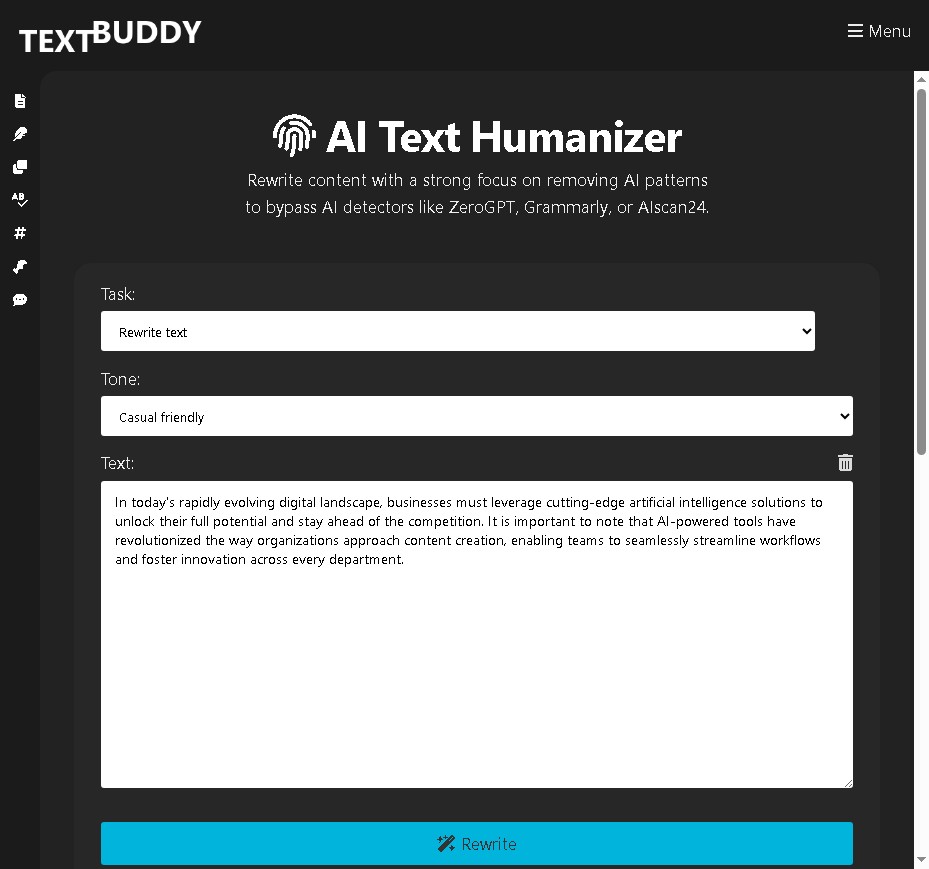
The rewrite came back at 152 words with every cliche gone. AIscan24 scored it at 17% AI-similarity, inside the “rather human” band under the detector’s own guidelines, against 100% for the original. The core job got done, and then it took two liberties. It added a heading, “How AI Helps Businesses,” that was nowhere in my input. And it kept using a spaced hyphen mid-sentence followed by a capital letter: “Companies today are in a world where technology changes fast - Using new artificial intelligence helps these businesses do their best work.”
That isn’t correct punctuation, and a humanizer producing a tic that reads as machine-made is a small irony. Search your output for ” - ” and fix each one by hand; it takes twenty seconds. For comparison, the same company’s paid humanizer scored 3% on the same detector with the same source paragraph and produced cleaner punctuation, as I broke down in my AI-Text-Humanizer.com review, including scores from an independent detector.
Writing Style Rater: 7 out of 10 and an accurate read
This one surprised me. I pasted in a paragraph I wrote by hand, from my own published review work, and asked it to rate the writing style.
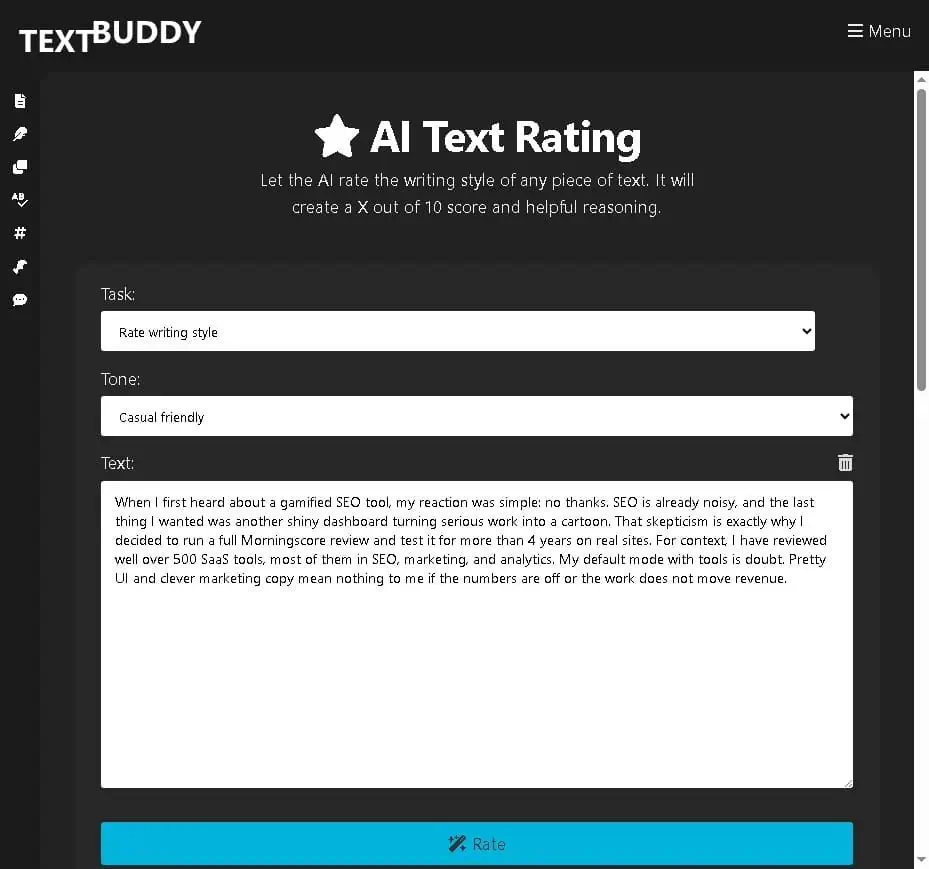
It returned 7 out of 10 with five specific reasons: I lead with credibility (“they tested over 500 digital products to show they know the field well”), my sentences are short and quick to read, opinions sit at the front rather than the end, the vocabulary avoids formality, and the logic moves from doubt to testing. It summarized the register as “a conversation you might have over coffee.”
That is an accurate read of how I write, from six sentences. As a check on whether a piece sounds like you or like a template, it is more useful than a readability score. It doesn’t tell you what to fix, but it tells you what is coming across. It took me one test to learn something about my own openings.
Text Statistics and Text Clarity catch what you miss in your own draft
Text Statistics counts words, sentences, paragraphs and pages, then flags word repetitions and repetitive sentence starters. The second feature is the one worth having: repetitive sentence openings are one of the most reliable signals that a draft was machine-written, and they are almost invisible when you read your own work.
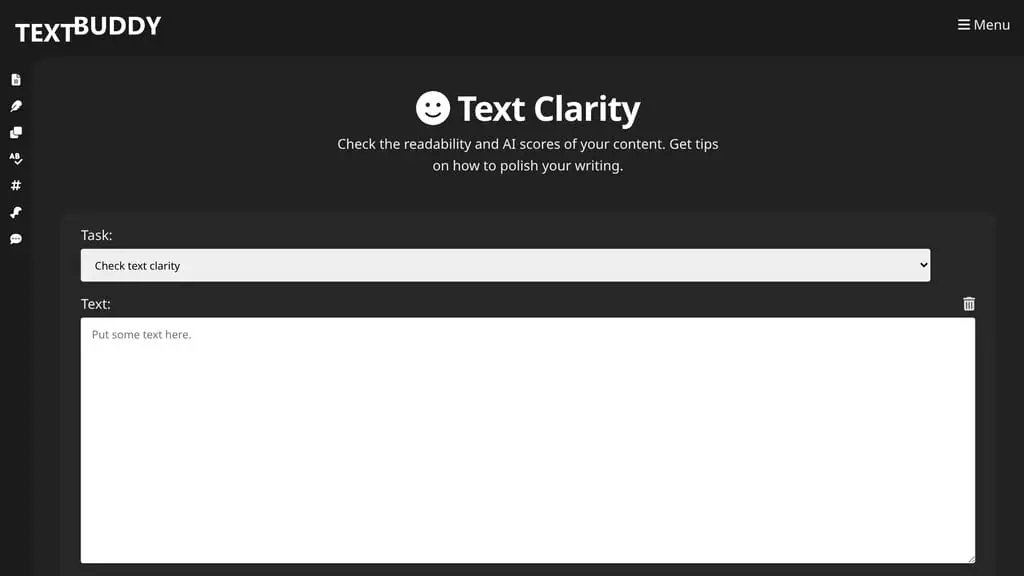
Text Clarity gives readability plus an AI score in one pass, with suggestions for polishing. Treat any AI score, from any tool, as a rough signal. When I ran five samples through the sister detector, one of my own handwritten paragraphs came back at 80% AI. The full test matrix is in my AIscan24 review, and the underlying reasons are in our guide on how AI detectors actually work.
Rewriter or Proofreader?
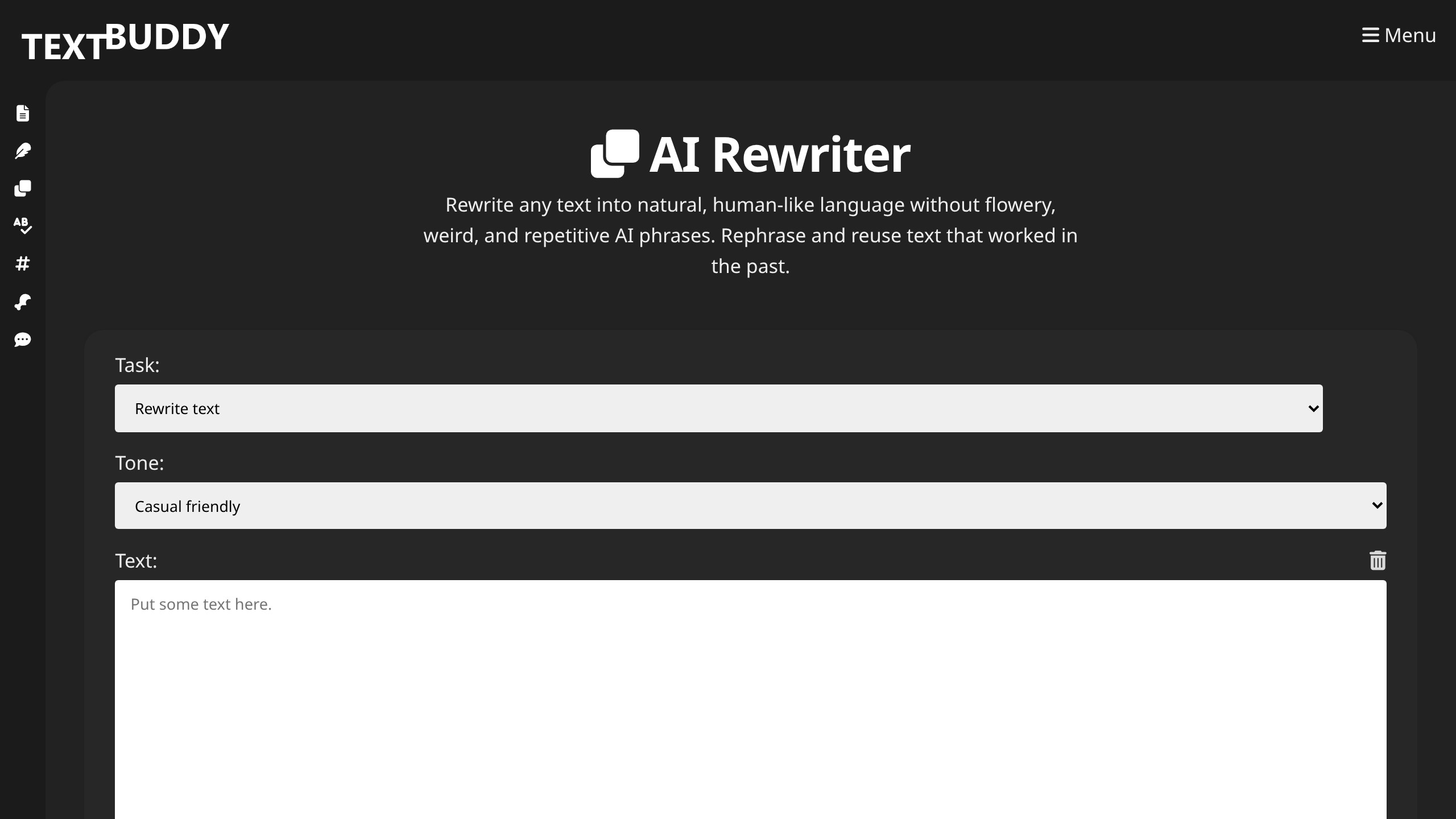
These two get confused. The Rewriter rebuilds your sentences into natural language and removes repetitive phrasing, so your wording changes. The Proofreader fixes grammar, spelling and punctuation while leaving your style alone, according to the tool description. Use the Proofreader on anything you wrote yourself, because you want your voice untouched, and the Rewriter on anything a model wrote, because there is no voice worth preserving.
Hooks, social posts, replies and summaries
These four reshape content that already exists, the task where AI is most reliable and least likely to invent facts. The Hook Generator produces short openers for social posts and short-form video. The Social Media Post Generator turns an article into a few punchy posts. The Reply Generator takes a scribbled answer and returns a clean, mistake-free version, the most underrated tool on the site if you answer a lot of email. The Summarizer condenses long text into bullets or a paragraph. I would use all four for internal or social work, and edit their output before it goes into a client deliverable.
Code Generator and Content Ideas: skip them
AI Code Generator returns concise source code from a description in the language you name. It works, and it is nowhere near a real coding assistant with repository context.
AI Content Ideas suggests topics for a keyword or context. They are reasonable brainstorming prompts, not search data: nothing tells you volume, difficulty or intent. Keyword research needs actual metrics, which is why I still start with our AI tool comparisons and proper SEO data rather than an idea generator.
Is Textbuddy really free?
Yes, as of July 31, 2026, and I didn’t look casually. I checked `textbuddy.com/pricing/` and `textbuddy.com/premium/`, and both resolve to the homepage rather than a plan table. There is no upgrade button, no credit counter and no account link in the navigation.
Third-party directories still list an old Textbuddy Premium at $19 per month, $9 per month billed annually, and a $195 lifetime option. I could not verify any of those numbers on the official site, so I am not presenting them as current. A free tool with no visible business model can change or disappear. If you want tools with a published price and a refund policy behind them, our AI deals directory is where I track the ones I have paid for and tested.
Nothing is saved: the cost of no account
There is no history, no drafts folder, no project structure, no team seats, no usage dashboard and no way to retrieve what you generated yesterday. Everything lives in one browser tab until you export it, which is why the TXT, HTML and DOC export buttons exist, and using them is not optional if the output matters.
What you gain: no signup friction, no email in another marketing database, no credit anxiety, no subscription to cancel later, and nothing to manage across a team.
What you lose: persistence, collaboration, any audit trail of what was generated when, and any commercial relationship you could rely on. There is no support contract behind a free tool and no refund to ask for.
For a solo writer running quick jobs, the gain wins easily. For an agency delivering client work, the loss is disqualifying on its own; look at tools with accounts, seats and a paper trail.
How is my data handled?
Better than average, based on what the vendor publishes. Textbuddy states that your text is never used to train AI models, that the service is fully GDPR compliant, and that it runs on EU servers. The company is German, which puts it inside that regulatory framework rather than merely claiming alignment with it. The tools use leading LLM APIs configured not to retain inputs, which is a stated policy you cannot independently audit, as with every hosted AI tool.
For everyday marketing copy, blog drafts and email replies, that position is reasonable and clearer than most free tools bother to state. If your text is confidential (client contracts, unpublished financials, personal medical details), do not paste it into any free browser tool, this one included.
Textbuddy vs just using ChatGPT
If you already pay $20 a month for ChatGPT Plus or Claude Pro, why open Textbuddy at all?
| Factor | Textbuddy | ChatGPT Plus or Claude Pro |
|---|---|---|
| Cost | Free, no account | $20/month |
| Setup per task | Three dropdowns | You write the prompt |
| Consistency | Same tuned prompt every time | Depends on your prompt |
| Output style | Tuned to avoid AI vocabulary | Default style reads as AI unless instructed |
| History and projects | None | Full conversation history |
| Range | 17 fixed writing tasks | Anything, including code and analysis |
Textbuddy wins on speed for narrow, repeatable jobs: rating a paragraph, generating five hooks, cleaning an email, checking repetitive sentence starters. The prompt is already written and tested, so you skip explaining yourself to a chatbot. A general model wins on anything that needs context, iteration or memory of what you asked before, and on voice control, because you can hand it three samples of your writing and tell it what to preserve. I use both on the same day for different jobs. For the full drafting stack, our roundup of the best AI writing tools covers the paid options worth the money.
Who gets the most out of it
Use it if: you write regularly, want specific writing utilities without another subscription, and are comfortable exporting anything you want to keep. Freelancers, bloggers, solo marketers and non-native English writers get the most value.
Use it selectively if: you already pay for a frontier model. Bookmark the Writing Style Rater, Text Statistics and Reply Generator, and ignore the rest.
Do not build on it if: you need accounts, saved work, team access, an audit trail or a support contract. A free tool with no visible business model is not a foundation for client delivery.
A utility belt, not a workshop
Textbuddy is worth your time for a narrower reason than the homepage suggests. It is not an all-in-one writing platform, and treating it like one will disappoint you. It is a bookmark bar of well-tuned single-purpose utilities that cost nothing and ask nothing. The no-signup model held up under real testing, the Style Rater gave me a more useful read on my own prose than any readability score has, and the web search toggle keeps the generator current. What holds it back is that the output needs a human pass every time and that the tools may not be here next year.
Draft in the model you already pay for, then bring the paragraph here for a style rating, a repetition check and a humanizing pass. That costs nothing extra and catches things you would otherwise publish. A good first test: run a paragraph you wrote entirely yourself through the Writing Style Rater and see whether its five reasons describe the writer you think you are.
Next step: to see how the paid sibling compares on the same test paragraph, read my AI-Text-Humanizer.com review. For why AI scores on your own writing are so unreliable, my AIscan24 review has the five-sample test. And for the weekly deals roundup, subscribe here.
Pricing and company details: see the Textbuddy profile.
Related Posts

I tested AgainstData on 355 pages of Gmail data. Bulk unsubscribe, personal data deletion requests, pricing, and whether...
AI-Text-Humanizer.com took a 132-word ChatGPT paragraph from 100% AI to 0% on ZeroGPT but flattens your voice. Buy the $...
AIscan24 is a free, no-signup AI detector: it caught pure ChatGPT text at 100% but scored my handwritten paragraph 80%. ...
Honest Aithenticate review after hands-on testing. Does this AI disclosure badge tool meet EU AI Act requirements? Prici...
Allavsoft review: a Windows and Mac video and music downloader with batch queues, 8K support and format conversion, from...

My hands-on Answer Socrates review covering all features, free plan limits, pricing, and how it compares to AlsoAsked. I...