

LM Studio vs Ollama comes down to how you want to work. LM Studio is a desktop app you chat in, with model search and document chat built in. Ollama is an open-source engine you drive from the command line, and the one other apps and coding tools connect to. Both are free for local use and both keep your prompts on your machine.
LM Studio and Ollama side by side
| LM Studio | Ollama | |
|---|---|---|
| Price | Free for local use; cloud plans from $20/mo | Free for local use; cloud plans from $20/mo |
| Licence | Proprietary app; open-source CLI and SDKs | MIT, open source |
| How you use it | Desktop app with a chat window; lms CLI; headless llmster | Command line and local API; a small desktop app |
| Runs on | Windows, macOS (Apple Silicon only), Linux | Windows, macOS 14+, Linux |
| Model formats | GGUF, plus MLX on Apple Silicon | Its own library; GGUF and Safetensors imports |
| Finding models | Search Hugging Face inside the app | Pull by name from ollama.com/library |
| Local API | Port 1234; OpenAI- and Anthropic-compatible | Port 11434; OpenAI- and Anthropic-compatible |
| Chat with documents | Yes: .docx, .pdf, .txt | Not built in |
| What it sends home | No telemetry, per the vendor | Device and usage metadata, never prompts |
| Hardware guidance | 16GB RAM recommended, 8GB for small models | No RAM minimum published |
Checked on 2026-10-08 against LM Studio’s and Ollama’s own websites, documentation, pricing pages, privacy policies and GitHub repository.
The two now overlap more than they used to. Both run open models locally for free, both expose a local API that speaks the OpenAI and Anthropic formats, and both sell optional cloud plans starting at $20 a month that you never need for local use. The differences are in who each one is built for.
Choose LM Studio if you want a desktop app
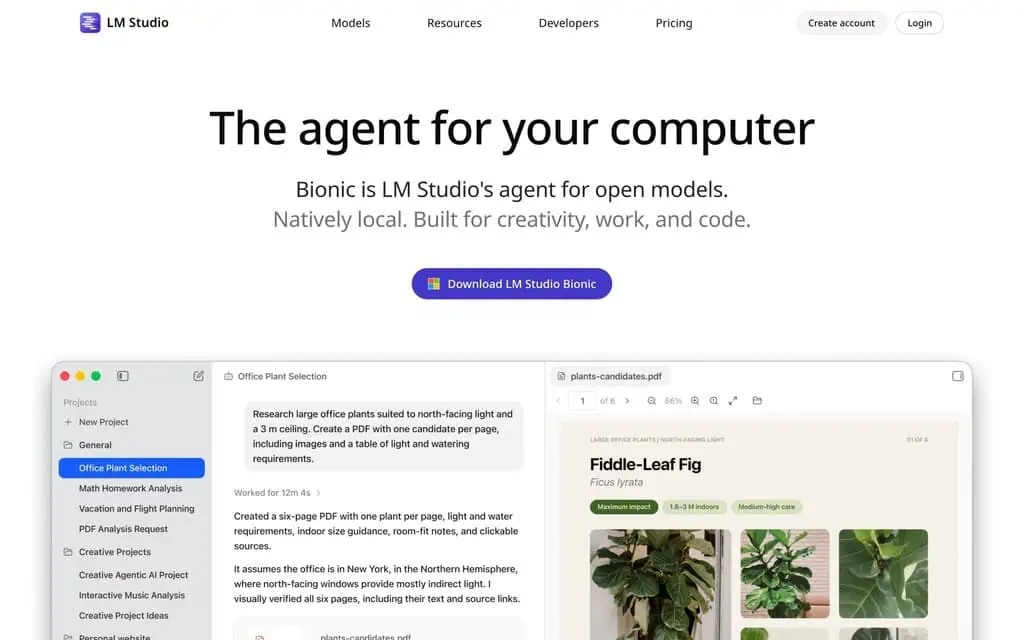
LM Studio’s homepage leads with Bionic, its agent built on the desktop app.
- You would rather click than type commands. LM Studio is a full desktop app with a chat window, and its built-in downloader searches Hugging Face by keyword, by user and model name, or by pasting a Hugging Face link.
- You want to chat with your own files. You can attach .docx, .pdf and .txt files to a conversation. Short documents go into the conversation in full; long ones are searched for the relevant passages, which LM Studio notes can need some tuning.
- You have an Apple Silicon Mac. Besides the usual GGUF models, LM Studio also runs models in Apple’s MLX format on M-series Macs. It does not support Intel Macs.
- You still want an API sometimes. The Developer tab starts a local server on port 1234 with OpenAI- and Anthropic-compatible endpoints, so you lose little by starting here.
Element Labs, the company behind it, says the app has no telemetry and that chats never leave your device for local models. LM Studio recommends 16GB of RAM, with 8GB usable for small models.
What you give up: the app is closed source. Its command line tool, SDKs and MLX engine are open, but the desktop app itself is licensed for personal and internal business use, which has been free for work use since July 2025.
Choose Ollama if you work from the terminal or build on it
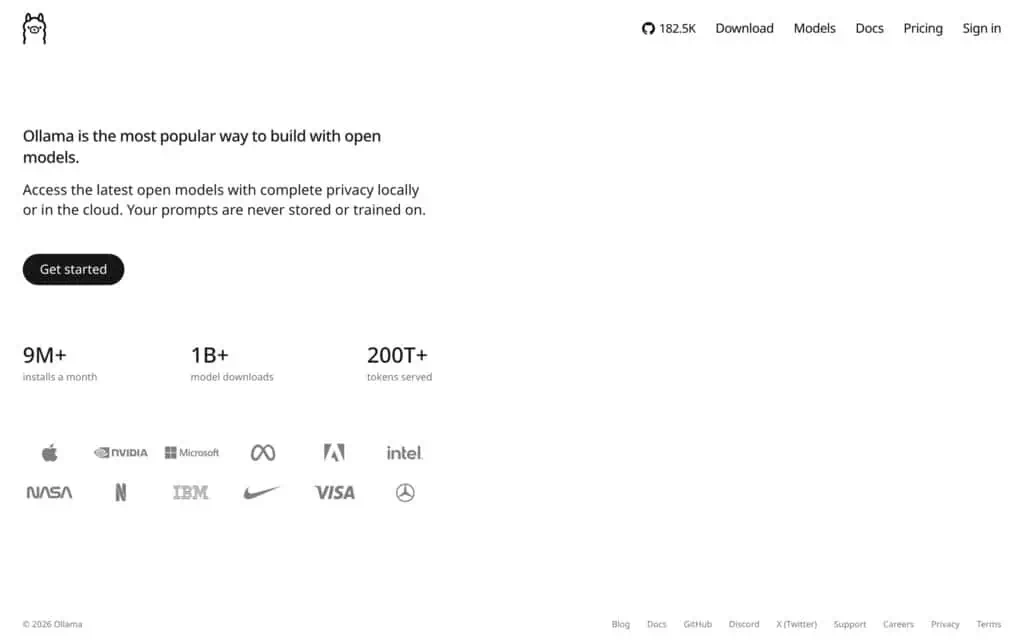
Ollama pitches the same models locally or in its cloud.
- You live in a terminal. `ollama run` with a model name downloads and starts a model from the Ollama library in one step, and the same commands work on Windows, macOS 14 or later and Linux.
- Other software needs a model to call. Ollama serves a local API on port 11434 with OpenAI- and Anthropic-compatible endpoints, and it is the backend several of the tools in our local LLM apps list connect to, including Open WebUI and AnythingLLM.
- You want open source. Ollama is MIT licensed, so you can read, change and redistribute it.
- You want to package your own models. A short Modelfile lets you import GGUF files or Safetensors weights and run them like any library model.
Ollama’s privacy policy says it collects limited device and usage metadata, such as app version and request counts, but never your prompts. No account is needed for local models, and a documented local-only mode switches the cloud features off.
What you give up: a real chat interface and document chat, neither of which Ollama provides itself. Most people pair it with a front-end such as Open WebUI.
Can you use LM Studio and Ollama together?
Yes, though you rarely need both. They run the same kinds of models, and each can serve them over an OpenAI-compatible API, so any tool that talks to one can usually be pointed at the other by changing the address. One way to split them is LM Studio on a laptop for chatting and trying models, and Ollama on a server or desktop as the engine behind other apps.
Which is faster?
We found no speed comparison published by either project, and the model you choose, its quantisation and your hardware matter more than the app. On an Apple Silicon Mac, LM Studio’s MLX support is the one difference worth testing for yourself with the same model in both.
Our verdict
Pick LM Studio if you want to download a model and start chatting today, especially with your own documents or on a Mac. Pick Ollama if you write code, run a home server, or want an open-source engine for other apps to use. For eight more ways to run models yourself, see the best local LLM apps.
Every fact here was checked on 8 October 2026 against LM Studio’s and Ollama’s own websites, documentation, pricing pages, privacy policies and GitHub repository. None of the links are affiliate links.
Related Posts
Six AppSumo alternatives I’ve bought lifetime deals from, this site included, with refund windows, AI share, and what ha...
Character AI alternatives by job: Kindroid for a companion, Pi for free chat, NovelAI for stories, LM Studio offline. Pr...

I still pay for ChatGPT Plus, so each alternative here takes one job it does worse: writing, cited research, cheap API c...
I pay for Claude Pro. These six alternatives cover its gaps: the Claude Code bill, images, cited research, price, EU res...

What you lose leaving Microsoft Copilot, then the swaps: Gemini for the office suite, ChatGPT and Claude on quality, Per...

Whether it’s China hosting, coding quality, missing image tools, or self-hosting, these are the five DeepSeek alternativ...