

The best SEO tools in 2026 depend on what you are trying to fix: Ahrefs or Semrush for keyword research, SE Ranking for budget rank tracking, Screaming Frog for technical audits, and Keyword.com or Profound for AI search visibility. Below are 25 tools by category, with $0, $150 and $500/month stacks and no sponsorships.
Most “best SEO tools” articles are written by people who have never logged into half the tools they’re recommending. The rankings are driven by affiliate commissions, not real testing.
I’ve spent 15+ years in SEO, own 100+ websites, and have personally bought and tested more than 50 SEO tools with my own money. When I say a tool is good, it’s because I’ve run it on real sites with real traffic, not because someone paid me to say so. I hold an MSc in Software Engineering with Distinction, have taught 30,000+ students through Udemy, and manage digital marketing for serious AI products at Brainstorm Force.
That background shapes how I evaluate SEO software. I care about one thing: does this tool help you find and fix what is holding your rankings back in a search engine? Not features. Not UI polish. Results.
This article covers 25 SEO tools organised by what they do, with honest assessments of their limitations and three real budget stacks you can build today, drawn from the same hands-on testing behind our AI tool reviews.
About the prices. SEO vendors reprice often and quietly, so rather than claim every figure is current I will tell you what I did. On 11 September 2026 I re-read the pricing pages for Ahrefs, Semrush, Clearscope, Sitebulb, Keyword.com and Screaming Frog and corrected what had moved.
The rest carry the figure from their last check. Treat every number here as the starting point for your own look at the vendor page, not a quote.
Scope of this guide: this is the all-purpose comparison, every major SEO tool, AI-powered or not. If you specifically want tools built around AI (generative content, machine-learning difficulty scoring, and visibility inside ChatGPT, Perplexity, and Google AI Overviews), read my best AI SEO tools guide instead. For zero-cost picks only, see the best free SEO tools roundup.
Key Takeaways:
- No single SEO tool does everything well. The best setup is a stack matched to your current bottleneck, not the most expensive all-in-one platform.
- Google Search Console is still the most important SEO tool, and it’s free. If you’re not using it properly, adding a paid tool on top won’t save you.
- Ahrefs and Semrush are both excellent but redundant at the same price point. Pick one and go deep, don’t split the budget trying to run both.
- AI search tracking (Keyword.com, Profound) is now a real SEO category in 2026, if your audience uses ChatGPT or Perplexity to find products, you need to understand your visibility there.
- A $0/month stack can legitimately compete for most niches, especially in the first 12 months. I’ve taken sites from zero to 100,000 monthly visitors using nothing but free tools.
What makes an SEO tool worth paying for?
Before I list the tools, you need a filter for evaluating any SEO software yourself.
Most tools promise the same things: “rank higher, get more traffic, beat competitors.” The marketing is nearly identical across every product. So how do you decide what’s worth the money?
I use four criteria:
- Data accuracy at the query level. Does the keyword data match what Google Search Console actually shows for your own site? I always cross-check tool estimates against real GSC performance. A tool that consistently overestimates search volume by 3x is dangerous, it sends you chasing keywords that don’t move the needle.
- Speed of insight. Some audits take 45 minutes to run and deliver 800 “issues” you need to manually prioritize. Others surface the three that matter in 3 minutes. Time-to-actionable-insight is a real metric.
- Fit for your current bottleneck. If your site has 200 pages and no backlinks, a $499/month enterprise link analysis platform won’t help you. If you’re sitting on 50,000 indexed pages with crawl budget issues, a $3/month rank tracker won’t either. The right tool depends on where you’re stuck, not what’s most popular on Twitter.
- Pricing honesty. Many tools advertise a low entry price that only covers 1-3 projects or 500 keywords. I will call out the tier you need for a real site.
With that said, here are the 25 best SEO tools I’d recommend in 2026, part of our wider best AI tools hub.
What is SEO software, and is it different from an SEO tool?
In practice the two words describe the same market and people use them interchangeably, but there is a useful distinction underneath.
An SEO tool usually does one job: crawl a site, check a rank, pull keyword volumes. Screaming Frog is a tool. SEO software usually means a platform that does several of those jobs against a saved project, keeps history, and has users and permissions. Ahrefs, Semrush and SE Ranking are software in that sense.
Why it matters when you are buying: tools are cheap, replaceable and often free, and you can run five of them without anything breaking. Software is where the money goes, because you are paying for the database behind it and for the history it accumulates on your own site. The database is the part you cannot substitute, which is why a $17 keyword tool and a $129 platform are not two prices for the same thing.
The practical rule is to buy one piece of software and as many tools as you like.
What is the 80/20 rule in SEO?
Roughly 20% of the work produces roughly 80% of the results, and in SEO the split is usually sharper than that.
The 20% that moves rankings, in the order I would do it:
- Make the pages you already have rank better. Anything sitting at positions 5 to 20 in Search Console is already trusted enough to rank and needs an edit, not a new article. This is the highest-return work in SEO and it is almost always skipped.
- Fix what stops Google indexing you. Crawl errors, thin duplicates, broken canonicals. Not glamorous, occasionally worth an order of magnitude.
- Earn a small number of genuinely good links. Five relevant links beat five hundred directory submissions, and they take about the same effort.
The 80% that feels like work and rarely moves anything: chasing every warning in an audit tool, rewriting meta descriptions at scale, publishing volume without checking whether the last twenty posts earned anything, and monitoring rankings daily.
Most on-page SEO sits in the first group and most reporting sits in the second, which is worth remembering when you compare SEO strategies that all claim to be complete. A tool helps by showing you which of your pages are already close, and the rest is your judgement about what to do with them.
This is also the honest answer to what an SEO tool is for. A good one shortens the hunt for that 20%. It does not do it for you, and no tool on this list changes that.
All 25 SEO Tools at a Glance
Use this table to find the right tool for your need before reading the full reviews. Every row below has a full section further down, in the same order, and the prices match.
| # | Tool | Best for | Free option | Price from |
|---|---|---|---|---|
| 1 | Ahrefs | Keyword research + backlinks | Ahrefs Webmaster Tools | $129/month |
| 2 | Semrush | All-in-one SEO platform | Limited (10/day) | $139/month |
| 3 | Google Keyword Planner | Search volume data | Yes | Free |
| 4 | Google Autocomplete + AlsoAsked | Long-tail and question keywords | Yes | Free, AlsoAsked from $12/month |
| 5 | KeySearch | Budget keyword research | No | $24/month |
| 6 | Google Search Console | Your own search performance | Yes | Free |
| 7 | SE Ranking | Rank tracking + audits | 14-day trial | $65/month |
| 8 | Keyword.com | Daily rank tracking | No | From $3/month |
| 9 | Profound | AI search visibility tracking | No | $399/month |
| 10 | Screaming Frog SEO Spider | Technical SEO crawling | Yes, 500 URLs | $279/year |
| 11 | Sitebulb | Technical SEO visualisation | 14-day trial | $18/month |
| 12 | Google PageSpeed Insights | Core Web Vitals | Yes | Free |
| 13 | CrawlWP | WordPress SEO crawling | Yes | From $5/month |
| 14 | Surfer SEO | Content optimisation | No | $99/month |
| 15 | Clearscope | Enterprise content optimisation | No | $129/month |
| 16 | Semrush SEO Writing Assistant | In-editor SEO scoring | No | Included with Semrush Guru |
| 17 | Ahrefs Site Explorer | Backlink analysis | Ahrefs Webmaster Tools | Included with Ahrefs |
| 18 | HARO | PR link building | Yes | Free |
| 19 | Semrush Backlink Audit | Toxic link cleanup | No | Included with Semrush |
| 20 | Google Analytics 4 | Traffic and conversion tracking | Yes | Free |
| 21 | Looker Studio | SEO reporting dashboards | Yes | Free |
| 22 | SE Ranking Reports | White-label client reporting | 14-day trial | Included with SE Ranking |
| 23 | ChatGPT Plus | SEO ideation and drafting | Yes, limited | $20/month |
| 24 | Claude Pro | Long-document content work | Yes, limited | $20/month |
| 25 | Bing Webmaster Tools | Bing and ChatGPT index health | Yes | Free |
Eleven of the 25 are free, and the $0 stack further down is built entirely from that column.
The best SEO tools for keyword research
Keyword research is where most SEO work begins and where bad data causes the most damage. If you’re targeting keywords with inflated volume estimates, you spend months producing content that gets 12 visits a month instead of 1,200.
1. Ahrefs
Best for: Serious keyword research on competitive niches with reliable data.
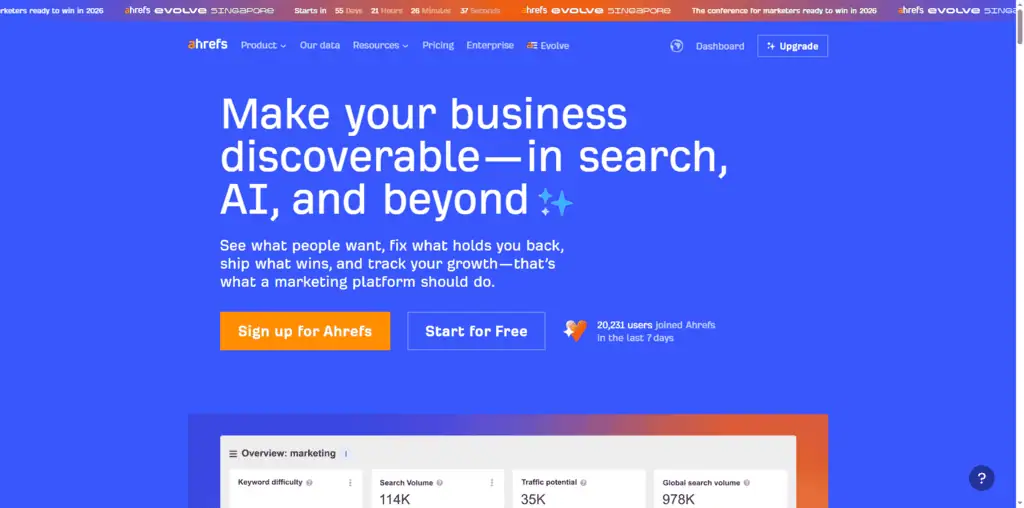
I’ve tested every major keyword research tool on the market over the past decade. Ahrefs consistently delivers the most accurate keyword data I can cross-validate against GSC performance on my own sites.
The Keywords Explorer is where Ahrefs earns its reputation. You get search volume, keyword difficulty (KD), click-through rate estimates, SERP history, and parent topic grouping in a single view. The parent topic feature alone is worth paying for, it stops you from creating ten thin pages when one strong pillar would rank for all ten variations simultaneously.
What genuinely separates Ahrefs from alternatives is the backlink index. It crawls the web more frequently than any other third-party tool, which means you see new links and lost links faster. For competitor analysis, this is critical.
The limitation I’ll be honest about: Ahrefs has removed its free plan entirely. You need to commit to a paid subscription to access meaningful data. At $129/month for Lite, you get 500 tracked keywords and 1 user, that’s limiting for agencies or anyone managing multiple sites.
Pricing: $129/month (Lite), $249/month (Standard), $449/month (Advanced) Best for: Established sites that need reliable competitive keyword data and backlink analysis Honest limitation: No free tier, expensive for beginners managing a single site
2. Semrush
Current Semrush pricing, API and product facts → See the canonical Semrush profile. This section keeps our editorial ranking and reasoning; the profile keeps the source-cited product data.
Best for: Agencies and content teams who need keyword research AND competitive intelligence in one platform.
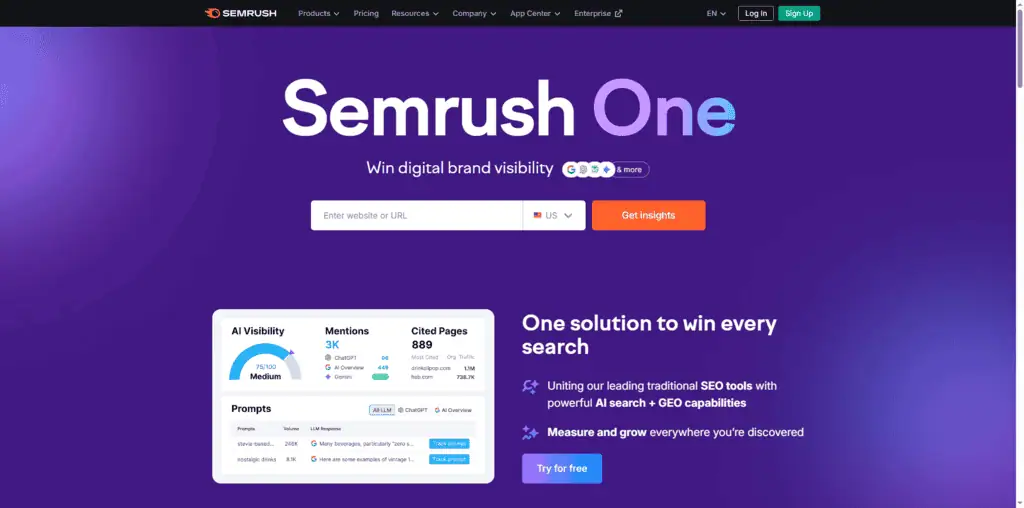
Semrush and Ahrefs occupy the same space and roughly the same price tier. The real question isn’t “which is better”, it’s “which fits your workflow.”
Semrush wins on breadth. Beyond keyword research, it includes a full content marketing toolkit (topic research, SEO writing assistant, content audit), PPC competitor data, social media monitoring, and a strong local SEO module. If you need one platform to cover multiple channels of a digital marketing program, Semrush justifies the cost better than Ahrefs.
The Semrush SEO tools for competitor analysis are genuinely excellent. The Domain vs.
Domain tool shows you exactly which keywords a competitor ranks for that you don’t, with gap analysis that turns into an instant content calendar. I’ve used this to find 200+ keyword opportunities on a site in under an hour.
The weakness: Semrush’s keyword difficulty scores can be misleading for long-tail keywords. I’ve seen it flag genuinely easy-to-rank keywords as “hard” and “hard” keywords as “medium.” Always verify manually before committing to a content piece.
Pricing: $139/month (Pro), $249/month (Guru), $499/month (Business) Best for: Agencies managing multiple clients who need one platform for SEO + content + competitive intel Honest limitation: KD scores require manual cross-validation; expensive for single-site operators
3. Google Keyword Planner
Current Google Keyword Planner pricing, API and product facts → See the canonical Google Keyword Planner profile. This section keeps our editorial ranking and reasoning; the profile keeps the source-cited product data.
Best for: Free keyword discovery with real Google search volume data.
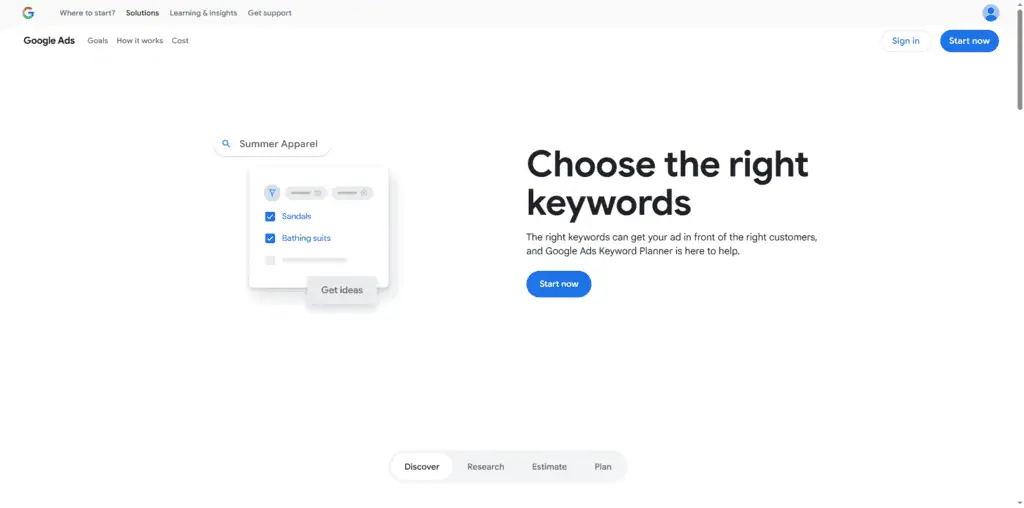
Google Keyword Planner is the free keyword research tool most SEOs use as a starting point, and then abandon too quickly.
The volume ranges (100-1K, 1K-10K, etc.) make it frustrating for precise keyword prioritization. But for getting the shape of a niche, identifying seasonal trends, and spotting keyword themes you hadn’t considered, it’s still useful.
The real value for SEO practitioners: Keyword Planner surfaces keywords that Google’s own advertising system considers related, which gives you a window into how Google categorizes and clusters search intent. That’s something no third-party tool can perfectly replicate.
Use it alongside GSC for keyword discovery, not as your primary tool for final keyword selection.
Pricing: Free (requires Google Ads account, you don’t need to run ads) Best for: Beginners who need free keyword data and anyone running Google Ads alongside SEO Honest limitation: Volume ranges, not exact numbers; requires an Ads account
4. Google Autocomplete + AlsoAsked
Current AlsoAsked pricing, API and product facts → See the canonical AlsoAsked profile. This section keeps our editorial ranking and reasoning; the profile keeps the source-cited product data.
Best for: Question-based keyword mapping that reveals what searchers actually type.
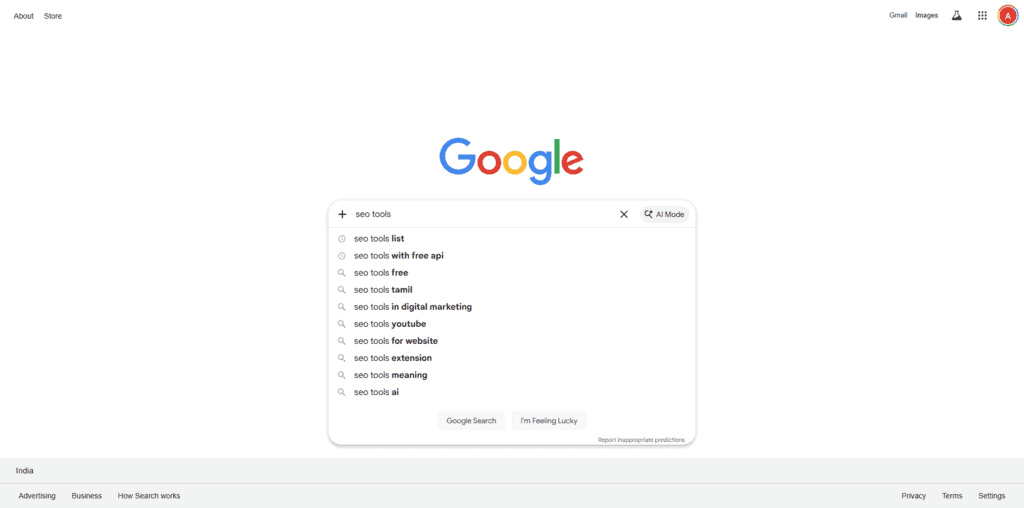
Google Autocomplete is a keyword research tool you’re already using without realizing it. When you type a query into Google and see the dropdown suggestions, you’re looking at real search behavior from real users. Those suggestions are based on actual query frequency.
The technique: type your seed keyword, then add different letters at the end (a, b, c…) or add words before it. Screenshot the autocomplete variations and you have 30-50 keyword variations in 10 minutes, all verified as terms real people type.
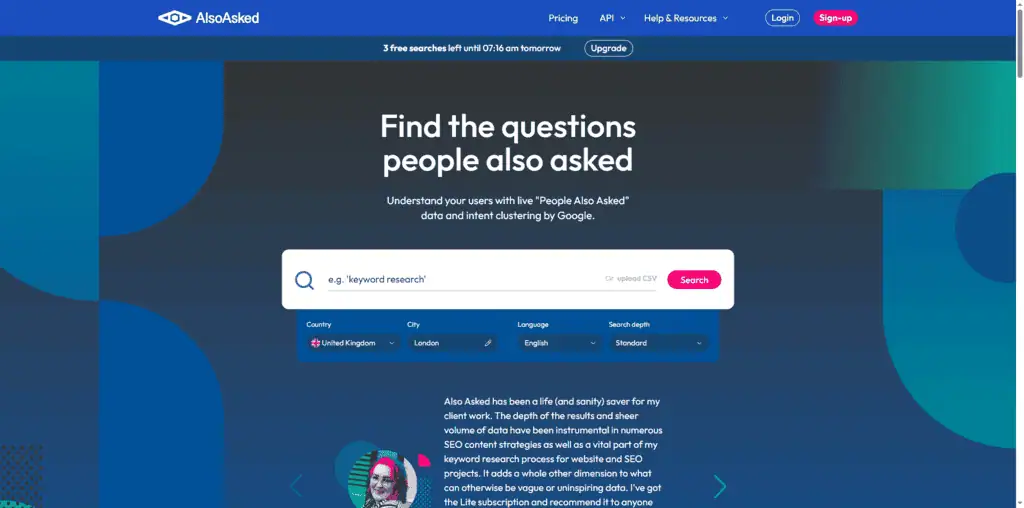
AlsoAsked takes this further by mapping the “People Also Ask” ecosystem for any keyword. Enter your target term and it builds a branching tree of related questions, showing which questions lead to which sub-questions. This is invaluable for building FAQ sections, planning pillar content, and understanding search intent at depth.
At $12-47/month depending on usage, AlsoAsked is one of the highest-ROI keyword tools on this list. The data comes directly from Google’s PAA results, which means it reflects current intent patterns rather than historical aggregates.
Pricing: Autocomplete is free; AlsoAsked is $12-47/month depending on searches Best for: Content strategists building topic clusters and FAQ sections Honest limitation: Doesn’t provide search volume; needs pairing with a volume tool
5. KeySearch
Best for: Budget-conscious SEOs who need real keyword research without the Ahrefs/Semrush price tag.
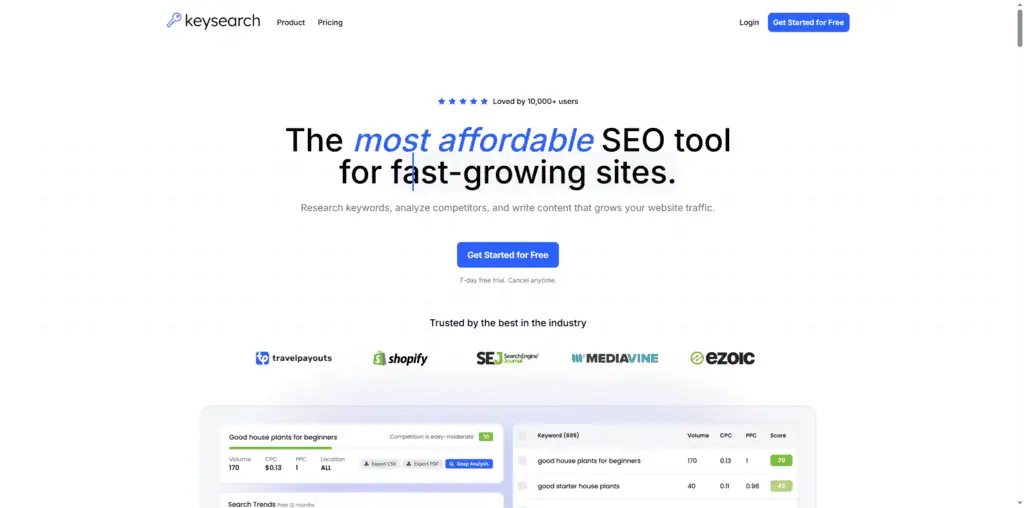
KeySearch is the keyword research tool I recommend to anyone who can’t justify $129/month for Ahrefs but needs more than Google Keyword Planner’s volume ranges.
At $24/month (or $17/month annual), it delivers keyword difficulty scores, search volume, SERP analysis, and basic competitor research. The data quality is decent for most niches, not as reliable as Ahrefs for highly competitive commercial keywords, but accurate enough for content-focused sites and local SEO.
The SERP analysis feature shows you exactly who ranks on page one and what metrics make them rank: DR, backlinks, on-page optimization score. That data helps you assess whether a keyword is genuinely winnable before investing weeks into a content piece.
I’ve used KeySearch to build keyword strategies for niche sites that reached six figures in monthly traffic. It’s not glamorous, but it works.
Pricing: $24/month; use code KSDISC for 20% off Best for: Content bloggers, niche site operators, beginners with limited budgets Honest limitation: Less accurate for highly competitive commercial queries; smaller database than Ahrefs/Semrush
The best SEO tools for rank tracking
You can’t improve what you don’t measure. Rank tracking tells you whether your SEO work is having an effect, and sometimes confirms that changes you thought were positive were actually harmful.
For deeper coverage of rank tracking options, see our guide to the best rank tracker tools.
6. Google Search Console
Current Google Search Console pricing, API and product facts → See the canonical Google Search Console profile. This section keeps our editorial ranking and reasoning; the profile keeps the source-cited product data.
Best for: The most accurate rank data available, free, directly from Google.
Google Search Console is the primary source of truth for every SEO decision on your site, and rank tracking is the smallest thing it does. No third-party tool has more accurate data about your specific domain’s performance in Google’s index.
GSC shows you: which queries are generating impressions and clicks, which pages are indexed (and which aren’t), Core Web Vitals issues flagged by Google directly, crawl errors, and manual action notifications. Every piece of that information comes from Google itself, not an estimate or an approximation.
The analysis I run on every new site I touch: pull the top 200 queries by impressions over the past 6 months and look at click-through rate by position. Positions 1-3 at 1-2% CTR are broken.
Something is wrong; either the title and meta are misaligned with search intent, or there’s a featured snippet eating the clicks. That analysis takes 15 minutes in GSC and surfaces fixes that can double organic traffic without writing a single new word.
Pricing: Free Best for: Every website, regardless of budget. Non-negotiable first tool. Honest limitation: Only shows data for your own domain; no competitor data
7. SE Ranking
Best for: Professional rank tracking at a fraction of Ahrefs/Semrush pricing.
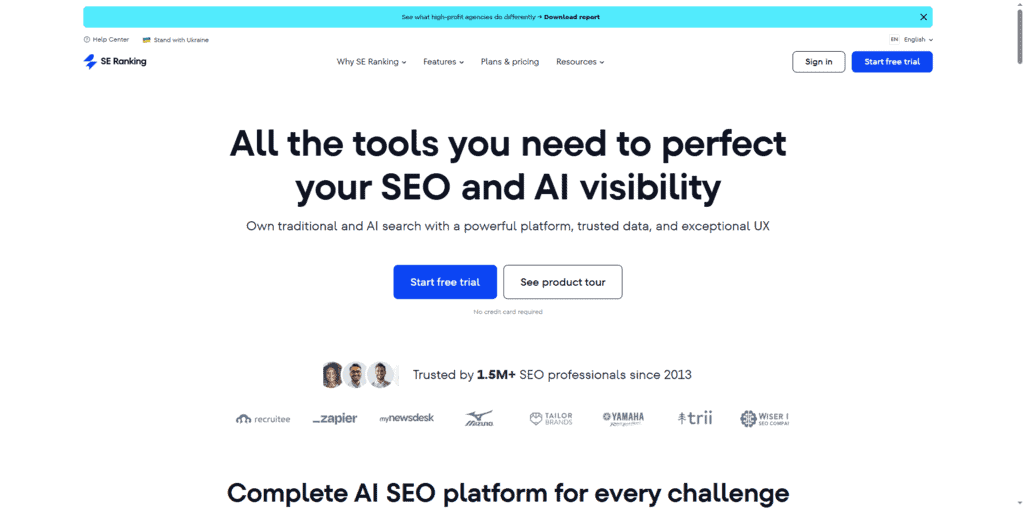
SE Ranking occupies the sweetest spot on the rank tracking market in 2026: professional-grade accuracy, daily tracking, white-label reporting, and a full competitor analysis module, at pricing that starts at $65/month.
I switched a client’s tracking from Semrush to SE Ranking and cut their tool spend by $174/month without losing any meaningful functionality. The rank tracking accuracy is comparable. The keyword research data is slightly shallower for competitive niches, but for rank tracking specifically, the thing most clients pay for, SE Ranking delivers.
The white-label reporting module is genuinely excellent. You can create branded, automated PDF reports for clients showing rank changes, traffic estimates, and keyword position distributions. For agency operators, this alone justifies the cost.
Pricing: $65/month (Essential), $119/month (Pro), $259/month (Business) Best for: Agencies needing accurate rank tracking + client reporting at a competitive price point Honest limitation: Keyword database is smaller than Ahrefs/Semrush for deep competitor research
8. Keyword.com
Best for: Daily rank tracking with AI search visibility data, the only tracker that shows you where you stand in ChatGPT and Perplexity.
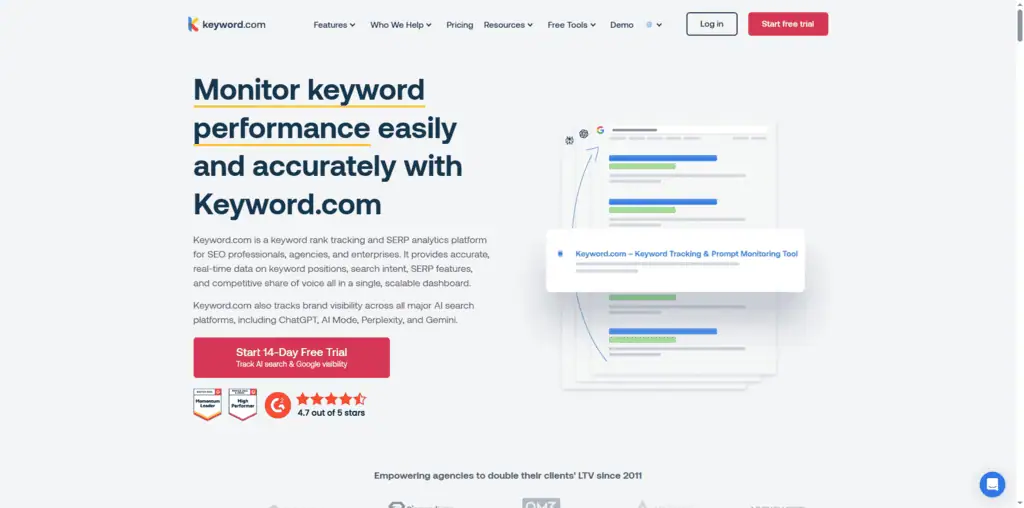
This is the tool I point to when people ask me how to track SEO performance in 2026 versus 2020. Keyword.com does traditional Google rank tracking, daily updates, SERP feature detection, competitor tracking, but it also tracks your visibility in AI search engines.
That second capability is now critical. When someone asks ChatGPT or Perplexity “what are the best SEO tools,” you need to know if your content is being cited. Keyword.com shows you that data in a format you can act on.
At $3/month for a starter plan, the barrier to entry is low enough that there’s no reason not to try it. I’ve seen small sites with no technical SEO investment showing up in AI search results for terms where they rank position 8-12 on Google, purely because their content structure matched what AI engines prefer to cite.
Pricing: From $3/month for rank tracking, $7.83/month for the AI visibility plan, checked 11 September 2026 Best for: Any site that wants to understand both traditional and AI search visibility Honest limitation: AI search tracking is newer functionality; still maturing in terms of data depth
9. Profound
Best for: Enterprise teams that need comprehensive AI search share-of-voice data.
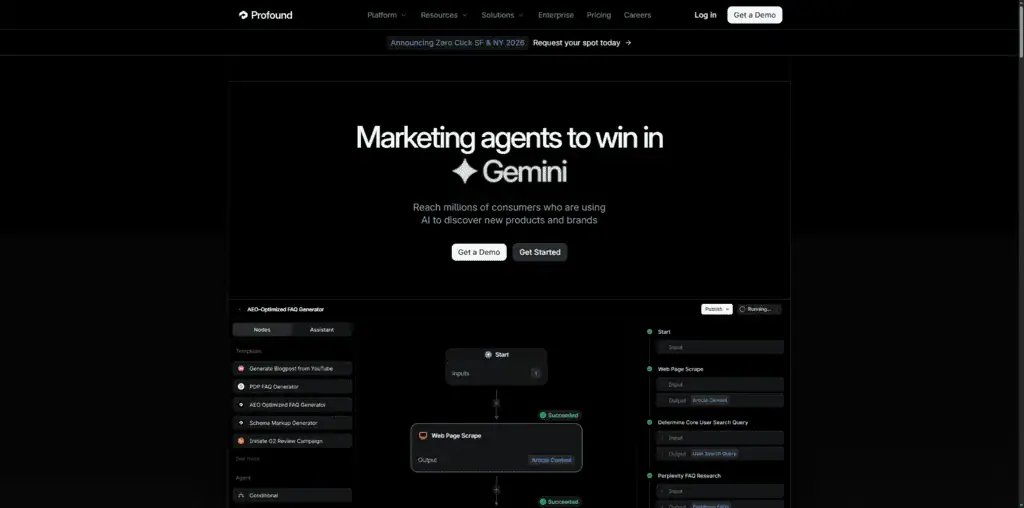
Profound is the enterprise-grade answer to AI search visibility tracking. Where Keyword.com provides basic AI search data, Profound offers structured share-of-voice analysis across ChatGPT, Perplexity, Gemini, and Google AI Overviews, with sentiment analysis, competitor comparison, and entity-level tracking.
At $399/month, it’s not for everyone. But for brands in industries where AI-driven discovery is already materially affecting customer acquisition (SaaS, professional services, e-commerce), the data Profound provides is genuinely hard to get elsewhere.
The insight that changed my approach: Profound showed me that for certain B2B SaaS queries, 40% of all discovery now happens through AI engines, not direct Google search. That reframes the entire content strategy, you’re not just optimizing for position 1 on Google anymore.
Pricing: $399/month Best for: Enterprise marketing teams and agencies where AI search visibility is a board-level concern Honest limitation: Expensive for individual site operators; overkill unless AI search is already material to your business
The best SEO tools for technical SEO
Technical SEO is the part of the work that most content-focused SEOs avoid, and the part that often explains why good content isn’t ranking. Crawl issues, duplicate content, site speed problems, and indexation errors can negate months of content investment.
10. Screaming Frog SEO Spider
Current Screaming Frog SEO Spider pricing, API and product facts → See the canonical Screaming Frog SEO Spider profile. This section keeps our editorial ranking and reasoning; the profile keeps the source-cited product data.
Best for: Deep technical SEO audits, the most powerful tool at any price for crawling.
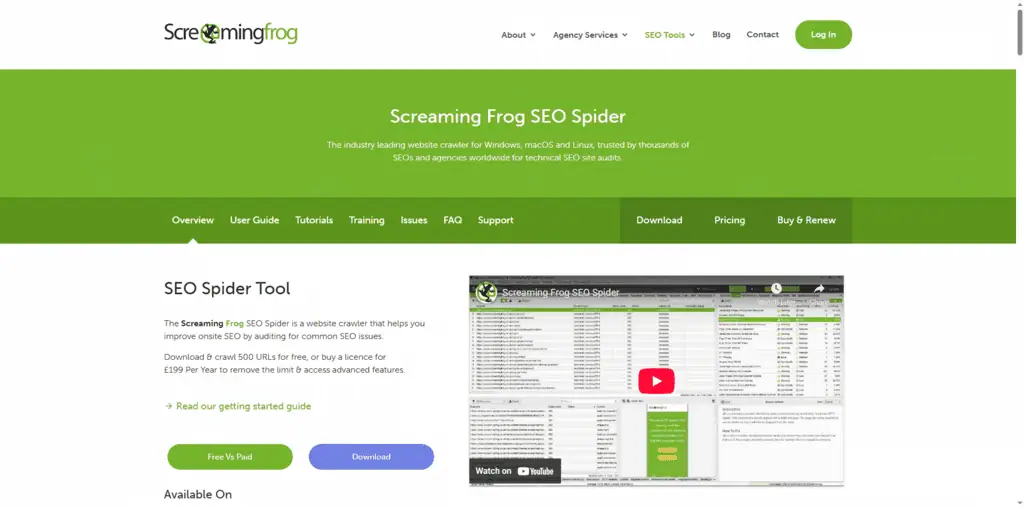
Screaming Frog is 15 years old and still the best technical SEO audit tool on the market. No other crawling software gives you the same level of raw data configurability at this price.
The free version crawls up to 500 URLs and surfaces broken links, redirect chains, duplicate titles, missing meta descriptions, and page response times. That’s enough to identify the most critical technical issues on a small site without spending a penny.
The paid version ($279/year) removes the URL cap and adds features that professional SEO practitioners rely on: custom extraction (you can pull any element from any page), integration with GA4 and GSC to overlay traffic and performance data onto crawl results, advanced JavaScript rendering, and scheduled crawls.
The workflow I use: crawl the site, filter for pages with organic traffic in the top 20% via GSC integration, then audit only that subset for technical issues. This prioritizes fixes that affect pages already generating revenue over theoretical improvements to pages nobody visits. It sounds obvious when you say it out loud, but most technical SEO audits don’t do it.
Pricing: Free (500 URL limit), $279/year (unlimited) Best for: Any SEO practitioner who runs technical audits on client or owned sites Honest limitation: Desktop application requires a Windows or Mac setup; not cloud-based like competitors
11. Sitebulb
Best for: Visual technical SEO audits that are easier to present to non-technical clients.
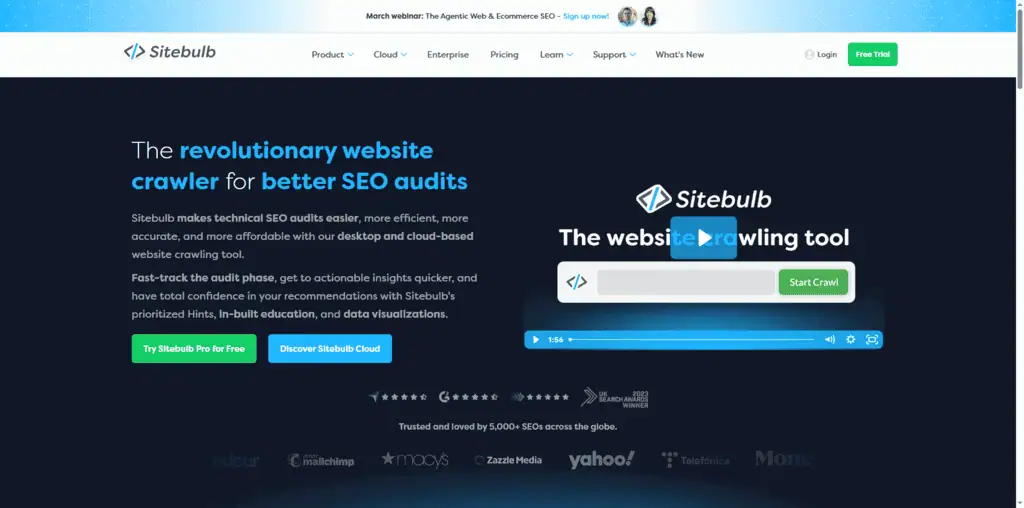
Sitebulb does what Screaming Frog does, but packages the output in visual formats that make it easier to explain findings to clients or stakeholders who don’t read crawl data for fun.
The “Hints” system is particularly useful for less experienced SEOs, instead of raw data tables, Sitebulb generates prioritized recommendations with explanations of why each issue matters and how to fix it. That reduces the gap between “running an audit” and “knowing what to do with it.”
The crawl visualization features (internal link maps, URL architecture trees) help you see structural problems that are invisible in spreadsheet format.
At $18/month for the desktop plan, re-checked on 11 September 2026 and down from the $42 this guide previously quoted, it is now close to Screaming Frog on price and justifies itself for agencies that regularly present audit findings to clients.
Pricing: $18/month (Desktop), cloud plans from $125/month, checked 11 September 2026 Best for: Agencies who present technical audits to clients and need clear, explainable reports Honest limitation: More expensive than Screaming Frog for equivalent crawling capability
12. Google PageSpeed Insights
Current Google PageSpeed Insights pricing, API and product facts → See the canonical Google PageSpeed Insights profile. This section keeps our editorial ranking and reasoning; the profile keeps the source-cited product data.
Best for: Free Core Web Vitals diagnostics directly from Google.
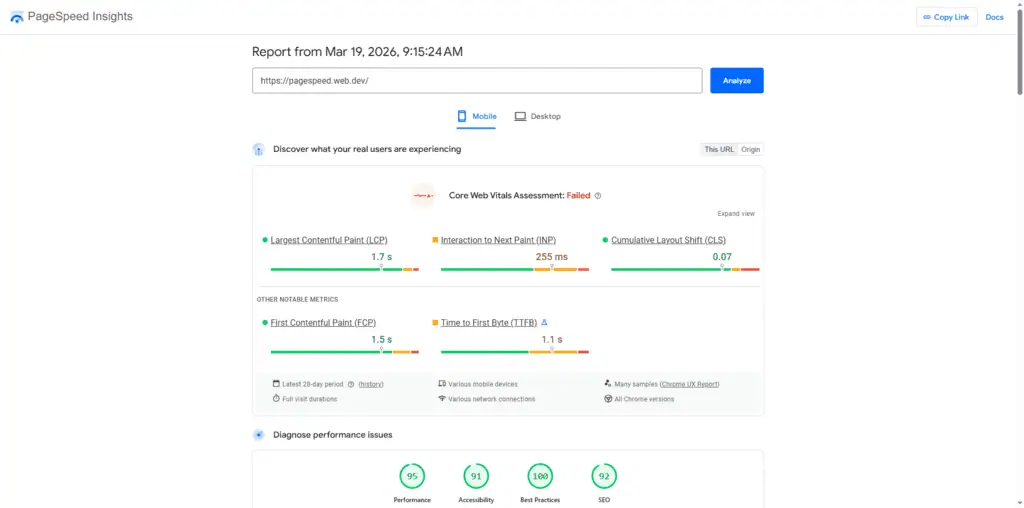
PageSpeed Insights is a free tool from Google that runs Lighthouse analysis on any URL and reports Core Web Vitals scores: Largest Contentful Paint (LCP), First Input Delay (FID/INP), and Cumulative Layout Shift (CLS).
These metrics directly affect search rankings. Google’s Page Experience signals use Core Web Vitals data as part of its ranking algorithm, and poor scores correlate measurably with higher bounce rates.
Use it to identify performance bottlenecks: unoptimized images, render-blocking JavaScript, slow server response times. The “Opportunities” and “Diagnostics” sections give you specific, actionable recommendations. The tool doesn’t replace a professional performance audit, but it’s the fastest way to check whether a site’s Core Web Vitals are critically broken.
Pricing: Free Best for: Any developer or SEO practitioner checking page performance. Test after every major site change. Honest limitation: Tests one URL at a time; doesn’t crawl the full site
13. CrawlWP
Best for: WordPress-specific technical SEO audits without the complexity of desktop crawlers.
CrawlWP is a WordPress plugin that audits your site from within the dashboard. For WordPress site owners who aren’t comfortable with desktop crawling tools, it provides a starting point for technical SEO work: broken links, indexation issues, title tag lengths, meta description gaps, and image alt text coverage.
The plugin pricing starts around $5/month, which makes it accessible for small WordPress sites that can’t justify Screaming Frog or Sitebulb at the early stages. The WordPress-native interface means you can fix issues directly from the same screen where you find them.
Pricing: From $5/month (WordPress plugin) Best for: WordPress site owners who want technical SEO visibility without installing desktop software Honest limitation: Less comprehensive than Screaming Frog; limited to WordPress sites
The best SEO tools for content optimization
Content optimization tools tell you whether a piece of content covers the topic comprehensively enough to compete with what’s already ranking. They do this by analyzing top-ranking pages and identifying which terms, questions, and semantic concepts appear in the content that Google already trusts.
14. Surfer SEO
Best for: NLP-grounded content scoring that shows you exactly which terms your content is missing.
Surfer SEO analyzes the top 20 organic results for any keyword and builds a content brief showing which terms appear in the ranking pages, at what frequency. The content editor gives you a live score as you write, updating as you hit or miss the recommended terms.
The approach is sound: if the top 10 results for “best email marketing tools” all mention “deliverability rates,” “A/B testing,” and “automation workflows,” your article probably needs those concepts too. Surfer makes this analysis automatic and visible.
I use Surfer for content audits more than new content creation. I’ll pull a URL that’s ranking position 15-25, run it through Surfer against its target keyword, and find 8-12 concepts the page doesn’t cover. Adding those sections with genuine depth regularly moves pages from page 2 to page 1 within 60-90 days.
The risk: over-optimizing for Surfer’s score at the expense of natural writing. I’ve reviewed content from other teams that scored 85+ on Surfer but read like keyword soup. A score of 65-75 with strong writing beats 90 with stuffed prose.
Pricing: $99/month (Essential), $219/month (Scale), $399/month (Scale AI) Best for: Content teams producing 10+ articles per month who need systematic topic coverage Honest limitation: Can encourage over-optimization if you treat the score as the goal rather than a guide
15. Clearscope
Best for: Enterprise content teams where quality control and collaboration matter.
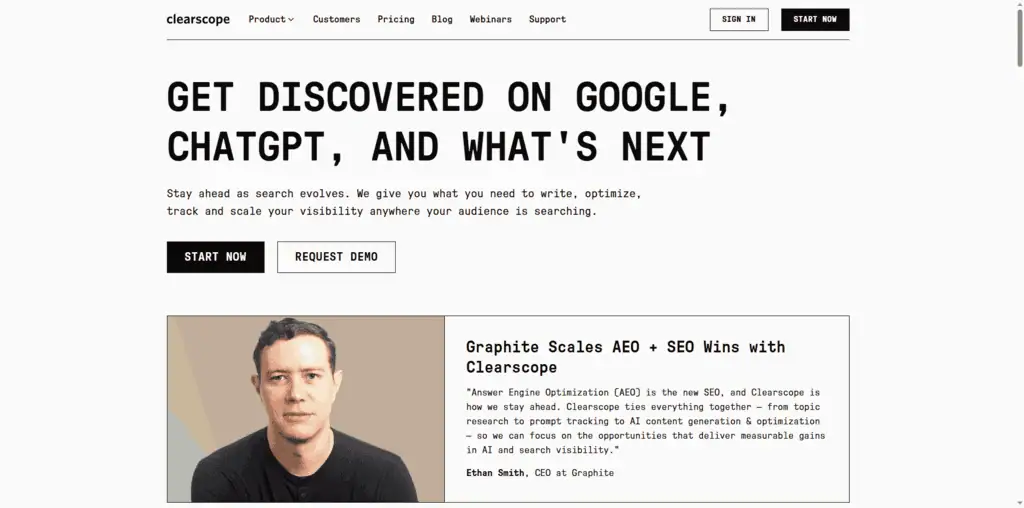
Clearscope does the same core thing as Surfer SEO, NLP-based content optimization, but positions itself at enterprise content teams with a cleaner, more opinionated interface.
The grading system (A+ to F) is simpler than Surfer’s numeric score and easier to build into editorial workflows. Writers submit content, editors check the Clearscope grade, and the requirement is an A or B before publication. That’s a manageable quality gate that doesn’t require SEO expertise to enforce.
The integration with Google Docs via a browser extension makes Clearscope practical for teams that live in Docs rather than purpose-built CMS tools.
At $129/month, Clearscope is nearly the same price as Surfer for comparable functionality. The choice between them comes down to interface preference and team workflow.
Pricing: $129/month (Essentials), $399/month (Business), checked 11 September 2026 Best for: Enterprise content teams with non-technical writers who need a simple quality signal Honest limitation: More expensive per usage unit than Surfer for high-volume content production
16. Semrush SEO Writing Assistant
Best for: Inline content optimization without switching tools, included in Semrush Guru.
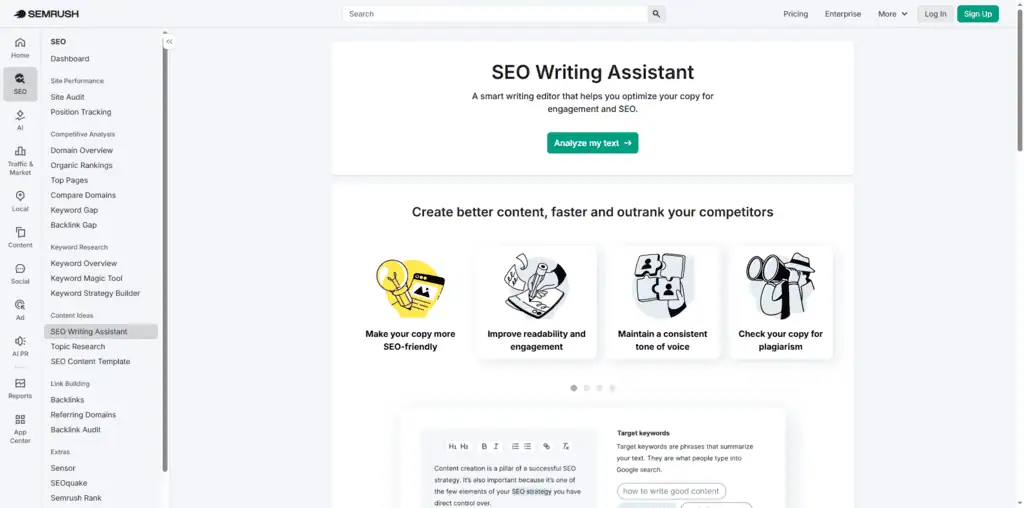
If you’re already paying for Semrush Guru ($249/month), the SEO Writing Assistant is included at no additional cost. It provides keyword recommendations, readability scoring, and basic originality checking directly in a Google Docs add-on or the Semrush editor.
The depth of analysis is less sophisticated than Surfer or Clearscope, it doesn’t do the same NLP-level SERP analysis. But for teams that need “good enough” content optimization baked into an existing Semrush workflow, it removes the need for a separate content optimization subscription.
The readability scoring is genuinely useful. It flags passive voice overuse, overly complex sentence structures, and tone inconsistencies that your own editing pass can miss.
Pricing: Included with Semrush Guru ($249/month) Best for: Semrush Guru subscribers who want content optimization without adding a third tool Honest limitation: Less comprehensive than Surfer or Clearscope for competitive content optimization
The best SEO tools for link building and backlinks
Free tool: Need to check a site’s authority fast? Our bulk Domain Rating Checker pulls live Ahrefs DR for any domain, checks up to 20 domains at once, and exports to CSV, with no login required.
Want the AI-first breakdown instead? Our guide to the best AI SEO tools ranks 30 tested picks by category, with real pricing and free options.
Backlinks remain one of the strongest ranking signals in Google’s algorithm, despite predictions of their decline every year for the past decade. The tools in this section help you find link opportunities, analyze competitor backlink profiles, and monitor your own site’s link health.
For AI-powered approaches to link acquisition and content promotion, see our guide to the best AI SEO tools.
17. Ahrefs site explorer (backlinks module)
Best for: The most comprehensive backlink analysis available in any tool.
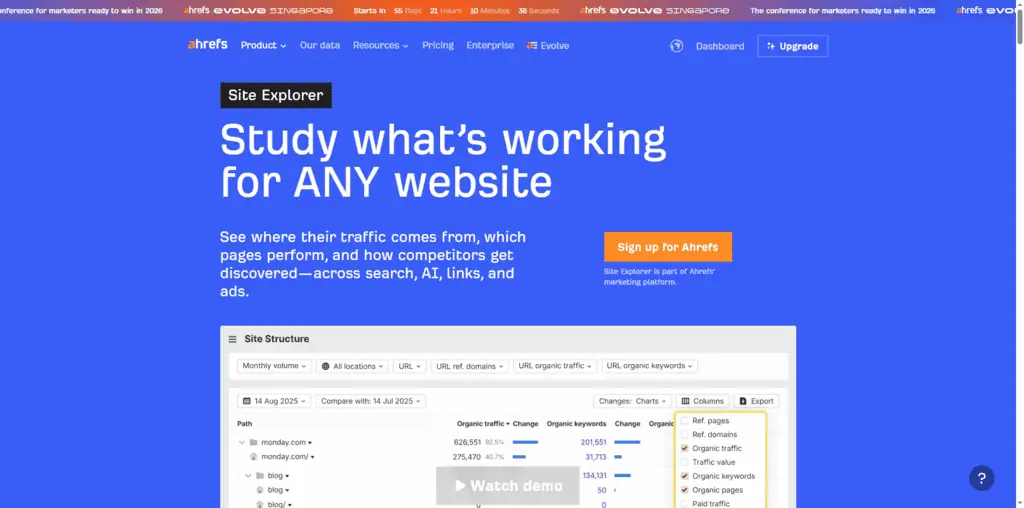
Ahrefs has the largest third-party backlink index in the industry, with more frequent crawling than any competitor. The Site Explorer backlink analysis tools show you referring domains, anchor text distribution, new and lost links, broken backlinks (for reclamation), and the link profiles of any competitor.
The link gap analysis feature is where I spend most of my time: you enter your domain and up to four competitors, and Ahrefs shows you which domains link to your competitors but not you. Sort by Domain Rating (DR) and you have a ready-made outreach list organized by potential authority transfer.
One of my clients used this approach to identify 23 relevant sites that linked to all three of their main competitors but not to them. We ran a targeted outreach campaign using this list, achieved a 23% positive response rate (significantly above the industry average of 5-8%), and built 14 new backlinks to key pages over 12 weeks. That cluster of links contributed to first-page rankings for three target keywords within 90 days.
Pricing: Included with Ahrefs subscription ($129/month+) Best for: Link building campaigns, competitive backlink analysis, broken link reclamation Honest limitation: Requires an Ahrefs subscription; no standalone backlink-only pricing
18. HARO (Help a Reporter Out)
Naming note: Cision rebranded HARO as “Connectively” in 2024 and shut that platform down on 9 December 2024. Featured.com acquired HARO in April 2025 and restored the original free email model at helpareporter.com. Older articles still calling this “Connectively” are describing a service that no longer exists in that form.
Current HARO pricing, API and product facts → See the canonical HARO profile. This section keeps our editorial ranking and reasoning; the profile keeps the source-cited product data.
Best for: Earning high-authority editorial backlinks through journalist outreach.
HARO connects journalists writing articles with expert sources. Journalists post queries about topics they’re covering; you respond as an expert; if they use your quote, you typically earn a backlink from a publication like Forbes, CNBC, Inc., or specialized trade publications in your niche.
HARO sends up to three query digests per weekday, and it is free for sources and journalists alike. The conversion rate is low, typically 3-7% of relevant responses get used, but the link quality when it works is exceptional. A single DA 90 editorial link from a major publication can move rankings more than 20 guest post links on marginal blogs.
The strategy that works: respond quickly (within 2-3 hours of the query email), be specific (journalists cite sources with concrete data, not vague opinions), and stay in your genuine area of expertise. Generic AI-generated responses are spotted immediately and ignored.
Pricing: Free for both sources and journalists, no paid tier Best for: Founders, marketing professionals, and consultants with genuine domain expertise Honest limitation: Time-intensive; low conversion rate; requires real expertise, not manufactured opinions
19. Semrush Backlink Audit
Best for: Identifying and disavowing toxic backlinks before they trigger manual actions.
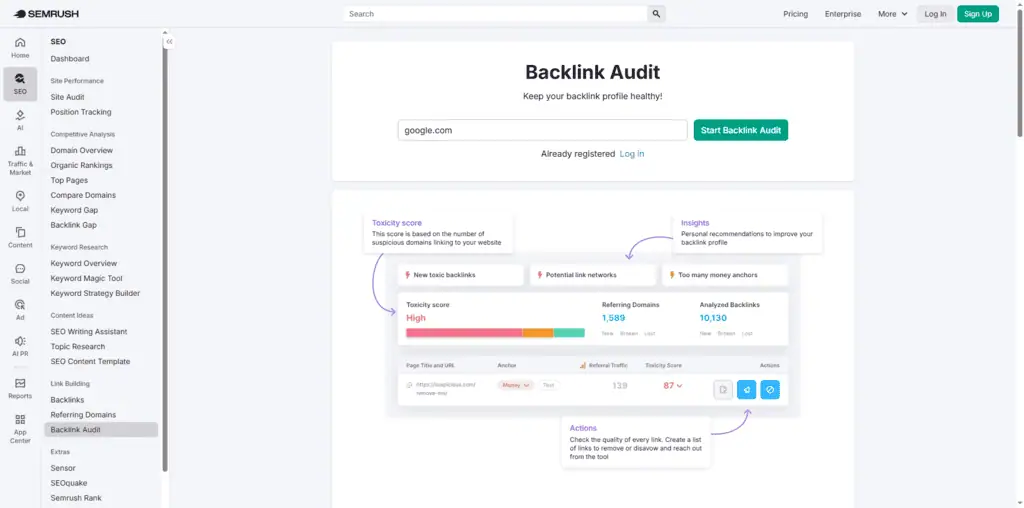
Semrush’s Backlink Audit tool analyzes your link profile for patterns associated with spammy or manipulative link building: links from low-quality domains, excessive exact-match anchor text concentration, links from penalized networks.
The toxic score system assigns a 0-100 score to each backlink, making it straightforward to prioritize which links to review. You can build a disavow file directly in the tool and submit it to Google Search Console in one workflow.
This matters most when: you’ve acquired links from guest post farms or PBNs historically, you’ve been hit by a Google manual action, or you’ve noticed unexplained ranking drops that correlate with new backlinks appearing in your profile.
For clean, organically built link profiles, you don’t need this tool frequently. But if you’ve ever engaged in any gray-hat link building, the peace of mind is worth having.
Pricing: Included with Semrush subscriptions ($139/month+) Best for: Recovering sites, acquired domains with unknown link histories, post-penalty cleanup Honest limitation: Requires Semrush subscription; the “toxic” classification is an algorithm, not Google’s own assessment
The best SEO tools for analytics and reporting
SEO without analytics is guesswork with extra steps. The tools in this section close the feedback loop between your SEO work and its actual impact on traffic, engagement, and conversions.
20. Google Analytics 4
Best for: Understanding what organic traffic actually does after it arrives on your site.
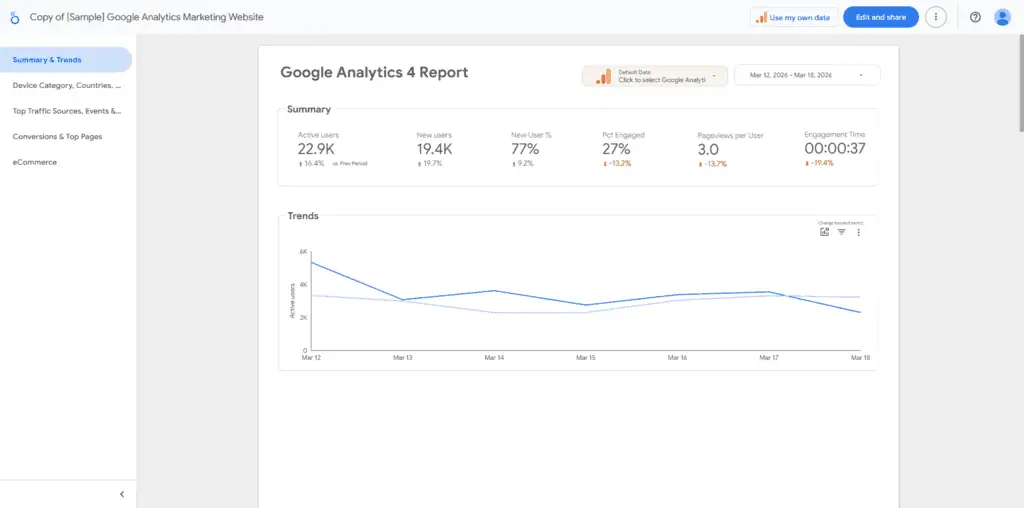
Google Analytics 4 is the primary tool for understanding what happens after someone lands on your site from organic search. Traffic volume is a vanity metric without this layer: you need to know which pages convert, which audiences engage, and where users drop off before completing the goals you care about.
The migration from Universal Analytics to GA4 frustrated many SEOs, but GA4’s event-based data model is genuinely more powerful once you understand it. The “Explore” reports let you build custom analyses that would have required expensive integrations in UA: things like cohort analysis by traffic source, path exploration from specific landing pages, and funnel visualization for multi-step conversion flows.
The SEO-specific analysis I run monthly: pull organic sessions by landing page, segment by new vs. returning users, and compare engagement rate and conversion rate. Pages with high organic traffic but low engagement rate are candidates for content improvement. Pages with high engagement but low traffic are candidates for optimization or promotion.
Pricing: Free Best for: Every website. Non-negotiable alongside GSC. Honest limitation: The GA4 interface has a steep learning curve compared to Universal Analytics; reporting flexibility requires setup time
21. Looker Studio (Google)
Best for: Building custom SEO dashboards that pull from GSC, GA4, and other sources in one view.
Looker Studio (formerly Google Data Studio) is the free tool that turns raw data from GSC, GA4, Ahrefs, Semrush, and dozens of other sources into visual dashboards.
The practical use case: instead of logging into three different tools to get your weekly SEO performance picture, you build a Looker Studio dashboard that shows GSC impressions + clicks, GA4 organic sessions, and rank position changes all in one view. You set it up once and check it in 5 minutes every week.
For agencies, Looker Studio is how you build scalable client reporting. Create a template once, connect it to each client’s data sources, and you can update 20 client reports in the time it used to take to manually build one.
Pricing: Free Best for: Anyone managing multiple sites or clients who needs automated, customized reporting Honest limitation: Setup requires technical familiarity with data connectors; no built-in SEO analysis (just visualization)
22. SE Ranking Reports
Best for: Automated white-label SEO reports for clients without building custom Looker dashboards.
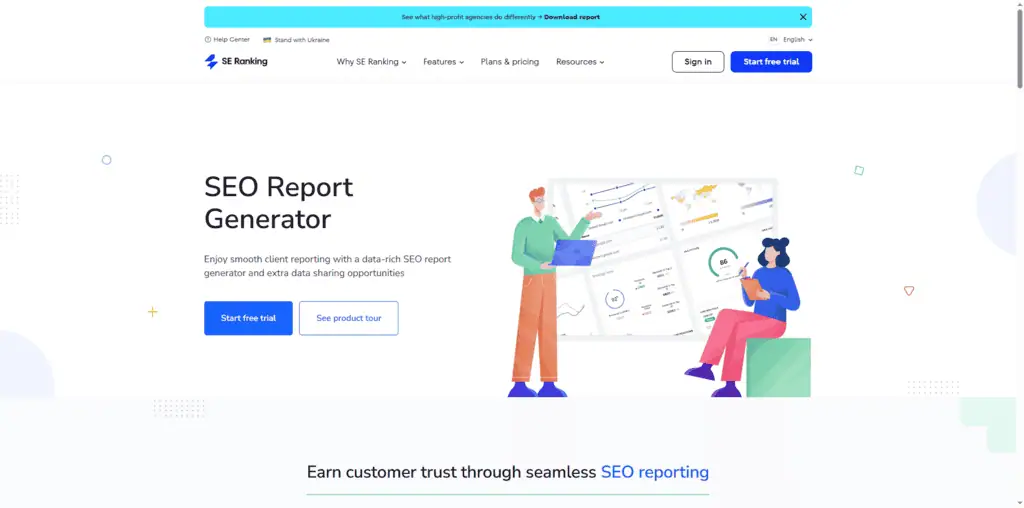
SE Ranking’s built-in reporting module generates professional, white-labeled PDF reports that include rank changes, visibility trends, competitor comparisons, and traffic estimates. You can schedule automated delivery to clients monthly or weekly.
For small agencies that don’t want to invest time building custom Looker Studio dashboards, this is the pragmatic alternative. The reports look professional, cover the core metrics clients care about, and require minimal maintenance.
Pricing: Included with SE Ranking subscriptions Best for: Agencies managing 5-50 client sites who need automated, professional reporting Honest limitation: Less customizable than Looker Studio; templates are somewhat rigid
The best AI assistants for SEO work
AI hasn’t replaced SEO. But SEOs who know how to use AI tools are producing more work at higher quality than those who don’t. Here’s how the main AI tools fit into an SEO workflow.
23. ChatGPT Plus
Best for: Keyword clustering, content briefs, schema markup generation, and meta tag creation at scale.
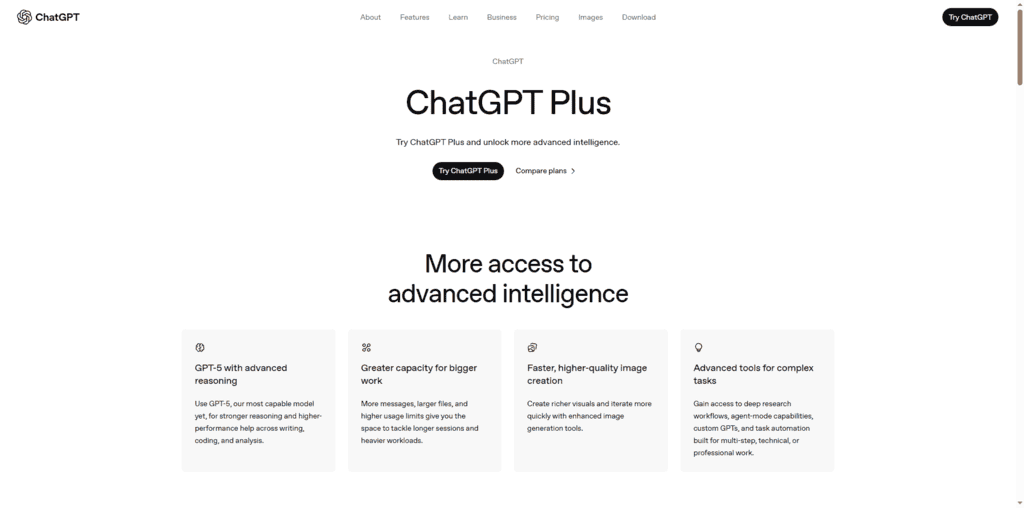
ChatGPT Plus ($20/month) gives you access to GPT-4, which is capable enough for most SEO writing support tasks. The use cases that actually save time:
- Keyword clustering: paste 200 keywords, ask for thematic groupings by search intent, 10 minutes versus 2 hours manually
- Ask it for meta descriptions from a page title, primary keyword and target character count; the first drafts faster than writing from scratch
- Schema markup generation: describe your page content, ask for relevant FAQ or HowTo schema in JSON-LD format, technically accurate output ready to implement
- Hand it a keyword, competitor URLs and People Also Ask questions for a content brief, and it generates a structured outline in seconds
Can ChatGPT do SEO on its own? No. It doesn’t have access to GSC data, it can’t crawl your site, and its keyword volume data is either fabricated or outdated. But as an SEO assistant that accelerates specific tasks, it’s worth $20/month.
Pricing: $20/month (Plus), free tier available with limitations Best for: Any SEO practitioner who wants to automate repetitive content and analysis tasks Honest limitation: No access to real-time keyword data; can generate plausible-sounding but incorrect SEO advice, always verify independently
24. Claude Pro (Anthropic)
Best for: Long-form content creation, content quality analysis, and SEO reasoning tasks that need nuance.
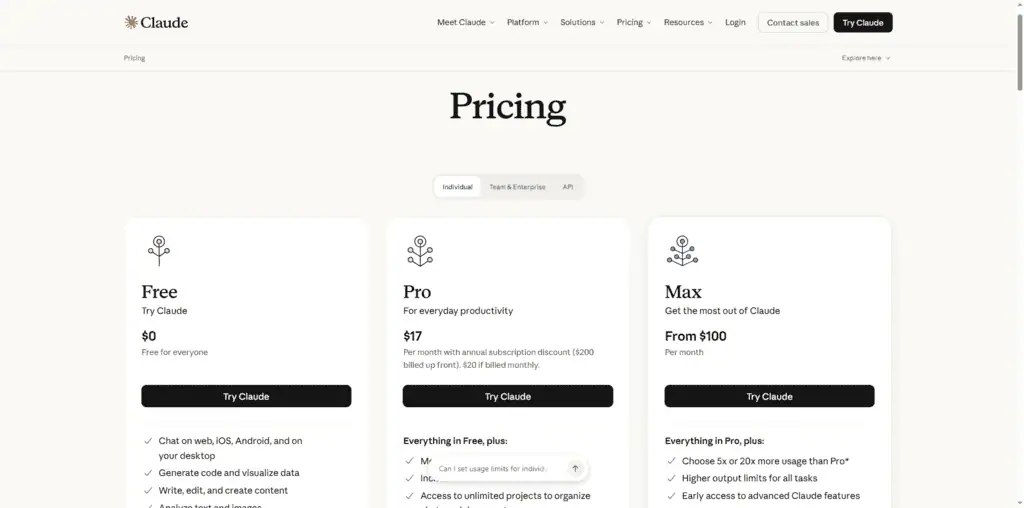
Claude Pro is my daily AI assistant for SEO work, and I use it differently than ChatGPT. Claude’s strength is long-context analysis, it handles 100,000+ token inputs without losing coherence, which means you can paste an entire article (or multiple competitor articles) and ask it to identify content gaps, structural issues, or E-E-A-T weaknesses.
For writing assistance, Claude produces more nuanced, less pattern-predictable prose than GPT-4. That matters for SEO content that needs to read as genuinely human-written, not algorithmically generated, a job our best AI writing tools guide covers in depth.
The workflow I use weekly: paste my draft article and the top 5 competing articles, ask Claude to identify five specific claims in my article that are weaker than the competition, and add supporting data to those sections. The content quality improvement is measurable.
Pricing: $20/month (Pro) Best for: Content-heavy SEO programs where output quality and natural writing matter Honest limitation: Same fundamental limitation as ChatGPT, no access to real-time keyword data; treats all provided data as equal weight
25. Bing Webmaster Tools
Current Bing Webmaster Tools pricing, API and product facts → See the canonical Bing Webmaster Tools profile. This section keeps our editorial ranking and reasoning; the profile keeps the source-cited product data.
Best for: Free keyword data for Bing + Microsoft Copilot visibility, plus useful bonus insights for Google SEO.
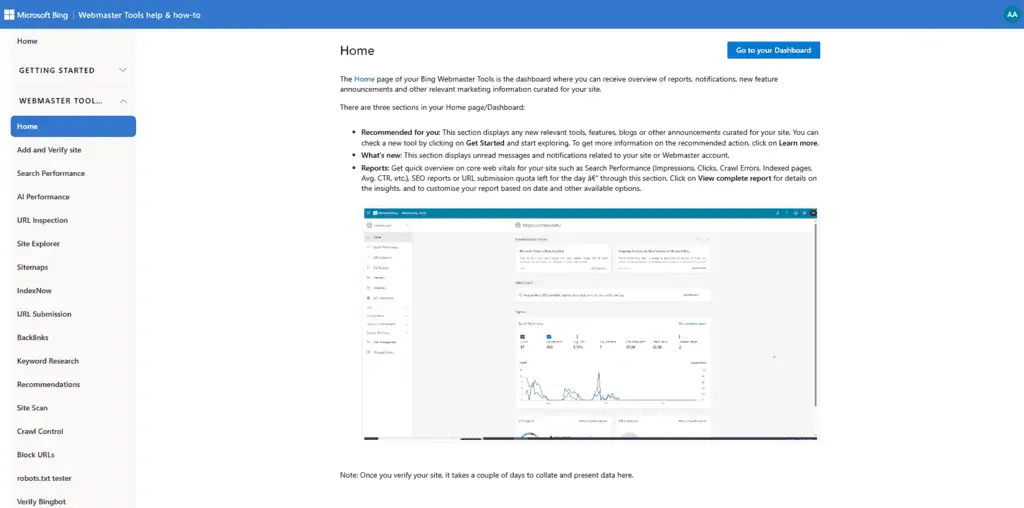
Bing Webmaster Tools is the GSC equivalent for Bing/Microsoft’s search ecosystem. It’s free, shows you which queries drive impressions and clicks from Bing, and surfaces crawl errors specific to Microsoft’s crawler.
The SEO practitioners who dismiss Bing are missing something in 2026: Microsoft Copilot uses Bing’s index as its primary web retrieval source. Understanding your Bing visibility now maps directly to your Copilot visibility. As AI search grows as a discovery channel, Bing Webmaster Tools becomes more valuable, not less.
The keyword research data is genuinely different from GSC, different query distributions, different audience demographics. For some niches (B2B, older demographics, Windows-heavy industries), Bing drives meaningful traffic that GA4 shows but most SEO practitioners never investigate.
Setup takes 15 minutes. There’s no reason not to add it to your standard toolkit.
Pricing: Free Best for: Any site that wants visibility into Bing/Copilot performance in addition to Google. Especially valuable for B2B sites. Honest limitation: Bing’s market share is smaller than Google’s; data volumes are correspondingly lower
Bonus: GMB Everywhere
Best for: Local SEO practitioners who need SERP analysis data for Google Maps and Google Business Profile.
GMB Everywhere is a free Chrome extension for local SEO work. When you do a search in Google Maps, it overlays category data, review counts, and ranking signals directly on the map results, turning casual SERP browsing into instant competitive analysis.
For agencies running local SEO campaigns, the time savings are real: instead of manually clicking 15 Map Pack listings to compare their profiles, you see the key data in the search results themselves.
Pricing: Free Best for: Local SEO practitioners and agencies managing Google Business Profile optimization Honest limitation: Chrome extension only; no cloud dashboard or historical data
Which of these SEO tools have real AI, and which just say so?
Every tool on this list now markets an AI feature. Most of them mean one of three quite different things, and the price difference between them is large.
Built on a model, and it changes the output. Surfer SEO and Clearscope score content against how the ranking set actually uses language, which is a machine-learning job that predates the current AI wave and is the reason both cost what they do. Profound and Keyword.com’s AI visibility plan, at $7.83 a month, sample what assistants answer and record who gets cited.
Ahrefs’ Brand Radar does the same from the other direction. These produce information you cannot get by hand.
A model bolted to an existing database. Semrush’s writing assistant, SE Ranking’s AI analysis of ranking changes, and most “AI insights” panels. Genuinely useful, because the database underneath is good, and the AI part is a summary layer over data the tool already had. Worth using, not worth switching for.
A prompt box with the vendor’s logo on it. A button that sends your page title to a language model and returns three meta descriptions. There is nothing wrong with it and it is not a reason to pay more, because the free tier of any assistant does the same thing.
No AI, and correctly so. Screaming Frog, PageSpeed Insights, Google Keyword Planner, Search Console, Analytics, Looker Studio. Crawling, measuring and reporting are deterministic jobs where a confident guess is worse than a blank field. Be suspicious of a crawler that starts advertising intelligence.
The one AI capability worth paying for in 2026
If you add a single AI line to the budget this year, make it AI visibility tracking rather than AI writing.
The reasoning is supply and demand. AI writing is abundant: every assistant does it, the free tiers are generous, and the marginal value of a fourth tool that drafts meta descriptions is close to zero.
Knowing whether ChatGPT, Gemini, Perplexity and Google’s AI Mode mention you, and which sources they quote instead, is information nobody can get without sampling those engines on a schedule. That is a real cost to produce, which is why it is the part worth buying.
The caveat that belongs next to it: nobody outside the model providers can see the real citation logic, so every figure in this category is sampled. Two tools pointed at the same brand will disagree, and neither is lying. Read the trend, not the number.
The best SEO tool stack by budget
Here’s the honest truth about SEO tooling: the right stack depends entirely on what’s limiting your growth right now. These three stacks reflect real, tested combinations that work at different investment levels.
The $0/Month SEO tool stack
When I took one of my content sites from zero to 100,000 monthly visitors, I used no paid tools for the first 18 months. This stack is genuinely functional, not a consolation prize, and you will find every option in our guide to the best free SEO tools.
Tools included:
- Google Search Console (rank tracking, technical issues, query data)
- Google Analytics 4 (traffic behavior, conversions)
- Google Keyword Planner (keyword discovery and volume direction)
- Google Autocomplete + Google’s “People Also Ask” (question-based keyword mapping)
- Screaming Frog free (technical audit for up to 500 URLs)
- Bing Webmaster Tools (secondary search and Copilot data)
- AlsoAsked free tier (limited question mapping)
- ChatGPT free (content planning assistance)
What you can and can’t do with this stack:
- You can do real keyword research, track your rankings, audit technical issues on smaller sites, and analyze where you’re losing traffic
- You cannot do deep competitive backlink analysis, track more than 500 URLs in a crawl for free, or get reliable competitor ranking data
If you’re a bootstrapped solo operator or early-stage site: start here. Add paid tools only when you hit a specific wall this stack can’t get you through.
The ~$150/Month SEO tool stack
This is the stack I’d recommend for a growing content site or small agency that needs professional-grade tracking and research:
- SE Ranking ($65/month), rank tracking, keyword research, white-label reporting
- Screaming Frog ($23/month), technical SEO audits without URL cap
- Claude Pro ($20/month), content writing and analysis assistance
- AlsoAsked ($12/month), question-based keyword mapping
- Google Search Console, GA4, Bing Webmaster Tools (free)
Total: ~$120/month
This covers everything a small to mid-size site needs: accurate rank tracking, professional technical audits, keyword research, and AI writing support.
The $500+/Month professional stack
This is the stack for established sites, SEO agencies, or operators managing significant content programs:
- Ahrefs ($129/month), keyword research + backlink analysis
- Screaming Frog ($23/month), technical audits
- Sitebulb ($42/month), visual audits for client presentations
- Keyword.com ($30-80/month), daily rank tracking + AI search visibility
- Surfer SEO ($99/month), content optimization
- Claude Pro ($20/month), AI writing and analysis
Total: ~$350-400/month
You’ll notice this is under the $500 label. That’s intentional. Many agencies run $1,500+/month in tools through contractual inertia, they’re paying for platform overlap because nobody audited the stack since 2021. This combination covers every core SEO function without redundancy.
SEO tools I tested and stopped using (and why)
These are tools I’ve personally used on real projects and stopped subscribing to. Understanding why I stopped may save you from making the same mistakes.
Alexa (Amazon), discontinued 2022. This one isn’t your choice anymore, Amazon shut it down. But the lesson applies to any analytics tool: competitive traffic estimates from third parties are estimates. Always weight GSC data above everything else.
Mangools ($49/month), stopped after 18 months. The UI is beautiful and the onboarding is excellent for beginners. But the keyword database and backlink index are significantly shallower than Ahrefs and Semrush. Once I outgrew beginner use cases, the data gaps became expensive errors.
Rank Math Pro and Yoast Premium, stopped recommending either one. Both are solid WordPress SEO plugins, but SEOPress Pro covers the same functionality at lower cost, without the upsell pressure that both competing plugins have ramped up over the past two years. This is preference, not a flaw, but if you’re evaluating on value, run the comparison yourself.
Ubersuggest, stopped recommending it for paid use. The free tier earns its place in our free SEO tools guide and three searches a day is a fair deal. The paid tiers are harder to justify, because the underlying data is licensed rather than crawled in-house, so you are paying platform prices for a second-hand database. If the budget stretches to a paid plan at all, KeySearch gives you more per dollar.
Moz Pro, stopped after the Domain Authority habit wore off. DA is still the metric clients ask about, which is a real reason to keep MozBar installed and free. The platform around it has not kept pace with Ahrefs or Semrush on index size, and I found myself opening it only to quote a number at somebody. That is a browser extension use case, not a subscription.
Various AppSumo SEO tools, mixed results. I’ve bought 15+ SEO-adjacent lifetime deals from AppSumo over the years. Most underperformed within 12 months.
The ROI calculation that looks attractive at $59 one-time often deteriorates when the vendor stops updating the tool 18 months post-launch. Be more skeptical of SEO tools on lifetime deal platforms than other software categories, SEO tools require constant database updates to remain useful.
Is SEO dead in 2026? What the data says
I get asked some version of this question every week: “Is SEO still worth it with AI search taking over?”
No, SEO is not dead. But it has changed in ways that matter.
Search in 2026 looks like this: Google still processes 8.5 billion queries per day. AI Overviews appear in roughly 14% of queries (growing, but not dominant).
ChatGPT, Perplexity, and Copilot handle maybe 3-5% of search-like queries combined. Traditional blue-link search is still the primary discovery mechanism for most search intent.
The 80/20 rule of SEO in 2026: 80% of what makes content rank in traditional search also makes it get cited in AI search. Accurate information, clear structure, genuine expertise, and comprehensive topic coverage serve both algorithms.
The 20% difference is the AI-specific optimization layer: TL;DR summaries at the top of articles, direct answers immediately after question headings, and structured data in table and list formats that AI parsers extract cleanly. The practical implication: optimize your content for human readers first, and the algorithmic gains follow.
SEO is not dead. But it requires adaptation. The practitioners who will struggle are the ones still treating it as purely a keyword density and link count game. The ones who’ll thrive understand that search is expanding across channels, not disappearing.
If you want to build an SEO program that competes in this environment, consider partnering with specialists who understand both traditional SEO and AI search visibility. See our guides to the best AI SEO agencies and the best SEO companies in India for vetted options.
Can ChatGPT Do SEO?
ChatGPT can assist with SEO tasks. It cannot do SEO autonomously.
Here’s the honest breakdown of what it can and cannot do:
What ChatGPT can help with:
- Generating meta title and description variations for a/b testing
- Creating content outlines from keywords and competitor angles you provide
- Helping you create content briefs, FAQ sections, and schema markup
- Using it as an analysis tool to cluster keyword lists by search intent
- Brainstorming content ideas from a seed topic, then helping you create content faster with structured outlines
- Summarizing long-form competitor articles you paste into the conversation
What ChatGPT cannot do:
- Access Google Search Console data for your site
- Crawl your website for technical issues
- Pull real-time keyword volume or difficulty data
- Tell you whether a specific page is indexed
- Predict how a content change will affect rankings
The limitation that matters most: ChatGPT’s training data has a cutoff, and SEO moves faster than most industries. Algorithm changes, SERP feature shifts, and competitive moves from the last 6-12 months may not be reflected in its recommendations. Always sanity-check AI-generated SEO advice against current live SERP data.
What is the most effective SEO tool?
The most effective SEO tool is Google Search Console, and it’s free.
That’s not a hedge. That’s the honest answer after 15 years of hands-on SEO work across 100+ sites. GSC provides the data that matters most: which queries are generating impressions, which pages are indexed, what Google’s systems think is broken, and where click-through rates are underperforming.
If you had to choose one paid tool beyond GSC, my answer depends on your bottleneck:
- Can’t find enough keywords to target? Add Ahrefs or KeySearch.
- Not sure why rankings aren’t improving? Add Screaming Frog.
- Writing content that doesn’t rank despite good keywords? Add Surfer SEO.
- Running an agency and need to show clients results? Add SE Ranking.
Tools don’t make you good at SEO. They make good SEOs faster and more precise. The most effective tool is always the one that addresses your current constraint, not the one with the most impressive feature list, and our free SEO tools and calculators cover the on-site basics.
If you’re looking for agencies that combine these tools with professional expertise, our guide to digital marketing agencies in India covers vetted options with real results.
SEO tool questions I get asked most
What are the best SEO tools for beginners?
Start with Google Search Console and Google Analytics 4, both are free and provide the data that matters. Once you’ve set those up and understand your baseline traffic, add KeySearch ($24/month) for keyword research. These three tools cover 80% of what beginners need to find opportunities and track progress.
Avoid paying for enterprise tools like Ahrefs or Semrush in your first 6 months. The data complexity can overwhelm the strategy, and you’ll likely pay for features you’re not ready to use yet.
What are the best free SEO tools?
The best free SEO tools are Google Search Console, Google Analytics 4, Google Keyword Planner, Screaming Frog (up to 500 URLs), Bing Webmaster Tools, Looker Studio, and Google PageSpeed Insights. These cover keyword research, rank tracking, technical auditing, and analytics without spending a dollar.
What is the most used SEO tool in the industry?
Semrush is consistently reported as the most widely used paid SEO tool in agencies and in-house marketing teams, largely because of its breadth across keyword research, competitive analysis, content optimization, and reporting. Ahrefs runs a close second, particularly among practitioners who prioritize backlink analysis. Among free tools, Google Search Console is universal.
How do I choose between Ahrefs and Semrush?
Choose Ahrefs if your primary need is backlink analysis and keyword research on competitive niches, its index is more comprehensive for those use cases. Choose Semrush if you manage multiple channels (SEO + content + PPC + social) and want one platform for all of them. They overlap significantly on keyword research functionality; the difference is depth (Ahrefs) versus breadth (Semrush).
Are there good alternatives to Seobility and SerpFox for rank tracking?
Yes. For rank tracking on a budget, SE Ranking ($65/month) is the strongest Seobility alternative, it offers more accurate data, better reporting, and more keyword tracking volume.
For an affordable SerpFox alternative, Keyword.com starts at $3/month and adds AI search tracking that SerpFox lacks. Both tools deliver professional-grade rank tracking without the enterprise price tag.
What is the best SEO tool for WordPress sites?
For WordPress-specific technical SEO, CrawlWP provides auditing from inside the dashboard. For a WordPress SEO plugin, SEOPress Pro is my recommendation over Yoast and Rank Math for value and feature depth. For the rest of the SEO stack, WordPress sites use the same tools as any other CMS, the site platform doesn’t change which rank tracking or keyword research tools serve you best.
What are the best SEO tools for agencies?
Agencies benefit most from tools with strong reporting, multi-project management, and accurate rank tracking. SE Ranking covers all three at a competitive price.
Ahrefs or Semrush rounds out the competitive analysis and keyword research needs. For technical audits at scale, Screaming Frog and Sitebulb complement each other. A practical agency stack runs $300-500/month across these tools and can serve 10-20 clients.
Do SEO tools integrate with Google Search Console?
Yes, most major SEO tools offer Google Search Console integration. Screaming Frog’s paid version overlays GSC data directly onto crawl results.
SE Ranking and Ahrefs both pull GSC data alongside their own metrics. The integration lets you combine Google’s first-party data with third-party analysis, which is far more useful than either source alone.
The Verdict on SEO Tools in 2026
The SEO tool market is more crowded than ever, and the marketing from vendors is more sophisticated than ever. That combination makes it easy to overpay for overlapping capabilities or underpay with a free stack that leaves real gaps.
My honest recommendation after 15 years and 100+ sites: start with the free tools, understand what each one tells you, and add paid tools only when you hit a specific bottleneck you can name. “I can’t find keywords with accurate volume data”, add KeySearch or Ahrefs.
“I can’t tell why my site has technical issues”, add Screaming Frog. “I can’t show clients their ranking progress”, add SE Ranking.
Tools are accelerators, not strategies. The right SEO tool stack amplifies your thinking. The wrong one gives you a lot of data and no direction.
If you’re building your SEO program and want to explore AI-powered approaches to content and search visibility, see our comprehensive guide to the best AI SEO tools available in 2026.
Disclosure: Some links in this article may be affiliate links. I only recommend tools I have personally tested. Affiliate relationships don’t influence my assessments, if a tool isn’t worth buying, I say so.
Related Posts

The 30 best AI SEO tools in 2026, tested with real money: what each costs, which ones track AI visibility and AI Mode, a...
30 AI writing tools tested across free, freemium and paid tiers, every link checked, plus which AI beats ChatGPT for wri...

I tested 60 free and freemium AI image generators and ranked them by real traffic and hands-on quality. Free tiers, limi...

Which AI Chrome extension should you install? 132 ranked on real Web Store install, rating and review data, with a pick ...

What Firefox AI actually does, how to enable or disable it, and every one of the 95 AI Firefox add-ons ranked on real da...

30 social media scheduling tools tested for small business: real pricing, every tool link checked September 2026, and th...