

Start with Google Search Console and Bing Webmaster Tools, add Screaming Frog’s free tier for crawls up to 500 URLs, PageSpeed Insights for Core Web Vitals, and Rank Math or Yoast on WordPress. For the AI half of the job, ChatGPT, Gemini and Claude free tiers do more real SEO work than most tools marketed as free AI SEO tools. Below: 22 tools with every tier re-checked in September 2026.
Related: if you are running the site itself on free infrastructure too, our guide to Vercel’s free tier covers the 100 GB transfer allowance, free custom domains, and the non-commercial rule most site owners miss.
-
Most “free SEO tools” lists are garbage. They pad the count with tools that have 3-day trials, tools that broke in 2022, and tools where the free version is so hobbled it tells you nothing useful.
I have owned and managed 100+ websites. I have personally tested every tool on this list with real sites, real data, and real money. Some of these tools I use daily. Others I tested and shelved. A few surprised me.
This guide cuts through the noise. I stripped out every tool that only gives you a free trial or costs money to do anything useful, and moved those to a separate guide. What’s left is 22 tools that are genuinely free forever or have a free tier you can work with, no expiry, no credit card required to get value.
I also built a minimum viable SEO stack at the bottom of this guide, the exact combination of free seo tools I would recommend to a beginner starting from zero, or to a business owner who does not want to spend hundreds of dollars per month before seeing results.
Before we start, let me define what “free” means here.
The best free SEO tools, by job
If you want the answer without the tour, this is it. Every limit was re-read on the vendor’s own pricing page on 11 September 2026.
| Job | Tool | What the free tier gives you |
|---|---|---|
| See what you rank for | Google Search Console | Everything, permanently, 16 months of history |
| The same, on Bing and ChatGPT’s index | Bing Webmaster Tools | Everything, permanently |
| Technical crawl | Screaming Frog SEO Spider | 500 URLs per crawl |
| Core Web Vitals | Google PageSpeed Insights | Unlimited, no account |
| Page speed detail | GTmetrix | Basic reports on a free account |
| Keyword volume | Google Keyword Planner | Volume ranges, free with an Ads account |
| Keyword ideas | AnswerThePublic | 3 searches per day |
| Low-competition keywords | LowFruits | Limited free credits |
| WordPress on-page | Rank Math or Yoast SEO | Full plugin, free tier covers most sites |
| Backlinks to your own site | Ahrefs Webmaster Tools | Free for sites you verify |
| Backlinks to any site | Majestic | Basic data on a free account |
| Domain Authority check | Moz free tools and MozBar | A handful of queries per day |
| Local grid rankings | Grid My Business | Free geogrid data |
| Digital PR | HARO | Free, via helpareporter.com |
On the length of this page: article-shaped pages ranking for this term carry a median of twelve sections, and this one carries more. That is because ten of them are tool categories rather than arguments, which is what covering 22 tools costs. The sections that are arguments are listed above, and you can read those and skip the catalogue.
If you only do one thing: verify Google Search Console and Bing Webmaster Tools. They are the only tools here that report on your own site rather than estimating it, and nobody can sell you that data because it is already yours.
What does “Free” Actually mean for SEO tools?
Not all free tools are created equal. For this guide, a tool earns its place in one of two ways:
Permanently free: No credit card, no trial expiry, no limits that make the tool useless. Google Search Console. Google PageSpeed Insights. Google Keyword Planner. These are yours forever.
Freemium with a usable free tier: The tool works for real tasks at the free level, permanently. Screaming Frog crawls up to 500 URLs free.
Keywords Everywhere gives you credits that stretch for months. Majestic’s free account shows basic backlink data.
Rank Math’s free plugin is more capable than most paid ones. These are legitimate free seo tools where you get real value without paying, and the free tier does not expire.
What I left out: Trial-only tools (Semrush, Surfer, Sitebulb, SE Ranking, Wincher, Mangools) and paid-only tools (Clearscope, Lumar). A 7-day or 14-day trial is not a free tool, it’s a paid tool you can borrow. Those still matter, they’re just a different buying decision.
How I check these free tiers, and why it matters
Free tiers move, and they almost always move down. Every limit quoted below was re-read on the vendor’s own pricing page on 11 September 2026, and where a vendor no longer publishes a figure I say so rather than repeating a number from the last version of this guide.
That check is the reason this list is worth re-reading rather than bookmarking. One example from this edition: MarketMuse’s free plan was 35 queries a month when I first wrote this up.
It is 10 now, with no tracked topics and no content briefs. Nothing announced the change. A list that never re-checks quietly becomes a list of tools that used to be free.
Looking for freemium trials or paid tools? This page covers only tools that are genuinely free or have a permanent free tier. For premium platforms, free trials, and paid-only tools, see my best SEO tools guide, which covers 25 tools with verified pricing and honest assessments.
-
Table of Contents
- The best free SEO tools, by job
- Technical SEO Tools
- Page Speed Tools
- Webmaster Tools (Permanently Free)
- Keyword Research Tools
- Content Optimization Tools
- Backlink and Link Building Tools
- Rank Tracking Tools
- Local SEO Tools
- WordPress SEO Plugins
- Free Tiers of the Big SEO Suites
- Can you do SEO with only free tools?
- Do free tools help with AI search visibility?
- My Minimum Viable Free SEO Stack
- Free vs Paid: When to Upgrade
- Questions I get asked
-
Technical SEO Tools
Technical SEO is the foundation. If Google cannot crawl and index your pages properly, no amount of keyword optimization or content work matters. These are the free seo tools I use to audit crawlability, find broken links, and diagnose indexation problems.
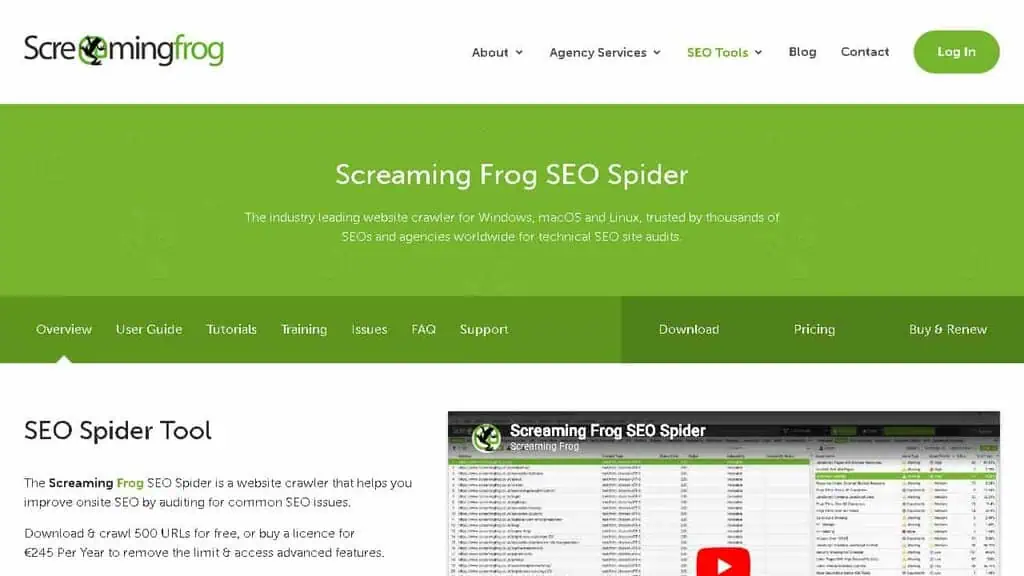
1. Screaming Frog SEO Spider
Current Screaming Frog SEO Spider pricing, API and product facts → See the canonical Screaming Frog SEO Spider profile. This section keeps our editorial ranking and reasoning; the profile keeps the source-cited product data.
Best for: Full technical site audits on sites with under 500 pages
The free version of Screaming Frog is the most powerful free technical SEO tool available. Full stop.
You get a complete crawl of up to 500 URLs, broken link detection, redirect chain analysis, duplicate content identification, missing meta tags, and thin content flagging. For most small business websites, the free version is all you will ever need.
I have been using Screaming Frog for 12 years. When a client site drops in rankings and I suspect a technical issue, this is the first tool I open.
I run a crawl, export the data to Excel, and filter for 4xx errors, 5xx errors, and redirect chains. Most technical SEO problems are visible within 10 minutes of reviewing the crawl data.
The limitation: 500 URL cap. If you have a larger site, you need the paid version at £259/year or you can crawl sections of the site individually by setting the start URL to a specific subfolder.
Free tier: Up to 500 URLs, all features included (permanent, no expiry) Paid: £259/year (removes URL limit, adds scheduling and custom extraction) Best for: Small business owners, bloggers, SEO beginners auditing sites under 500 pages
-
Page Speed Tools
Core Web Vitals became a Google ranking signal. Page speed affects both rankings and conversions. These free tools tell you exactly where your site is losing performance and what to fix.
2. Google PageSpeed Insights
Current Google PageSpeed Insights pricing, API and product facts → See the canonical Google PageSpeed Insights profile. This section keeps our editorial ranking and reasoning; the profile keeps the source-cited product data.
Best for: Core Web Vitals data and performance optimization
Google PageSpeed Insights is the only page speed tool that shows actual Core Web Vitals data from real Chrome users. Every other speed tool (GTmetrix, WebPageTest, Pingdom) shows synthetic lab data, which is useful for debugging but is not the data Google uses for rankings.
I run PageSpeed Insights on any new client site before touching anything else. The field data section (if available) tells me whether the site’s actual users are experiencing slow loading, layout shifts, or delayed interactivity. The lab data section tells me what to fix.
The key metrics are Largest Contentful Paint (LCP), Interaction to Next Paint (INP, which replaced FID), and Cumulative Layout Shift (CLS). Google’s ranking signal is based on your site’s field data at the 75th percentile. Aim for LCP under 2.5 seconds, INP under 200ms, and CLS under 0.1.
Free tier: Permanently free, unlimited Best for: Every website owner. Non-negotiable. Use this before any other speed tool.
3. GTmetrix
Current GTmetrix pricing, API and product facts → See the canonical GTmetrix profile. This section keeps our editorial ranking and reasoning; the profile keeps the source-cited product data.
Best for: Detailed performance waterfall charts and comparison testing
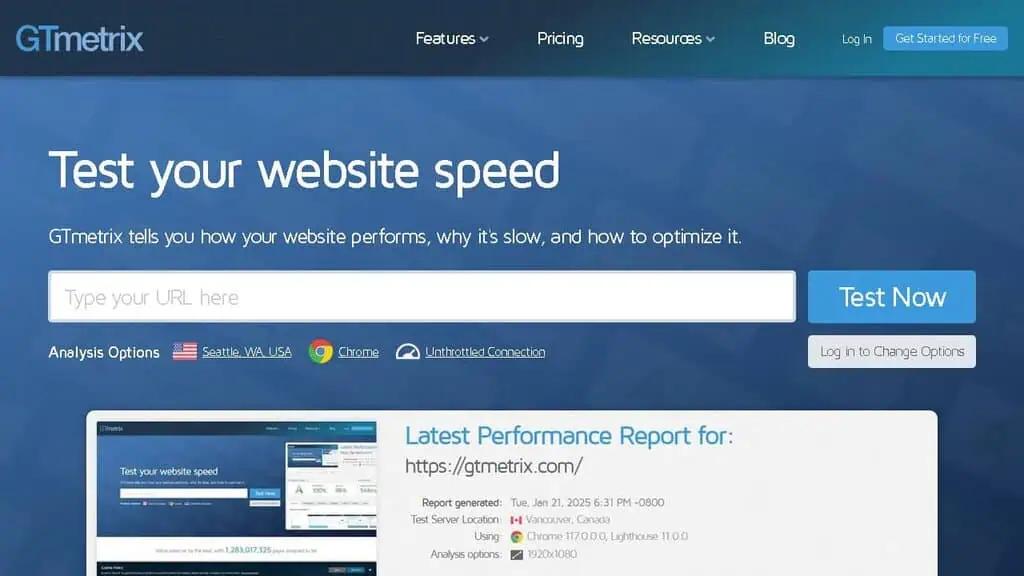
GTmetrix adds what PageSpeed Insights lacks: waterfall charts. When I need to diagnose exactly why a page is loading slowly, the waterfall shows me each resource loading in sequence. I can identify third-party scripts that are blocking render, images that are not properly optimized, and JavaScript that is delaying First Contentful Paint.
The free plan gives you 5 tests per month from a single server location. That is enough for occasional checks but too limited for regular monitoring. If you need more tests, a $15/month subscription unlocks more locations and unlimited tests.
The one thing GTmetrix does that PageSpeed Insights does not: historical comparisons. You can track how your site’s performance changes over time after deploying fixes, which is useful for proving your optimization work is delivering results.
Free tier: 5 tests per month, one server location (permanent, no expiry) Paid: From $15/month Best for: Developers diagnosing specific performance bottlenecks
-
Webmaster tools (permanently free)
I put these in their own category because they are not optional. These are the two permanently free seo tools that every website must have set up before doing anything else. No exceptions.
4. Google Search Console
Current Google Search Console pricing, API and product facts → See the canonical Google Search Console profile. This section keeps our editorial ranking and reasoning; the profile keeps the source-cited product data.
Best for: Everything. Literally the most important free SEO tool that exists.
Google Search Console shows you how Google sees your website. Which queries are driving impressions and clicks. Which pages are indexed. Which pages have errors. Which backlinks Google has discovered. When your Core Web Vitals fail. When your sitemap has errors.
I have been using Google Search Console since it was called Google Webmaster Tools. The data here is primary source, verified Google data. Everything else (Ahrefs, Semrush, Moz) is an estimate. GSC is the truth.
The queries report is particularly powerful for keyword research. You will discover keywords where your page ranks on page 2 (positions 11-20) with hundreds of impressions but almost no clicks. These are your quick-win opportunities: pages that are one solid content update away from moving to page one.
I exported GSC data showing a client’s top 100 queries by impressions, filtered for average position 11-30, and created a priority content update list. Over 6 months, 12 of those pages moved to page one. The tool is free. The results were real.
If you want to track website traffic and organic search performance accurately, start here. GSC is also the most reliable way to monitor your site’s visibility in Google search results over time. If you are working with an AI SEO agency or a consultant, they will need GSC access as their first request.
Free tier: Permanently free, unlimited Best for: Everyone. Set this up today if it is not already installed.
5. Bing Webmaster Tools
Current Bing Webmaster Tools pricing, API and product facts → See the canonical Bing Webmaster Tools profile. This section keeps our editorial ranking and reasoning; the profile keeps the source-cited product data.
Best for: Bing/Edge search data and now feeding ChatGPT Search
Bing Webmaster Tools is Google Search Console’s overlooked cousin. Bing has historically held around 3-8% of the search market. Small number, but on a site getting 10,000 clicks per month from Google, that is potentially 300-800 additional clicks sitting on the table.
In 2024-2026, Bing’s relevance jumped because ChatGPT Search uses Bing’s index as its data source. If you want your content appearing in ChatGPT Search answers, your site needs to be discoverable by Bing’s crawler. Bing Webmaster Tools tells you exactly what Bing sees, what Bing has indexed, and which queries are driving impressions on Microsoft’s search network.
Setup takes 10 minutes. Link it to your Google Search Console account and Bing will import your sitemap automatically. There is no reason not to do this.
Free tier: Permanently free, unlimited Best for: Every website. 10 minutes of setup, free forever.
-
Keyword Research Tools
Keyword research is where most beginners start and where most beginners go wrong. They find high-volume keywords, write content targeting those keywords, and wonder why nothing ranks. The right free keyword research tools help you find the keywords where you can realistically compete, not just keywords with high search volume.
6. Google Keyword Planner
Current Google Keyword Planner pricing, API and product facts → See the canonical Google Keyword Planner profile. This section keeps our editorial ranking and reasoning; the profile keeps the source-cited product data.
Best for: Search volume data direct from Google, free with any Google Ads account
Google Keyword Planner is free, but there is a catch: the volume data becomes accurate only when you run an active Google Ads campaign with spend. Without an active campaign, Google shows ranges (“1K-10K”) instead of exact numbers.
The keyword discovery function is genuinely useful despite that. You can enter a seed keyword and get hundreds of related keyword ideas organized by relevance. For a beginner building out their first keyword list, this is a solid starting point.
The trick I use: run a very small Google Ads campaign ($10-20 spend) to unlock exact volume data, pull your full keyword list, then pause the campaign. The data you extracted is yours to keep. Many beginners do not know this is possible.
Free tier: Permanently free (volume data approximated without active campaign) Best for: Beginners building initial keyword lists, advertiser research
7. AnswerThePublic
Best for: Discovering the exact questions your audience types into search engines
AnswerThePublic visualizes the questions, prepositions, and comparisons people type around a keyword. You enter “cold brew coffee” and it shows you: “why is cold brew less acidic,” “cold brew vs iced coffee,” “how long does cold brew last,” and dozens more.
The free tier is three searches per day, which is the figure to plan around: it is enough to research one article at a time and not enough to map a cluster in one sitting.
This is genuinely useful for content planning. Every question that appears in that wheel is a potential H2 heading, FAQ entry, or article subtitle. It also pulls data from Google Autocomplete and People Also Ask, which means these are real questions real people are typing.
The free tier is 3 searches per day, which sounds limiting but is plenty if you use it strategically. Do one topic cluster at a time. Export the data. Build your content outline. Come back tomorrow.
Free tier: 3 searches per day (permanent) Paid: From $9/month Best for: Content planners mapping out a blog strategy, FAQ section writers
8. Keywords Everywhere
Best for: Seeing keyword data without leaving Google
Keywords Everywhere is the Chrome extension I have had installed for 5 years. When you search on Google, it overlays search volume, CPC, and competition data directly in the search results. When you click through to a competitor’s page, it shows you the keywords that page ranks for in the sidebar.
The $10 credit pack buys you around 100,000 keyword credits. At my usage rate, that lasts several months. Technically, it is a paid tool, but at $10 per month of use, I categorize it as effectively free for most SEOs.
The “People Also Search For” data it shows in Google is particularly useful for building out a topical cluster. I use it to find related keywords I had not considered and to spot the questions competitors are missing.
Free tier: Extension is free; data requires credits (from $10, lasts months) Best for: Anyone who does keyword research directly in Google, content writers checking search volume in real time
9. LowFruits
Current LowFruits pricing, API and product facts → See the canonical LowFruits profile. This section keeps our editorial ranking and reasoning; the profile keeps the source-cited product data.
Best for: Finding keywords with weak competition that a new site can realistically rank for
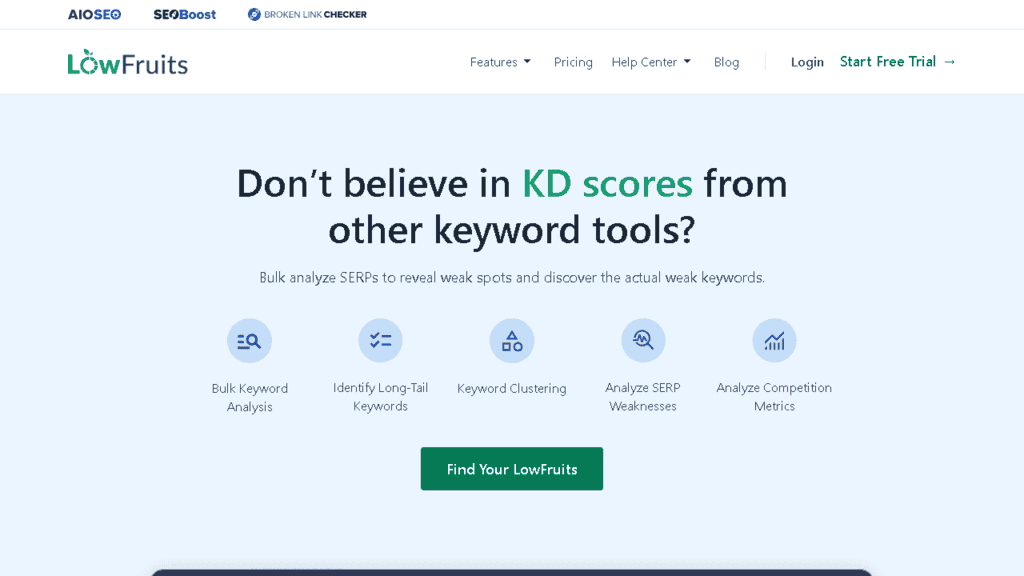
LowFruits is a keyword research tool built specifically around finding low-competition keyword opportunities. It uses Google Autocomplete to generate keyword ideas, then analyzes the top-10 results for each keyword to identify “weak spots”, positions held by low-authority pages, forums, Reddit threads, or thin content.
When I work with a new site with no domain authority, I go straight to LowFruits. The entire point is finding keywords where you can rank in the top 10 without building hundreds of backlinks first. For beginners, this is the most actionable keyword research approach available.
The free plan gives you 5 free credits per day. Each credit analyzes one keyword cluster. That is enough to test the tool and build a small initial list.
Free tier: 5 searches per day (free plan, permanent) Paid: From $29.90/month Best for: New sites, beginners, any site with low domain authority looking for quick ranking wins
10. KeywordTool.io
Best for: Google Autocomplete keyword research across multiple platforms
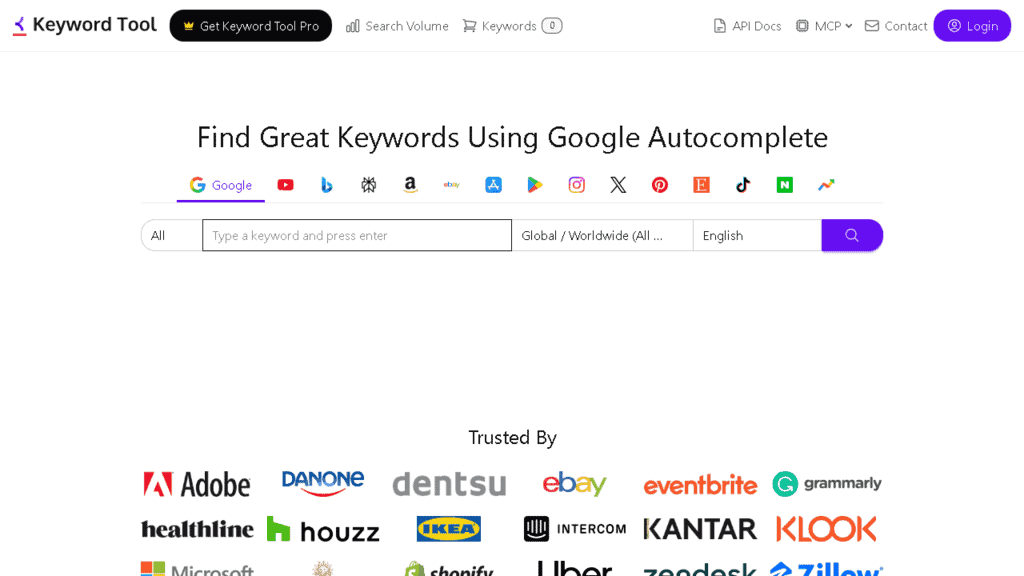
KeywordTool.io pulls suggestions from Google Autocomplete, YouTube, Bing, Amazon, eBay, and App Store. The free version shows the keywords but hides the search volume and CPC data. You can see what people are searching for; you just cannot see how often they search.
That partial-data limitation makes it less useful than tools like Keywords Everywhere for precise keyword planning. However, it is good for broad ideation, especially if you also optimize content for YouTube or Amazon.
Free tier: Keywords visible, volume/CPC hidden (permanent) Paid: From $89/month Best for: Content ideation when you need keyword ideas across multiple platforms
When I started SEO in 2010, I used nothing but Google Keyword Planner and Google Analytics. Both are free. The tools have gotten better since then. But the fundamentals have not changed: find keywords people actually search for, create content that answers those searches better than anything else ranking, and build enough authority for Google to trust your site. Free tools can get you 80% of the way there.
-
Content Optimization Tools
Writing good content is not enough. You need to write content that is structured the way Google expects, covers the semantic terms top-ranking pages cover, and matches the search intent behind the query.
Most serious content optimization tools (Surfer, Clearscope, Frase) are trial-only or paid, so they live in the best SEO tools guide. One has a genuine free tier worth using.
11. MarketMuse
Best for: Topic modeling and content authority scoring
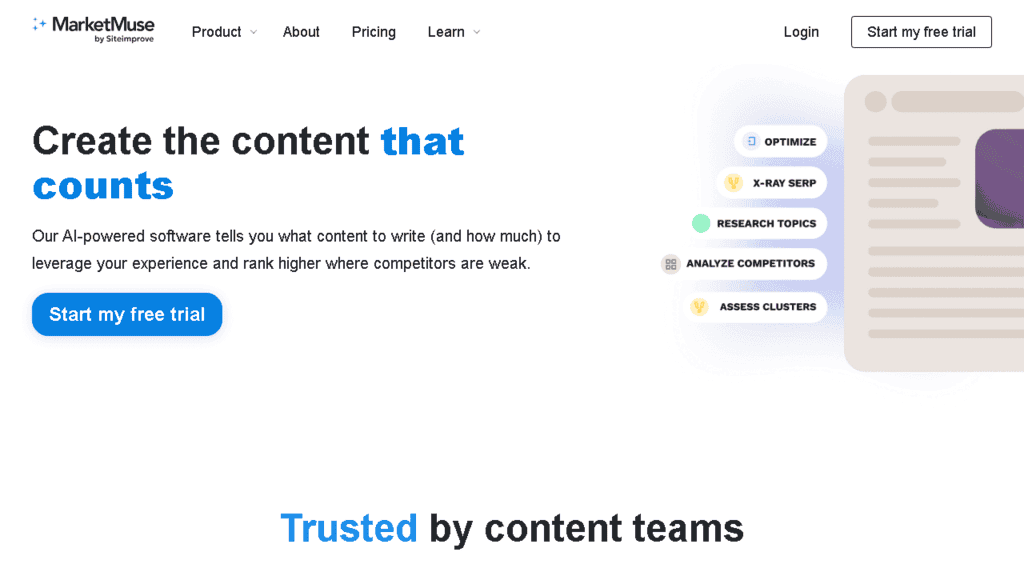
MarketMuse’s approach is different from most content editors. It analyzes your entire site and identifies where you have topical authority and where you have gaps. Rather than optimizing individual articles, it helps you plan a content strategy that builds authority across a topic cluster.
The free plan gives you 10 queries per month, down from 35 when this guide first ran, and it now excludes tracked topics, content briefs and strategy documents entirely. What survives is access to the Topic Navigator for one user.
That is enough to sanity-check a content plan and not enough to run one, so treat it as a look at the methodology rather than a working free tier. Used for strategic planning rather than per-article optimization, 10 queries still builds a meaningful content roadmap.
Free tier: 35 queries per month (permanent) Paid: From $149/month Best for: Site owners and content strategists planning a full topical authority build
-
Backlink and link building tools
Backlinks remain one of the most significant ranking factors in Google’s algorithm. These tools help you analyze your backlink profile, find link opportunities, and manage outreach without paying $99/month for an enterprise platform.
12. Majestic
Best for: Backlink analysis with Trust Flow and Citation Flow metrics
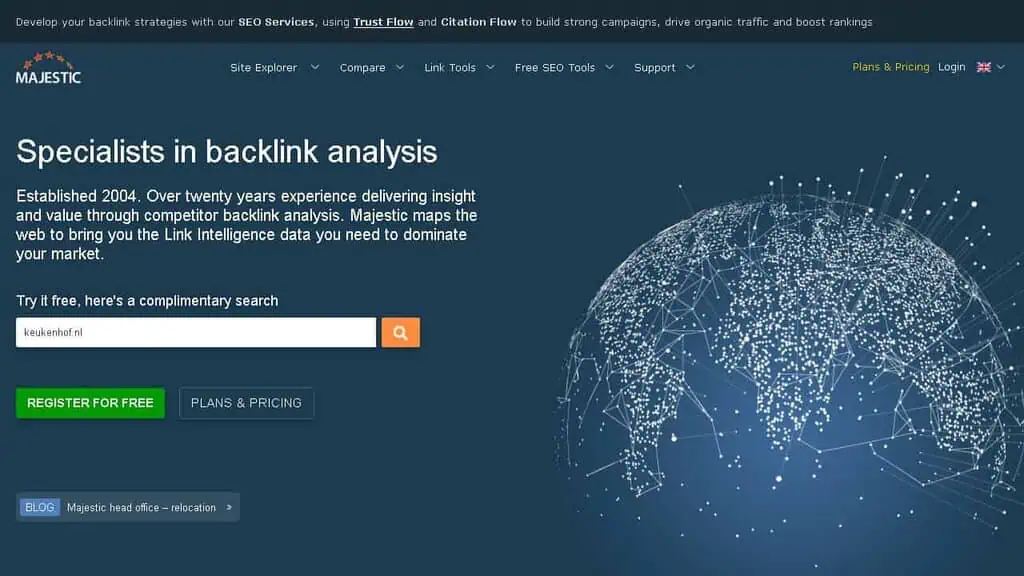
Majestic has the second-largest backlink index in the industry, behind Ahrefs. The Trust Flow and Citation Flow metrics are Majestic’s proprietary data, Trust Flow measures the quality of links pointing to a page based on how trustworthy the linking pages are, while Citation Flow measures link quantity regardless of quality.
The free account gives you basic data on any URL: your Trust Flow, Citation Flow, and a limited view of referring domains. For checking whether a potential link target is worth pursuing, or for a quick health check on your own backlink profile, the free tier delivers real value.
For deeper analysis, the paid plans start at £49.99/month and unlock full backlink data. If your primary use case is a one-time audit, the free account combined with Ahrefs’ free tools covers most scenarios.
Free tier: Basic metrics, limited data (free account required, permanent) Paid: From £49.99/month Best for: SEOs who want a secondary backlink checker, digital PR professionals vetting link targets
13. HARO (Help a Reporter Out)
Naming note: Cision rebranded HARO as “Connectively” in 2024 and shut that platform down on 9 December 2024. Featured.com acquired HARO in April 2025 and restored the original free email model at helpareporter.com. Older articles still calling this “Connectively” are describing a service that no longer exists in that form.
Current HARO pricing, API and product facts → See the canonical HARO profile. This section keeps our editorial ranking and reasoning; the profile keeps the source-cited product data.
Best for: Building high-quality editorial backlinks from journalists
HARO (Help a Reporter Out) sends registered sources up to three journalist query digests per weekday. Journalists post requests for expert sources, you pitch your expertise, and if they quote you, you typically earn a backlink from a major publication.
I have used HARO to build links from Forbes, Business Insider, Search Engine Journal, and dozens of other high-authority domains. HARO is free for both sources and journalists, with no pitch limit and no paid upgrade to buy. Featured.com funds it through newsletter advertising rather than subscriptions.
The commitment is discipline. You need to check the queries at least once daily and pitch relevant opportunities within the first two hours (early pitchers get more responses).
Set aside 30 minutes per day and treat this as a core link building activity. The return per hour is higher than almost any other free link building method.
Free tier: Free for everyone, full query access, no pitch limit Paid: No paid tier Best for: Founders, marketers, and consultants who can credibly pitch expertise to journalists
14. Hunter.io
Best for: Email outreach for link building campaigns
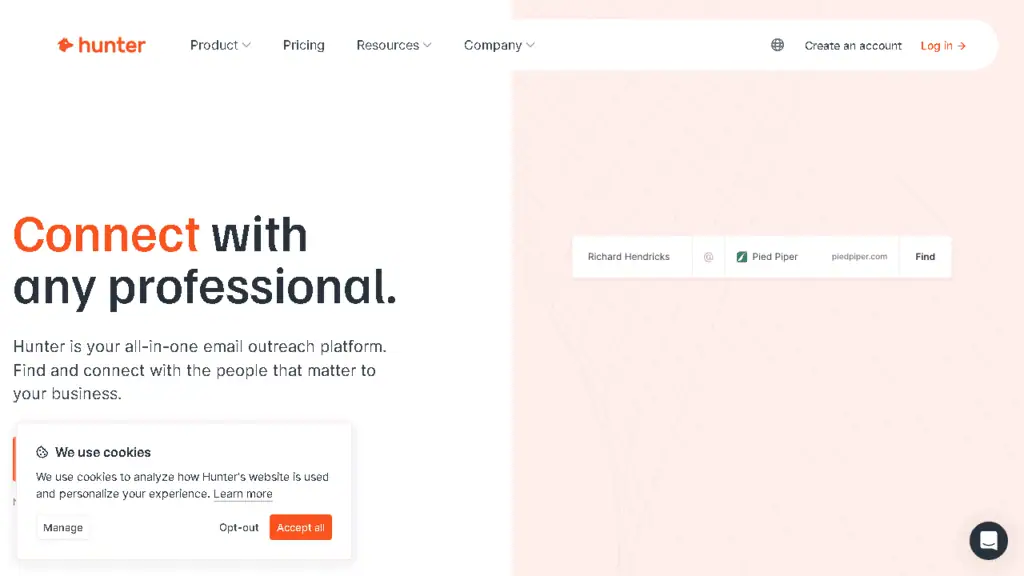
Hunter.io finds email addresses associated with a domain. You enter a domain, and Hunter shows you the email pattern and specific contacts it has found. For link building outreach, this eliminates the time spent guessing whether someone uses firstname@domain.com or first.last@domain.com.
The free plan gives you 25 monthly searches, which is genuinely useful. I use 5-10 Hunter searches per link building campaign. At 25 searches per month, you can run 2-3 active outreach campaigns comfortably within the free tier.
Free tier: 25 searches/month, 50 verifications/month (permanent) Paid: From $49/month Best for: SEOs and digital PR professionals running manual outreach campaigns
-
Rank Tracking Tools
Rank tracking tells you whether your SEO work is actually moving the needle. Without it, you are flying blind.
Most dedicated rank trackers (Wincher, AccuRanker, Advanced Web Ranking) are trial-only, so they’re covered in the best rank tracker tools guide. One offers a permanent free plan, and Google Search Console (above) also tracks your positions for free.
15. ProRankTracker
Best for: Full SERP snapshots with local and mobile rank tracking
ProRankTracker captures a complete SERP snapshot for every keyword you track, showing you exactly what page one looks like at the moment of the ranking check. This is useful for seeing who else held page one on a given day, and for proving to a client exactly where their site appeared on a given date.
The free plan is limited to 20 keywords, barely enough for a meaningful tracking setup, but it is a genuine permanent free plan, not a trial. It works for very small sites or for testing the interface before committing.
Free tier: 20 keywords (permanent free plan) Paid: From $13.50/month Best for: Local SEOs who need hyper-local rank tracking and SERP snapshot documentation, very small sites
-
Local SEO Tools
Local SEO is its own discipline. If you run a business with a physical location or a service area, ranking in the Google Maps Local Pack is often more valuable than ranking in organic results. These tools specifically address local search optimization.
16. Grid My Business
Best for: Genuinely free geogrid ranking data for local SEO
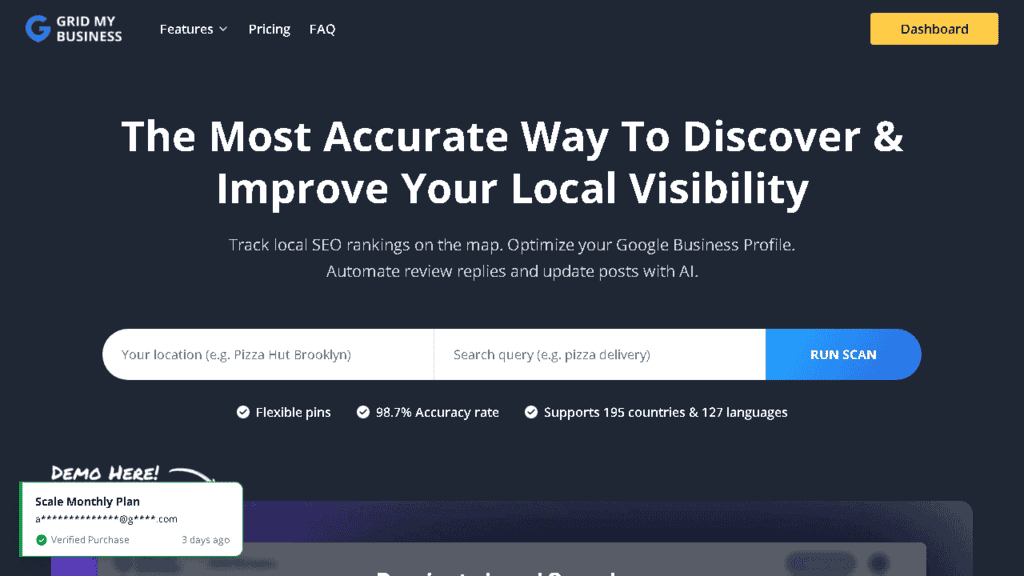
Grid My Business shows your Google Business Profile ranking position across a geographic grid. You set your business location and keyword, and the tool generates a heatmap showing where you rank strong and where you have gaps. This data is gold for identifying which neighborhoods or zip codes need more local SEO attention.
The genuinely surprising part: Grid My Business offers free geogrid data. Most geogrid tools charge $30-50/month. Grid My Business built a free version, and it is good enough for most local business owners to use as their primary local rank tracking tool.
Free tier: Geogrid data available free Paid: Enhanced features available Best for: Local business owners, local SEO consultants, anyone optimizing a Google Business Profile
17. Whitespark
Best for: Citation building and local ranking factor analysis
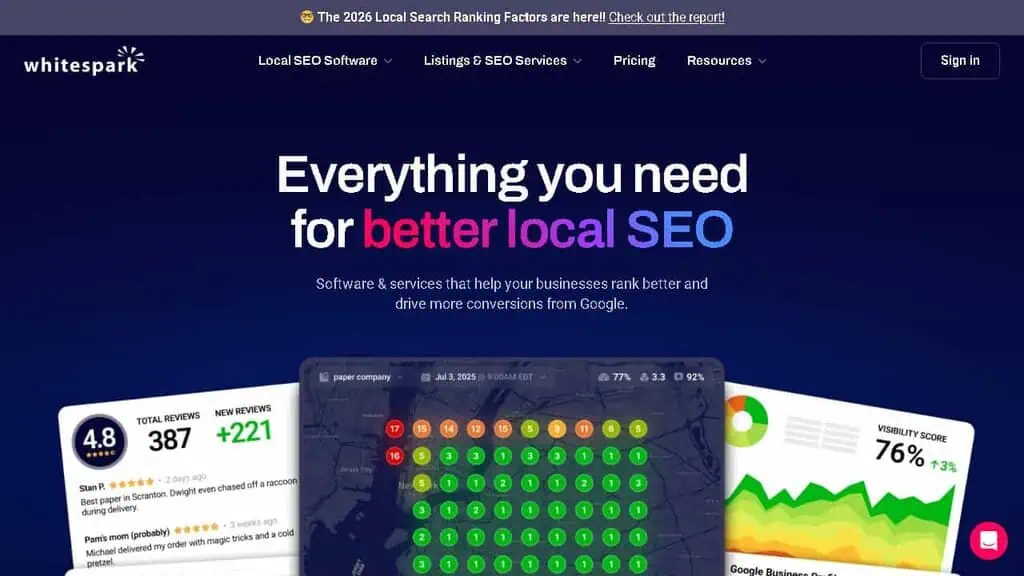
Whitespark focuses on the citations (Name, Address, Phone listings) that influence local search rankings. The Citation Finder identifies where your competitors are listed that you are not, and the Citation Audit checks for inconsistent NAP data across the web.
Whitespark prices per-tool rather than as a bundle, which makes it more affordable if you only need citation services rather than a full local SEO platform. The Citation Finder includes limited free searches so you can test opportunities before paying.
Free tier: Limited free searches in the Citation Finder Paid: Per-tool pricing starting around $17/month Best for: Local SEO specialists who need citation-focused tools, new businesses building their citation profile
-
WordPress SEO Plugins
If your site runs on WordPress, you need an SEO plugin. These plugins handle on-page SEO, meta tags, schema markup, XML sitemaps, and often content analysis. Both tools below have genuinely useful, permanent free versions.
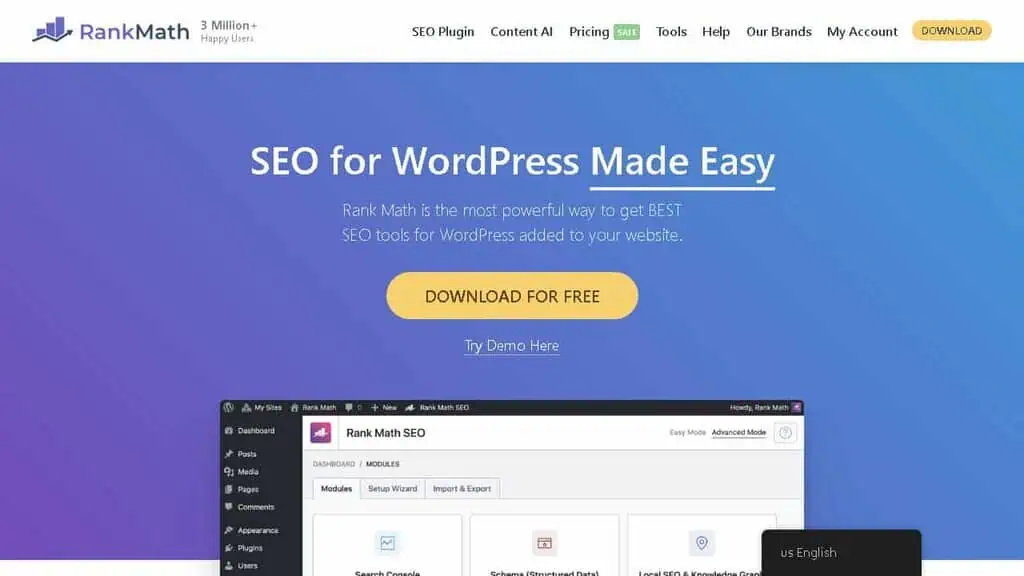
18. Rank Math
Best for: The most features available for free in any WordPress SEO plugin
Rank Math is my personal recommendation for most WordPress users. The free version includes keyword optimization for up to 5 keywords per post (Yoast free limits you to one), schema markup generation, 404 monitoring, redirection management, and a Google Search Console integration that imports ranking data directly into your WordPress dashboard.
The UI is clean and the setup wizard makes initial configuration straightforward even for non-technical users. The advanced schema markup support is particularly strong, you can add Recipe, Product, FAQ, and How-To schema without touching code.
Free tier: Full-featured free version (most features, permanent) Paid: From $6.99/month Best for: Most WordPress users, especially those who want schema markup and multiple keywords tracked per post
19. Yoast SEO
Best for: Beginners who want the most beginner-friendly WordPress SEO plugin
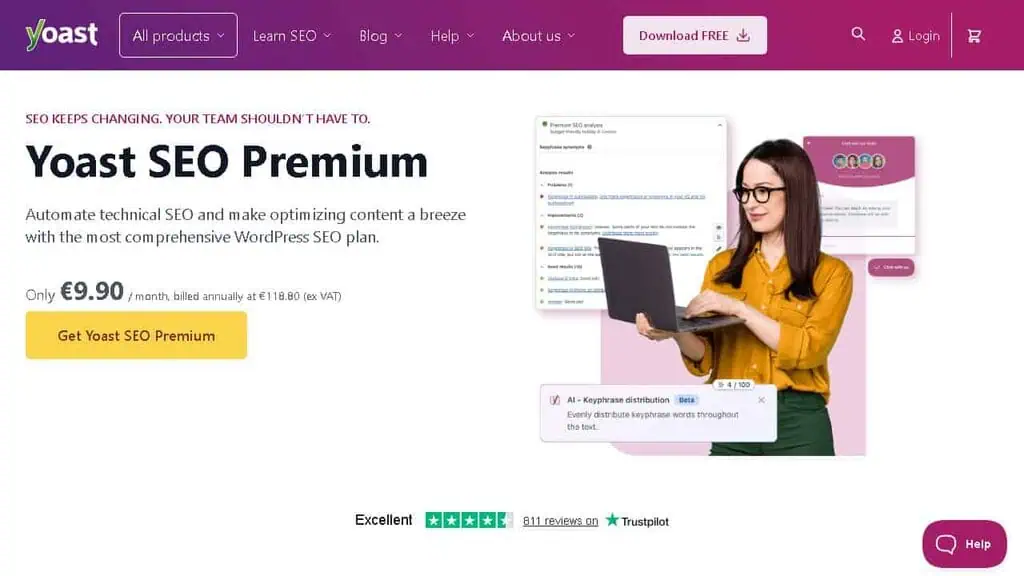
Yoast has been the most popular WordPress SEO plugin for over a decade. The green/yellow/red traffic light system for readability and SEO makes it instantly understandable to beginners who have never thought about on-page SEO before. The real-time content analysis updates as you write, flagging issues immediately.
The free version covers core on-page optimization well. The paid version adds schema customization, redirect management, and multi-keyword optimization. For most small sites, the free version is sufficient.
Free tier: Full on-page optimization, limited to one focus keyword per post (permanent) Paid: From $99/year Best for: SEO beginners, bloggers who want simple guidance while writing
-
Free Tiers of the Big SEO Suites
The big all-in-one platforms (Semrush, SE Ranking, Mangools) are trial-only, so they belong in the best SEO tools guide, not here. But two industry giants offer genuinely permanent free products, and one has a low-friction free tier worth knowing about.
20. Ahrefs Webmaster Tools
Best for: Free, verified data on your own site from the industry’s best backlink index
Ahrefs has the largest backlink index in the SEO industry. The paid Ahrefs suite is not free, but Ahrefs Webmaster Tools (AWT) is a genuinely free product: connect it to your Google Search Console and Ahrefs gives you permanent free access to your own site’s backlink profile, organic keywords, and a full site audit, all in Ahrefs’ format.
For a site owner, this is one of the best free deals in SEO. You get Ahrefs-quality backlink data and site audits for your own domain without paying $129/month.
The limitation is that AWT only covers sites you verify ownership of, you cannot spy on competitors with the free version. For that, you need the paid suite.
Free tier: Ahrefs Webmaster Tools (your own verified sites only), permanent free access Paid: From $129/month (full Site Explorer with competitor data) Best for: Site owners who want accurate backlink data and site audits for their own domain at no cost
21. Moz Free Tools (MozBar)
Best for: Domain Authority benchmarking and the most recognized SEO authority metric
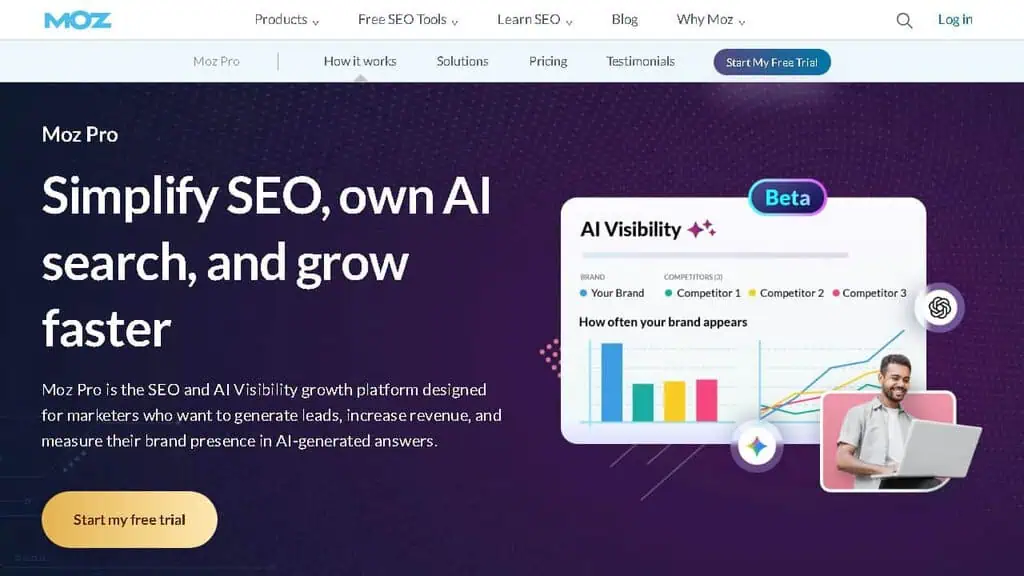
Moz invented Domain Authority (DA), and DA remains the most widely recognized link authority metric across the SEO industry. When clients ask “what is my website’s SEO score,” they usually mean DA. Moz’s free tools include the Domain Analysis page (basic DA check for any domain, a handful of free queries per day) and the MozBar Chrome extension.
The MozBar shows PA (Page Authority) and DA directly in search results as you browse, which is useful for quick competitor evaluation. These free tools are permanent, the full Moz Pro suite is a separate paid product.
Free tier: MozBar Chrome extension, Domain Analysis (limited free queries), permanent Paid: Moz Pro from $99/month Best for: SEOs who need DA as a quick reporting metric, anyone evaluating competitors while browsing
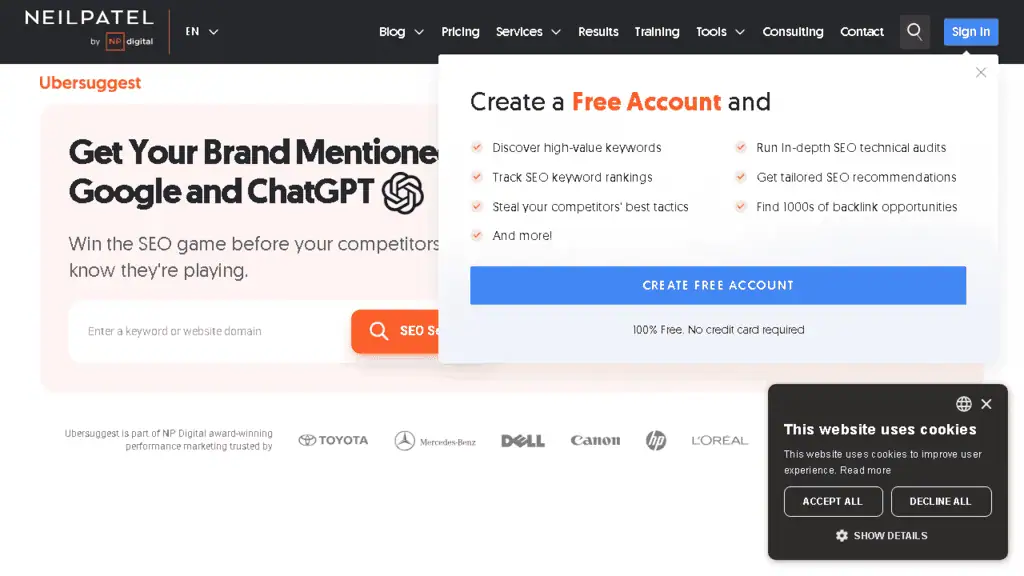
22. Ubersuggest
Best for: Beginners who want a simplified all-in-one tool with a permanent free tier
Ubersuggest, built by Neil Patel, offers keyword research, site auditing, backlink analysis, and content ideas in a simplified interface designed for non-SEO business owners. The free tier gives you 3 searches per day, which is more generous than most tools at the same level and does not expire.
The data is derived from third-party sources rather than a proprietary crawler, so accuracy lags behind Ahrefs and Semrush. For a beginner learning SEO fundamentals, that is acceptable. For a serious SEO professional making competitive decisions, the data limitations matter.
Free tier: 3 searches per day, limited reports (permanent) Paid: From $29/month (or $290 lifetime deal) Best for: Beginners, small business owners doing SEO for the first time
-
Which free AI SEO tools are actually worth using?
What are free AI SEO tools, and which tools on this list qualify?
“AI SEO tool” has become a label rather than a description, so here is the honest accounting for the 22 tools above.
Genuinely use machine learning on your data: Rank Math’s Content AI, MarketMuse’s topic modelling, LowFruits’ SERP weakness detection, and Google Search Console’s own performance clustering. These were built around a model, not around a prompt box.
Have added an AI feature that is a wrapper: most of the rest. A button that sends your page title to a language model and returns a meta description is useful, and it is not a different category of software from what you already had.
Have no AI and do not need any: Screaming Frog, PageSpeed Insights, Majestic, GTmetrix, Bing Webmaster Tools. None of these is an AI tool and none is worse for it; a schema generator or a crawler is judged on accuracy, not cleverness.
Crawling and measuring are deterministic jobs. A crawler that guessed would be worse.
That split matters when you are choosing, because the AI label now adds to the price of paid tiers without reliably adding to what the free tier can do.
What is the best free AI for SEO?
ChatGPT, and not by a small margin, with Google Gemini and Claude close enough that the choice barely matters.
That is an awkward answer for a list of SEO tools, but it is what the work shows. The free tier of a general assistant will cluster a keyword export, draft schema markup, turn a crawl into a prioritised list, and rewrite a thin section faster than any free tool built specifically for SEO. Purpose-built free AI SEO tools mostly wrap the same models and cap how often you can call them.
Where the dedicated tools still win is data. No assistant knows your search performance, your crawl errors or your backlink profile unless you hand them over. That is why the stack that works is a free assistant plus Search Console, not one or the other.
Can ChatGPT do SEO?
It can do SEO tasks. It cannot do SEO.
Genuinely good at: clustering keywords by intent, drafting outlines against a SERP you paste in, writing JSON-LD schema, generating title and meta variants, explaining a technical finding in client-readable language, and spotting the questions missing from a draft.
Actively bad at: search volumes, difficulty scores, competitor claims and anything else it cannot look up. It will produce numbers that look plausible and are invented. Never let an assistant be the source of a metric.
The part people miss: it has no memory of your site. Every useful answer starts by giving it real data, usually a Search Console export. An assistant working from your actual query data is worth more than any free SEO tool on this page; the same assistant working from nothing is worth a guess.
Can you track AI visibility for free?
Partly, and it is worth knowing exactly how far free goes.
Free and real: Search Console tells you which queries you appear for, with AI Overviews impressions folded into the totals rather than broken out. Bing Webmaster Tools is free and matters more than its traffic suggests, because Bing’s index feeds ChatGPT’s browsing.
You can also simply ask ChatGPT, Gemini and Perplexity the questions your customers ask and record whether you appear. That is manual and it is genuine data.
Not free: tracking that at scale. Prompt-level AI visibility monitoring across engines, over time, with citation sources, is a paid category and the free tiers are demos. Anyone offering unlimited AI visibility tracking free is sampling shallowly or about to charge you.
The free version of this job is a spreadsheet and twenty minutes a month. For most sites that is proportionate.
One thing worth recording while you do it: which sources got quoted instead of you, alongside whether you appeared in the AI answers at all. A tool like Search Console will never show you that, and it is the part that tells you what to write next. If you use AI for the summarising, paste the answers into an assistant and have it tally the domains for you rather than counting by hand.
What are the limitations of free AI SEO tools?
Three, and none of them are the ones the upgrade prompts mention.
- Rate limits land mid-task. Free assistant tiers cut off partway through a long job, which is worst when you are halfway through clustering 400 keywords. Work in batches you can afford to lose.
- No integration. Free AI tools do not read your Search Console, your CMS or your crawler. You are the integration, and that is the real cost.
- Confident invention. The failure mode is not refusing to answer, it is answering fluently and wrongly. Every figure an assistant gives you needs a source before it goes in a report.
How can AI tools improve your website’s search rankings?
Indirectly, by removing the work between knowing what to fix and having fixed it. There is no route from a prompt to a ranking.
Three places where the effect is real and measurable:
- Coverage. Assistants are good at finding the questions a page fails to answer. Filling those gaps is the single most reliable on-page improvement, and it is mostly a research job that AI shortens from an hour to ten minutes.
- Volume of maintenance. Most sites lose rankings to neglect rather than to competitors. AI makes it cheap to refresh thirty old posts instead of three, and refreshed pages move.
- Being quotable. Clear answers, plain structure and stated facts help both the reader and any model summarising the page. That is the part that touches AI search rather than classic rankings.
Where it does not help: nothing an assistant writes earns links, and nothing it generates outranks a better-resourced competitor on its own. Treat it as a speed multiplier on work you already know needs doing.
When should you upgrade from free to paid?
When the free tier’s limit starts costing you more time than the subscription costs money, and not before. In practice that is the point where you are managing more than one site, need historical data older than 16 months, or need competitor data that free tiers deliberately withhold. Everything before that point is affordable for nothing.
Can you do SEO with only free tools?
Yes, up to a point that is further out than most people expect and closer in than the free-tools lists admit. Here is the honest line.
What you can do entirely free: find and fix technical problems, see every query you already rank for, track your own rankings, research keywords well enough to plan content, check Core Web Vitals, audit your on-page SEO, monitor your backlink profile at a basic level, and optimise a WordPress site end to end. For a site under a few hundred pages, that is most of the job.
Where it stops: competitive research at scale. The moment the question becomes “what is my competitor ranking for that I am not”, free tools give you a keyhole view and paid tools give you the room. That is the single line worth paying to cross, and it is worth crossing only once you have something to defend.
What free SEO tools cannot do
Four limits, and none of them are the ones vendors tell you about:
- Historical data. Search Console keeps 16 months and that is your lot. If you want to know what happened to a page two years ago, nobody free will tell you. This bites hardest exactly when you need it, during a traffic drop investigation.
- Competitor keyword databases. Free tiers show you your own data generously and other people’s data barely at all. Ahrefs Webmaster Tools is free for sites you verify and gives you nothing for sites you do not own, which is the entire point of competitive research.
- Volume. 500 URLs on Screaming Frog, three searches a day on AnswerThePublic, 10 queries a month on MarketMuse. Free tiers are sized for one site and one person. They break the moment you are doing this for clients.
- Support and continuity. A free tier can be cut without notice, and several on this list have been narrowed since I first wrote it up. Do not build a process that only works if a free tool stays free.
None of that makes free tools a bad starting point. It makes them a starting point with a known edge, which is more than most paid stacks can say.
Which free SEO tools should a small business start with?
Four, in this order, and ignore everything else until these are running.
- Google Search Console. Not optional, not replaceable, and permanently free. It is the only source of truth for what you rank for. Set it up before you read another word of this guide.
- Bing Webmaster Tools. Free, takes ten minutes, and worth it for a reason most guides miss: Bing’s index feeds ChatGPT’s web results, so it is the closest free read you get on that surface. It also reports keyword data Google withholds.
- Rank Math or Yoast, if you are on WordPress. Either one handles titles, meta descriptions, schema and sitemaps without you touching code. Pick one, not both.
- Google PageSpeed Insights. Free, no account, and the Core Web Vitals it reports are the ones Google uses.
That is the whole starter stack and it costs nothing. Add Screaming Frog’s free tier when you have a technical problem to chase, and add a keyword tool when you are planning content rather than fixing a site. The mistake I see most often is the reverse order: a small business signs up for a keyword research tool first, and never gets round to reading the Search Console data that would have told it what to fix.
Do free SEO tools help with AI search visibility?
Partly, and it is worth being precise about how, because this is where the 2026 versions of these lists tend to overpromise.
What you can see for free. Search Console reports the queries your pages appear for, and AI Overviews impressions are folded into those totals rather than broken out, so you cannot isolate them. What you can do is read the shape of the data.
Long conversational queries (“what are the best free tools for X”) that rank in the top ten and return almost no clicks are the signature of an answer being read on the results page rather than on yours. We see that pattern across our own properties, and it is visible to anybody with Search Console and a spreadsheet.
Why Bing Webmaster Tools matters more than its traffic suggests. ChatGPT’s web browsing draws on Bing’s index. Being indexed and healthy there does not get you cited, but not being indexed there reliably keeps you out of that surface, and the tool is free.
Where AI visibility tracking stands. No free tool measures AI visibility in the sense vendors use the phrase, and the paid ones are young enough to disagree with each other. Google AI Overviews are the clearest case: Google folds their impressions into ordinary Search Console totals and publishes no separate report, so there is no free way to optimize against them directly. What you can do is the unglamorous version, which is to make the page answer the question cleanly enough that any search engine, or any assistant reading one, can lift the answer without rewriting it.
What no free tool does yet. Nothing free tracks whether an assistant recommends you, across prompts, over time. The tools that attempt it are paid, young, and disagree with each other. Treat a claim that a free tool can measure your ChatGPT visibility with suspicion.
Being clear about the causation: making a page easy to quote, keeping the facts current and stating them plainly creates the conditions for an assistant to use it. It does not guarantee a citation, and anyone selling you that guarantee is selling.
My minimum viable free SEO stack
I have managed SEO for clients ranging from solo bloggers to mid-size e-commerce stores. Here is the exact stack I would recommend to someone starting from zero who cannot yet justify a large monthly software budget.
Mandatory (permanently free, install today):
- Google Search Console, The non-negotiable foundation. Set this up before doing anything else.
- Bing Webmaster Tools, 10 minutes of setup, free forever. Your content appears in ChatGPT Search through Bing.
- Google PageSpeed Insights, Check your Core Web Vitals. Fix them. This is table stakes.
Technical audit (use once, use well):
- Screaming Frog free, Crawl your site. Export the data. Fix the 4xx errors, redirect chains, and missing meta tags. The free 500-URL limit covers most small sites completely.
Keyword research (ongoing, low cost):
- Keywords Everywhere, $10 credit buys months of keyword data in your browser. This is close to permanent free for most users.
- AnswerThePublic, 3 free searches per day. Use them for content planning, not volume research.
Backlink data (free for your own site):
- Ahrefs Webmaster Tools, Connect your GSC and get Ahrefs-grade backlink data and a site audit for your own domain at no cost.
WordPress (if applicable):
- Rank Math free, Install it. Configure it. Follow its suggestions.
Total ongoing cost: Approximately $10-15/month (Keywords Everywhere credits + occasional AnswerThePublic paid searches)
This stack handles about 80% of the SEO work I do daily. The remaining 20% (deep competitor research, ongoing rank tracking across hundreds of keywords) is where paid tools earn their cost.
But you do not need to pay for that until you have built a site that is generating revenue. When you get there, the trial-only and paid platforms in my best SEO tools guide are the natural next step.
When I started a clean-slate content site for one of my projects in early 2025, I used exactly this stack for the first 4 months. The site reached 3,000 monthly organic visits before I added any paid tool.
They work. You just have to use them systematically.
-
Free vs paid SEO tools: When to upgrade
Free tiers have real limitations. Here is when those limitations matter enough to justify paying for upgrades, and where to look when you’re ready.
Upgrade keyword research when: Your site is generating revenue and you are making content investment decisions. Spending $29-49/month on a paid keyword research tool when that data is helping you prioritize $5,000 of content creation is easily justified.
Upgrade to a rank tracker when: You are managing SEO for clients, or you have more than 30-50 keywords you care about tracking regularly. The manual check-in-Google approach breaks down fast at scale. A dedicated rank tracker starting at $15-30/month is worth it.
Upgrade to an all-in-one suite when: You need competitor intelligence. Free tools cannot reliably tell you which keywords your competitors rank for or what their backlink profiles look like. Semrush, Ahrefs, or SE Ranking becomes necessary when competitive research is a regular part of your work.
Never upgrade when: You are paying for tools you barely use. I have seen business owners spend $400/month on SEO software while getting results a $20/month stack could have delivered.
The tool does not do the work. You do. Buy what you will use, starting from free.
When you are ready to invest, my best SEO tools guide covers 25 freemium and paid tools, including Semrush, Ahrefs, Surfer, SE Ranking, Sitebulb, and Clearscope, with verified pricing and honest assessments of which are worth the money.
-
Questions I get asked about free SEO tools
Are free SEO tools as effective as paid ones?
For basic tasks, yes. Google Search Console gives you more useful organic search data than any paid tool.
Screaming Frog’s free version handles technical audits for most small sites. Keywords Everywhere and AnswerThePublic cover keyword research well enough to get started.
The gap between free and paid opens when you need competitive intelligence, large-scale rank tracking, or deep backlink data on other people’s sites. For those use cases, paid tools deliver significantly more value.
What are the best free SEO tools for beginners?
Start with Google Search Console, Google PageSpeed Insights, and Rank Math (for WordPress sites). These three tools teach you the fundamentals of SEO by showing you how Google sees your site.
Once you understand what those tools are telling you and have fixed the issues they identify, you are ready for keyword research tools. Keywords Everywhere and AnswerThePublic are beginner-friendly free options for that step.
Can I do keyword research for free?
Yes. Google Keyword Planner (free with a Google Ads account) gives you keyword ideas and approximate volumes.
AnswerThePublic shows question-based keywords. Keywords Everywhere, at $10 for a credit pack, overlays volume data across your browser.
LowFruits offers 5 free searches per day for finding low-competition targets. Combined, these cover 90% of what most beginners need for keyword research without a paid subscription.
What is the best free SEO tool for technical audits?
Screaming Frog’s free version (up to 500 URLs). It identifies broken links, redirect chains, missing meta tags, duplicate content, and thin content across your entire site.
For sites under 500 pages, the free version is as capable as the paid tools that cost £259/year. Google Search Console also flags technical issues like manual actions, security problems, and Core Web Vitals failures, and it is free forever.
How often should I use free SEO tools to monitor my site?
Check Google Search Console weekly: the Performance report for queries by clicks and impressions, the Coverage report for indexing errors, and the Core Web Vitals report.
Run a Screaming Frog crawl monthly, or after any significant site change. Check PageSpeed Insights after major CMS updates or design changes. Keyword research and competitor analysis can be done quarterly unless your competitors are actively moving.
What are the limitations of free SEO tools?
The main limitations: data caps (Screaming Frog’s 500-URL limit, AnswerThePublic’s 3 daily searches), lack of historical data (you cannot check where you ranked 6 months ago in most free tools), no competitor intelligence (free tools do not reliably show competitor keyword rankings or backlink profiles), and limited accuracy (free tools often use estimates rather than direct data). These limitations are manageable with systematic use, and the paid tools in my best SEO tools guide fill the gaps when you outgrow the free tier.
-
What I would use if I were starting over today
The free tooling in 2026 is genuinely good. Google Search Console, PageSpeed Insights, Screaming Frog, Ahrefs Webmaster Tools, and Keywords Everywhere alone give you more data than SEOs had access to 10 years ago at any price point.
The mistake I see most often: people collect free tools instead of using them. They install 12 Chrome extensions, sign up for 6 free accounts, and end up with a flood of data they never act on.
Start with Google Search Console and PageSpeed Insights. Use those until you run out of things to fix.
Then add keyword research tools. Then, when you have traffic worth tracking, add a rank tracker.
Methodical beats exhaustive every time.
If you are working with a professional agency to accelerate results, the best digital marketing agencies in India guide covers agencies that specialize in budget-conscious SEO strategies that complement a free tool stack. And when the free tier stops being enough, the best SEO tools guide covers the freemium and paid platforms worth paying for.
The tools are free. The results are real. What you do with them is up to you.
Related Posts

The 30 best AI SEO tools in 2026, tested with real money: what each costs, which ones track AI visibility and AI Mode, a...
30 AI writing tools tested across free, freemium and paid tiers, every link checked, plus which AI beats ChatGPT for wri...

I tested 60 free and freemium AI image generators and ranked them by real traffic and hands-on quality. Free tiers, limi...

Which AI Chrome extension should you install? 132 ranked on real Web Store install, rating and review data, with a pick ...

What Firefox AI actually does, how to enable or disable it, and every one of the 95 AI Firefox add-ons ranked on real da...

30 social media scheduling tools tested for small business: real pricing, every tool link checked September 2026, and th...