

Agentic video editing is a workflow where an AI agent takes a plain-language instruction and executes a full editing task on its own. This is different from assistive AI, where a person still drives every step and the software just speeds each one up. For long-form footage, that difference matters. A two-hour interview or a multicam podcast has hundreds of small decisions buried in it: which to keep, where the pacing drags, what to cut entirely. This roundup compares five tools built to handle that kind of footage, from fully agentic assembly to manual, precision-first editing.
How we evaluated these editors
We judged each tool on five criteria. First, how it handles long, single-take or multicam raw footage specifically, not just short clips. Second, whether editing runs through an agent, a transcript, or a traditional timeline. Third, how much manual control remains after an automated pass. Fourth, whether it exports to professional tools like Premiere Pro or DaVinci Resolve. Fifth, real published pricing rather than a marketing headline.
The five editors side by side
| Tool | Best for | Key feature | Starting price |
|---|---|---|---|
| Invideo Editor | Agentic assembly of long, multicam footage | Eight agent-assignable jobs on a full manual timeline | $20/month |
| Descript | Transcript-based editing of talking-head video | Edit video by editing the text transcript | Free, then $16/month |
| Adobe Premiere Pro | Professional manual editing with AI-assisted steps | Text-Based Editing and Generative Extend | $22.99/month |
| Gling AI | Fast rough cuts of single-camera recordings | Automatic filler word and silence removal | Free, then $20/month |
| CapCut | Short-form content from a phone or browser | One-click captions and background removal | Free, then $9.99/month |
Invideo Editor: agentic assembly for long, multicam footage
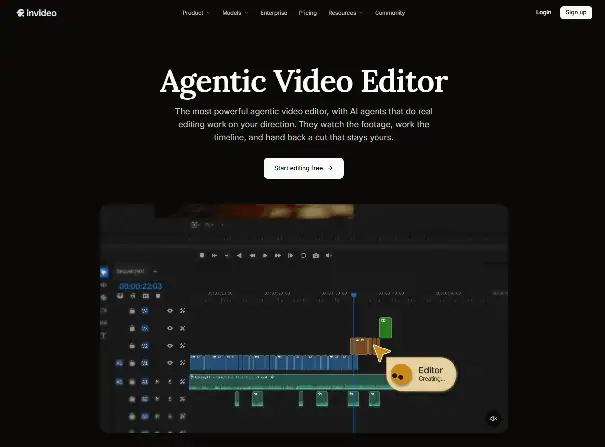
Invideo Editor assigns specific jobs to agents rather than automating one generic pass over the footage. Assembly builds a first full cut from raw takes, and Restructure reorders scenes or changes pacing on command.
The agentic video editing suite runs on a real multitrack timeline underneath, so every agent decision stays visible and editable by hand. Multicam sync, footage search by description, and beat-synced cutting all run through the same shared project.
Best for: teams turning hours of raw multicam or interview footage into a structured base cut without trimming every clip by hand.
Where it falls short: the value depends on learning which job to assign to which agent, so editors expecting a single “auto-edit” button may need a short adjustment period.
Pricing: Starts at $20/month on the Starter plan, which includes the full manual timeline but limited AI agent access. It scales up to $375/month on the Max 3x plan for full agent access and higher credit allowances.
Descript: transcript-based editing for talking-head video
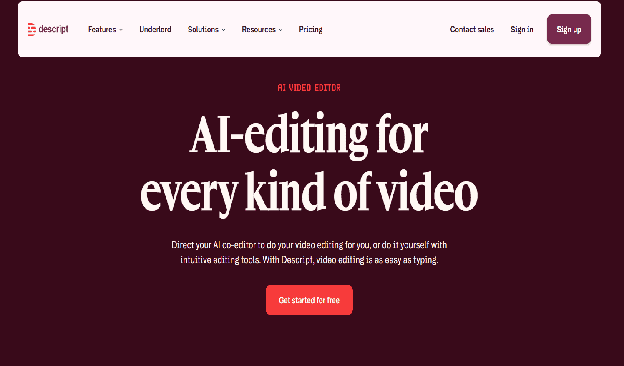
Descript treats the transcript as the editing surface. Deleting a sentence in the text deletes the matching video, and filler words or dead air can be stripped in bulk.
This works well for interviews, podcasts, and single-speaker recordings where speech drives the structure. It relies on a written transcript as the backbone of the cut, so footage without clear dialogue gets less benefit from the approach.
Best for: solo creators and podcasters editing long, speech-heavy recordings down to a clean episode.
Where it falls short: the transcript-first model is less suited to multicam projects or footage where the story is told visually rather than through dialogue.
Pricing: Starts at $16/month on the Hobbyist plan, billed annually. It scales up to $65/month on the Business plan for more transcription hours and team seats.
Adobe Premiere Pro: manual precision with AI-assisted steps
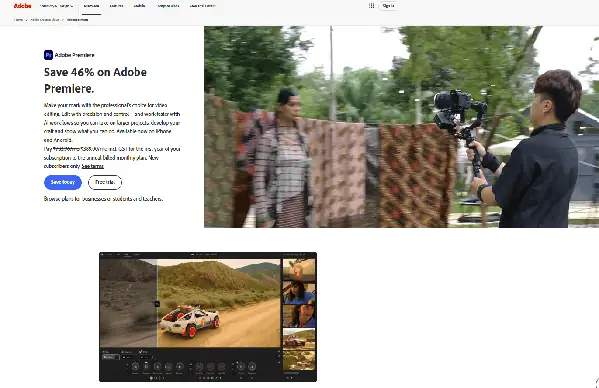
Premiere Pro remains a full manual, professional-grade timeline editor. Its AI features, like Text-Based Editing and Generative Extend, speed up individual steps rather than executing a multi-step edit on their own.
That makes it assistive rather than agentic. An editor still drives every restructuring decision, which gives maximum creative control at the cost of more hands-on time per project.
Best for: studios and freelance editors who already work inside Creative Cloud and want full manual control over grading and finishing.
Where it falls short: cutting down hours of long-form footage still requires manual review, since no agent assembles or restructures the sequence for you.
Pricing: Starts at $22.99/month on the Premiere Pro Single App plan. It scales up to roughly $59.99/month on the Creative Cloud All Apps bundle, though Adobe adjusted this tier more than once in 2026.
Gling AI: fast rough cuts for single-camera footage
Gling automates the first rough-cut pass on talking-head footage. It removes bad takes, filler words, and silence, then hands off a cleaner timeline through an XML export.
The tool is built around single-speaker recordings rather than multicam or heavily visual projects. It works well as a fast first step before a person or another editor does the finishing pass.
Best for: YouTubers and solo creators who want a quick rough cut from a long single-camera recording.
Where it falls short: it has limited color, grading, or multicam tools, so more complex projects still need a separate editor for finishing.
Pricing: Starts at $20/month on the Plus plan for 10 hours of processed media. It scales up to a Pro tier that processes 30 hours a month at the same rate when billed annually.
CapCut: fast, template-driven editing for short-form content
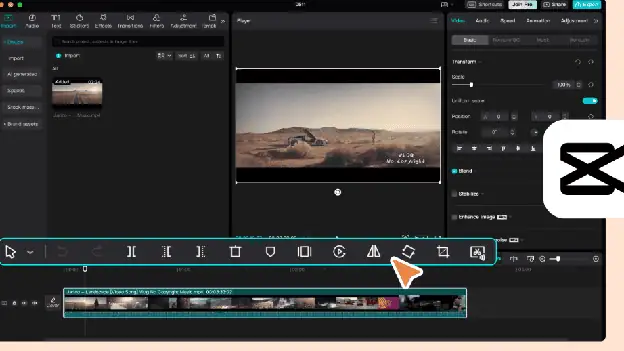
CapCut is built around mobile and browser editing for short vertical video. Auto-captions, one-click background removal, and a large effects library make quick turnarounds easy.
It is optimized for short clips made for TikTok, Reels, and Shorts rather than long recordings. Restructuring an hour of raw footage is not the workflow the app is designed around.
Best for: creators making short, template-driven content directly from a phone.
Where it falls short: it lacks the tools to restructure or assemble long-form, multicam recordings into a full-length cut.
Pricing: Starts free. The Pro plan runs $9.99 a month for watermark-free 4K exports and the full effects library.
Which one should you use?
- Long, multicam raw footage that needs restructuring: Invideo Editor.
- A long solo interview or podcast episode: Descript.
- Full manual, professional-grade control: Adobe Premiere Pro.
- A fast rough cut from a single-camera recording: Gling AI.
- Short, vertical content made on a phone: CapCut.
FAQ
What makes a video editor “agentic” instead of just AI-assisted?
An agentic editor executes a multi-step task from one instruction, like assembling a full cut from raw footage. An AI-assisted editor speeds up a single manual step, like removing background noise, while a person still drives the overall edit.
Which AI video editor is best for cutting down long, multicam recordings?
Invideo Editor is built specifically for this, with agent jobs for assembly, multicam sync, and restructuring on a manual timeline underneath. Descript and Gling AI work better for single-camera, speech-driven footage instead.
Can AI video editors export to Premiere Pro or DaVinci Resolve?
Invideo Editor exports a finished project to Premiere Pro, Final Cut Pro, or DaVinci Resolve with cuts and layers intact. Gling AI also exports an XML file compatible with those same three tools.
Is there a free way to try an agentic video editor?
Invideo Editor’s manual timeline is free to use on its own, though full AI agent access requires a paid plan. Descript, Gling AI, and CapCut also offer free tiers with limited monthly usage.
Related Posts

The 30 best AI SEO tools in 2026, tested with real money: what each costs, which ones track AI visibility and AI Mode, a...
30 AI writing tools tested across free, freemium and paid tiers, every link checked, plus which AI beats ChatGPT for wri...

61 free AI image generators tested and ranked, every tool link checked September 2026, plus which are truly unlimited an...

Which AI Chrome extension should you install? 132 ranked on real Web Store install, rating and review data, with a pick ...

What Firefox AI actually does, how to enable or disable it, and every one of the 95 AI Firefox add-ons ranked on real da...

30 social media scheduling tools tested for small business: real pricing, every tool link checked September 2026, and th...