

Verdict: Buy
Try it free, and pay only if your own images come out usable
| Field | Detail |
|---|---|
| Tool | PicMagix (picmagix.com) |
| What it does | Turns one image into a social card, a visual poster or a PDF in seconds, with no prompts and no design skills |
| Free tier | Yes, no credit card: 30 parses a month, social cards only, watermark on every export |
| Paid | Pro $9.90/month ($6.90 billed yearly), Max $19.90/month ($15.90 yearly). Verified on the PicMagix site in May 2026 |
| Best for | Creators, indie developers and small teams who publish often and do not want to design |
| Not for | Designers who need precise control, brand-strict teams, anyone who needs scheduling or analytics |
| Verdict | Run your own images through the free plan; upgrade to Pro only if most of them come out usable |
This is a first-look review based on the live product and its free workflow, not two years of daily use. Where output quality depends on your specific images, I say so rather than pretending I tested every edge case.
PicMagix is not PicMagic, and the billing complaints are about the other app
If you searched for reviews and ran into alarming posts about unauthorized charges, surprise subscriptions and refund battles, those almost certainly refer to a differently spelled app: PicMagic (picmagic.co), a photo-editing app that has attracted a notable trail of billing complaints online.
PicMagix (picmagix.com), the image-to-content tool in this review, appears to be a separate, unrelated product with a transparent, self-serve pricing page and a no-credit-card free tier. The names are one letter apart and the search results blur them together, and it would be unfair to tar PicMagix with another app’s reputation.
The confusion is still a reason to be careful at checkout. Confirm you are on picmagix.com, read the plan you are subscribing to, and use a card you can freeze if anything looks off. That is good hygiene for any small AI subscription, not an accusation against PicMagix.
What PicMagix does with one image
PicMagix is an AI content creation tool that converts a single image into ready-to-publish content. Most AI tools in 2026 generate text or generate images from a prompt; PicMagix starts from an image you already have and turns it into a finished, shareable asset. Its own line is “Most tools generate text, PicMagix generates publishable content.” It is positioned for creators, indie developers, marketers and small businesses who publish often (e-commerce sellers may prefer an AI product visual studio).
- Upload an image. Any screenshot, chart, UI capture, photo, or illustration.
- AI analyzes the image. It extracts the scene, style, and context, including what the image communicates, not just what is in it.
- Pick a format. Social Post, Visual Poster, or PDF Document.
- Export and publish. Download a high-resolution output ready to share.
There is no prompt box and no layers panel. If you lose an hour every week wrestling a screenshot into a decent LinkedIn post, that four-step path is the value. Whether the output is good enough to publish depends heavily on your input image, which is why the free plan matters.
Social cards, posters and PDFs: what each format is good for
Getting all three from the same source image saves time if you repurpose content across channels, and an AI social video generator extends the same idea to short-form clips.
Social posts, the only free format
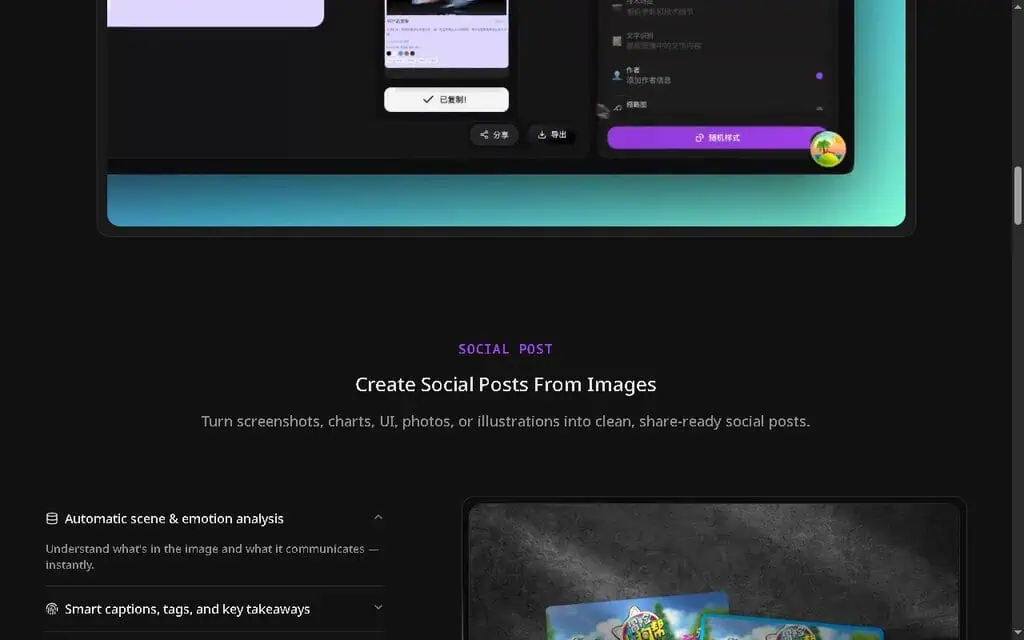
This is the flagship use case. PicMagix takes a screenshot, chart, UI shot, photo or illustration and produces a share-ready social card with captions, suggested tags and key takeaways pulled from the image. It runs an automatic scene-and-emotion analysis, so it tries to understand what the image communicates, then lays it out with a one-click export.
The obvious fit: you ship a feature, screenshot it, and want a post for X and LinkedIn without opening Figma. If the caption is usable as-is, you just saved 20 minutes. If it is generic, you edit one line and still come out ahead.
Visual posters, randomized and paid only
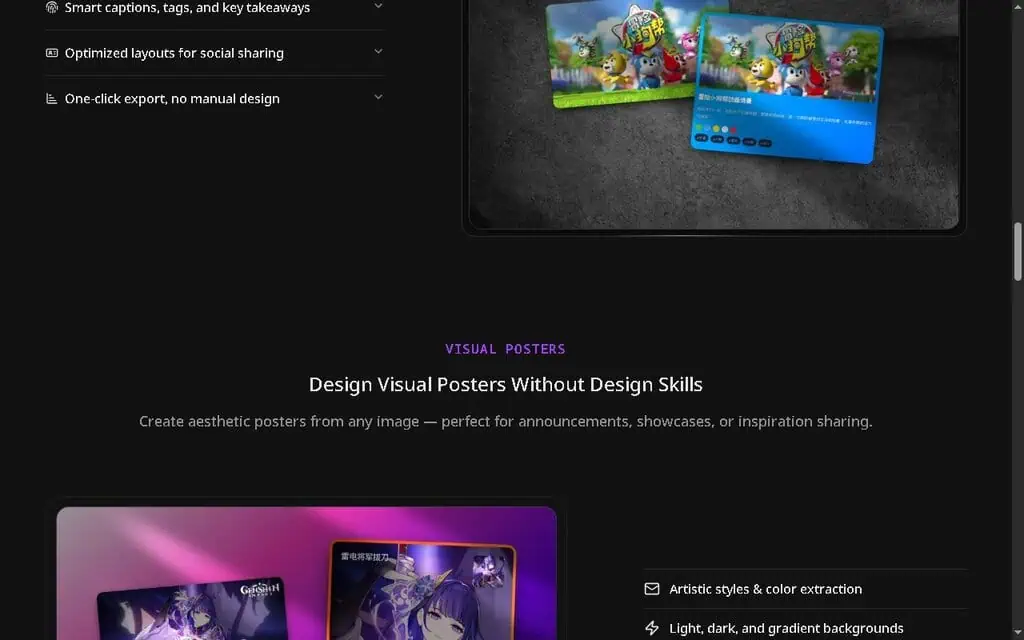
The Visual Posters mode creates aesthetic posters from any image for announcements, feature highlights or inspiration sharing. It pulls artistic styles and colors from the source image, offers light, dark and gradient backgrounds, randomizes layout and style combinations, and exports in high resolution.
“Randomize styles” is the useful bit for non-designers: instead of staring at a blank canvas, you generate variations and pick the one that looks right. A solo founder announcing a launch can spin up five poster options and choose one in the time it takes to align a single text box in a design app. The mode is locked behind the paid plans, so the free tier will not let you test it.
PDF documents, the hardest to trust
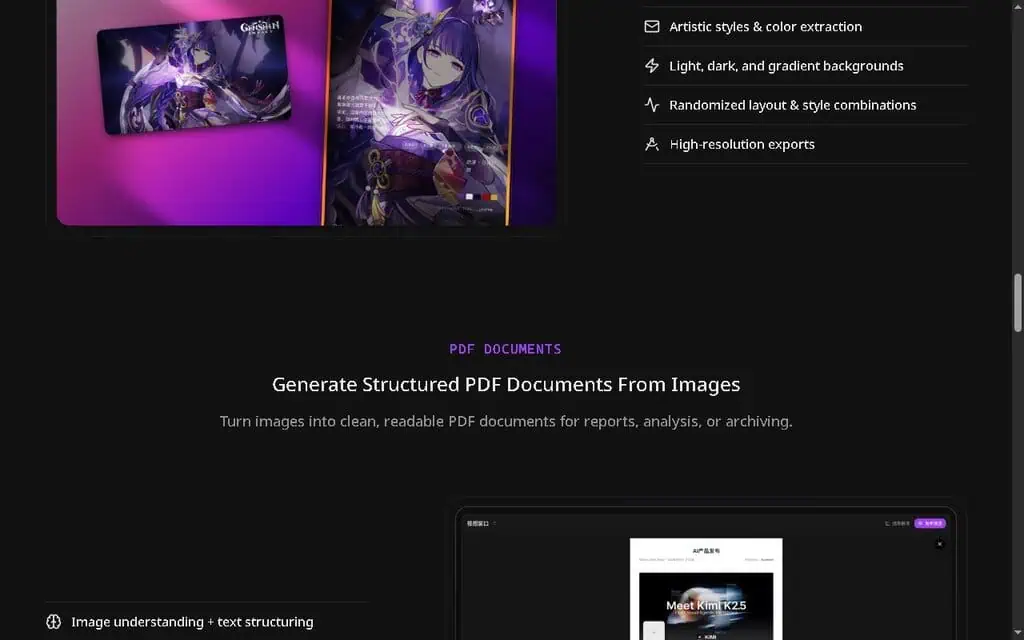
The third format turns images into readable PDF documents for reports, analysis or archiving. It combines image understanding with text structuring, organizes content into sections with metadata, and produces a PDF layout with no manual formatting. That appeals to anyone who screenshots data or dashboards and wants a tidy record without rebuilding it in a doc editor.
“Image to structured PDF” is a hard problem, though, and quality will swing depending on how text-heavy and legible your source image is. I would not rely on it for client-facing reports until you have run your own typical images through it. Like posters, PDF export is paid-only.
PicMagix pricing: 30, 100 or 300 parses a month
Everything is metered in “parses,” PicMagix’s word for one image analysis. Here is the current pricing, verified directly from the PicMagix site in May 2026.
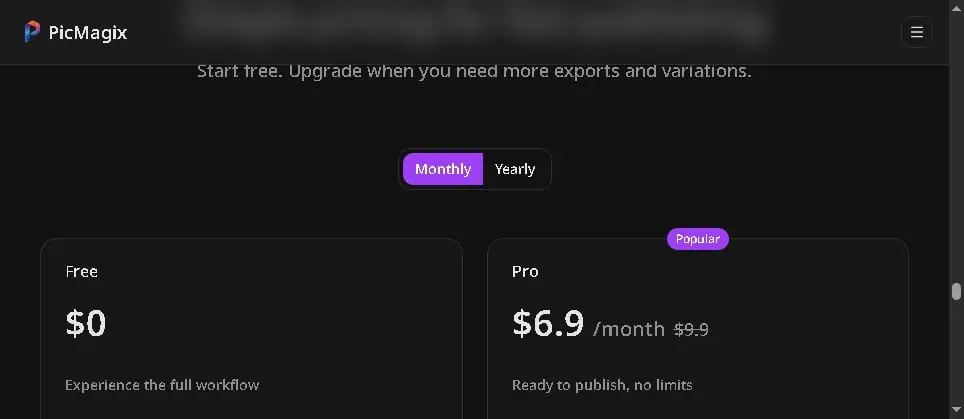
| Plan | Price | Parses/month | Formats | Key limits |
|---|---|---|---|---|
| Free | $0 | 30 | Social cards only | Watermark, limited styles + system font, ≤2MB images, history locked |
| Pro | $9.90/mo ($6.90 yearly) | 100 | Social, Poster, PDF | HD export, no watermark, all styles/fonts/colors, ≤5MB, history saved, EN/中 |
| Max | $19.90/mo ($15.90 yearly) | 300 | Social, Poster, PDF | Everything in Pro, multi-language (EN/中/日/한), priority processing, ≤10MB |
The free plan is a demo, not a workhorse. Thirty parses is enough to judge whether the output suits your images, which is what a free plan should do, but every export carries a watermark and you are limited to social cards with system fonts, so you cannot publish from it seriously.
Pro is the plan to price against. At $9.90 a month (or $6.90 on annual billing) you get all three formats, HD watermark-free exports and 100 parses, which is comfortable for a creator publishing a few times a week. If it saves you even two hours a month against manual design, it pays for itself. Max is about volume, not features: $19.90 mostly buys 300 parses, priority processing, more languages and larger uploads, and unless you publish daily or run content for multiple brands, Pro covers it.
The watch-out: parses are the real constraint, and no tier is unlimited. If you generate five variations per image to find a good one, you burn parses five times faster, so 100 parses is not 100 finished posts.
What a young, narrow tool costs you
- Output quality depends on your image. “AI understands your image” is doing a lot of work in the marketing. A clean, high-contrast screenshot produces a better card than a busy, low-resolution photo, so test your actual images on the free plan before you commit.
- Captions need editing. The copy trends generic, as AI captions do across every tool I have tested. Budget time to rewrite it in your voice, or it reads like a template.
- It is a generator, not a platform. There is no scheduling, no analytics, no team collaboration, and no public API that I could find. If publishing consistency is your real problem, pair it with dedicated AI social media scheduling software rather than expecting PicMagix to do it all.
- It is a brand-new product. Young tools pivot, change pricing, or disappear. Do not build a mission-critical workflow on it yet, and keep your source files.
- Randomized layouts limit control. You choose from what the AI offers rather than dictating placement, so brand-strict teams with precise spacing and logo rules will feel boxed in; an AI logo and brand maker serves them better.
Canva, a prompt generator or Predis.ai instead
PicMagix wins on speed, simplicity and price for one job, turning an image you already have into something postable, and loses any comparison that rewards control, breadth or platform features. More head-to-heads are in our AI tool alternative guides.
- Canva gives you total design control and a large template library, but you do the work. Pick it when control matters more than speed; many people will use both.
- ChatGPT or a generic AI image tool generates visuals or text from prompts. Pick one when you need to create the visual from scratch; PicMagix is more direct when you already have it.
- Predis.ai generates and schedules social content, including video and carousels, as a broader platform. Pick it when you want an all-in-one content engine; PicMagix is the narrower, cheaper helper.
Built for people who publish often and hate designing
PicMagix suits indie developers, content creators, product makers and small businesses who publish frequently and want to turn existing images into shareable content quickly. It does not suit professional designers who need precise control, brand-strict teams with rigid templates, or anyone whose main problem is scheduling and analytics rather than asset creation; for them a full design suite or a dedicated scheduler is the better spend.
My verdict: run three of your own images first
PicMagix does one narrow thing with impressive simplicity and honest, low pricing, and at $6.90 to $9.90 a month for Pro the downside risk is tiny. It removes the design step, not the thinking step: output swings with your input images, captions need a human pass, and you still need a scheduler to publish consistently.
The value the feature list misses is behavioral. The old routine of a screenshot plus 25 minutes in a design tool usually ends with not posting at all, and a tool that lowers that activation energy gets you publishing. If it gets you posting twice as often, that consistency will do more for your growth than any single beautiful asset.
So grab the PicMagix free plan (no card required), run three of your real, typical images through it as social cards, and judge the output yourself. If two of the three are usable with light edits, Pro is an easy yes. If not, you have lost nothing. Either way, double-check you are on picmagix.com at checkout, not the similarly named photo app.
Need raw visuals to feed an image-to-content tool like this? Start with our roundup of the 60 best free AI image generators, then turn the output into finished content.
Turning images into content? Take it further into motion: our guide to the 60 best free AI video generators ranks free tools that turn stills and prompts into video.
Need motion instead of static posts? Our Epochal review covers a multi-model AI video generator that animates images and prompts into short clips.
Turning images into content for video? If a clip’s background music drowns your narration, our Music Remover AI review looks at a free vocal remover and stem splitter built for creators.
Creators and freelancers also owe taxes on that income. Our SnapTax review looks at 1099 tax planning software built to estimate quarterly taxes without an accountant.
Pricing and company details: see the PicMagix profile.
Related Posts

I tested AgainstData on 355 pages of Gmail data. Bulk unsubscribe, personal data deletion requests, pricing, and whether...
AI-Text-Humanizer.com took a 132-word ChatGPT paragraph from 100% AI to 0% on ZeroGPT but flattens your voice. Buy the $...
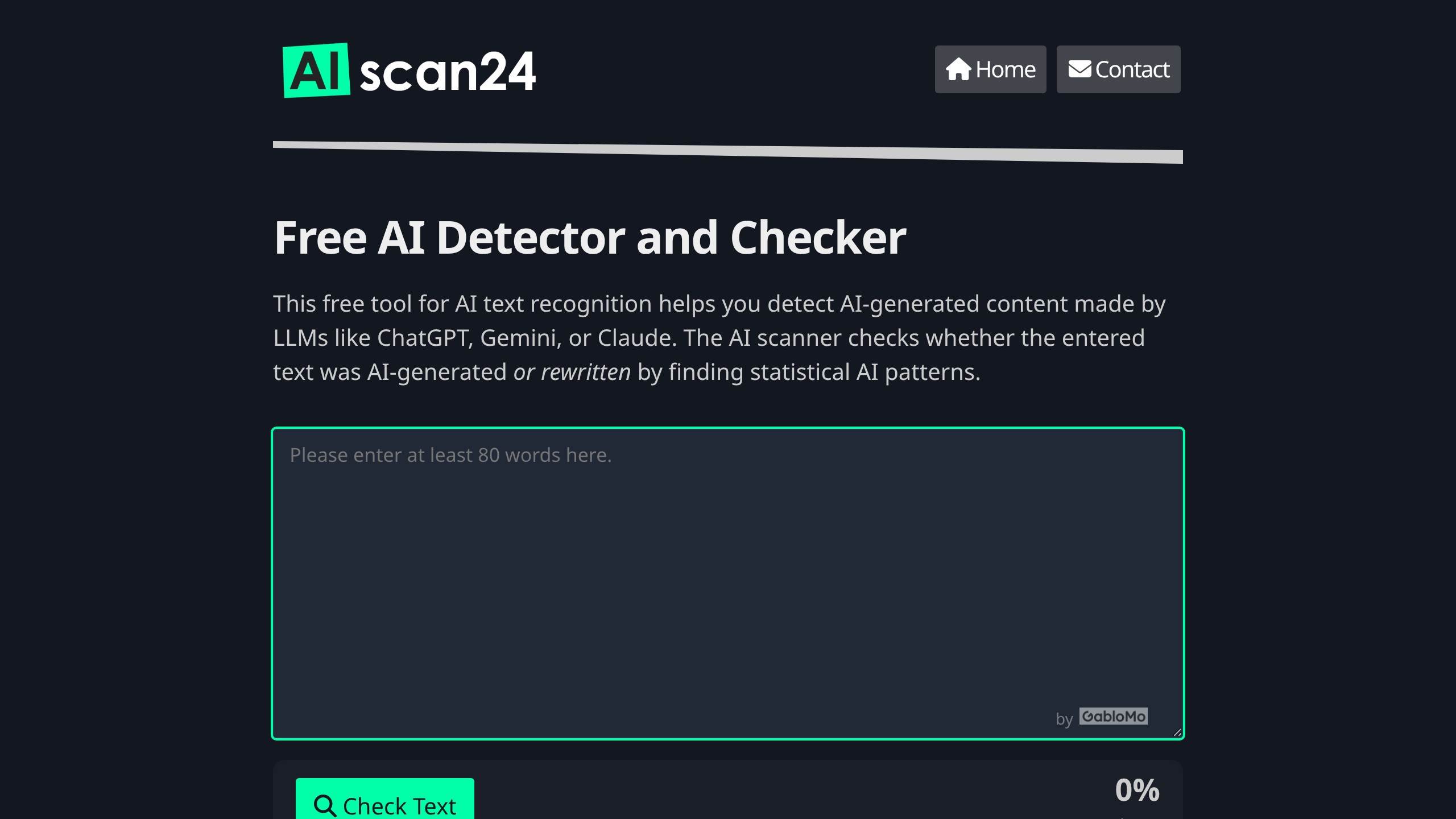
AIscan24 is a free, no-signup AI detector: it caught pure ChatGPT text at 100% but scored my handwritten paragraph 80%. ...
Honest Aithenticate review after hands-on testing. Does this AI disclosure badge tool meet EU AI Act requirements? Prici...

My hands-on Answer Socrates review covering all features, free plan limits, pricing, and how it compares to AlsoAsked. I...

I’ve spent $4,200 on 118 AppSumo lifetime deals over 5 years. Here’s my honest review: what works, what fails, and wheth...