

Verdict: Buy
What Zoviz costs and who it is for
| Field | Detail |
|---|---|
| Tool | Zoviz |
| Category | Logo and brand identity maker that uses human-designed templates customized by AI |
| Free tier | Yes for designing: build, tweak and preview your full brand free, pay only to download |
| One-time price | Basic Logo Pack $19.99, Full Brand Kit $49.99, Elite $129.99 |
| Subscription | Separate marketing platform: Starter $29/mo, Pro $49/mo, Business $99/mo |
| Best for | Startups and small businesses that need a professional logo plus matching collateral fast |
| Not for | Anyone who needs a fully custom, one-of-a-kind or trademark-defensible identity |
| Verdict | Design free, then buy the one-time Full Brand Kit if the result is good enough for your storefront. Skip the subscription unless you will use the platform every month. |
Most “AI logo maker” tools fail the same way: you type your business name, wait for the spinner, and get back five lopsided icons that look like a clip-art gallery had a bad day. I went into Zoviz looking for the catch, either unusable files or pricing that traps you.
A note on testing: I built and previewed multiple brands through the free Zoviz builder for this review. I have not personally purchased a paid package, so my paid-tier notes combine Zoviz’s published details with verified buyer reviews across Trustpilot, G2, and Product Hunt. Some links here may be affiliate links, and I keep both referral and non-referral options where possible.
Human templates, AI customization: what makes Zoviz different
Zoviz is a branding platform that creates logos, full brand kits and marketing materials from your business name and a few style choices. Designers build the base templates, and the AI adapts them to your brand (color, font pairing, spacing) instead of generating shapes from scratch. Pure generative logo tools, the ones that build an icon from a text prompt, tend to produce wonky proportions, broken symmetry and a machine-made feel. Starting from designed layouts is the single biggest reason Zoviz output looks like something you would put on a storefront.
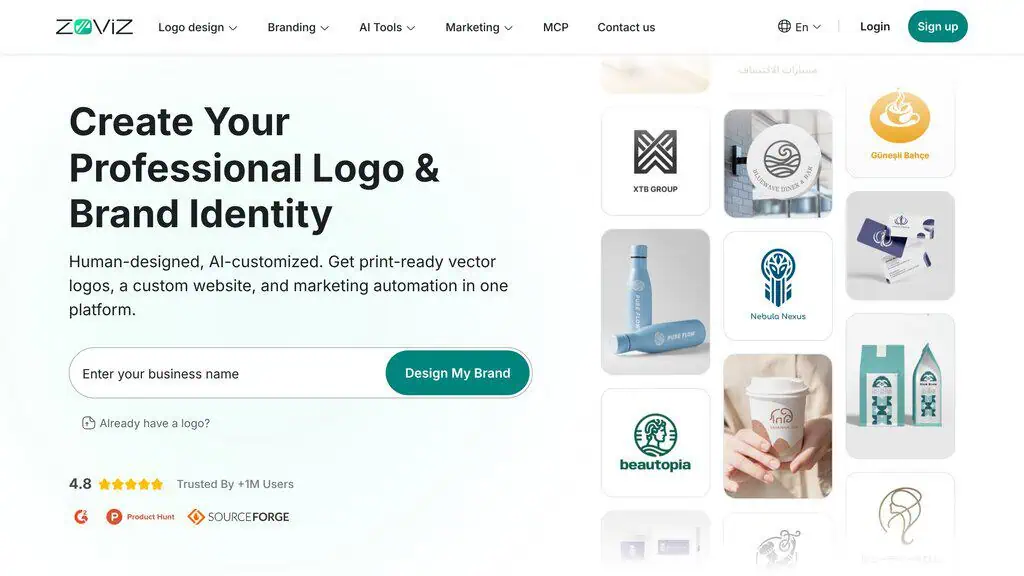
The platform spans logo design, a brand kit, a website builder, link-in-bio pages, digital business cards and AI creative tools (image generator, background remover, object removal, image upscaler, AI photo and video editing). It supports more than 100 languages, which helps if you are building a brand outside English-speaking markets. Zoviz claims it is “Trusted By +1M Users” with a 4.8 rating on the homepage and 4.9/5 from over 12,000 reviews on the pricing page; those are the vendor’s own figures.
Building a brand in the free editor
- Setup. You enter your business name on the homepage and click “Design My Brand.” Then you describe what you do, pick a few style preferences (minimalist, professional, elegant, bold, and so on), add industry keywords, and choose rough color and font directions. This takes about two minutes.
- Generation. Zoviz produces a set of logo options built on its human-designed templates and adapted to your inputs. Instead of generated mush, you get layouts that already look like real brand marks, with sensible icon choices and balanced typography.
- Customization and download. You pick a favorite and fine-tune it: swap colors, change fonts, adjust the icon, tweak spacing and layout, and preview how it looks across business cards, social profiles, and more. Only at download does payment enter the picture.
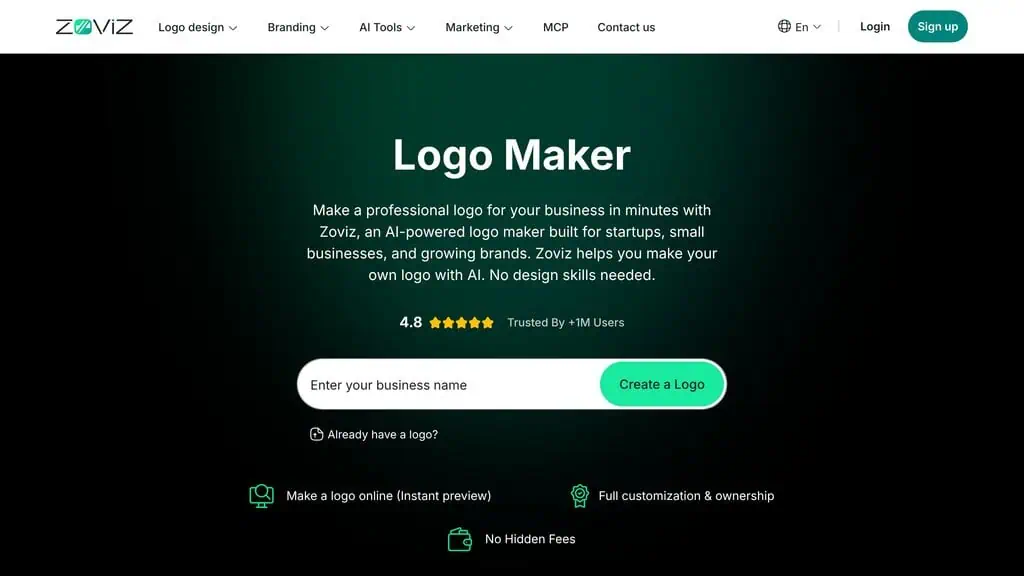
Putting the paywall at the very end is the best part of the flow: you pay for a finished product you have already seen, where plenty of generator tools make you pay before you know if the output is usable. The quality I saw was clean lines, balanced layouts, sensible palettes and legible type, which clears the bar for most small businesses. Clean and appropriate is not the same as singular, a point the limitations section comes back to. The lowest-risk way to judge it for your business is to try the Zoviz builder with your own name.
Zoviz pricing: pay once for the logo, subscribe only for the platform
Zoviz runs two pricing models, and mixing them up is the most common confusion. Most users only need the one-time option.
One-time logo and brand kit packages
This is what most people buy. You pay once, you own the files, and there is no recurring charge.
| Package | One-Time Price | What You Get |
|---|---|---|
| Basic Logo Pack | $19.99 | Multiple high-res logo file types (PNG, transparent, black/white variations) to use across your brand |
| Full Brand Kit | $49.99 | Everything in Basic, plus business cards, social profiles and covers, letterheads (Word), email signatures, brand book, website and app favicons, lifetime cloud storage, post-purchase color and font editing, and customer support |
| Elite | $129.99 | Everything in Full, plus exclusive ownership rights, advanced customization, and priority support |
You can start on Basic and upgrade to Full later by paying only the difference, with no need to repurchase. For most small businesses the Full Brand Kit at $49.99 is the one to buy: the business cards, letterheads, email signatures and brand book alone would cost far more from a freelancer. Because there is no subscription, it behaves like the lifetime deals we track for other tools: pay once, use forever.
The subscription platform (Starter, Pro, Business)
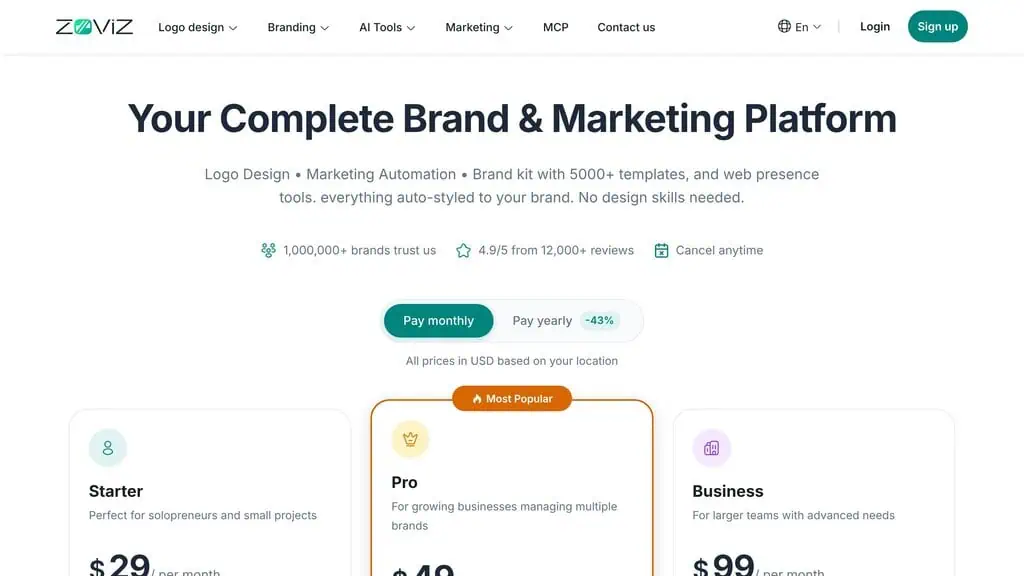
| Plan | Monthly | Yearly (43% off) | Key Limits |
|---|---|---|---|
| Starter | $29/mo | $199/yr | 1 brand, 100 AI credits/mo, 10 GB storage, 1 team member, website builder |
| Pro (Most Popular) | $49/mo | $339/yr | 5 brands, 250 AI credits/mo, 500 GB storage, 3 team members, 1 site + custom domain |
| Business | $99/mo | $679/yr | 15 brands, 900 AI credits/mo, 2 TB storage, 10 team members, 5 sites + domains |
All subscription tiers include the background remover, AI editor, object removal, text-to-image and presentation maker, with cancellation any time. The subscription only makes sense if you will use the website builder, link-in-bio pages, marketing automation and AI credits every month, as agencies and multi-brand operators might. Paying $29 a month for a logo you download once is a waste; buy the one-time kit instead.
The brand kit and the extras around it
A logo on its own is half a job. What stalls new businesses is the matching business card, correctly sized social banners, an email signature that looks intentional and a favicon for the website. The Full Brand Kit generates all of it in one consistent style, which saves hours in a design tool you may not know how to use.
- The brand book documents your colors (with hex codes), fonts and logo usage rules in one PDF. Hand it to a contractor or new teammate and they stay consistent.
- The AI creative tools (image generator, background remover, object removal, upscaler, photo and video editing) are handy for prepping product shots and social images. Treat them as a bonus that reduces how many separate subscriptions you need; dedicated tools like our Igly product visual studio pick do the job better.
- Business name, slogan and color palette generators are decent brainstorming starts if you have not named the business yet. For a deeper naming session, our free AI business name generator and our roundup of the best business name generators give you more angles to work with before you lock in a brand.
- The website builder (subscription tiers only) adds custom domains, digital business cards and link-in-bio pages. It works for a one-page launch site tied to your new logo without learning WordPress, and it will not replace a serious CMS; for a fuller AI-built site our StellarSites WordPress builder review compares the step up.
Where Zoviz hits its ceiling
- Similar inputs produce similar logos. Zoviz builds on shared human-designed templates, so two coffee shops with similar inputs can end up in similar visual territory. That is fine for a bakery, a consultant, a local service business or a side project. For a venture that wants to own a category and defend a trademark, it is a real constraint, and there is no similarity or trademark-style check to warn you.
- Customization stops before the icon itself. You can change colors, fonts, icons, layout and spacing, but you cannot redraw the icon, adjust icon paths or kerning, or push the design in a truly custom direction. Designers coming from Illustrator or Figma will feel boxed in.
- The AI extras are average. The background remover, upscaler and AI editor are convenient but not class-leading, and there is no batch processing: images are uploaded and edited one at a time, a job image-to-content tools like PicMagix image-to-content AI approach differently. If image editing is central to your work, you still need dedicated tools.
- The pricing page pushes the wrong product. The homepage leans into the subscription pricing while most buyers want the one-time route, so some expect a pure one-time tool and are surprised by the subscription tiers, and vice versa.
Zoviz against a freelancer, Canva and pure AI generators
| Option | Best For | Typical Cost | Output Uniqueness |
|---|---|---|---|
| Zoviz | Fast, professional logo + brand kit on a budget | $19.99-$49.99 one-time | Good, not unique |
| Freelance designer | A distinctive, custom, trademark-ready identity | $200-$1,500+ | High |
| Canva | DIY designers who want full manual control | Free to $15/mo | Depends on your skill |
| Pure AI generators | Quick throwaway concepts | Free to low | Low and often “AI-weird” |
If you want a clean, complete brand identity today without a designer’s invoice, Zoviz is the strongest pick here. A freelancer delivers a more unique result over days or weeks; hire one if you will build a company around the mark. If you have the design skill, Canva gives you more control for less money, but you provide the talent. For more head-to-head breakdowns, our AI tool comparisons put competing tools side by side.
Buy it for a launch, skip it for a trademark
Zoviz fits:
- A new business owner who needs a clean, professional logo and matching collateral before launch.
- A solopreneur or freelancer on a tight budget who cannot justify $500-plus for a designer, including freelancers spinning up client identities.
- Someone building a brand in a non-English market who needs multilingual support.
- A small team that wants business cards, social covers, email signatures, and a brand book in one consistent package.
Look elsewhere if you are:
- Building a venture-scale brand that needs a distinctive, defensible mark.
- A designer who wants full manual control over every element.
- Someone who only needs heavy image editing, where dedicated tools beat Zoviz’s extras.
- Expecting the subscription platform to replace a real CMS or marketing stack at scale.
My verdict on Zoviz
Zoviz works because of one design decision: human templates customized by AI clear the professional bar without the AI-weirdness that sinks pure generators and without the freelancer invoice. You are trading uniqueness for speed, polish and price, and for most small businesses that is the right trade. The $49.99 kit is the value, because the logo is the cheap part; the consistent set of assets around it is what a new brand runs out of time to make.
The risk is low because the payment comes last. Enter your business name, design the full brand for free, and only pay if the result looks like something you would put on your storefront. If it does not, you have lost a few minutes. For more pay-once tools, browse our tested AI deals or subscribe for weekly AI deal alerts.
Zoviz ownership and file questions
Do you own the logo you create with Zoviz?
Yes. Once you purchase a package, you can use your logo for your business. The Elite package adds exclusive ownership rights and advanced options. For full commercial and trademark certainty, review Zoviz’s current license terms at checkout before you buy.
What file formats does Zoviz provide?
Zoviz advertises 30-plus high-resolution logo file types, including SVG, PNG, EPS, and PDF, along with transparent and black-and-white variations. The vector formats (SVG, EPS, PDF) are what you want for print and resizing without quality loss.
Pricing and company details: see the Zoviz profile.
Related Posts

I tested AgainstData on 355 pages of Gmail data. Bulk unsubscribe, personal data deletion requests, pricing, and whether...

AI-Text-Humanizer.com took a 132-word ChatGPT paragraph from 100% AI to 0% on ZeroGPT but flattens your voice. Buy the $...

AIscan24 is a free, no-signup AI detector: it caught pure ChatGPT text at 100% but scored my handwritten paragraph 80%. ...

Honest Aithenticate review after hands-on testing. Does this AI disclosure badge tool meet EU AI Act requirements? Prici...

My hands-on Answer Socrates review covering all features, free plan limits, pricing, and how it compares to AlsoAsked. I...
I’ve spent $4,200 on 118 AppSumo lifetime deals over 5 years. Here’s my honest review: what works, what fails, and wheth...